• Home
  • AI Video
    • Text to Video
      Turn your text into stunning videos with AI.
    • Image to Video
      Transform static images into dynamic, engaging videos.
    • Video Effects
      Turn your image into a viral-style video with just one click.
      • AI Kiss Generator
      • AI Hug Generator
      • AI Dance Generator
    • Supported AI Models
      • Kling 2.6 Motion Control
      • Veo 3.1
      • Sora 2.0
      • Kling 2.6 Pro
      • Kling 2.1 Master
      • Hailuo 2.3
      • Seedance 1.5 Pro
      • Wan 2.5
  • Video Effects
  • AI Image
    • Image to Image
      Simply describe what you'd like to change in your image.
    • Text to Image
      Turn your ideas into stunning, realistic AI images in any style.
    • Supported AI Models
      • Nano Banana Pro
      • Seedream 4.5
      • Nano Banana
      • Flux Kontext
  • AI Tools
    • Photo Editor & Creator
    • Photo Enhancer
    • Object Remover
    • Watermark Remover
    • Background Remover
    • AI Background
    • Photo Restoration
    • AI Extender
    • AI Replacer
    • AI Recolor
    • AI Style Image Generator
    • Portrait Tools
    • Hairstyle Changer
    • Clothes Changer
    • AI Baby
    • AI Filter
    • Face Swap
    • Headshot Generator Pro
    • AI Headshot Generator
    • Passport Photo Maker
    • Video Tools
    • Video Effects
    • Video Enhancer
    • Video Face Swap
    • Video Watermark Remover
    View All
  • Pricing
Home
AI Video
    Text to Video
    Image to Video
  • Video Effects
    • AI Kiss Generator
    • AI Hug Generator
    • AI Dance Generator
  • Supported AI Models
    • Kling 2.6 Motion Control
    • Veo 3.1
    • Sora 2.0
    • Kling 2.6 Pro
    • Kling 2.1 Master
    • Hailuo 2.3
    • Seedance 1.5 Pro
    • Wan 2.5
Video Effects
AI Image
    Image to Image
    Text to Image
  • Supported AI Models
    • Nano Banana Pro
    • Seedream 4.5
    • Nano Banana
    • Flux Kontext
AI Tools
  • Photo Editor & Creator
    • Photo Enhancer
    • Object Remover
    • Watermark Remover
    • Background Remover
    • AI Background
    • Photo Restoration
    • AI Extender
    • AI Replacer
    • AI Recolor
    • AI Style Image Generator
  • Portrait Tools
    • Hairstyle Changer
    • Clothes Changer
    • AI Baby
    • AI Filter
    • Face Swap
    • Headshot Generator Pro
    • AI Headshot Generator
    • Passport Photo Maker
  • Video Tools
    • Video Effects
    • Video Enhancer
    • Video Face Swap
    • Video Watermark Remover
Pricing
Skip to content

Home » Uncrop

AI Uncrop Images Online with One Click

Want to uncrop and expand your images with one click? Use AI Ease’s free image extender to enlarge your photo to any size and blend in perfectly with the original image. No watermarks, no limits – just upload and use with our uncrop AI tool.

Uncrop Image Now
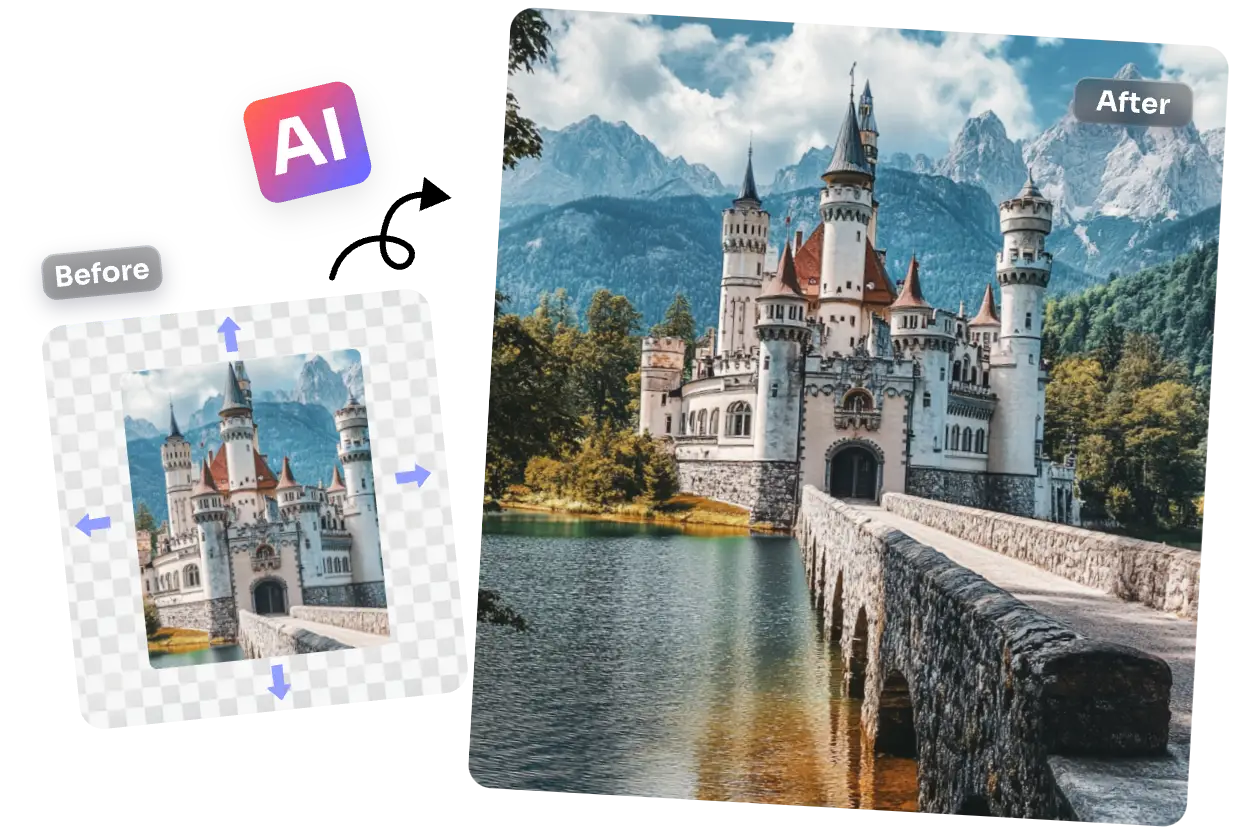
uncrop a castle image with ai ease
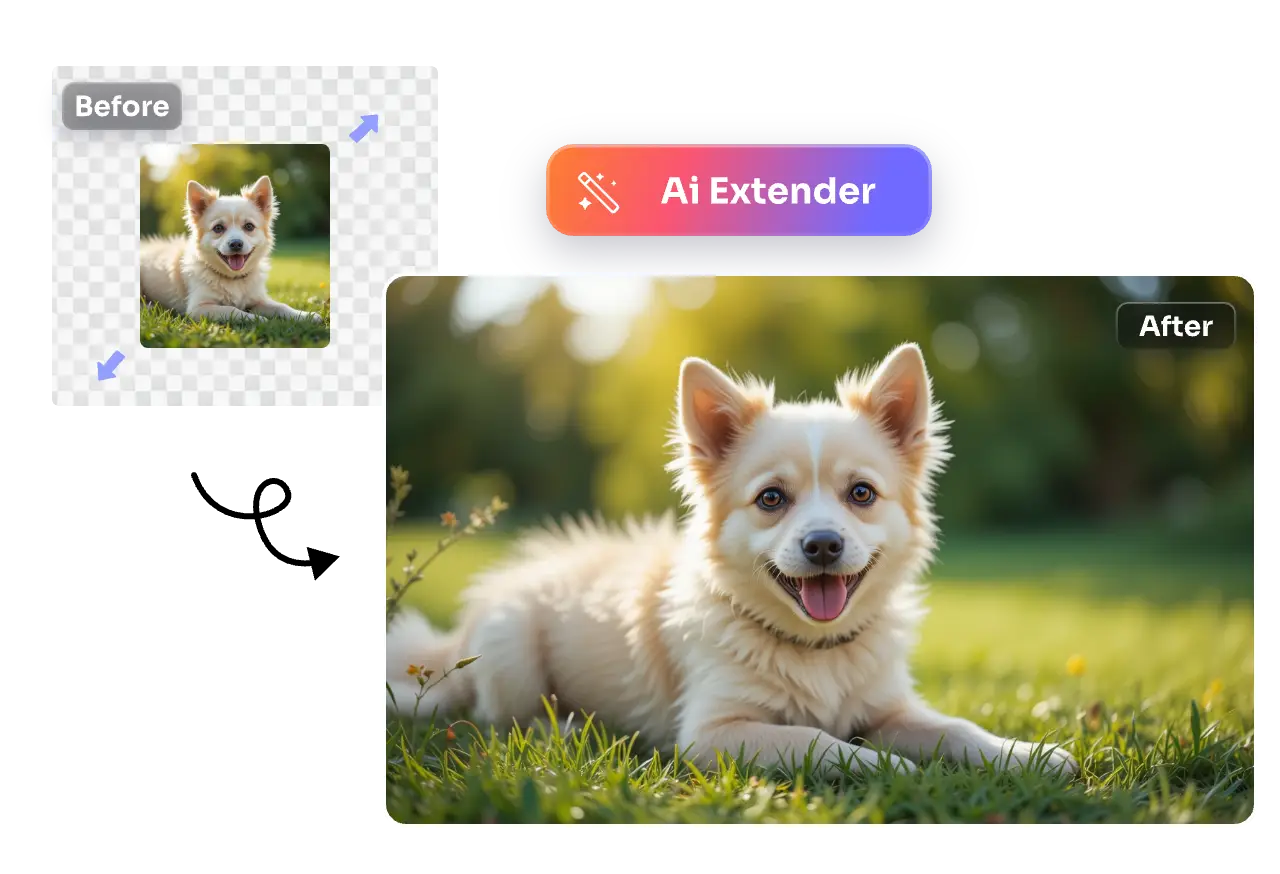
uncrop and extend a dog image

One-Click Uncrop Images & Extend Borders with AI

With advanced AI technology, AI Ease’s free AI image extender can easily uncrop and enlarge your images with just one click. Whether your subject is cut off or needs more background for better framing, our uncrop AI tool can intelligently generate missing parts to create natural-looking extensions.

Uncrop Image Now

Uncrop Images Using AI with Crisp, High-Quality Results

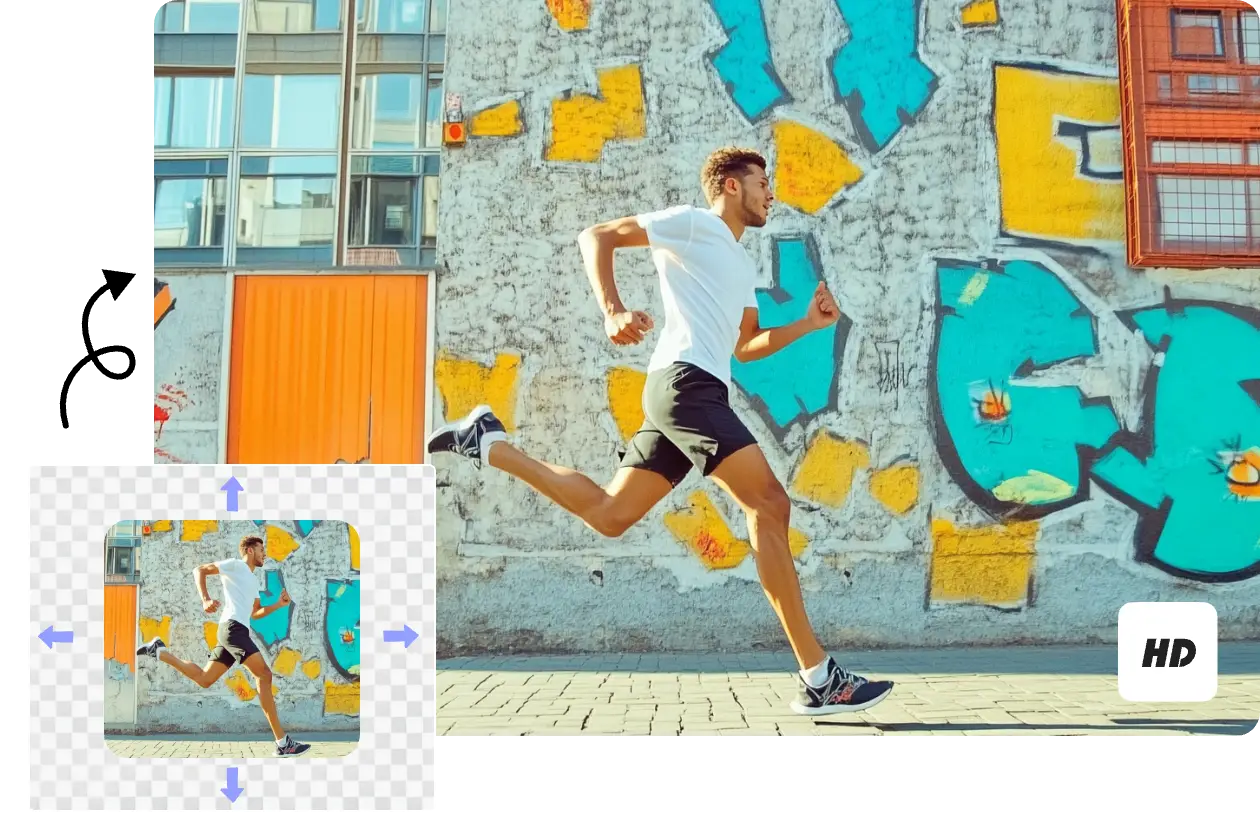
Need to make your images larger without sacrificing quality? AI Ease’s AI uncrop tool online use the latest AI technology to extend your image in any direction while maintaining the original look and clarity. Whether you’re resizing to fit a new aspect ratio or simply need more space around your subject, our free AI image uncrop tool delivers perfect results.

Uncrop Image Now
uncrop a image with hd quality
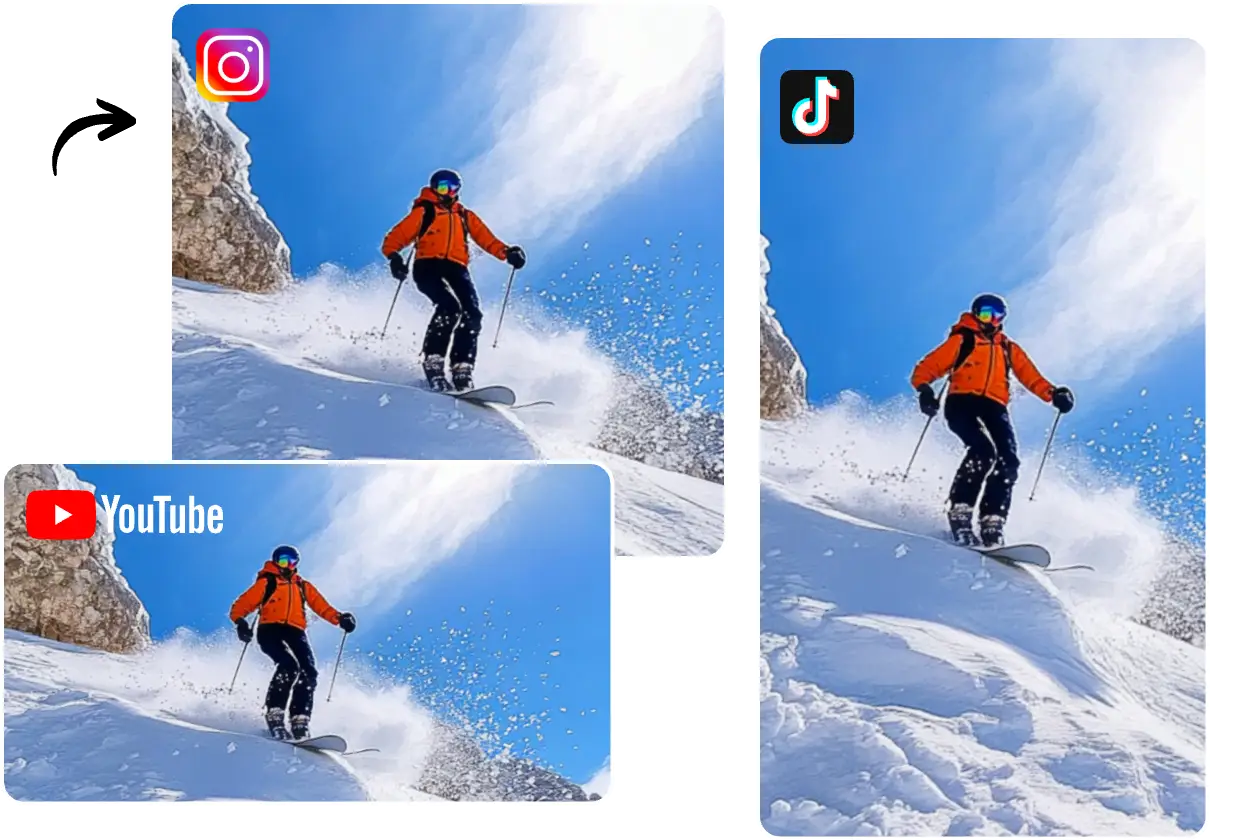
uncrop images for social sharing

Uncrop with Smart AI Aspect Ratios for Various Sharing

Not sure which aspect ratio works best? AI Ease offers a wealth of preset ratios for every need, including formats for popular platforms like Instagram, TikTok, Facebook, YouTube, and more. Whether you’re posting a 1:1 square image on Instagram or creating a 9:16 vertical motion for TikTok, our AI uncrop AI free tool allows your images to fit seamlessly, making it easy to share across multiple social media outlets.

Uncrop Image Now

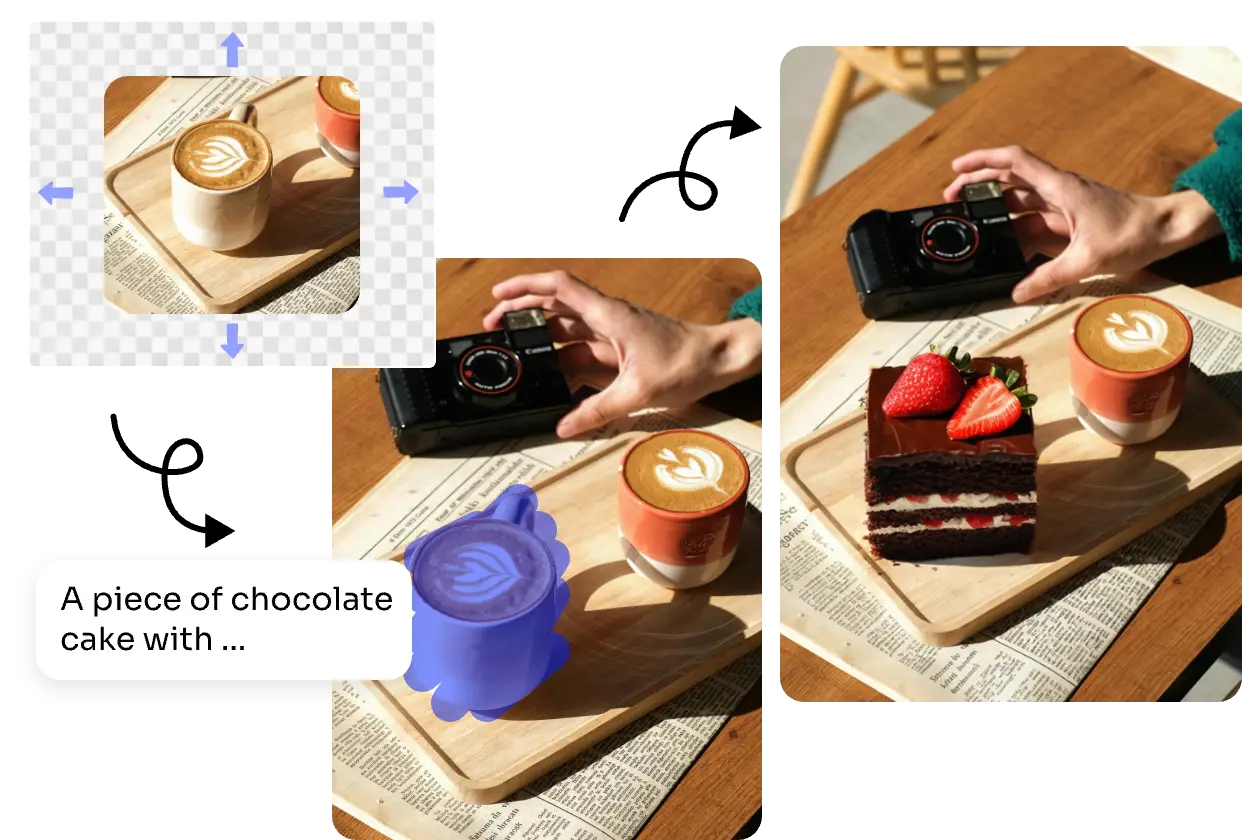
More Than Just an AI Uncrop & Inpaint Tool

AI Ease does much more than simple AI uncropping and inpainting. With smart AI technology that extends image edges, fills in gaps, and enhances clarity, you can transform any photo in just a few clicks. Ideal for content creators, marketers, and casual users alike, AI Ease delivers impressive, high-quality results, such as restoring old photos, removing unwanted objects, or replacing them with new elements.

Uncrop Image Now
ai uncrop and replace image from coffee to cake

How to Uncrop Images with AI Ease?

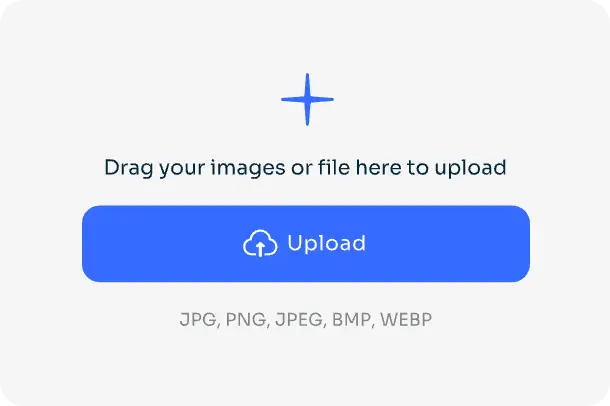
upload image to uncrop with ai ease

Step 1: Upload Your Image

Click the Upload icon to select a cropped photo you’d like to expand from your PC.

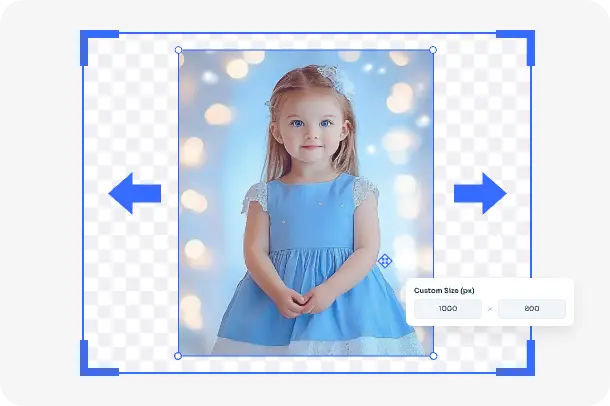
start ai uncropping image with a girl

Step 2: Start Uncropping Your Image

After uploading your photo, choose the aspect ratio that fits your preference, and our AI uncrop image tool will seamlessly uncrop and extend your image.

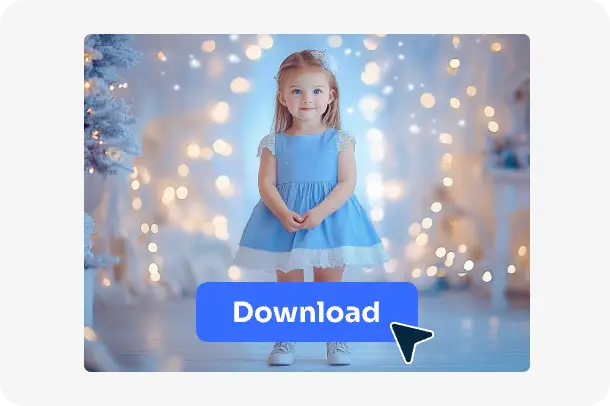
download the uncropped image

Step 3: Download and Share Your Image

After the AI finishes processing, click Download to save it to your device and share your enhanced photo on Instagram, Facebook, or any other platform you like.

Uncrop Image Now

Explore More Uncrop AI Related Tools on AI Ease

ai image enlarger

AI Image Enlarger

ai image upscaler

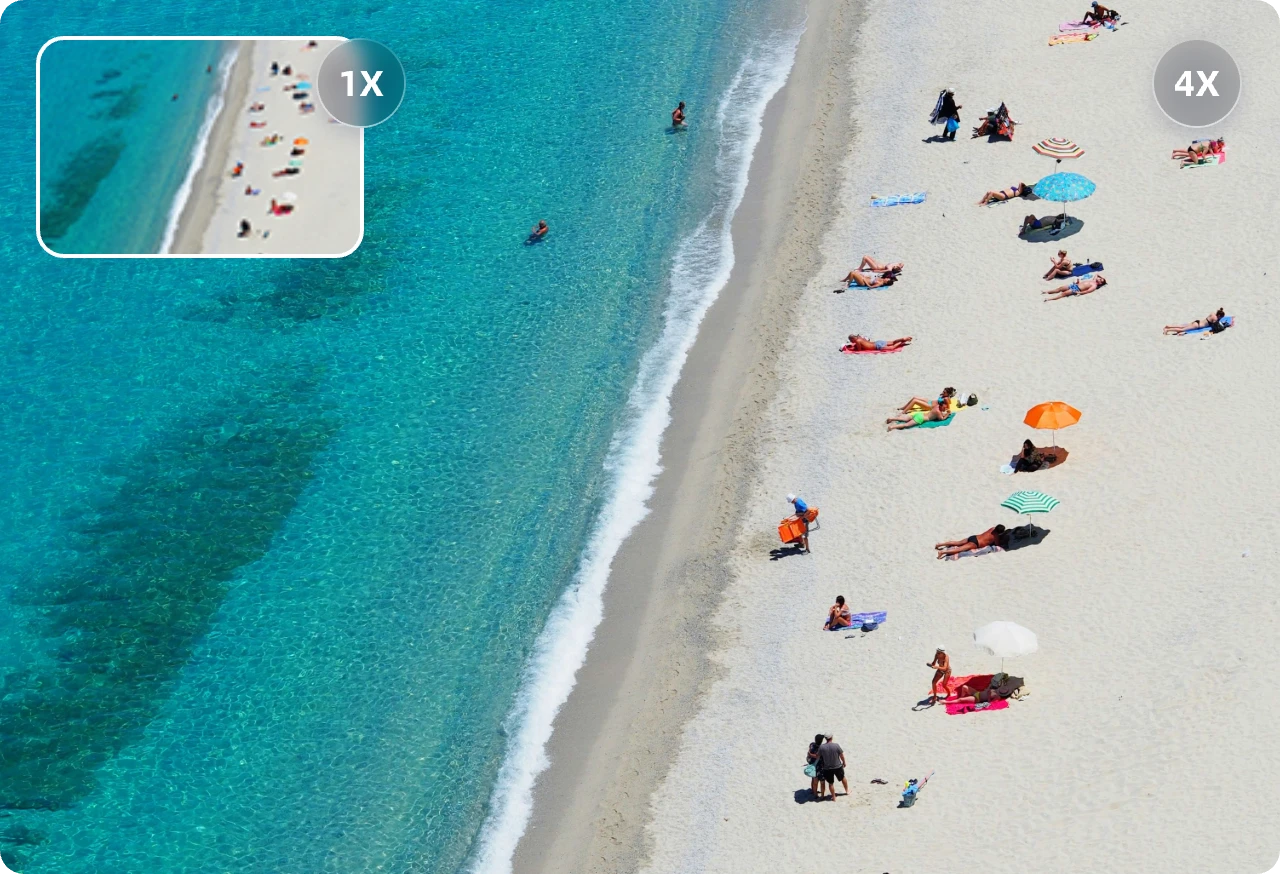
AI Image Upscaler

ai unblur image

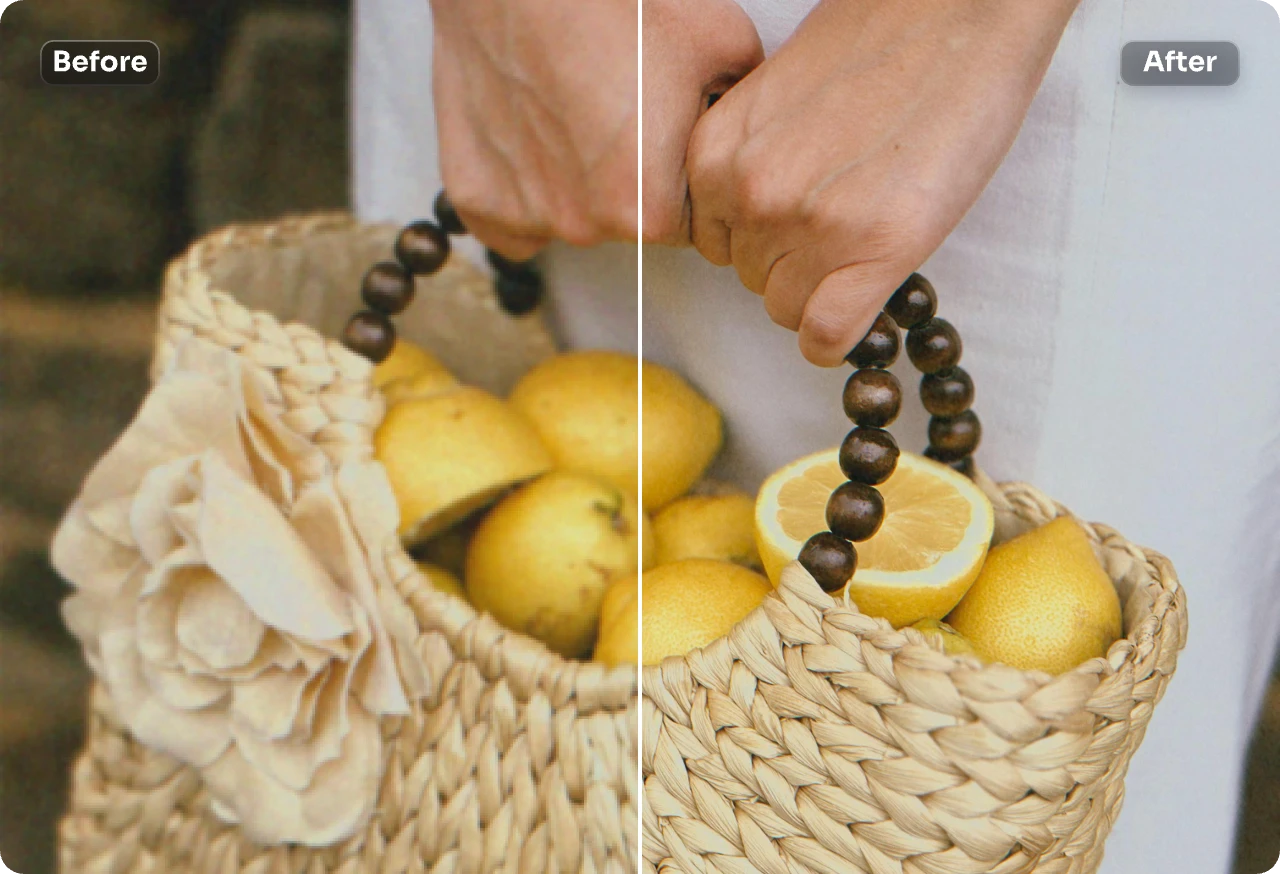
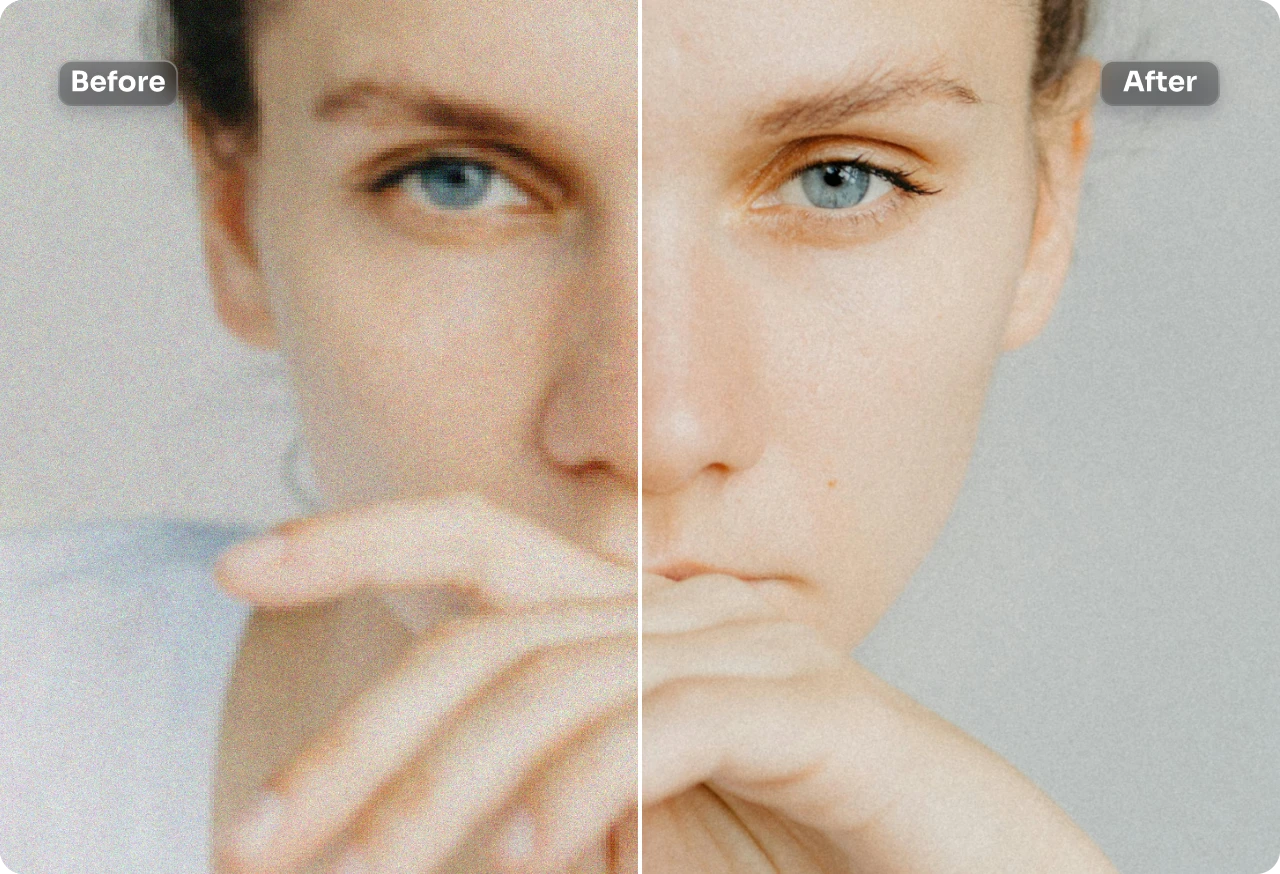
Unblur Image

Frequently Asked Questions

Have more questions? You can email service@aiease.ai, and we’ll be happy to help you.

1. What is uncrop?

Uncrop is a powerful feature of the AI image extender that intelligently uncrops and expands an image to match the original content – perfect for resizing an image to fit the new dimensions or restoring a previously cropped out portion.

2. Will uncropping images affect image quality?

Not at all. Our free AI uncrop tool preserves original quality by using advanced AI to seamlessly fill missing areas, keeping your images natural and polished.

3. How is the uncrop AI tool different from manual editing?

Unlike manual editing that can result in image distortion or loss of quality, the AI uncrop image tool intelligently analyzes content to expand and uncrop seamlessly – preserving quality and saving time.

GET IT ON
Google Play
AI Video Tools
  • Text to Video
  • Image to Video
  • Video Effects
  • Video Enhancer
  • Video Face Swap
  • Video Watermark Remover
  • AI Dance Video Generator
  • AI Hug Video Generator
  • AI Kissing Video Generator
  • Baby Dance AI Video Generator
  • More Tools
AI Video Models
  • Veo 3.1
  • Sora 2.0
  • Kling 2.6 Motion Control
  • Kling 2.6 Pro
  • Kling 2.1
  • Hailuo 2.3
  • Seedance 2.0
  • Seedance 1.5 Pro
  • Seedance 1.0
  • Wan 2.5
  • Wan 2.2
  • More Models
AI Image Tools
  • Text to Image
  • Image to Image
  • Image Filters
  • Photo Ehancer
  • Image Extender
  • Image Face Swap
  • Image Watermark Remover
  • Object Remover
  • Object Replacer
  • AI Baby Generator
  • Restore Old Photos
  • More Tools
AI Image Models
  • Nano Banana Pro
  • Gemini 3
  • Seedream 4.5
  • Seedream 4.0
  • Flux Kontext
  • More Models
Resources
  • About Us
  • Contact Us
  • Pricing
  • FAQs
  • Blog
  • Privacy Policy
  • Cookie Policy
  • Terms of Service
  • Refund Policy
© 2023 - 2026 AIEASE, developed by CHENGDU Yile Tech Co., Ltd. All rights reserved.
English
Sign Up or Log in to Get Started
Daily Free credits
Free AI Image Generations
Free AI-Powered Image Editing
Free Image Downloads Anytime
Continue with Google
Continue with Apple
or
Continue with Email
By continuing, you agree to our
Terms of Service and Privacy Policy.
We use cookies to provide you with better experience. By continuing, you acknowledge that you have read, understood and agreed our Cookie Policy