Nano Banana 2.1 for High-Quality AI Image Creation
Create stunning AI images in up to 4K resolution with Nano Banana 2.1. Edit specific details, combine up to 10 reference images, maintain character consistency, and generate clearer text. Bring your creative ideas to life with AI Ease.
Create Stunning Images in Up to 4K Resolution
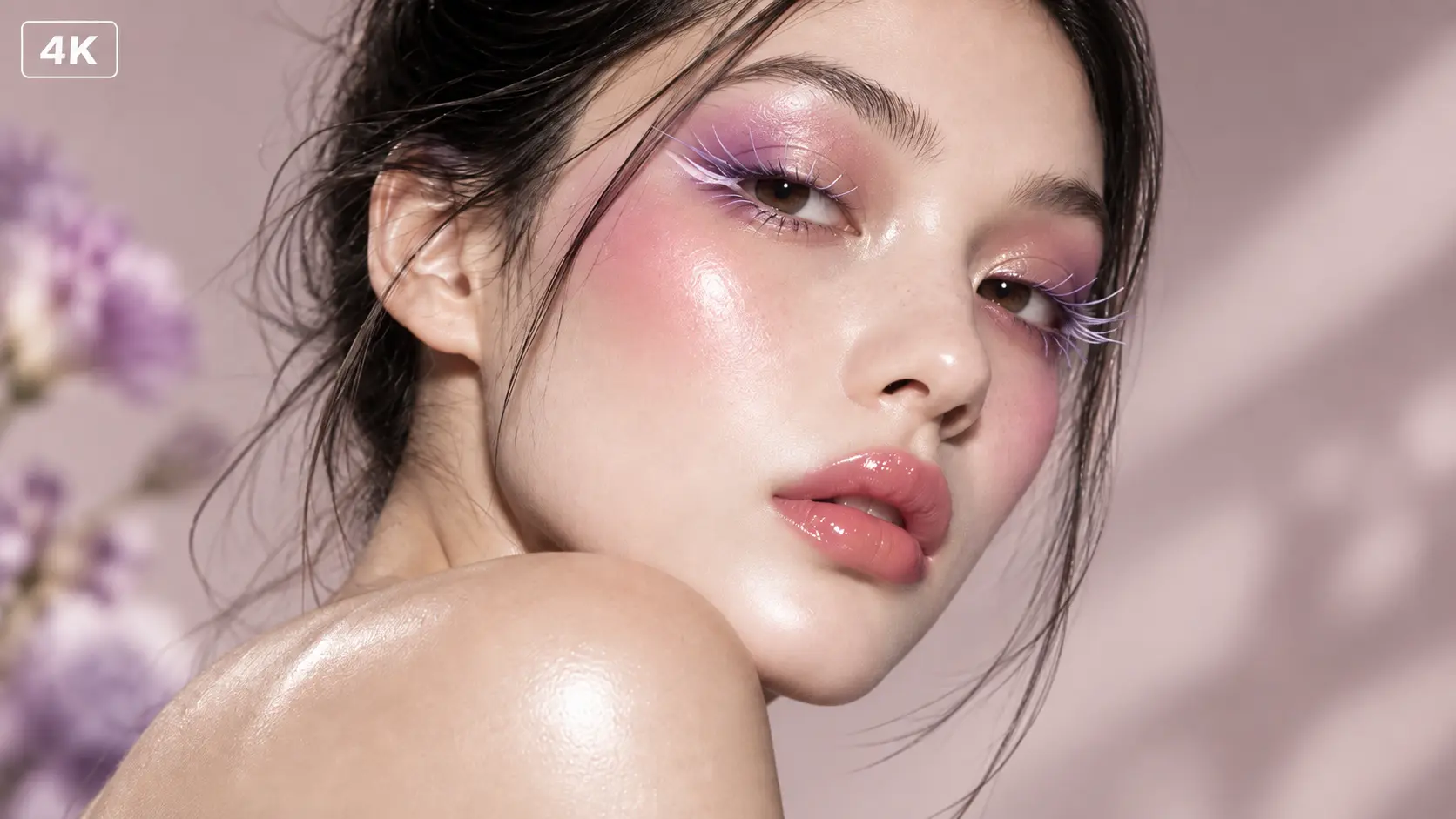
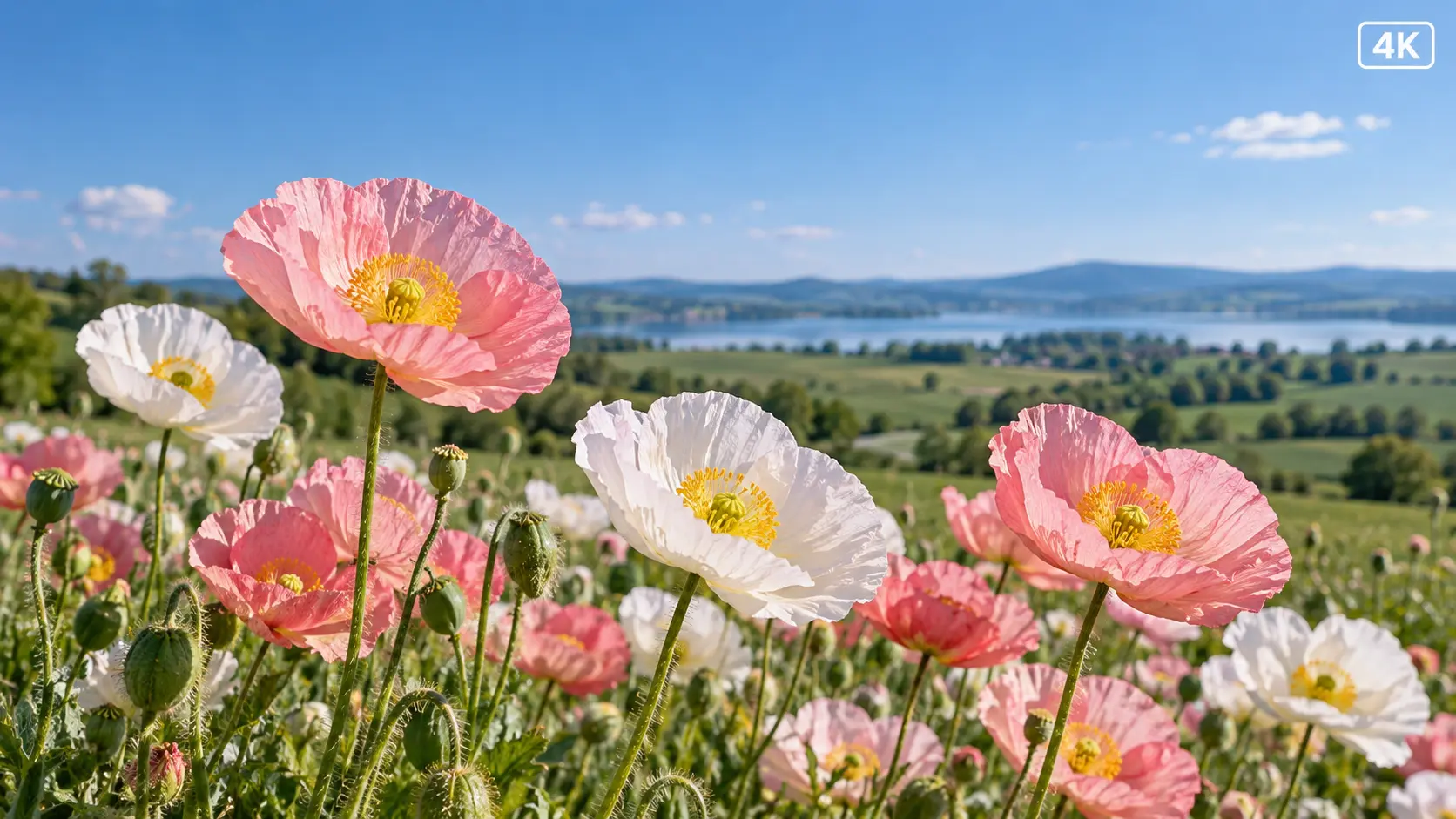
Generate high-resolution AI images in up to 4K resolution with Nano Banana 2.1. Capture fine details, clean edges, and rich textures to create visuals that look sharp across different formats and screen sizes. From product photography and marketing materials to digital artwork and social media content, high-resolution output gives you more flexibility for professional projects. Create polished visuals that are ready to share, present, or use in your creative workflow.
Edit Specific Details with Precision
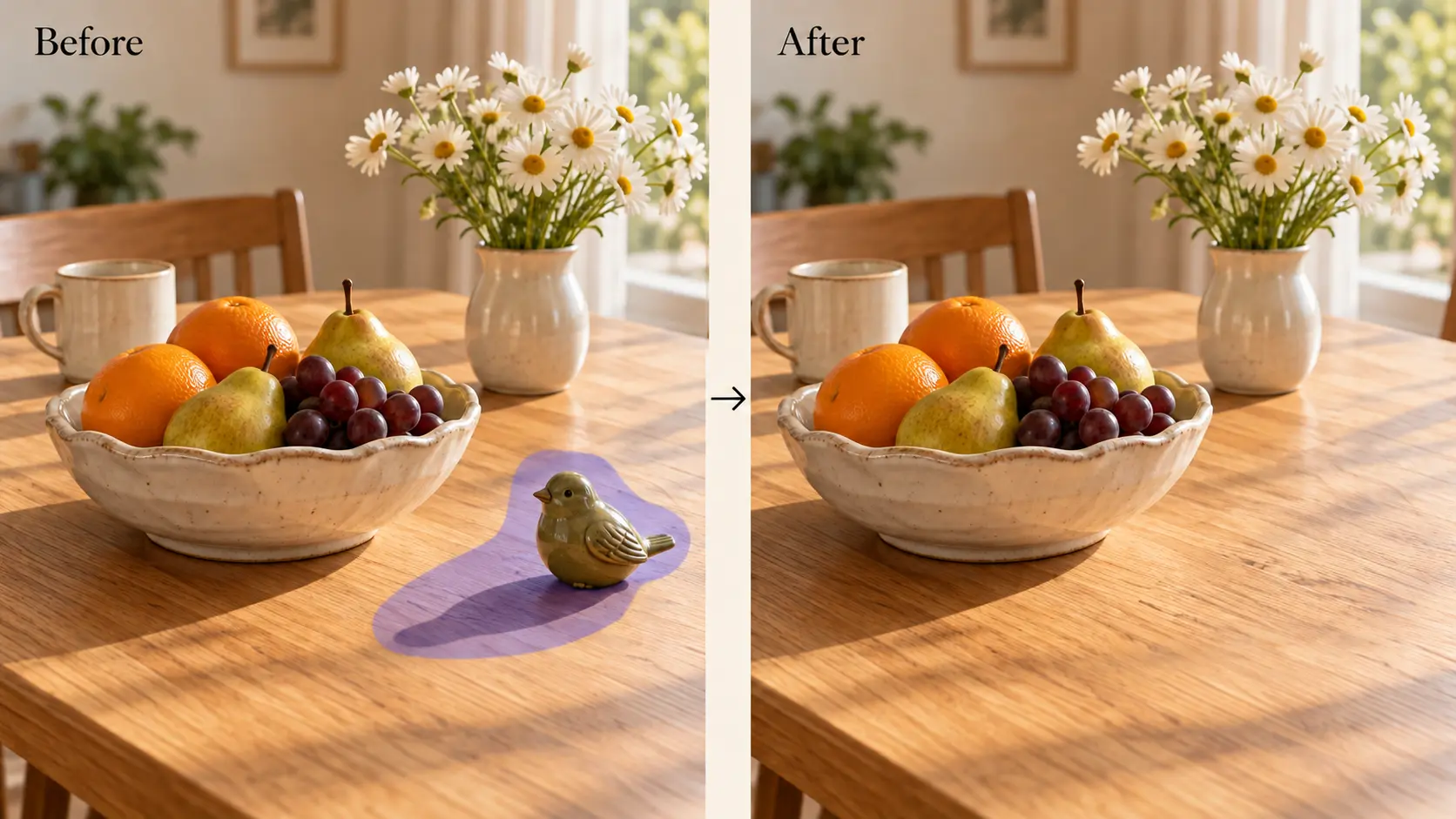
Refine specific parts of an image without starting over. With Nano Banana 2.1, you can use natural-language prompts to adjust selected details, replace objects, modify backgrounds, or refine individual elements while preserving the rest of the composition. This makes it easier to correct small imperfections, explore creative variations, and bring your ideas closer to the intended result. Spend less time regenerating entire images and more time fine-tuning the details that matter.
Combine Multiple Reference Images for Consistent Results
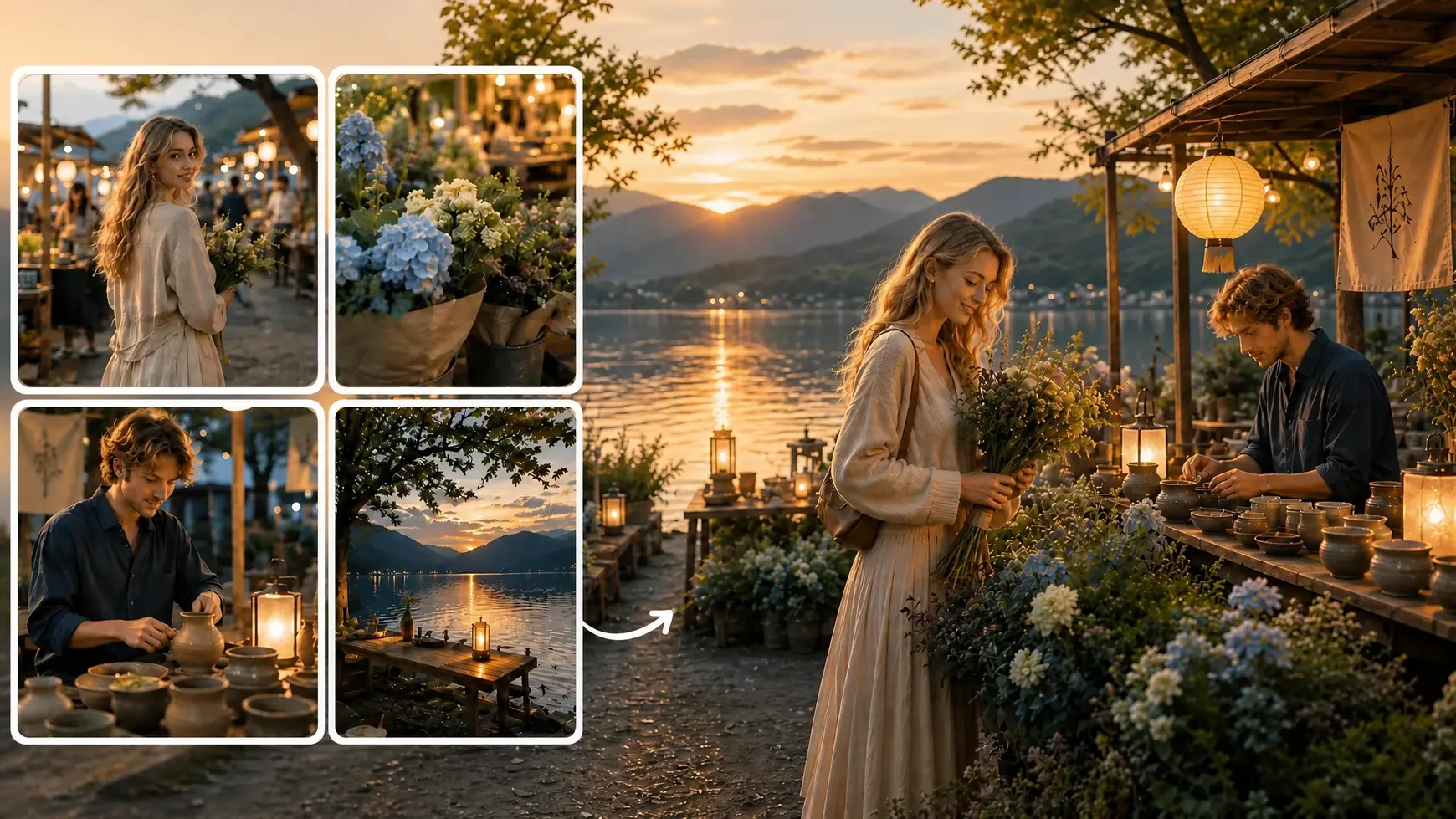
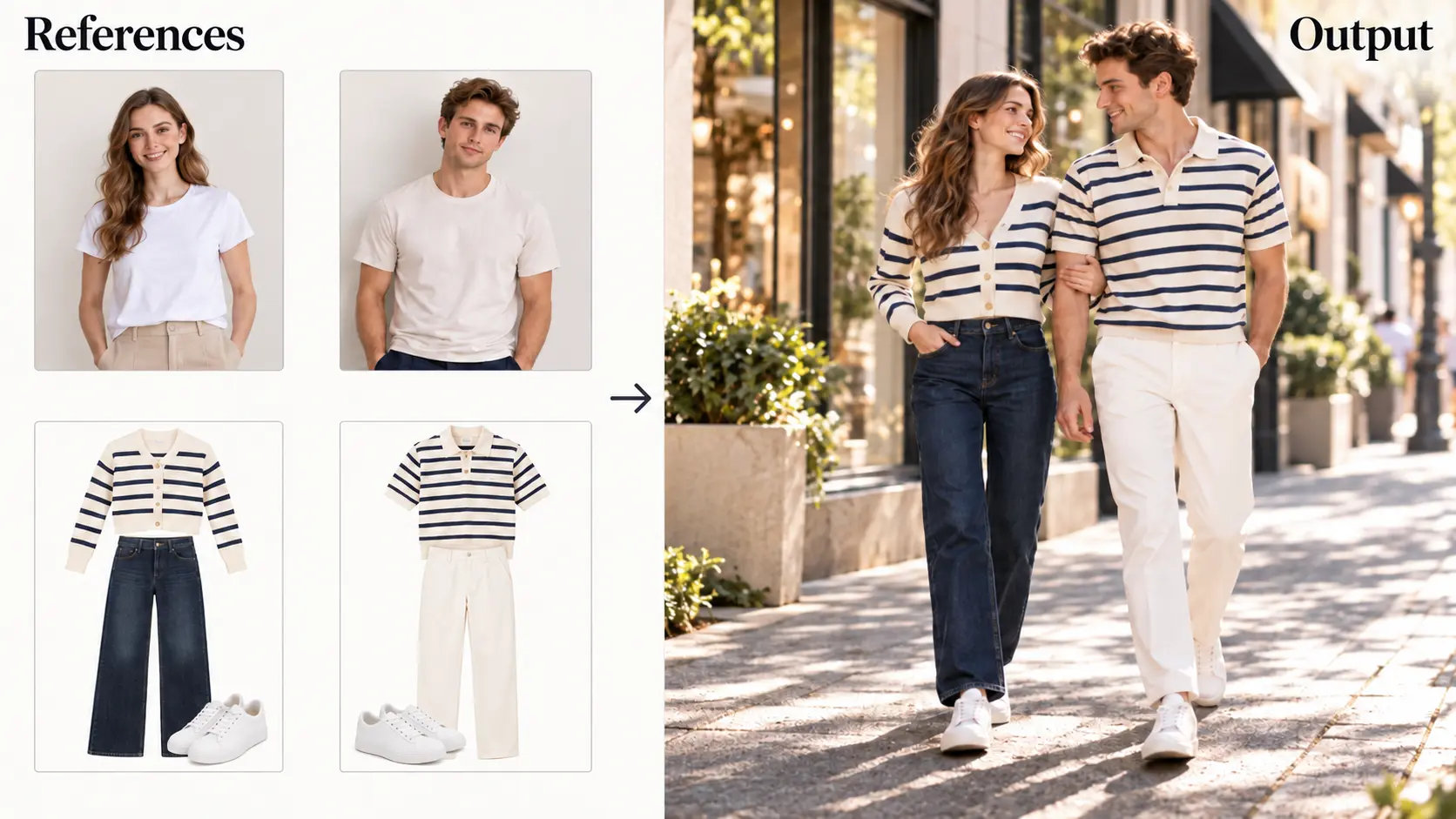
Combine up to 10 reference images in a single generation to guide the appearance, style, and composition of your visuals. Nano Banana 2.1 helps maintain character consistency while bringing together people, products, objects, and visual styles in one image. Whether you're creating characters from multiple angles, combining product references, or developing a cohesive visual concept, multiple references give you greater control over the final result. Create more consistent visuals across creative projects with less repetitive work.
Generate Clear and Accurate Text in Images
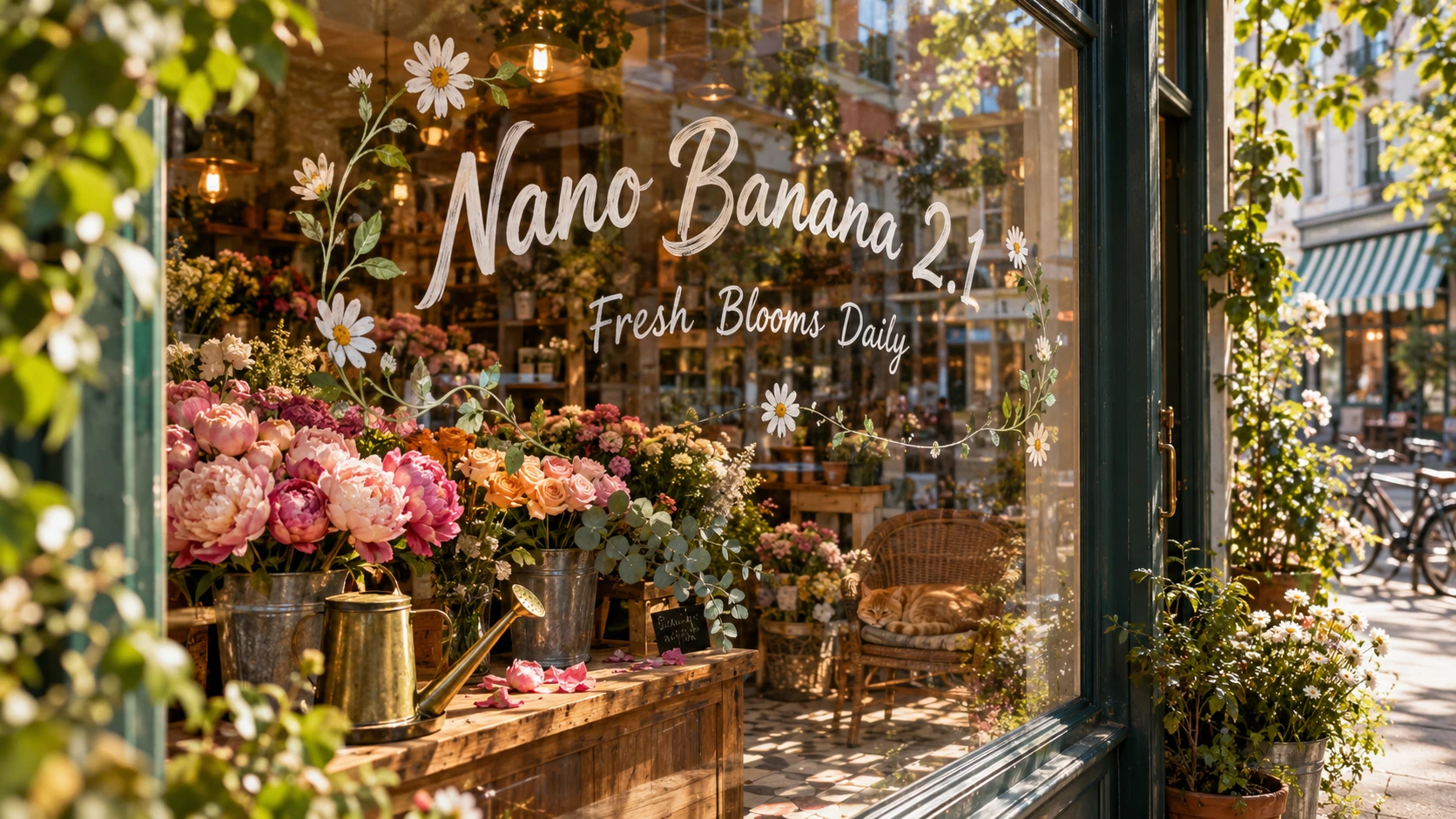
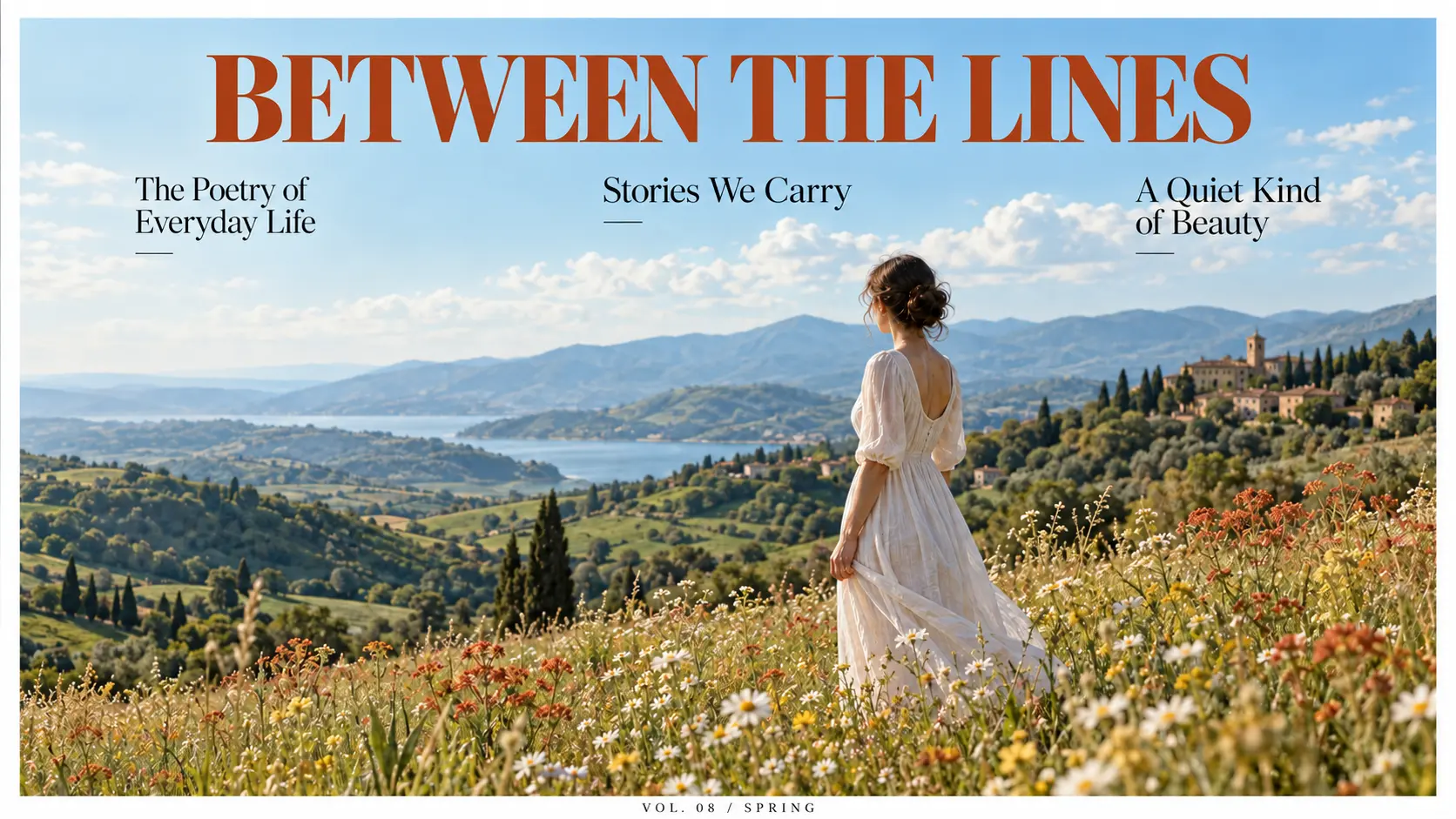
Create images with clearer, more accurate text using Nano Banana 2.1's text-rendering capabilities. Generate visuals with readable wording and better-integrated typography for posters, advertisements, product packaging, infographics, and social media graphics. From short headlines and promotional messages to text-rich designs, the model helps your words fit more naturally into the overall composition. Reduce the need for manual text corrections and create polished, text-focused visuals more efficiently.
Best Uses for Nano Banana 2.1 Image Generator

Design Custom Logos, Posters, and More
Bring creative ideas to life with custom designs for logos, invitations, posters, and comics. Explore different visual styles, experiment with layouts, and generate text-rich graphics for personal projects or marketing campaigns. Whether you're developing a brand identity, designing event invitations, or creating illustrated stories, Nano Banana 2.1 helps you turn concepts into polished visuals with less manual effort.

Create Consistent E-commerce Visuals
Create cohesive product catalogs, lifestyle scenes, and packaging mockups with Nano Banana 2.1. Use reference images to guide product appearance across different backgrounds, settings, and compositions. Generate on-brand visuals for product listings, promotional campaigns, and online stores without the need for a full photography setup. Maintain a more consistent look across your e-commerce content while exploring new ways to present your products.

Create Engaging Social Media Content
Produce eye-catching visuals for Instagram, TikTok, and other social platforms with Nano Banana 2.1. Transform photos into creative styles such as anime, watercolor, or oil painting, and develop coordinated visual assets for posts, stories, and campaigns. Experiment with different looks, refine specific image details, and create content that fits your brand's visual identity. Make it easier to keep your social feeds fresh, creative, and visually consistent.
How to Use Nano Banana 2.1 on AI Ease
- 1
Enter Your Prompt
Describe the image you want to create, including the subject, visual style, composition, and key details. You can also upload reference images to guide the generation.
- 2
Adjust Your Settings
Choose your preferred image settings, such as aspect ratio and resolution, based on your creative needs.
- 3
Generate Your Image
Click Generate to turn your prompt and references into an image. Refine your prompt or use local editing to adjust specific details until you're happy with the result.
- 4
Download and Share
Preview your finished image, then download it for your design projects, e-commerce listings, or social media content.
Frequently Asked Questions
Have more questions? You can email service@aiease.ai, and we'll be happy to help you.
What is Nano Banana 2.1?
Nano Banana 2.1 is an AI image generation and editing model that transforms text prompts and reference images into detailed visuals. It supports precise image edits, character consistency, and improved text rendering for a wide range of creative projects.
What is the difference between Nano Banana 2.1 and Nano Banana 2?
Nano Banana 2.1 builds on Nano Banana 2 with improvements to image generation and editing. It supports high-resolution visuals, precise local edits, multiple reference images, and clearer text rendering.
Can Nano Banana 2.1 generate images in 4K?
Yes, Nano Banana 2.1 supports image generation at resolutions of up to 4K, allowing you to create detailed visuals for marketing materials, product presentations, digital artwork, and other high-resolution projects.
Can Nano Banana 2.1 edit specific parts of an image?
Yes, Nano Banana 2.1 supports local image editing. You can use text instructions to modify selected elements, replace objects, adjust backgrounds, or refine details while preserving the rest of the image as much as possible.
How many reference images does Nano Banana 2.1 support?
Nano Banana 2.1 supports up to 10 reference images in a single generation. You can combine references of people, products, objects, and visual styles to guide the final composition and achieve more controlled results.
Can Nano Banana 2.1 maintain character consistency?
Yes, Nano Banana 2.1 can use reference images to help maintain consistent character features across generated visuals. This is useful for creating comic characters, storyboards, character concepts, and related content that requires a cohesive appearance.
Can Nano Banana 2.1 generate readable text in images?
Nano Banana 2.1 offers improved text rendering to help generate clearer, more accurate text within images. You can use it to create posters, advertisements, product packaging, infographics, and other designs that incorporate text.