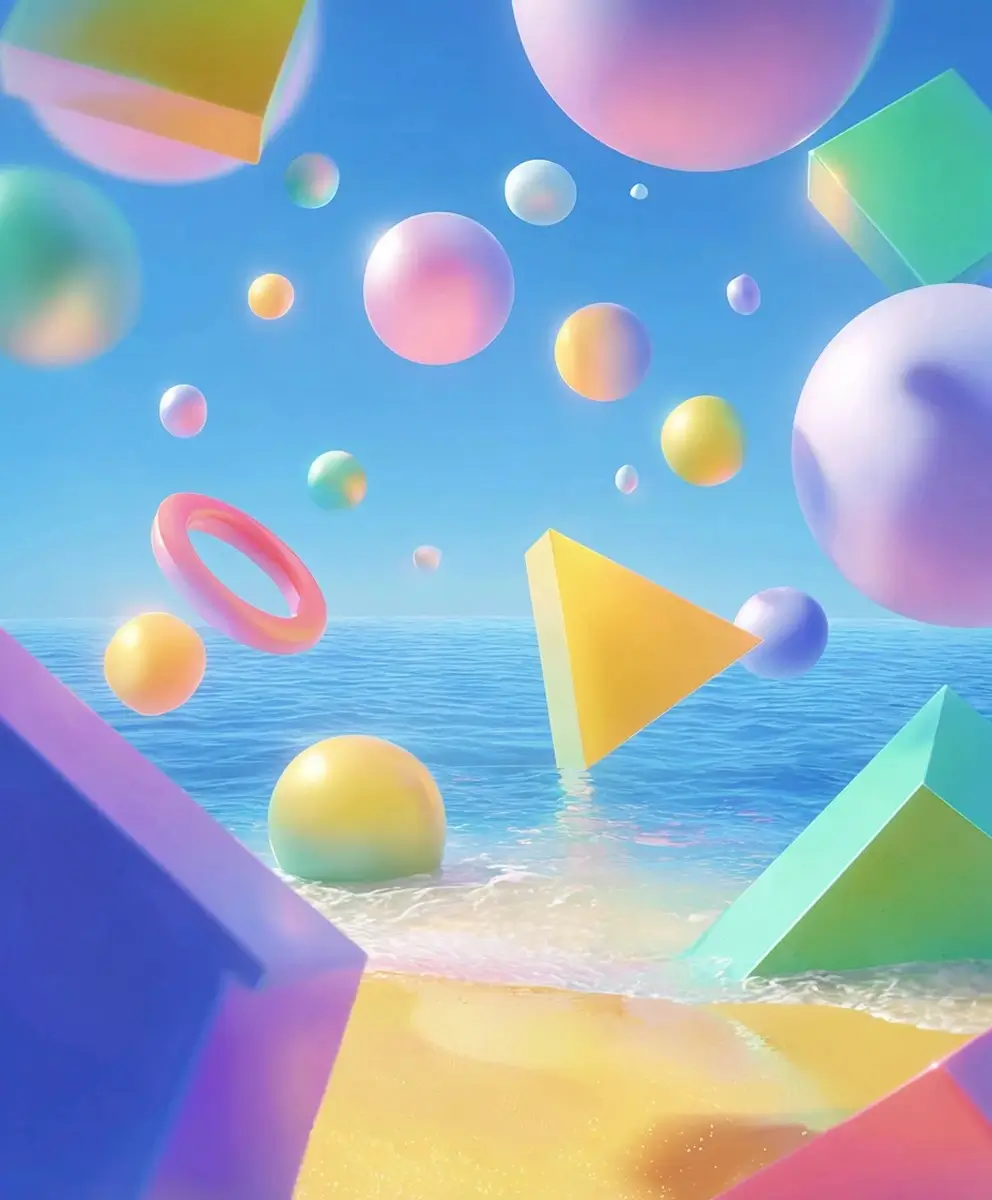
Nano Banana 2 Lite AI Image Generator Online
Generate stunning AI art, illustrations and photos with Nano Banana 2 Lite on AI Ease. Describe your subject, background, lighting and visual style. Upload reference images to control character and style consistency.

Explore Images Created with Nano Banana 2 Lite
Discover what you can create with Nano Banana 2 Lite. Explore diverse AI-generated images including realistic portraits, creative artworks, professional product shots, lifestyle and travel visuals, alongside flexible AI image editing to transform and refine your existing pictures.
What You Can Do with Nano Banana 2 Lite
Nano Banana 2 Lite supports up to 10 reference images, allowing you to use multiple visual inputs to guide image generation and editing. Upload images of characters, objects, backgrounds, or other visual elements to provide more context for your creative ideas. Combine different references to explore new compositions and create visuals that better match your vision.
Generate Images from Text Prompts
Turn simple text descriptions into visual content. Describe your subject, scene, and preferred style, and let Nano Banana 2 Lite bring your ideas to life with AI image generation.

Edit Images with AI
Transform existing images with simple text instructions. Modify backgrounds, adjust visual elements, or explore new styles to give your images a fresh look without starting from scratch.
Create Detailed and Realistic Images
Bring your creative concepts to life with detailed visuals. Describe textures, lighting, facial expressions, colors, and compositions to create images that better match your vision.
Create Images for Different Aspect Ratios
Create square, portrait, and landscape images for different content needs. Prepare visuals for social media, websites, marketing materials, and other digital platforms.
How to Use Nano Banana 2 Lite on AI Ease
Creating images with Nano Banana 2 Lite on AI Ease is simple. Follow these three steps to turn your ideas into AI-generated visuals, even if you have never used an AI image generator before.
- 1
Enter Your Prompt or Upload an Image
Nano Banana 2 Lite supports text prompts of 3–20,000 characters, giving you room to describe your creative ideas in detail. For image-based generation, you can upload 1–10 reference images in JPEG, PNG, or WebP format, with a maximum file size of 30MB per image. Use multiple references to provide visual context, guide image composition, or combine different visual elements in your creations.
- 2
Customize Your Image Settings
Choose the available image settings to match your creative needs. Adjust the aspect ratio and other generation options where available. Whether you are creating a square social media graphic, a portrait image, or a landscape visual, select the settings that best suit your intended result.
- 3
Generate and Download Your Image
Click Generate and let Nano Banana 2 Lite turn your prompt into an image. Preview the result and decide whether it matches your idea. Once you are happy with your creation, download your image and use it for your personal or creative projects.
Best Uses for the Nano Banana 2 Lite AI Image Generator
Looking for new ways to use AI-generated images? Nano Banana 2 Lite can help you explore creative ideas across different types of visual content. From social media graphics to product visuals and digital artwork, discover how an AI image generator can support your everyday creative projects.

Create Social Media Content
Make your social media posts more visually engaging with AI-generated images. Create eye-catching visuals for Instagram, Facebook, Pinterest, and other platforms. Explore different styles, themes, and compositions to develop fresh content ideas for personal accounts, creator projects, and brand campaigns.

Design Product Images for Marketing
Create product visuals for online stores, advertisements, and marketing campaigns. Experiment with backgrounds, lighting, and product presentation to explore different promotional concepts. Whether you are preparing a new campaign or developing visual ideas for an online shop, AI image generation can help you create engaging product imagery.

Create AI Portraits and Character Art
Explore different possibilities for AI portraits and character design. Create fictional characters, stylized portraits, profile pictures, and imaginative personas. Experiment with hairstyles, clothing, poses, expressions, and visual styles to develop characters that match your creative ideas.

Make Illustrations for Blogs and Websites
Give your digital content a more distinctive visual identity with AI-generated illustrations. Create featured images for blog posts, supporting graphics for website pages, and custom visuals for articles or landing pages. Describe your topic and preferred style to explore images that complement your content.
Edit and Enhance Existing Photos
Give your existing photos a fresh look with AI image editing. Explore background changes, visual adjustments, and creative transformations using text instructions. Whether you want to refine a personal photo or experiment with a new artistic direction, describe your editing idea and explore the possibilities.

Develop Creative Concepts and Visual Ideas
Use AI-generated images to explore early design concepts and creative directions. Turn rough ideas into visual references for presentations, mood boards, design projects, and brainstorming sessions. Experiment with different compositions and styles to find inspiration and communicate your ideas more clearly.
Frequently Asked Questions
What Is Nano Banana 2 Lite?
Nano Banana 2 Lite, also known as Gemini 3.1 Flash-Lite, is an AI image generation model that supports text-to-image and reference image-to-image workflows. It offers 1K image generation, supports up to 10 reference images, and provides multiple aspect ratio options. You can access Nano Banana 2 Lite on AI Ease to create and edit images online.
What Is the Image Resolution of Nano Banana 2 Lite?
Nano Banana 2 Lite supports 1K image generation. It also offers multiple aspect ratios, including square, portrait, and landscape formats, to accommodate different creative needs.
How to Use Nano Banana 2 Lite to Generate Images?
To generate images with Nano Banana 2 Lite on AI Ease, enter a text prompt describing the image you want to create. Include details such as the subject, setting, composition, and visual style. Adjust the available image settings, click Generate, and preview your result. You can then download the image if you are satisfied with it.
How Many Reference Images Can I Upload to Nano Banana 2 Lite?
Nano Banana 2 Lite supports 1–10 reference images for image-based generation. You can upload JPEG, PNG, or WebP images, with a maximum file size of 30MB per image. Multiple references help provide visual context and guide the image generation process.
Can I Edit Images with Nano Banana 2 Lite?
Nano Banana 2 Lite can support image editing workflows where image input and editing features are available. Depending on the platform implementation, you may be able to upload an existing image and describe changes to its background, visual style, or selected elements. Check the available editing options in the AI Ease generator to see which workflows are supported.
What Aspect Ratios Does Nano Banana 2 Lite Support?
Nano Banana 2 Lite supports 15 aspect ratio options: 1:1, 1:4, 1:8, 2:3, 3:2, 3:4, 4:1, 4:3, 4:5, 5:4, 8:1, 9:16, 16:9, 21:9, and Auto. These options let you create images in different formats for social media, websites, marketing materials, and other visual projects.
How Can I Write Better Prompts for Nano Banana 2 Lite?
Start with a clear description of your main subject, then add details about the setting, composition, lighting, colors, and visual style. Be specific about the elements you want to include and avoid combining too many unrelated ideas in one prompt. For example, instead of writing "a woman on the beach," try: "A young woman in a flowing white dress walking along a peaceful beach at sunset, warm golden lighting, gentle ocean waves, natural photography style, wide composition." Detailed prompts give the model more context about your creative direction and can help you explore more consistent visual results.