Seedance 2.5: Go Longer With 30s AI Videos and Greater Control
Step into the next generation of AI video creation with Seedance 2.5 on AI Ease. Create up to 30-second videos with 50 multimodal references, advanced R2V motion control, stronger consistency, and more precise editing.
Seedance 2.5: More Control for High-Quality AI Video Creation
Create Better Videos With Seedance 2.5 AI Video Generator
Seedance 2.5 is ByteDance's advanced AI video model for longer, more controlled creation. If 5–15 second clips feel too short, complex motion is hard to guide, or your results lose consistency across scenes, Seedance 2.5 gives you more room to create. With longer video generation, multimodal references, precise motion control, and flexible editing, you can build ads, product videos, social clips, and cinematic scenes with fewer retries and more consistent results.
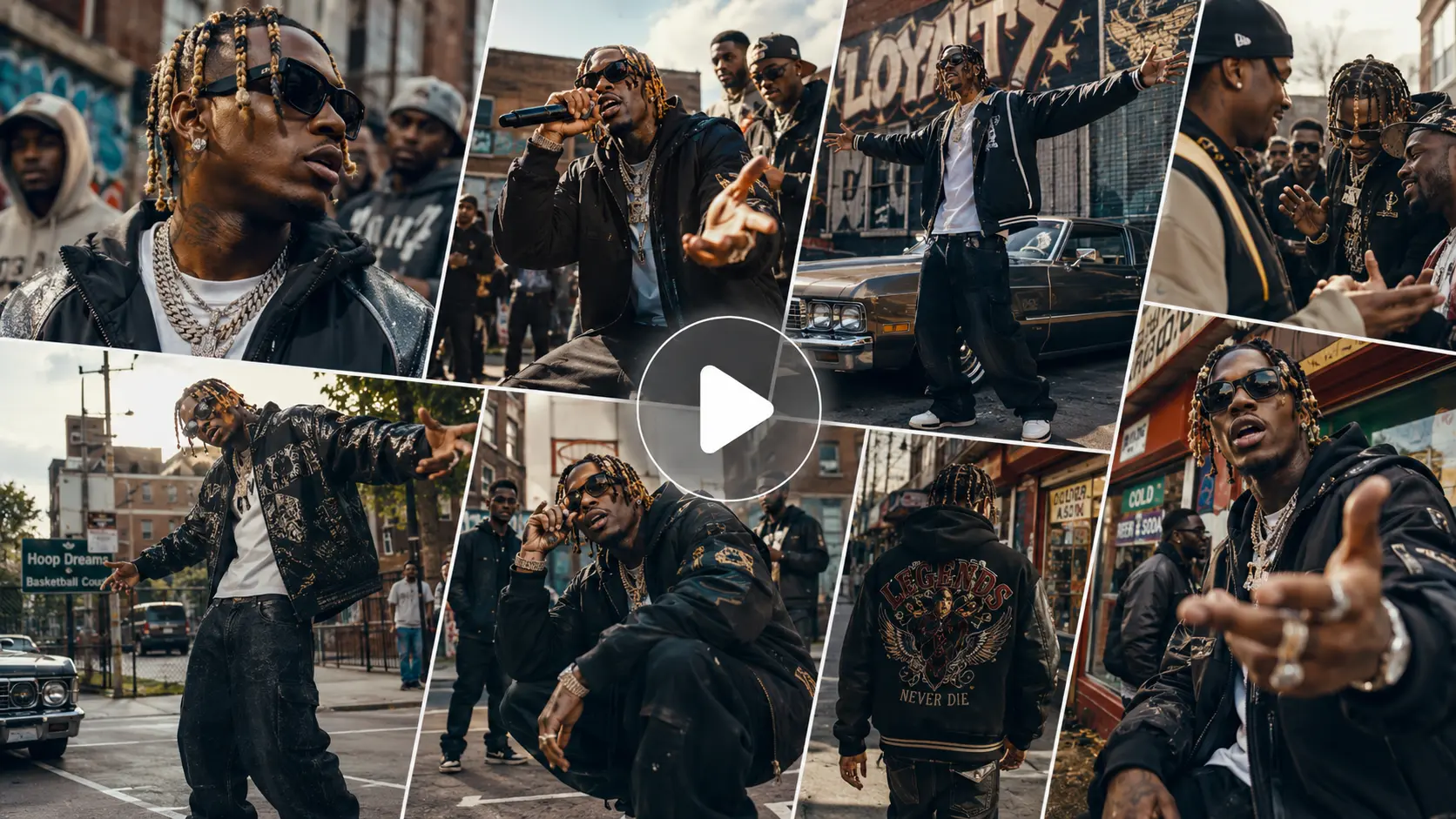
Create Up to 30s Videos With Better Continuity
Still cutting several short clips together just to finish one scene? Seedance 2.5 can generate continuous videos up to 30 seconds, giving actions, camera moves, dialogue, and story beats more room to unfold naturally. Longer generation also helps characters, lighting, backgrounds, and motion stay consistent from start to finish. In AI Ease, you can keep a longer idea in one generation instead of breaking it into multiple short clips.
Combine Up to 50 Multimodal References
Some ideas are simply too detailed for one prompt or one reference file. Seedance 2.5 can work with up to 50 multimodal references in one generation, including 30 images, 10 videos, and 10 audio files. Bring character photos, product shots, motion clips, music, voice, and other references into AI Ease to shape different parts of the same video. With more source material to work from, the model can better follow your characters, style, movement, sound, and overall creative direction.
Control Different Parts of Your Video With R2V
Getting the exact result from text alone can be difficult, especially when motion, timing, and character consistency all matter. With R2V (Reference-to-Video) control, different references can guide different parts of the generation. Use images to define characters, products, outfits, or visual style; videos to guide body movement, action timing, interactions, and camera paths; and audio to shape voice, sound, rhythm, or pacing. Add your references in AI Ease and tell Seedance 2.5 how each one should be used, giving complex scenes clearer creative direction from the start.
What Can You Create With Seedance 2.5?

Product Ads
Turn product photos into polished AI product videos with close-ups, camera movement, and product interaction. A faster way for ecommerce sellers and brands to create launch ads, landing page visuals, and social content without a full shoot.

Social Videos
Create longer TikTok, Reels, and Shorts with up to 30 seconds in one generation. Add more actions, transitions, and story beats without splitting one idea into several short clips on AI Ease.

Cinematic Scenes
Build short films, trailers, and character scenes with stronger continuity across longer sequences. Seedance 2.5 helps keep characters, environments, and camera flow more consistent when the scene becomes more complex.

Music & Fashion Videos
Combine images, motion references, audio, and style references to shape AI music videos, fashion films, and creative campaigns. With up to 50 multimodal references, AI Ease can handle projects that need several visual and audio elements to work together.
How to Use Seedance 2.5 on AI Ease
 Step 1
Choose Seedance 2.5
Open AI Ease's AI video generator and select Seedance 2.5 as your video model.
 Step 2
Add Your Prompt and References
Describe the subject, action, environment, camera movement, lighting, and mood you want. Add images, videos, audio, or other references when you need more precise control over characters, products, motion, or style.
 Step 3
Adjust Settings and Generate
Choose the video duration, aspect ratio, and other available settings for your project. Click Generate to create your video, preview the result, and download it when you are satisfied.
FAQs About Seedance 2.5
Have more questions? You can email service@aiease.ai, and we'll be happy to help you.
What is Seedance 2.5?
Seedance 2.5 is an AI video generation model developed by ByteDance. It is designed for longer and more controllable video creation with support for multimodal references, R2V motion guidance, detailed editing, stronger scene continuity, and high-quality video output.
How long can Seedance 2.5 videos be?
Seedance 2.5 supports video generation up to 30 seconds, giving creators more room for complete actions, product demonstrations, short stories, and cinematic sequences.
What is the difference between Seedance 2.0 and Seedance 2.5?
Seedance 2.0 is better suited to shorter AI video generation, with clips up to 15 seconds and more limited reference input. Seedance 2.5 pushes this much further with up to 30-second videos, up to 50 multimodal references, R2V (Reference-to-Video) control, and localized video editing. In practice, Seedance 2.5 is a better fit for longer scenes, more complex motion, and projects that need tighter control over characters, style, sound, and continuity.
How many references can Seedance 2.5 use?
Seedance 2.5 supports up to 50 multimodal references, including 30 images, 10 videos, and 10 audio files. You can combine character photos, product images, motion clips, music, voices, and other materials in AI Ease to guide one video project.
How should I write a prompt for Seedance 2.5?
Keep your prompt clear and specific. Describe the subject, action, camera movement, setting, lighting, and mood, then use references for details that are easier to show than explain. For example: "A woman walks through a rainy Tokyo street at night, slow tracking shot, reflections on the pavement, soft neon light, cinematic mood." If you use images, videos, or audio in AI Ease, tell Seedance 2.5 what each reference should control.