Professional Image Creation Made Simple With GPT Image 2.0
Create and edit high-quality visuals with OpenAI GPT Image 2.0 on AI Ease. Work from detailed prompts or up to 16 reference images, refine existing visuals with natural-language edits, render clearer text, and generate high-detail results in up to 4K.
Studio-Ready Image Generation
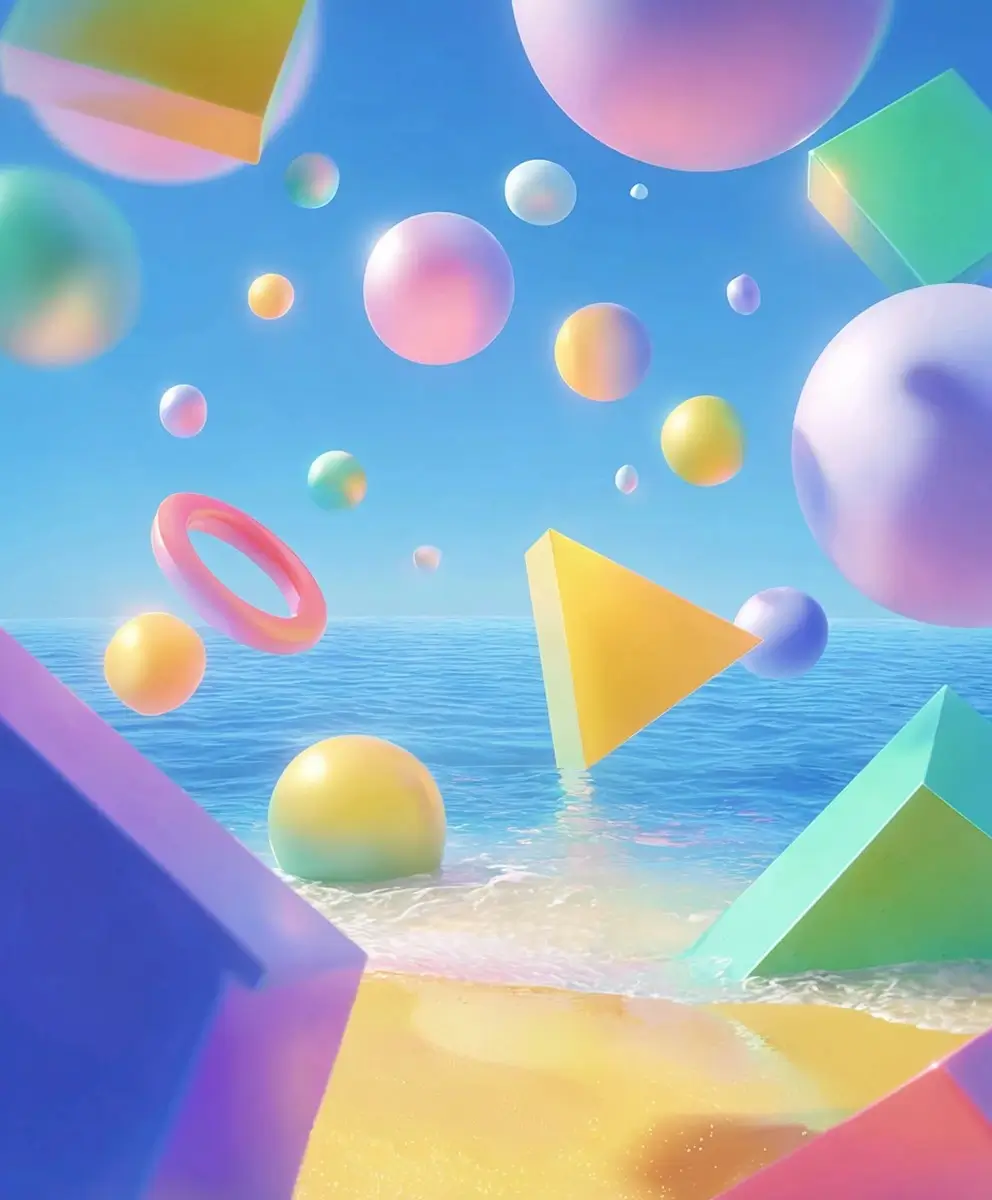
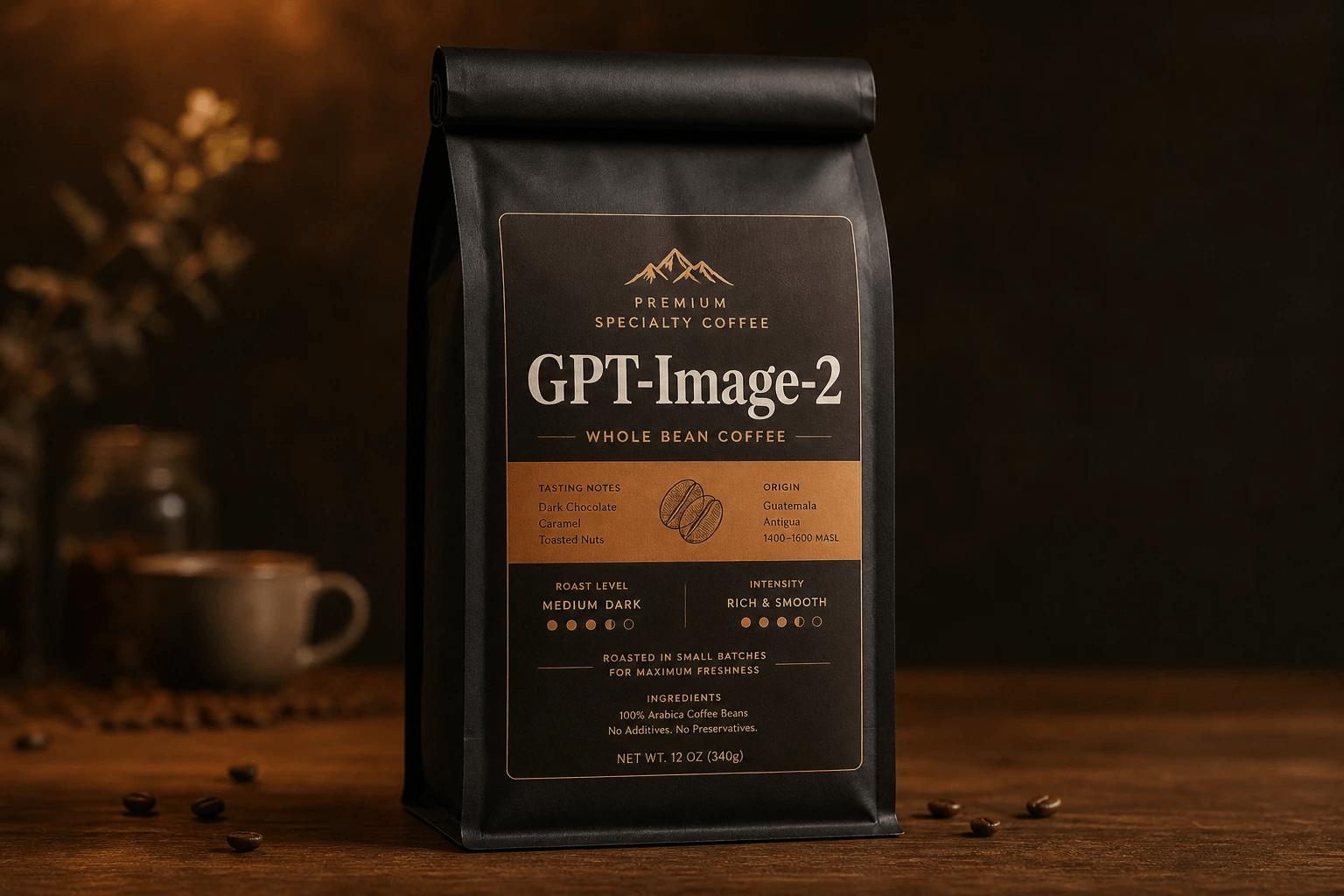
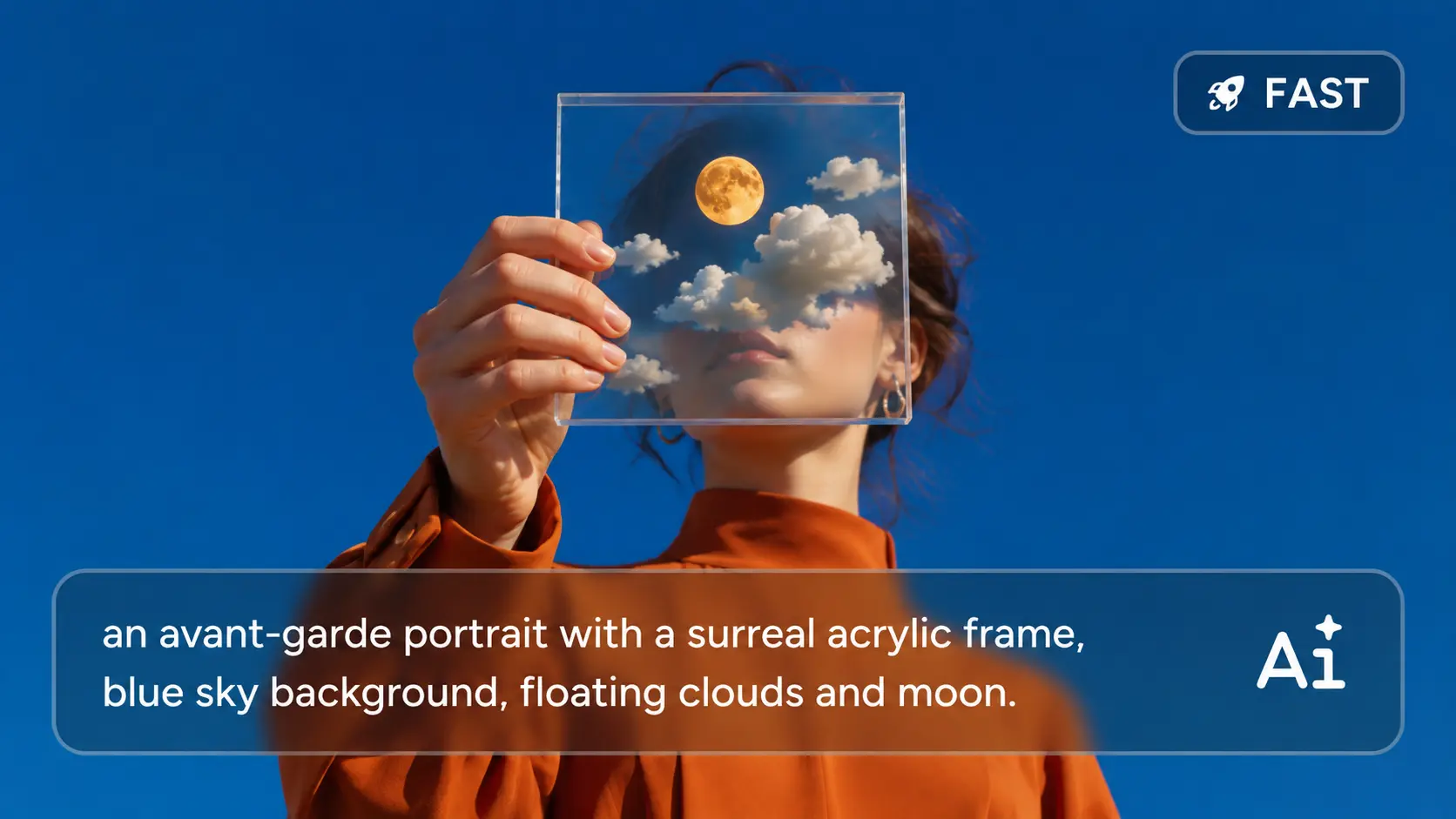
GPT Image 2.0 handles detailed prompts with much better control over subjects, lighting, color, style, composition, and scene relationships. On AIEase, you can describe a fairly specific visual idea and get a result that follows more of those details, instead of spending several rounds fixing missing elements or incorrect layouts.
Create From Multiple References
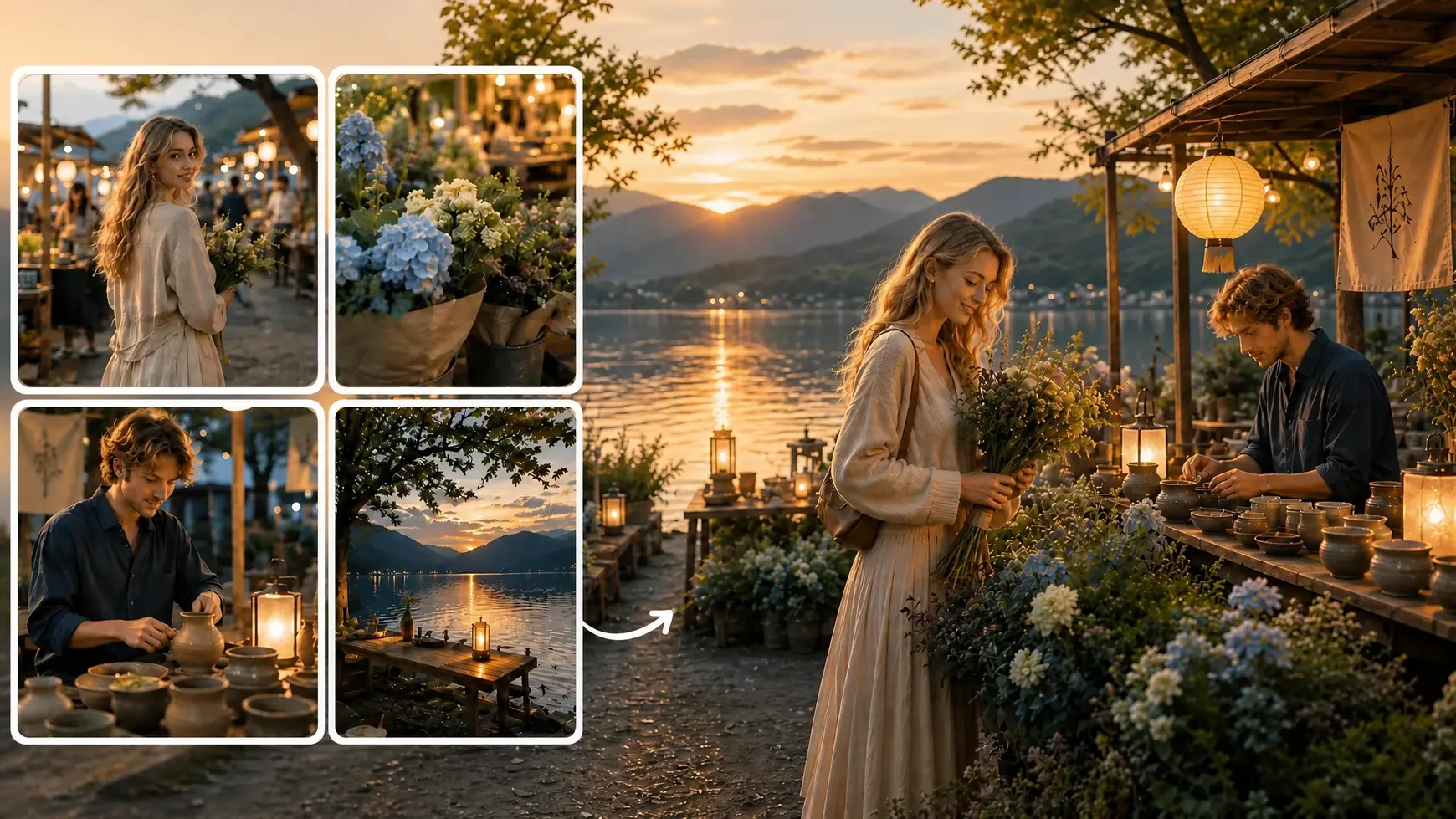
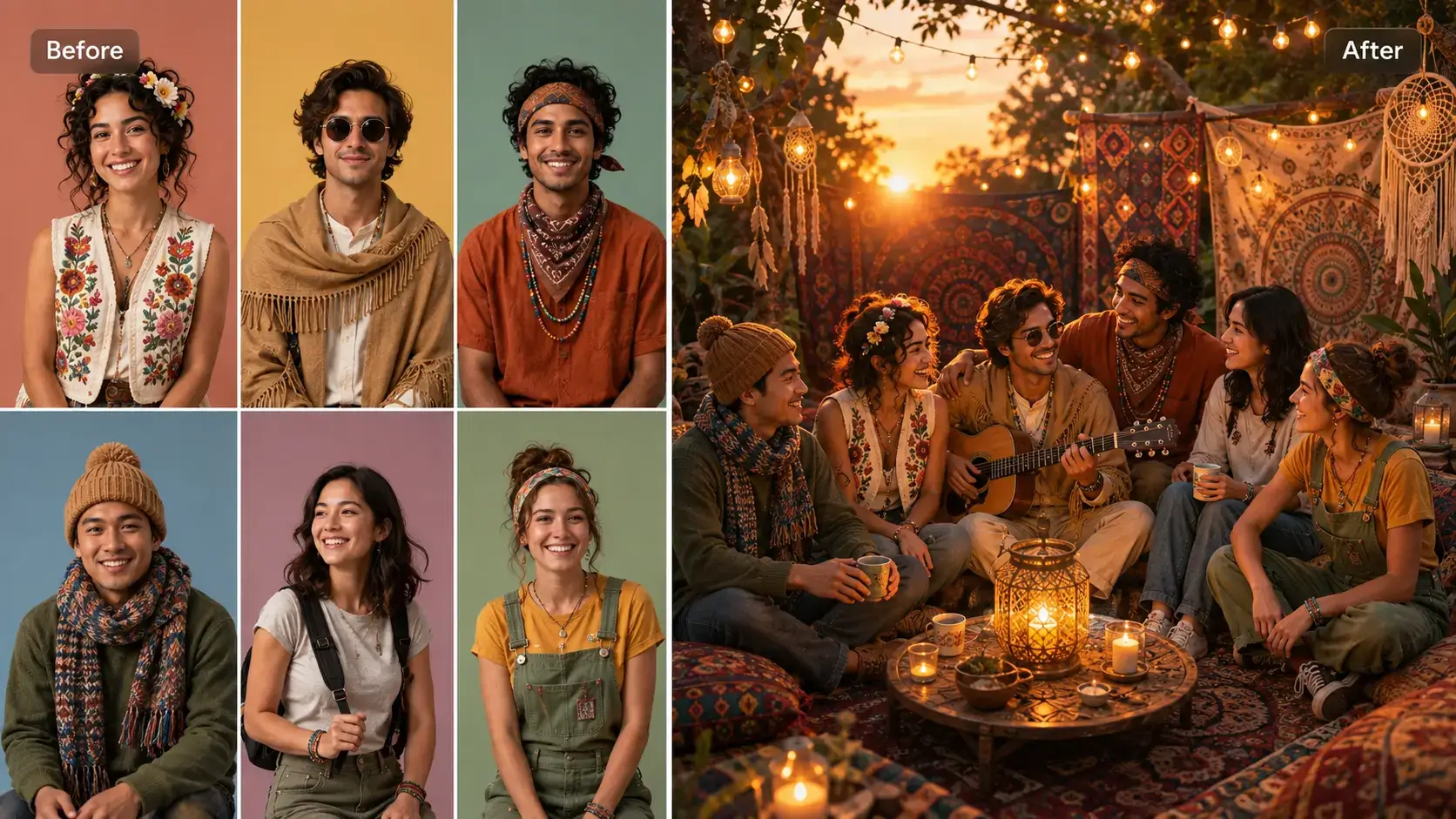
Some ideas need more than one image to explain properly. GPT Image 2.0 supports up to 16 reference images, which means you can bring together different characters, products, outfits, environments, styles, or visual cues in a single generation. It is especially useful when you want the final image to follow several references at once without relying on a long prompt alone.
Precision Image Editing
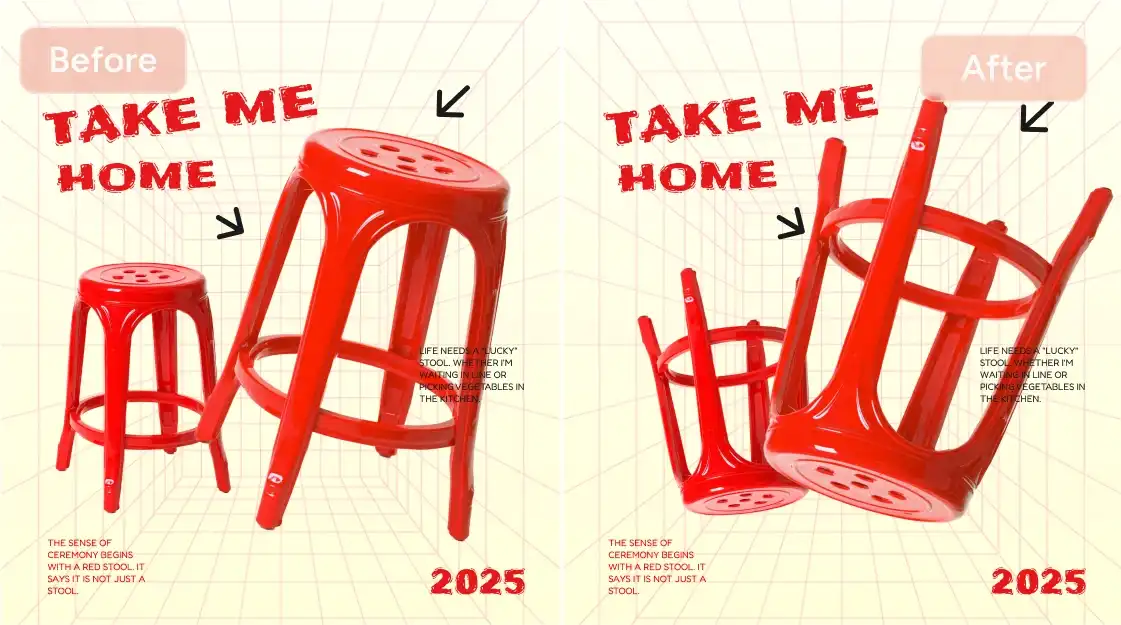
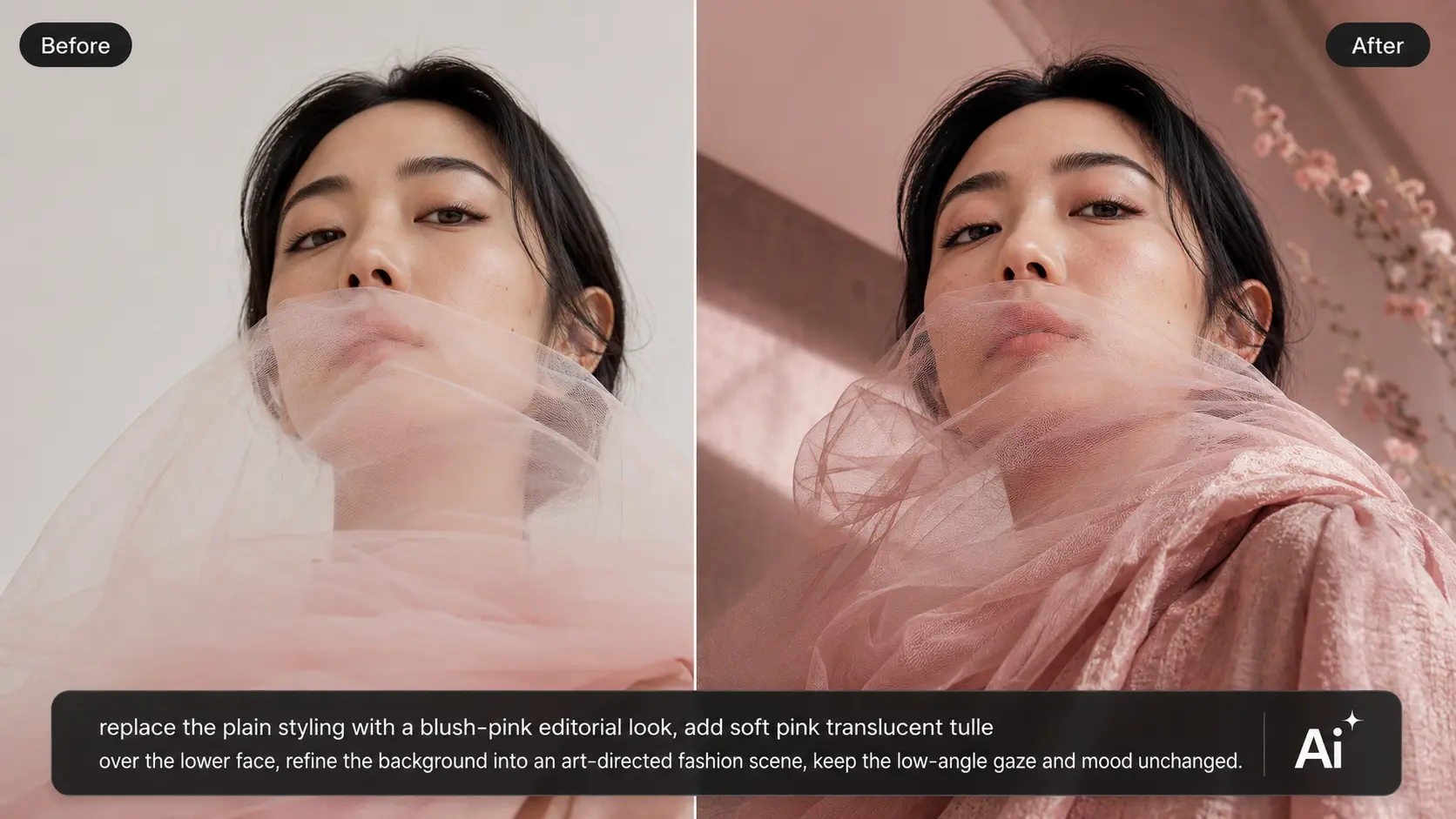
You do not need to regenerate an entire image just because one part looks wrong. Upload the image to AIEase, describe the change you want, and refine specific areas such as objects, clothing, backgrounds, hairstyles, or scene details. The model is built to make targeted edits while preserving more of the original image around them.
Typography That Looks Right
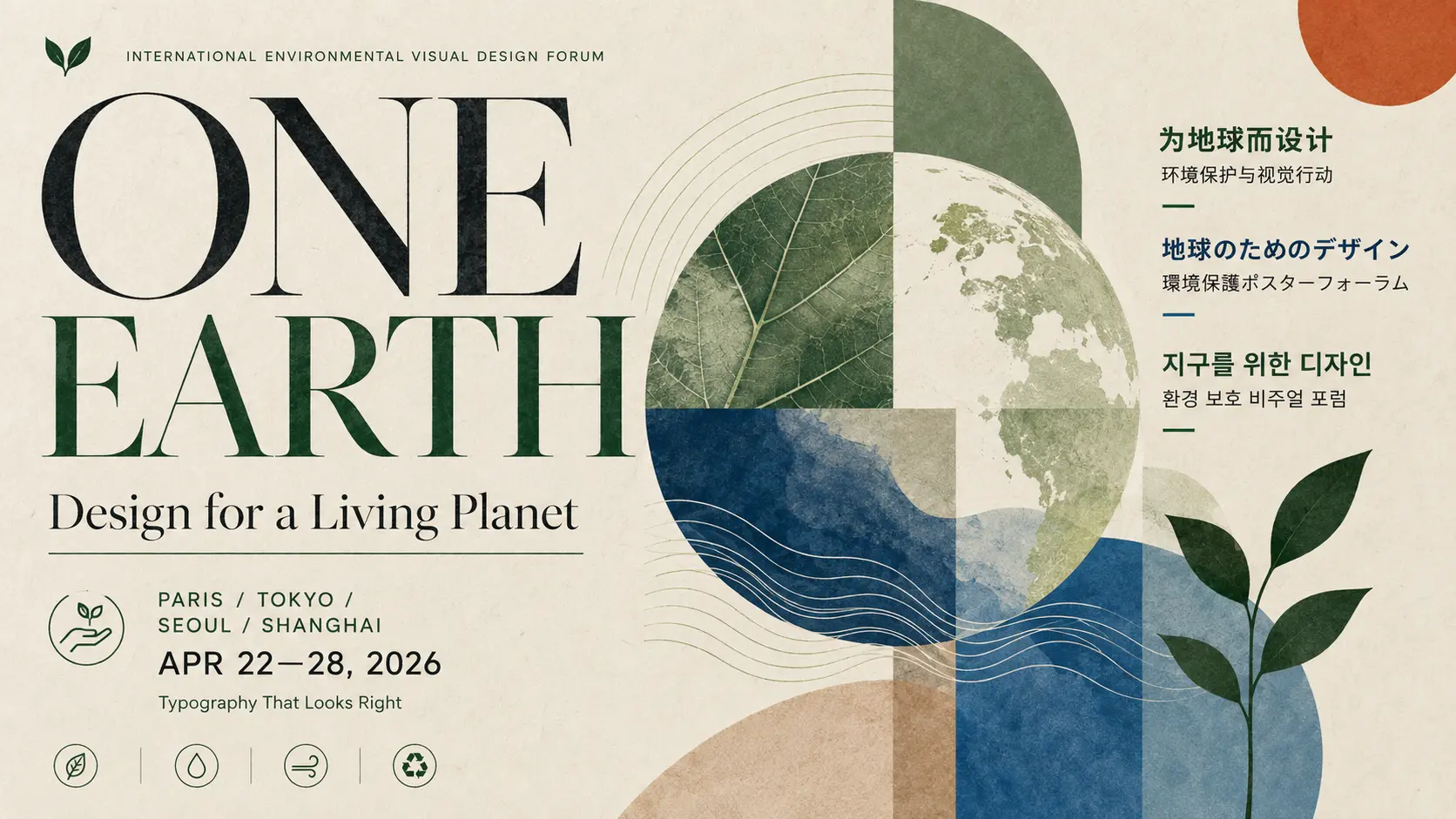
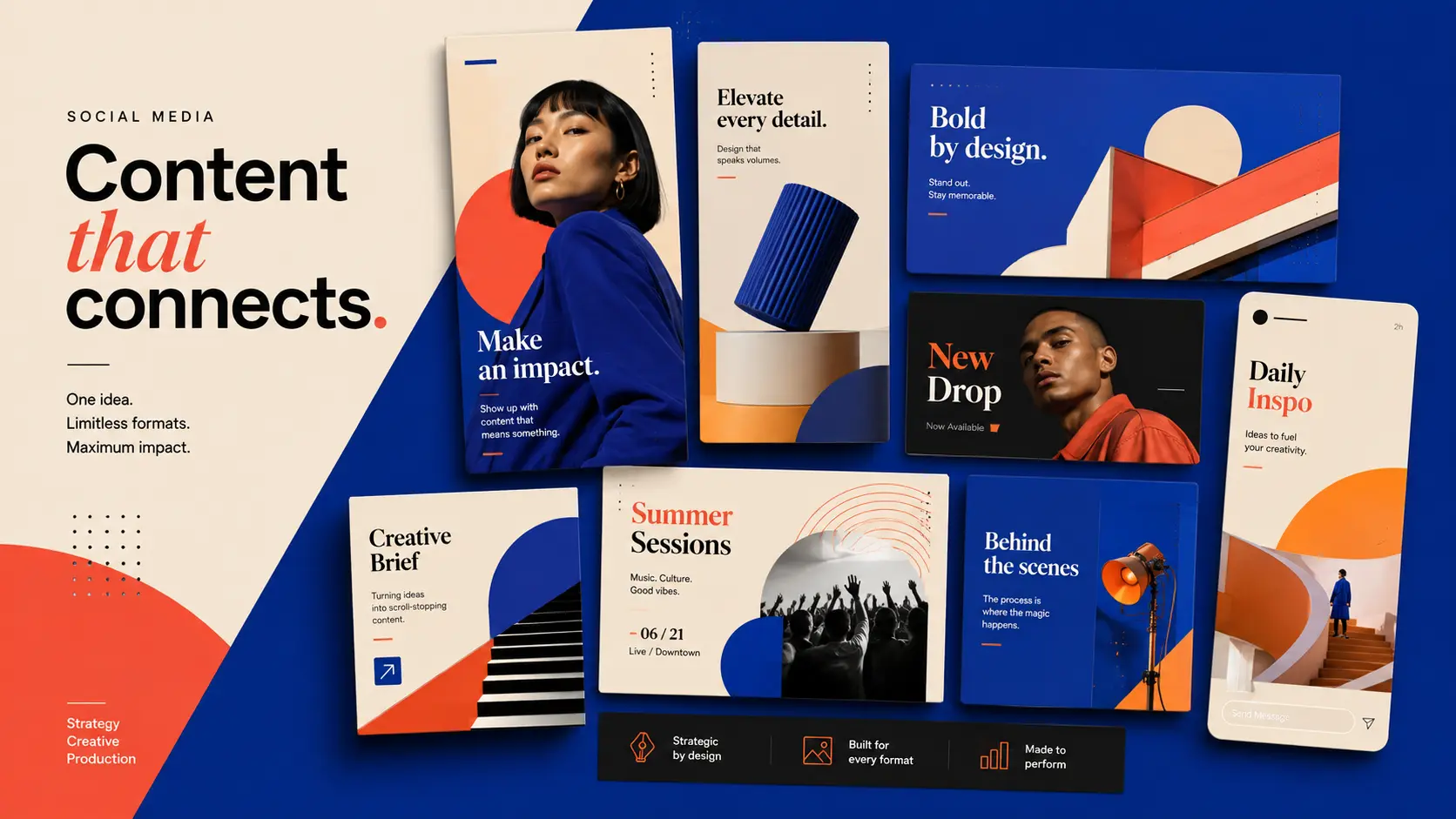
Text is often where AI-generated graphics start to fall apart. GPT Image 2.0 does a better job with longer phrases, smaller lettering, multilingual content, and more demanding text layouts. That makes it a stronger fit for posters, packaging, menus, signs, ads, social graphics, and other designs where the words need to be part of the finished image, not added later.
More Photorealistic Results
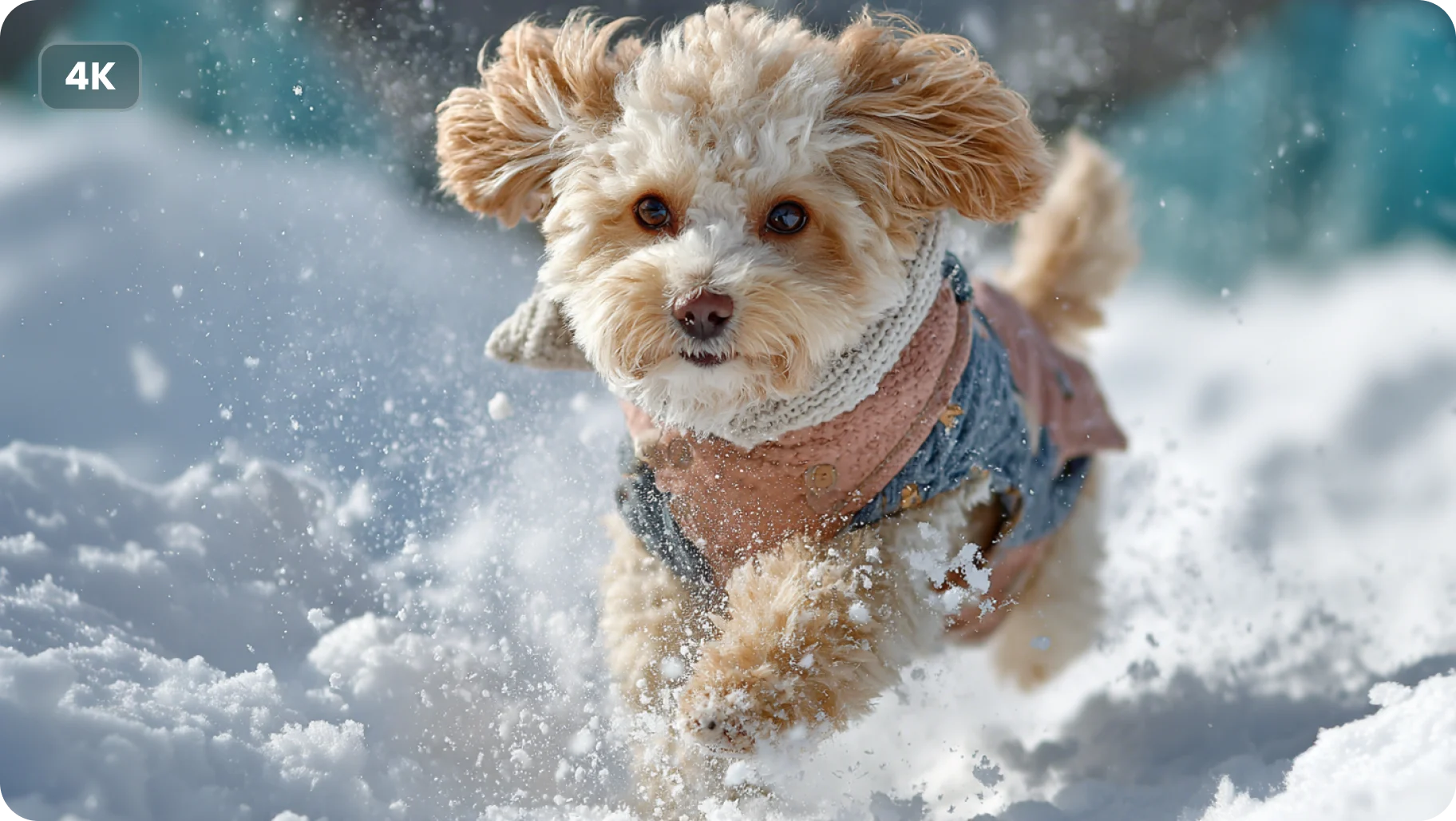
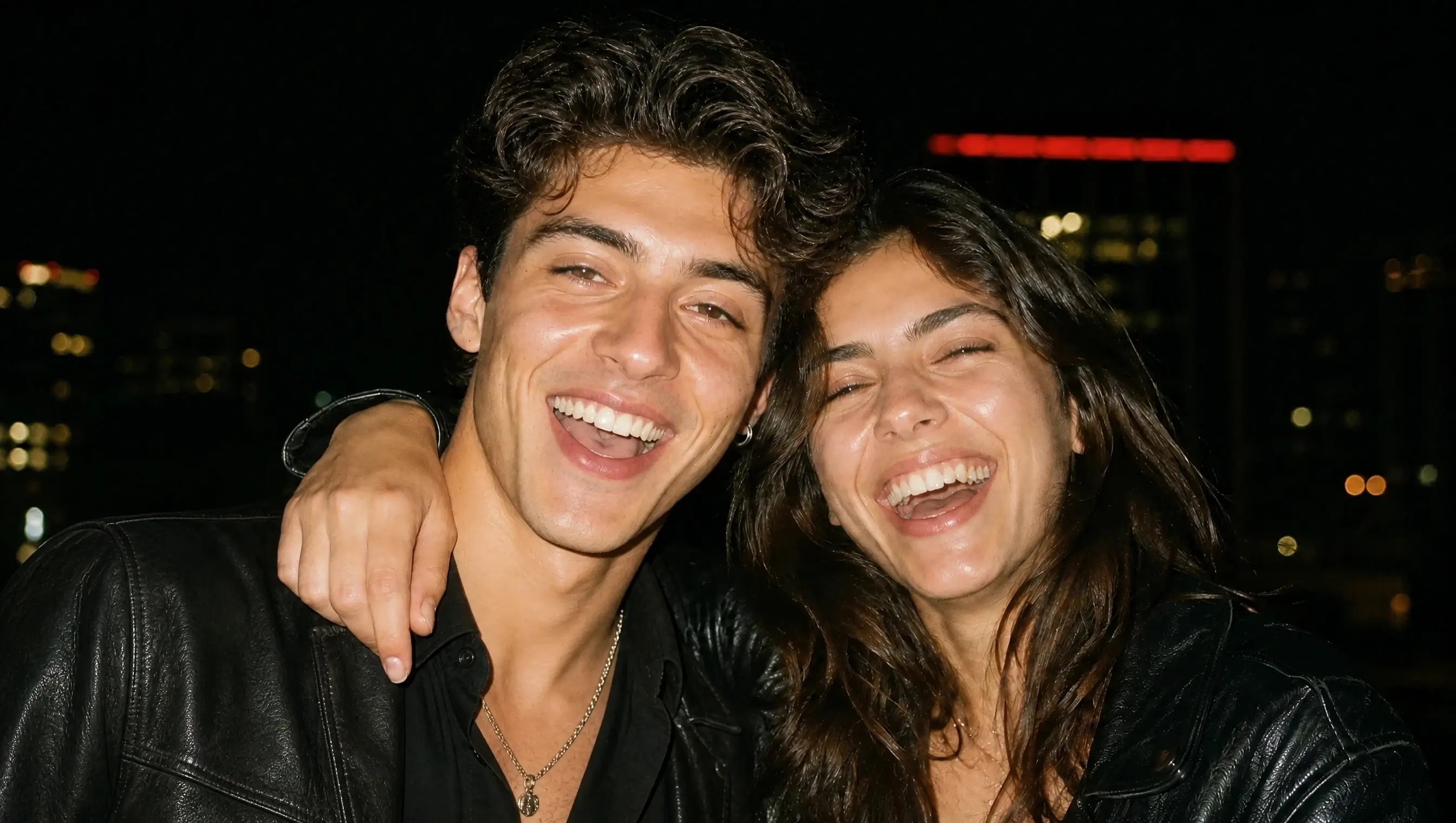
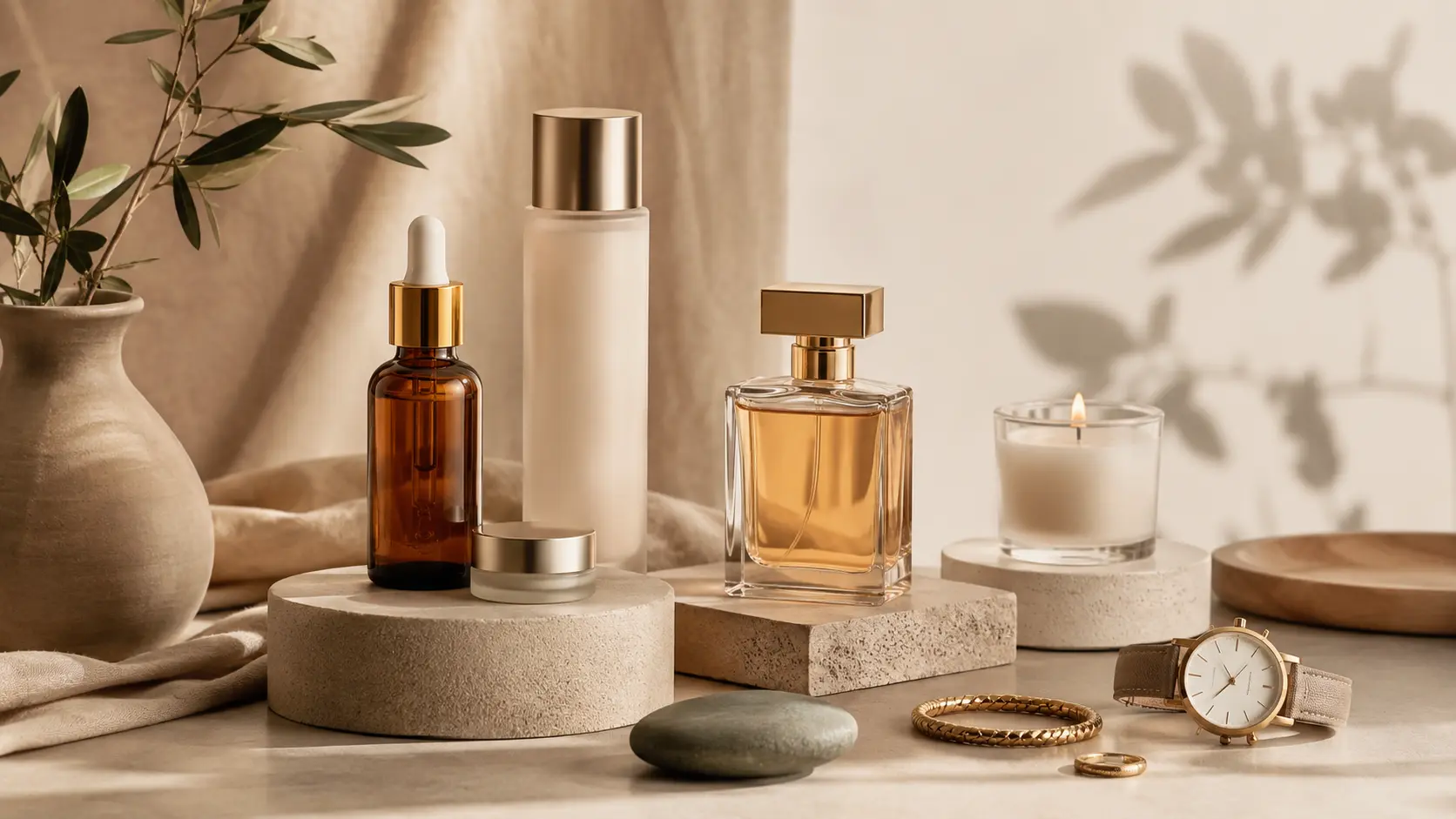
Realism depends on small things: skin texture, material surfaces, natural lighting, proportions, and how objects sit in the scene. GPT Image 2.0 improves these details across portraits, products, food, interiors, fashion, and commercial imagery. AIEase also supports output up to 4K, giving you more detail to work with when the final image needs to look clean at a larger size.
GPT Image 2.0 Use Cases
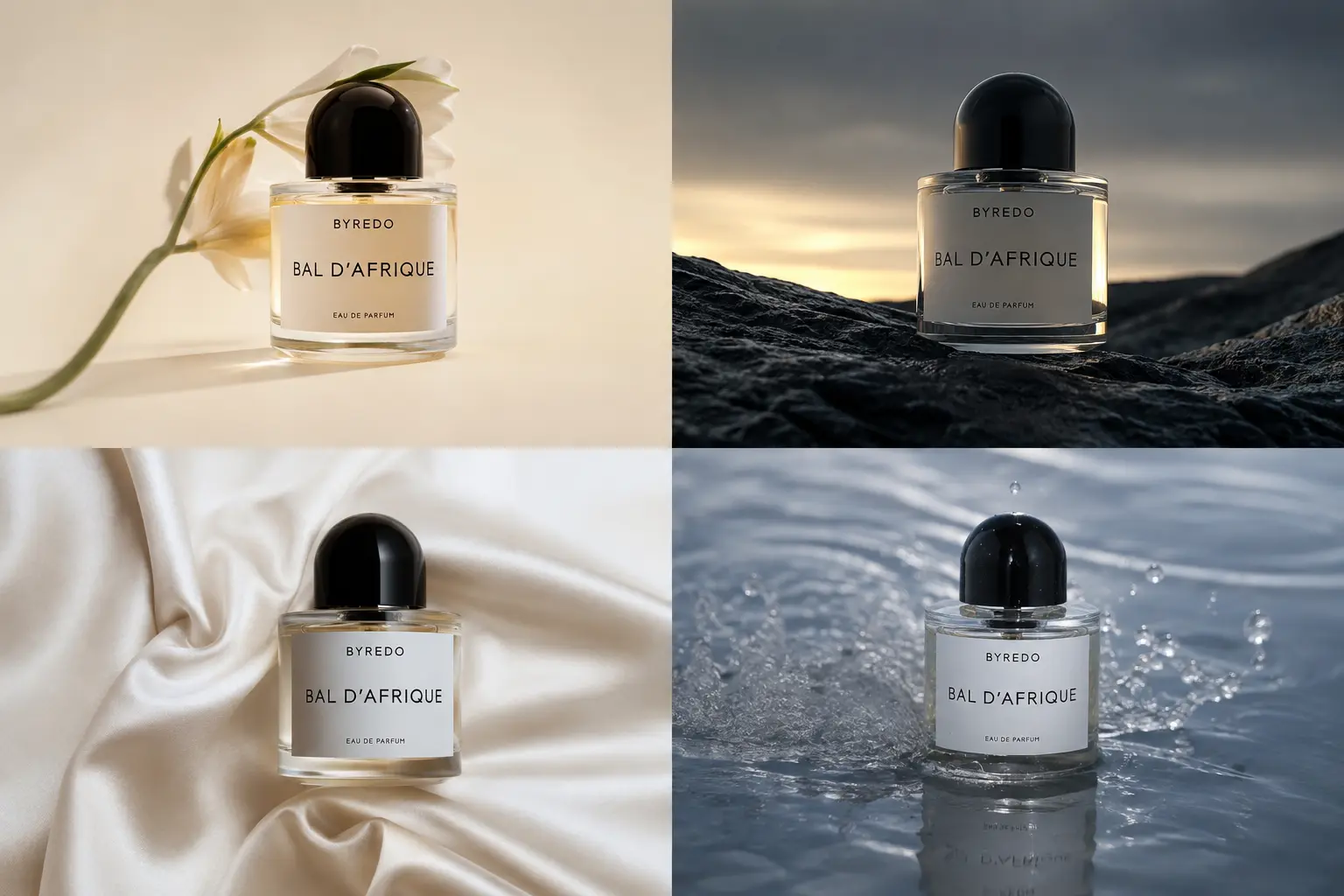
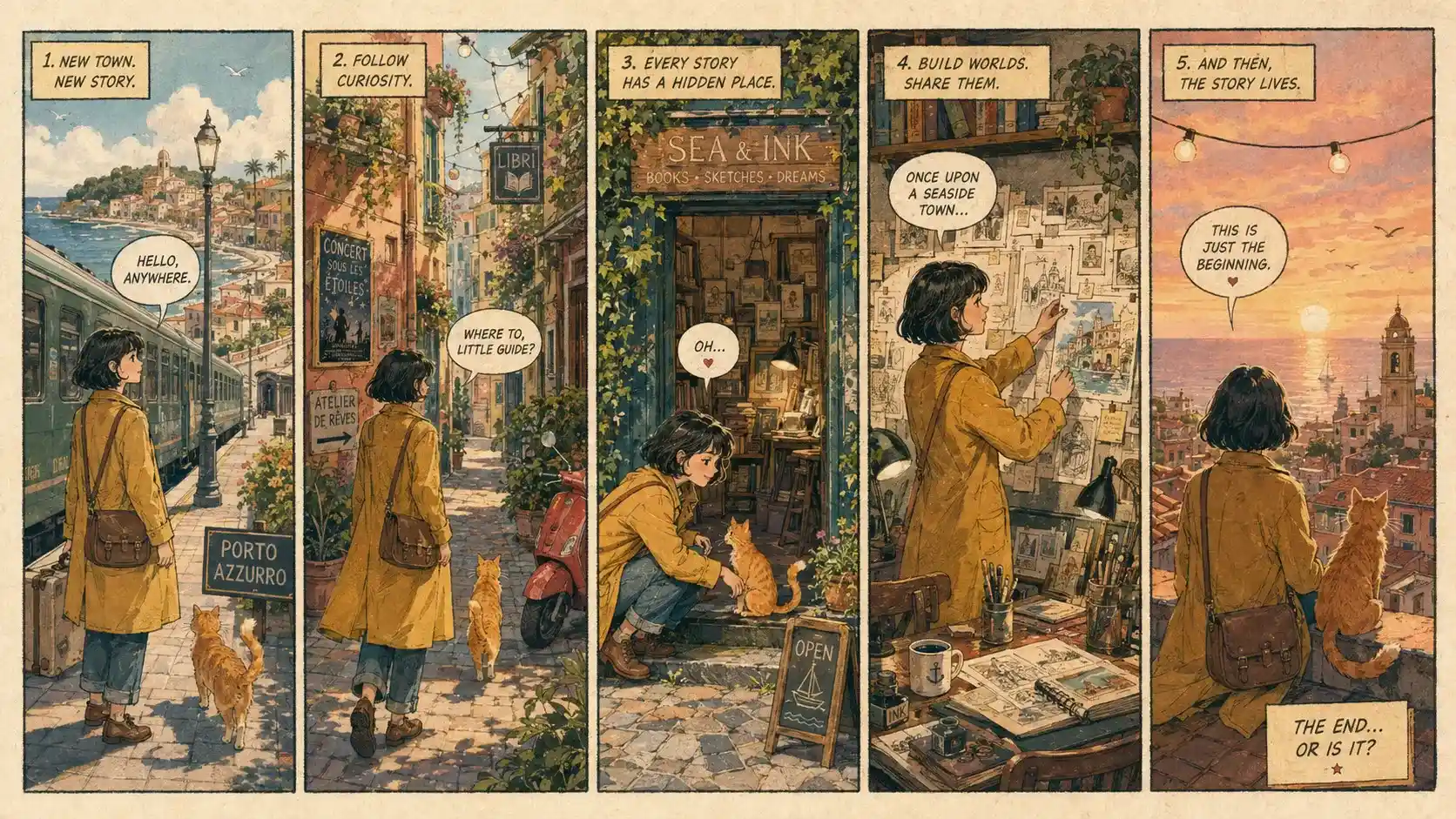
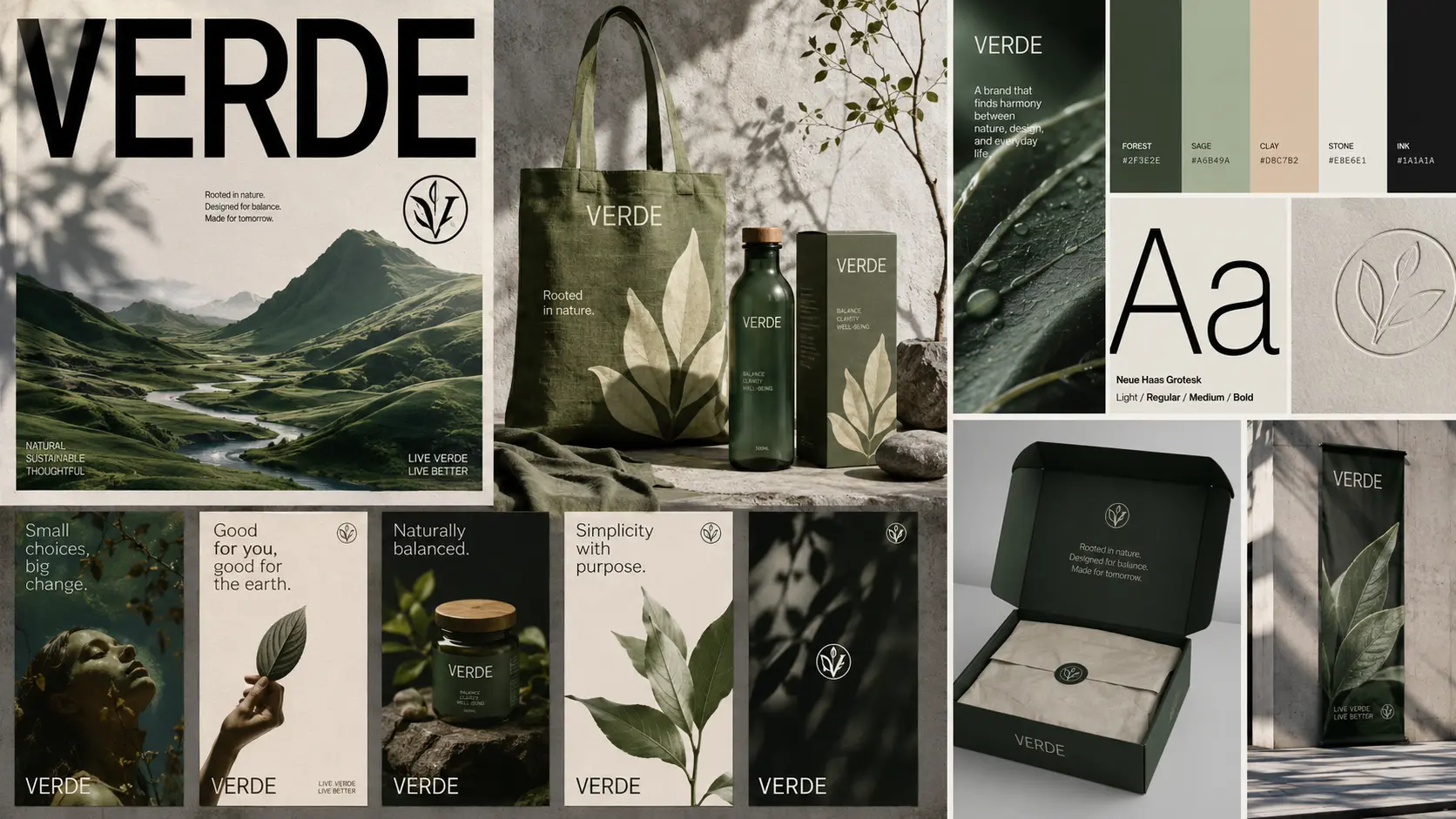
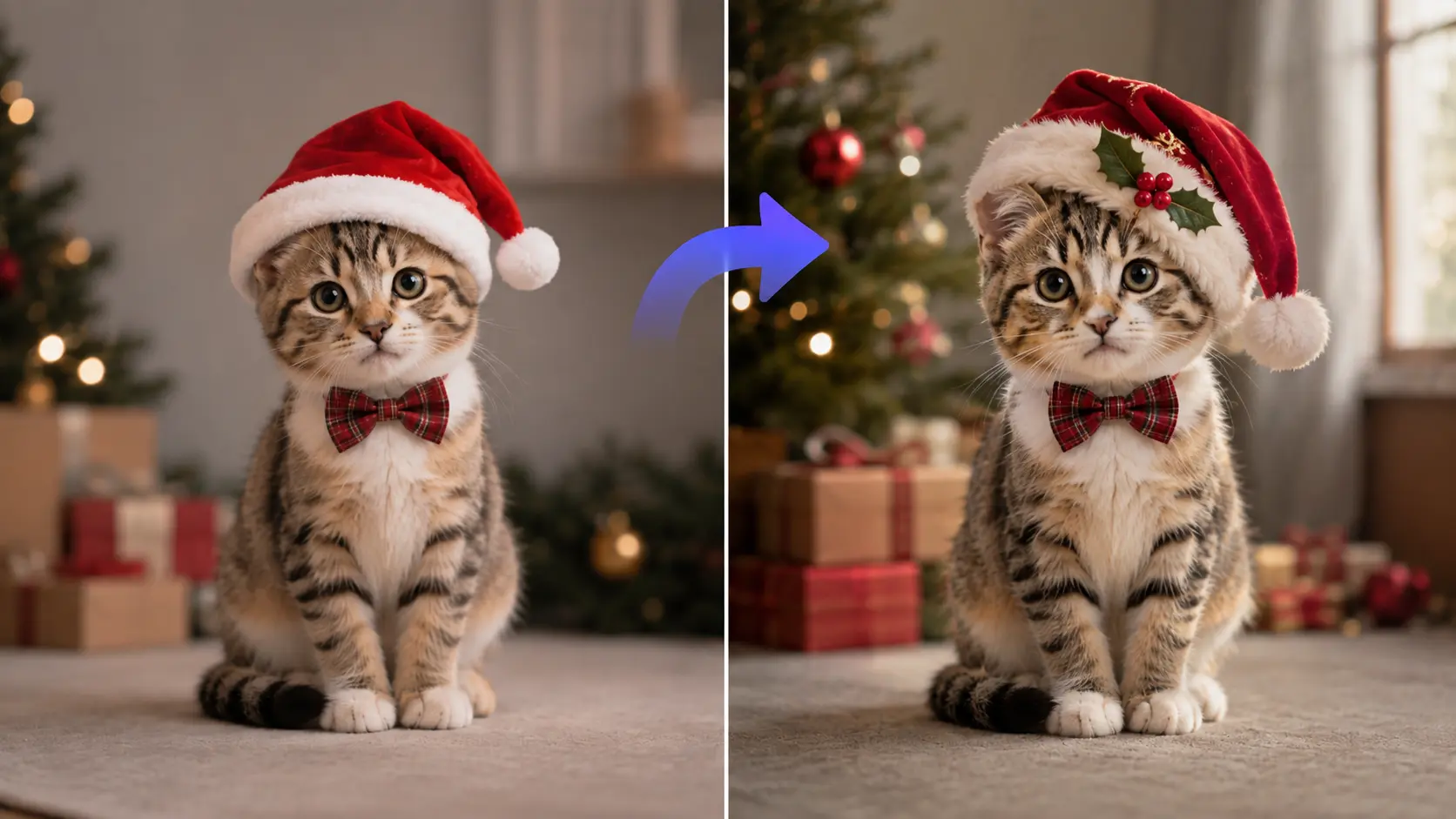
How to Use GPT Image 2.0 on AI Ease
- 1
Choose GPT Image 2.0
Open the AI Ease image generator and select GPT Image 2.0 as your model. You can start from a text prompt or upload images if you want to edit or work from visual references.
- 2
Add Your Prompt or References
Describe what you want to create or change. For reference-based generation, you can upload up to 16 images to guide characters, products, styles, environments, or other visual details.
- 3
Generate and Download Your Image
Choose your preferred settings and generate the image. AI Ease supports output up to 4K, so you can create high-detail results for social content, design work, product visuals, and other creative projects.
Awesome GPT Image 2 Prompts You Can Try
Frequently Asked Questions
Have more questions? You can email service@aiease.ai, and we'll be happy to help you.
How does GPT Image 2 compare to Nano Banana 2?
GPT Image 2 is a strong choice for photorealistic images, accurate text rendering, detailed prompts, and polished design work. Nano Banana 2 is better suited to fast iteration and images that rely more on Gemini’s world knowledge and real-world context.
Is GPT Image 2 good enough for professional work?
Yes, for many creative tasks. You can use it for product visuals, campaign concepts, posters, editorial graphics, and other client-facing content. Final production work may still need a design tool when exact layers, dimensions, or brand rules matter.
How do I write a good GPT Image 2 prompt?
Write it like a short creative brief. Start with the subject, then add the setting, action, composition, lighting, and style. For text inside the image, put the exact wording in quotation marks and state the language and placement clearly.
Why doesn't GPT Image 2 follow my prompt exactly?
The prompt may be asking for too many details at once. Keep the main subject and required elements clear, then remove anything that does not affect the final image. For edits, say exactly what should change and what should stay the same.
When should I choose GPT Image 2 over Midjourney?
Choose GPT Image 2 when you need stronger prompt control, readable text, image editing, or specific design requirements. Midjourney is often a better fit when the main goal is a highly stylized or artistic look.
Can GPT Image 2 replace Photoshop?
Not completely. GPT Image 2 can speed up concept creation, image variations, and common edits, but Photoshop still gives you finer control over layers, masks, typography, and final production details.