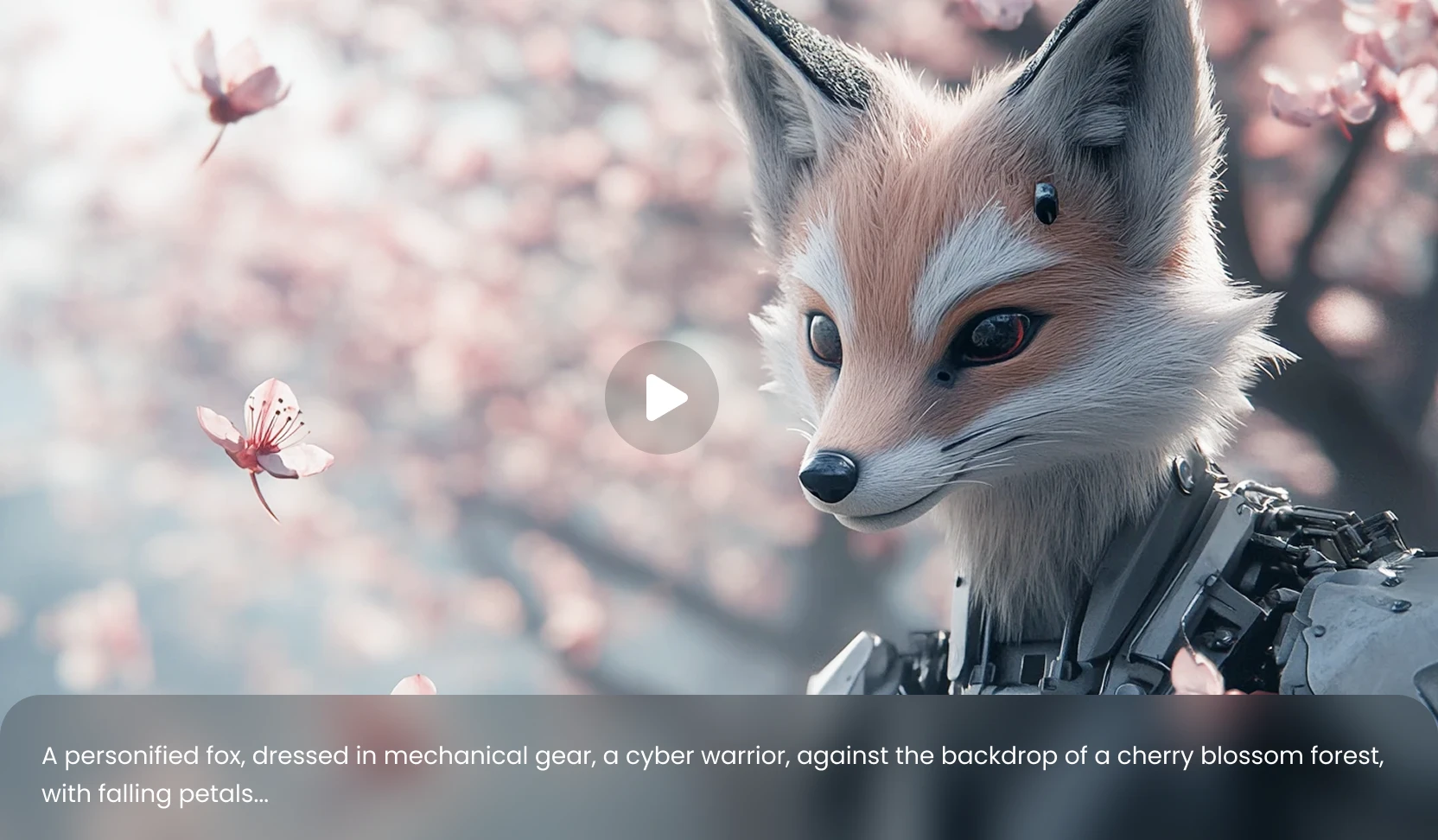
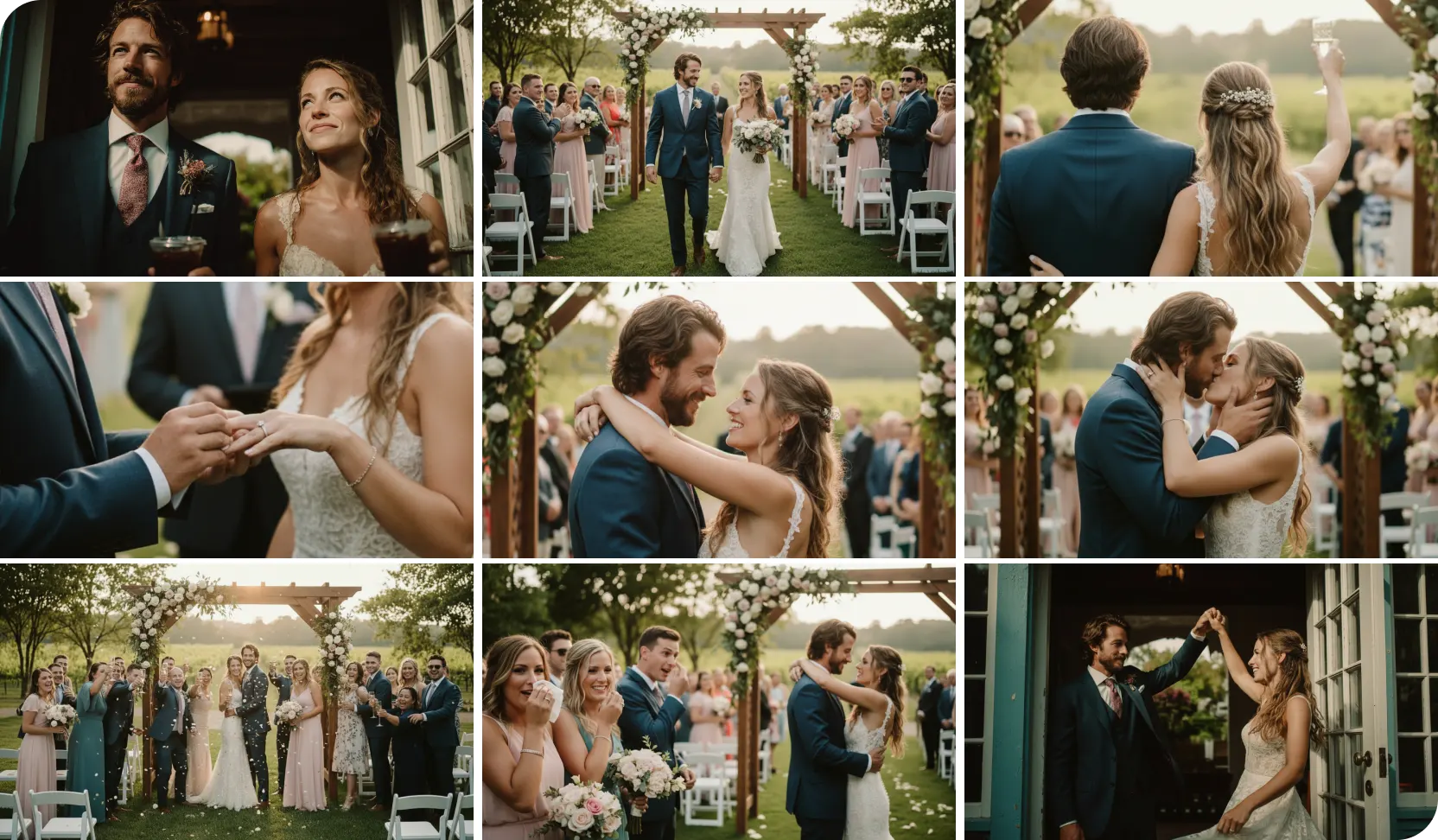
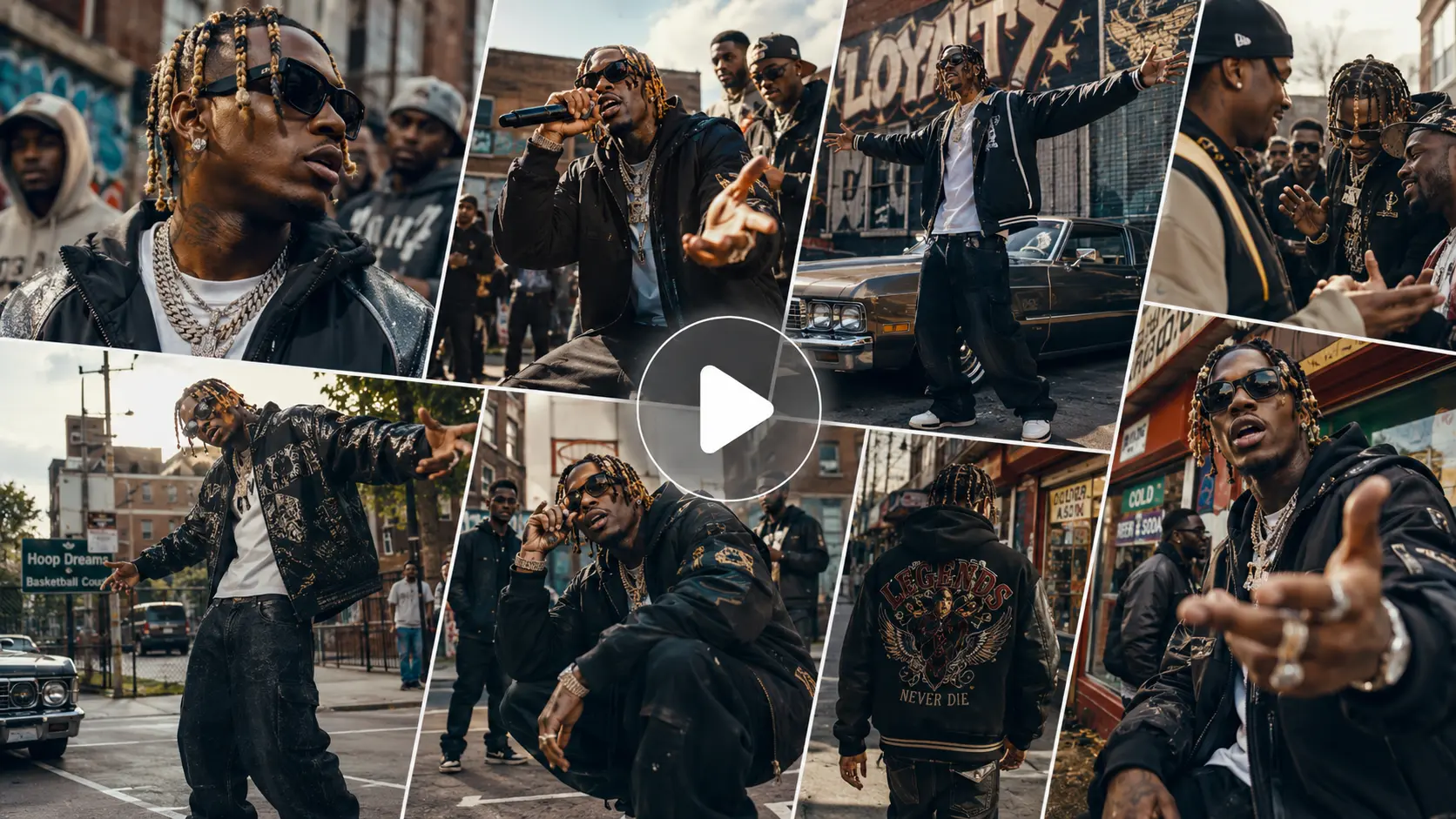
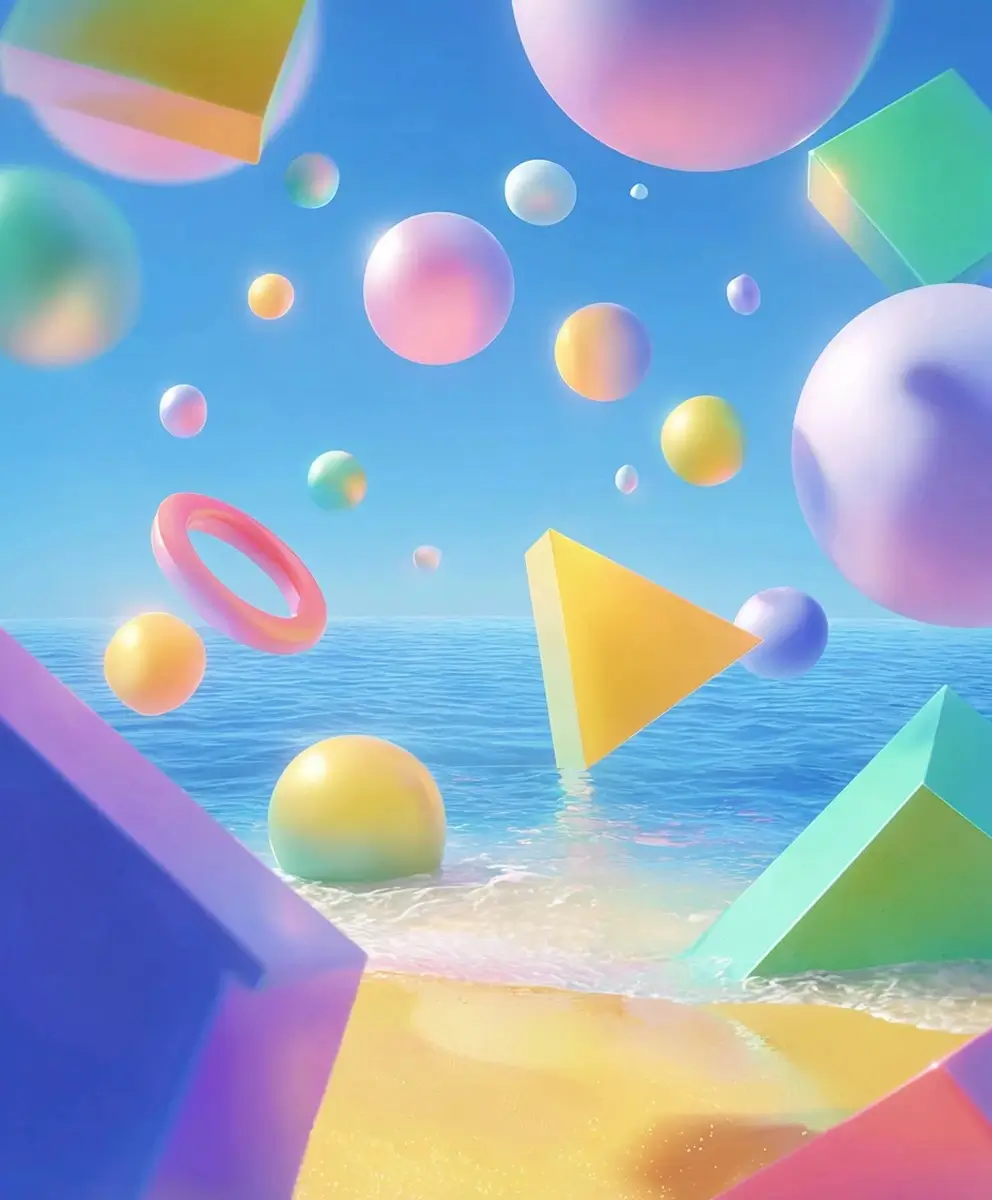
Wan 3.0 AI Video Generator – Create Videos Up to 30 Seconds
Create longer, more complete videos with Wan 3.0 on AI Ease. You can generate up to 30 seconds in one video, add image, video, and audio references, control the first and last frames, and create up to 1080P videos with native audio.
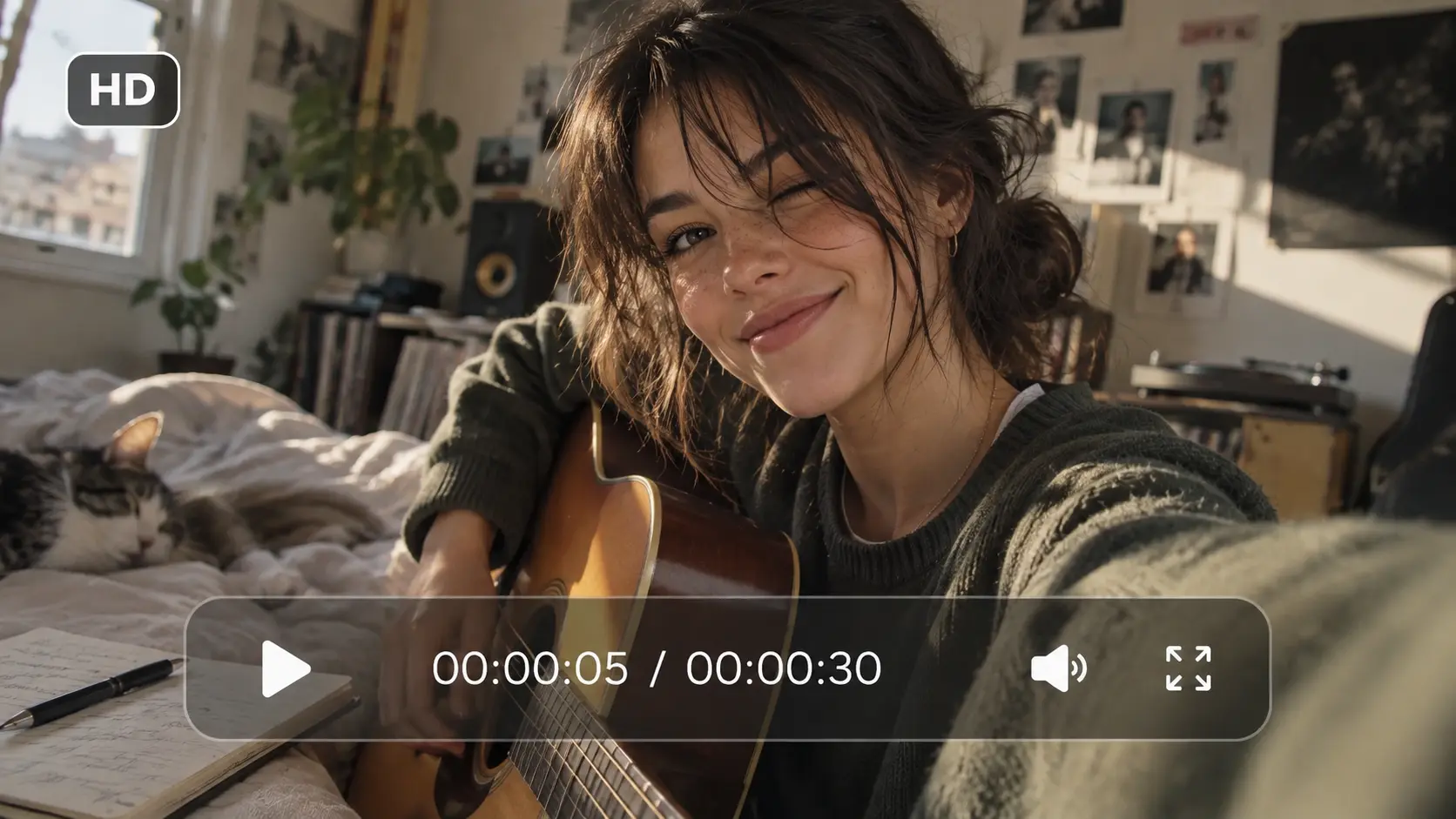
Create Up to 30-Second Videos in One Generation
Need more than a few seconds to tell the full story? With Wan 3.0 on AI Ease, you can generate videos up to 30 seconds long in a single run, giving you more room for product demos, dialogue, character actions, camera movement, and complete scene progression. You can build a fuller sequence without breaking every idea into several short clips.
Guide the Result With Image, Video, and Audio References
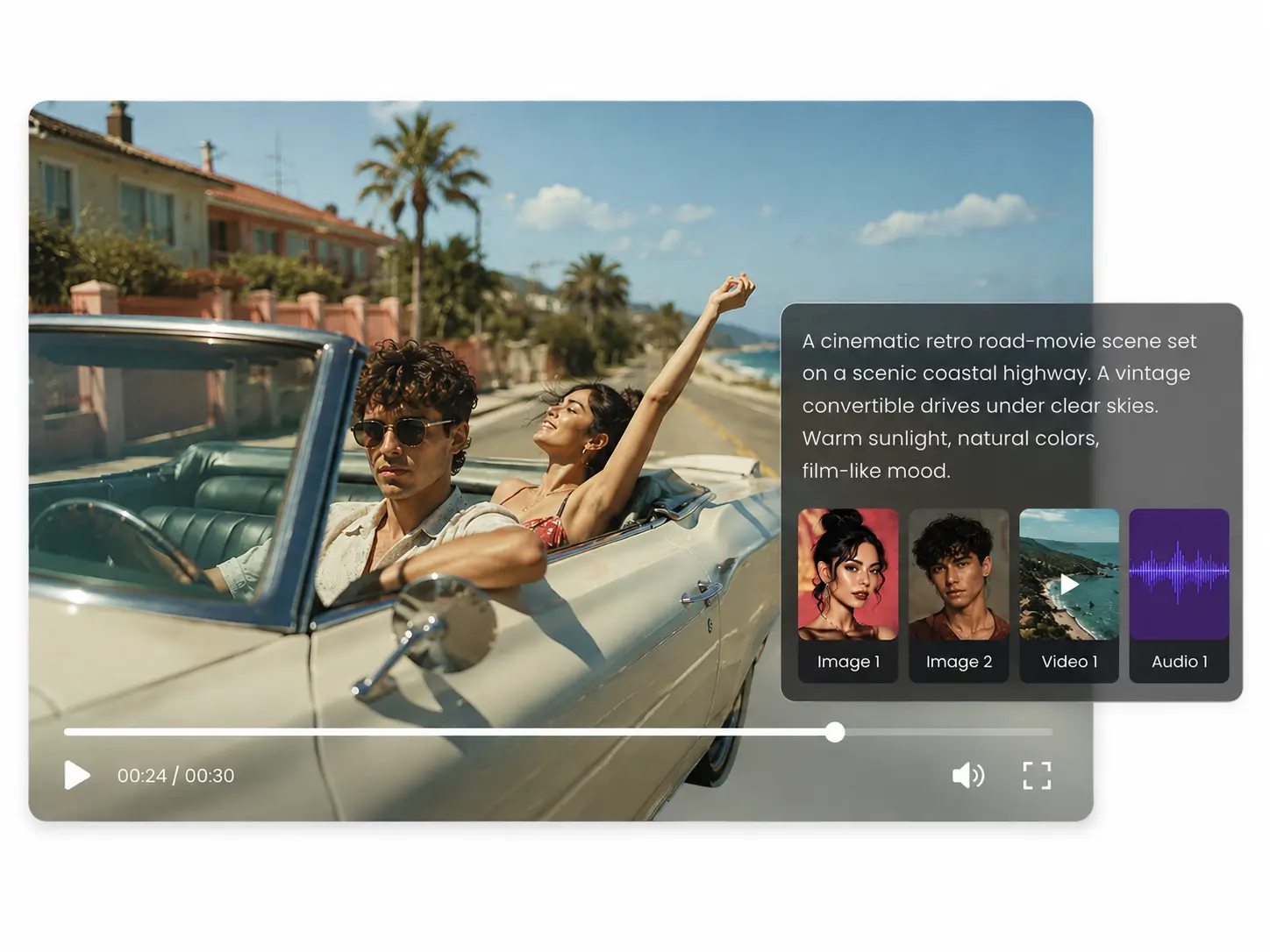
Have a specific look, movement, or sound in mind? Add image, video, or audio references to give Wan 3.0 clearer direction. You can use images to guide characters and products, videos to shape motion, and audio to set voices, music, rhythm, or atmosphere. On AI Ease, you can add up to 10 images, 5 videos, and 5 audio references in the supported reference workflow, giving you more control over the final result.
Control How Your Video Starts and Ends
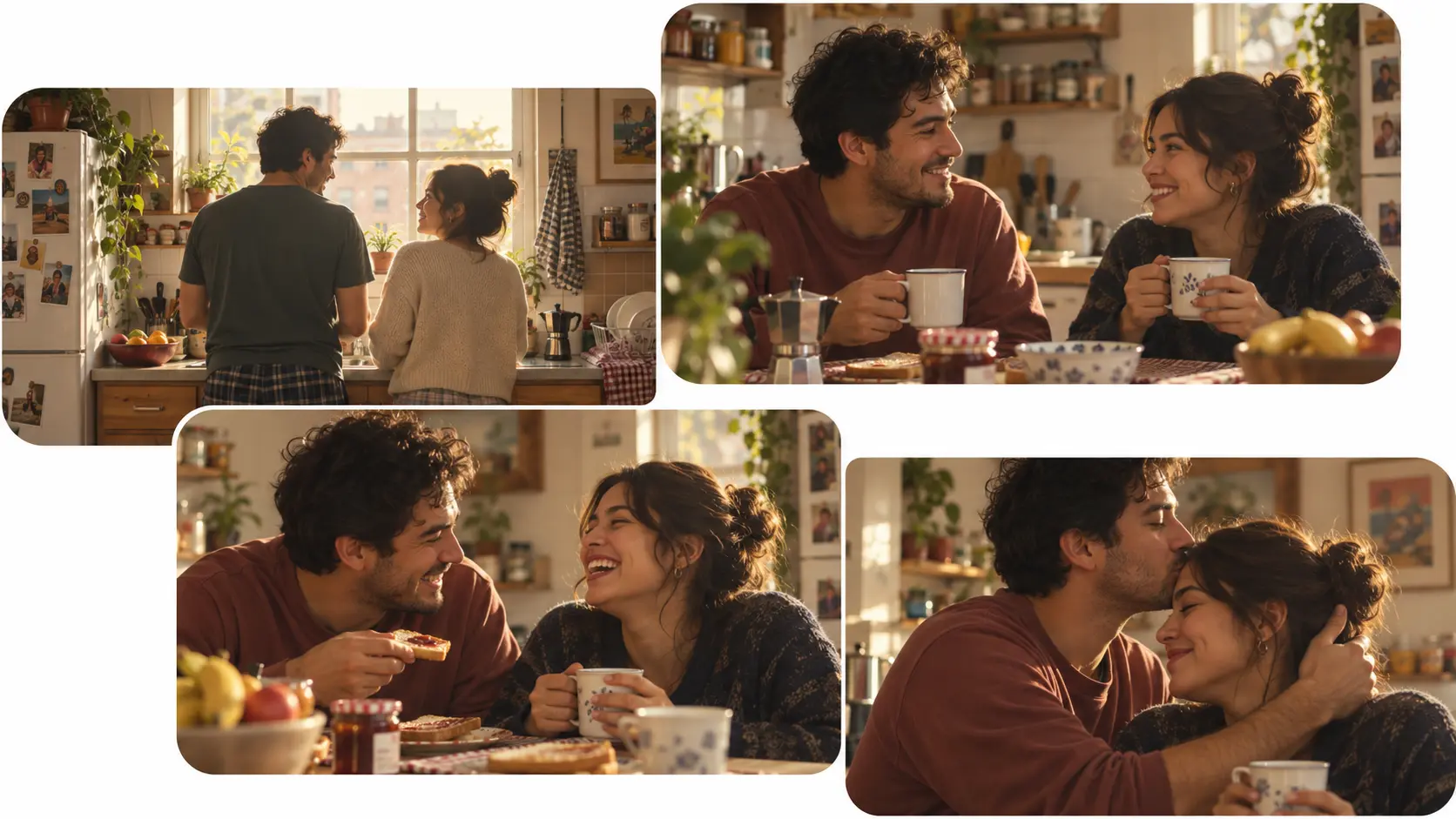
Sometimes the opening and final shot matter just as much as the action in between. With first and last frame control, you can upload the starting and ending images you want, then describe how the scene should connect them. Wan 3.0 generates the motion and transition between both frames, giving you a practical way to create product reveals, scene changes, transformations, character movement, and planned visual sequences.
Generate 1080P Videos With Native Audio
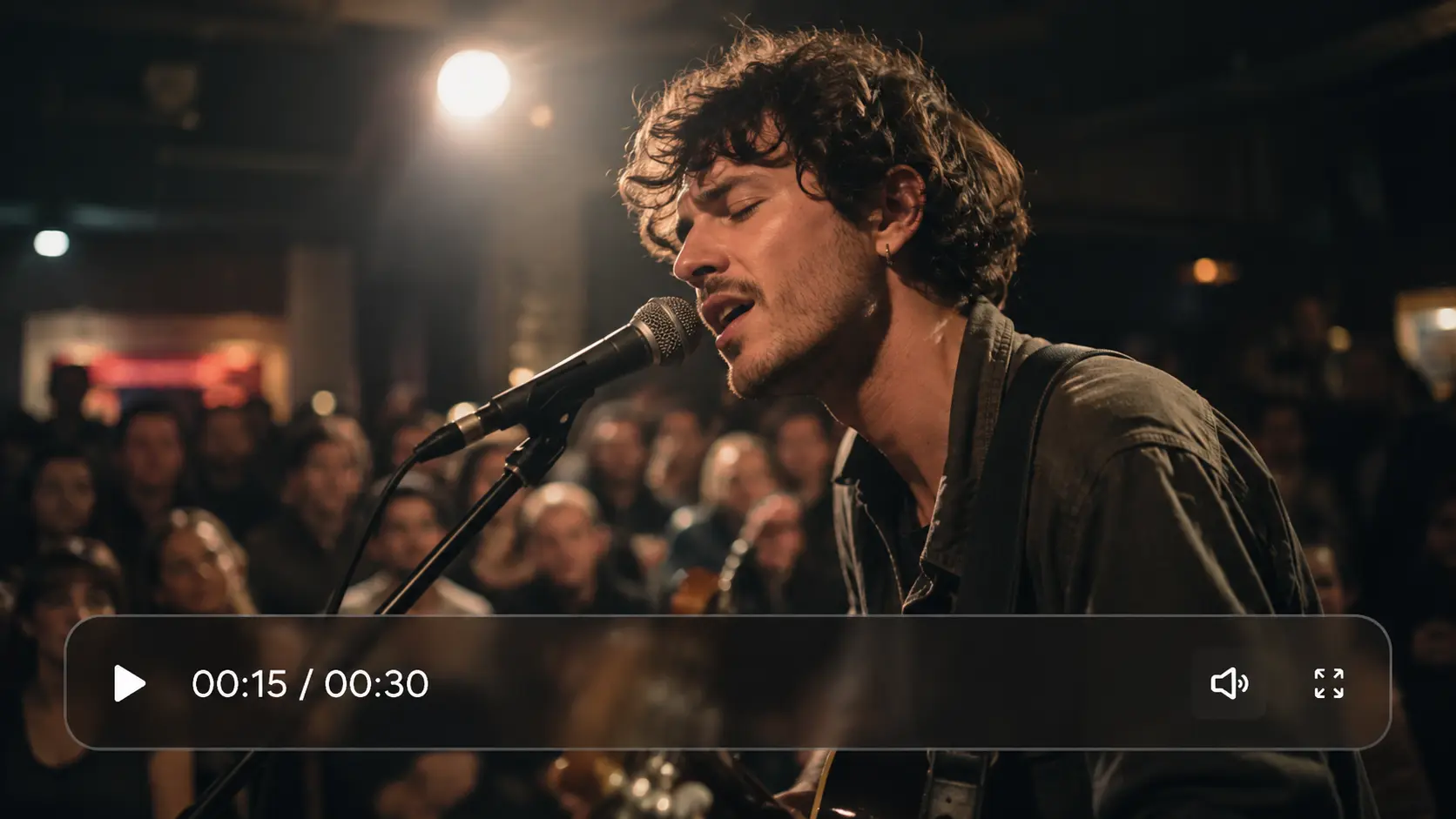
A finished video feels much stronger when the visuals and sound belong together. With Wan 3.0, you can generate up to 1080P video with native audio, including dialogue, music, ambient sound, and sound effects. On AI Ease, you can set your prompt, references, duration, and output options in the same workspace, then generate a video that is closer to ready for social content, ads, product showcases, or short-form storytelling.
What Can You Create With Wan 3.0?


How to Use Wan 3.0 on AI Ease
- Step 1
Choose Wan 3.0
Open the AI Ease AI Video Generator and select Wan 3.0. Choose the generation mode that fits your idea, such as text-based creation, reference-guided video, or first and last frame generation.
- Step 2
Add Your Prompt and References
Describe the video you want to create, including the subject, action, setting, camera movement, and sound. You can also upload images, videos, or audio references when you want more control over appearance, motion, voice, music, or atmosphere.
- Step 3
Set the Video Options and Generate
Choose your preferred duration, aspect ratio, resolution, and other available settings. Review your prompt and references, then click Generate to create your Wan 3.0 video on AI Ease.
Frequently Asked Questions
Have more questions? You can email service@aiease.ai, and we'll be happy to help you.
What Is Wan 3.0?
Wan 3.0 is an AI video generation model from Alibaba that supports longer video creation, reference-guided generation, native audio, first and last frame control, and output up to 1080P. On AI Ease, you can use Wan 3.0 to create videos from prompts, images, videos, and audio references in one generation workflow.
Can I Generate 1080P Videos With Wan 3.0?
Yes. You can generate Wan 3.0 videos at resolutions up to 1080P on AI Ease, depending on the generation mode and settings you choose.
Does Wan 3.0 Support Native Audio?
Yes. You can create videos with native audio, including dialogue, music, ambient sound, and sound effects. You can describe the sound you want in your prompt or add supported audio references for more specific direction.
What References Can I Use With Wan 3.0 on AI Ease?
You can use images, videos, and audio as references. In the supported reference workflow, you can add up to 10 images, 5 videos, and 5 audio references to guide appearance, motion, voice, music, rhythm, or atmosphere.
How Should I Write a Wan 3.0 Prompt?
Describe the subject, action, setting, camera movement, visual style, and sound you want. For longer videos, keep the events in a clear order so Wan 3.0 can follow how the scene should develop from beginning to end.