Grok Imagine Image 2.0 for Precise and Creative Image Generation
Create polished visuals with Grok Imagine Image 2.0 on AIEase. Turn detailed prompts and reference images into accurate, creative results with stronger instruction following, clearer text, multi-reference guidance, and flexible image-to-image refinement.
Follow Detailed Prompts More Closely
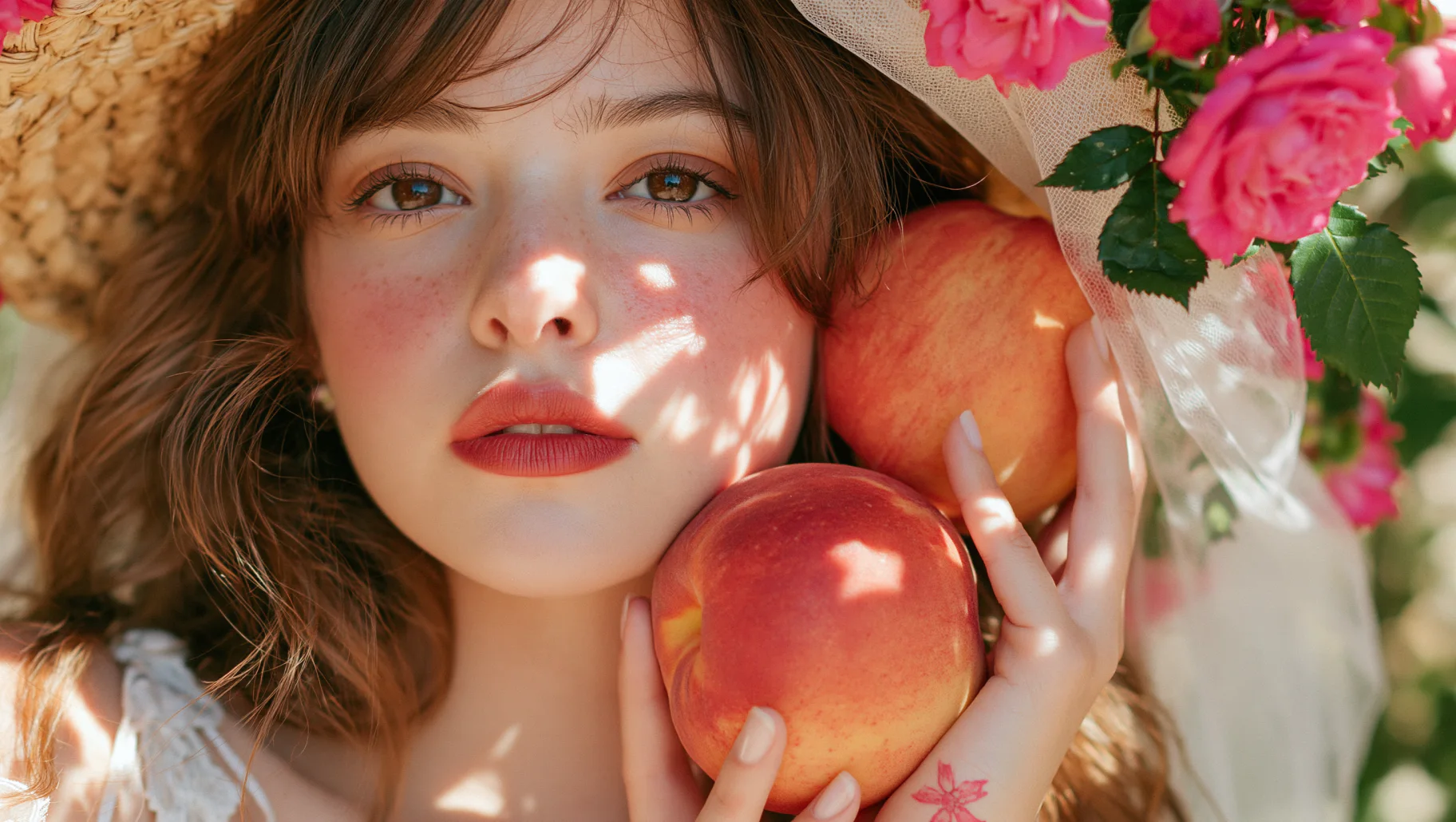
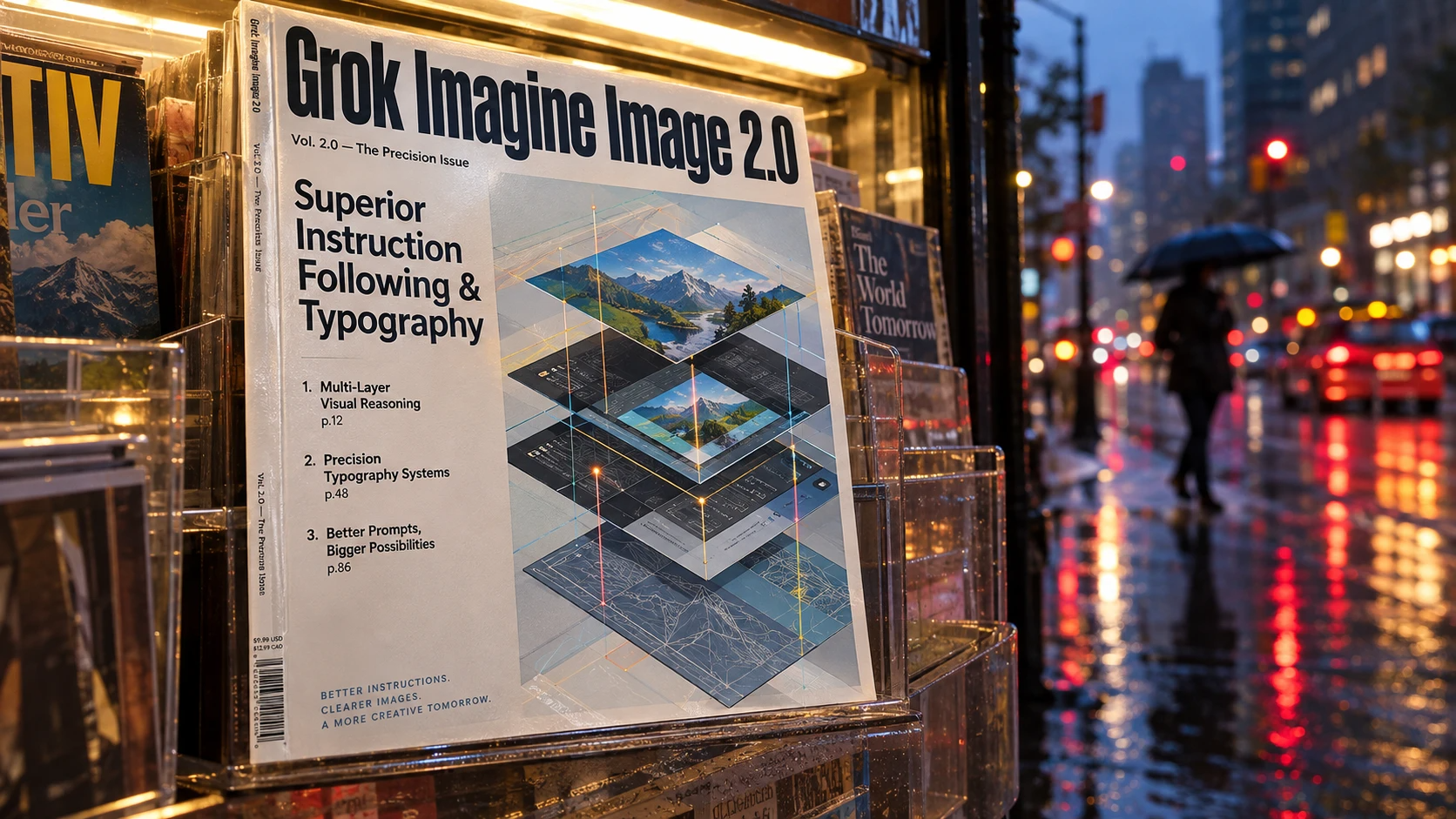
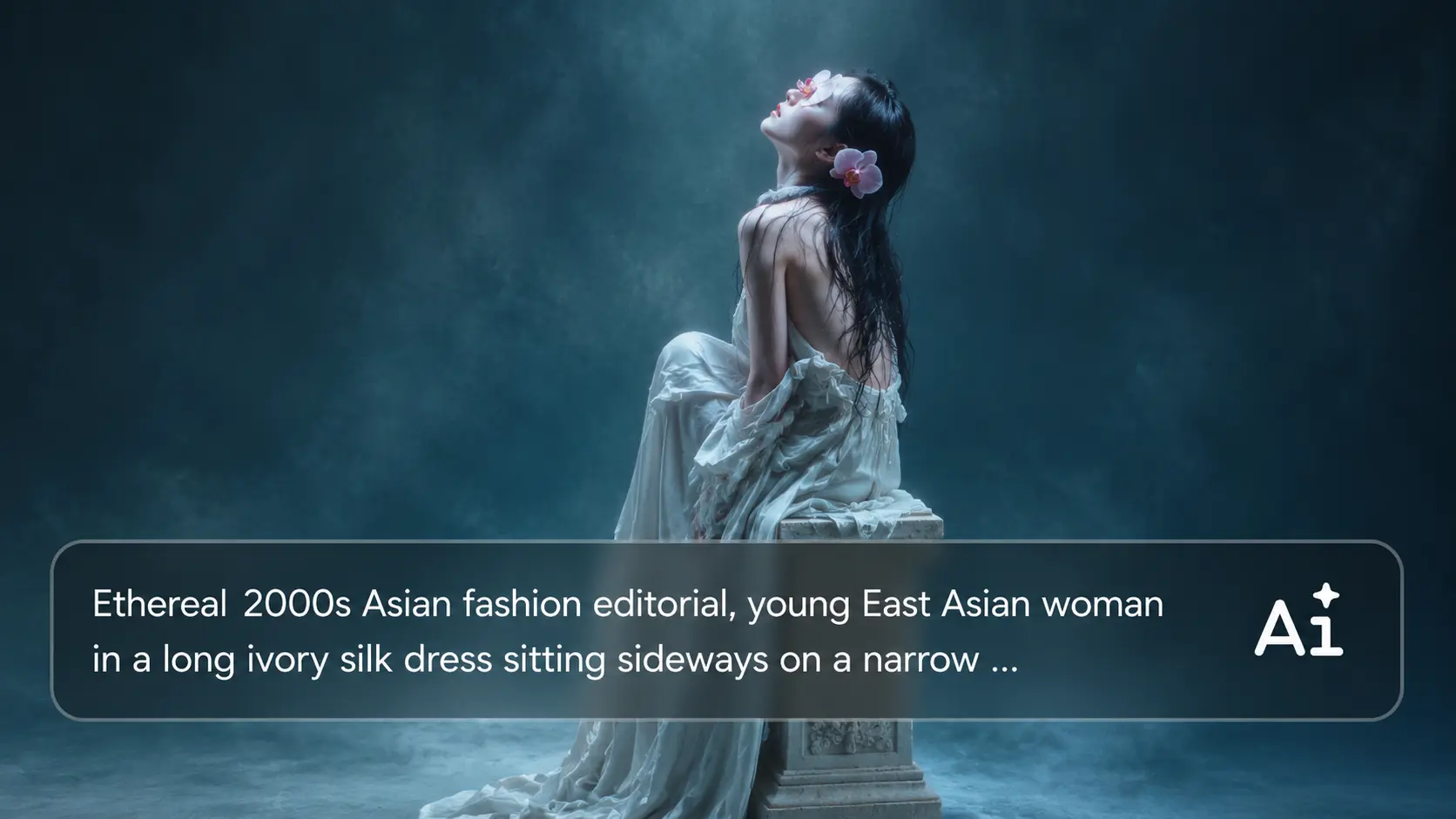
A strong prompt should not fall apart once you add more detail. Grok Imagine Image 2.0 on AIEase can handle instructions around subjects, composition, lighting, style, objects, and scene details in the same prompt. This makes it easier to describe the image you actually have in mind instead of simplifying your idea just to get a usable result.
Create Text That Belongs in the Design
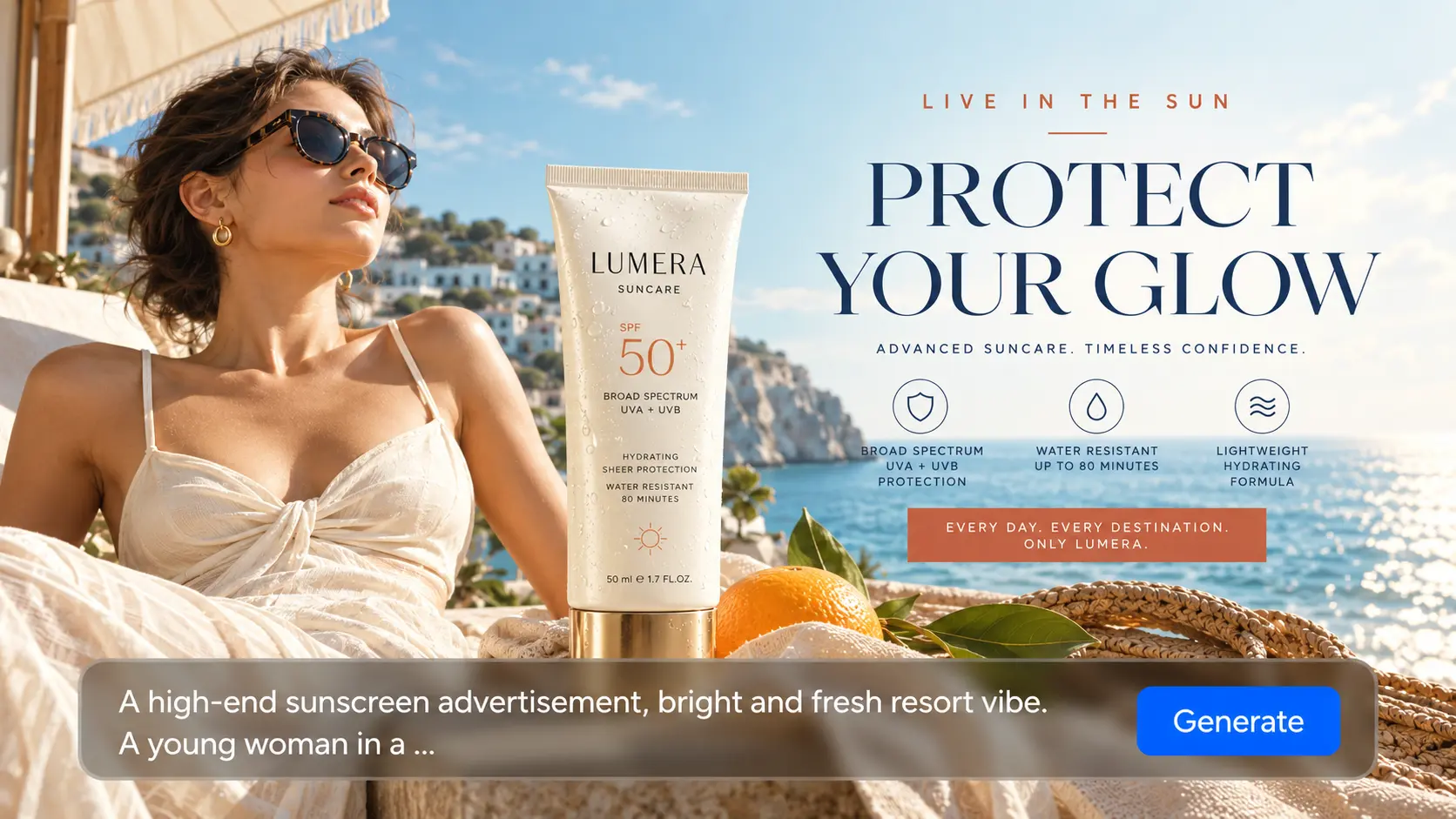
Text is often where generated posters and ads start to look unfinished. Grok Imagine Image 2 is better suited to visuals where headlines, labels, or short copy need to sit naturally alongside the image. You can use it for posters, promotional graphics, packaging concepts, social posts, and other designs where both the image and the wording matter.
.webp)
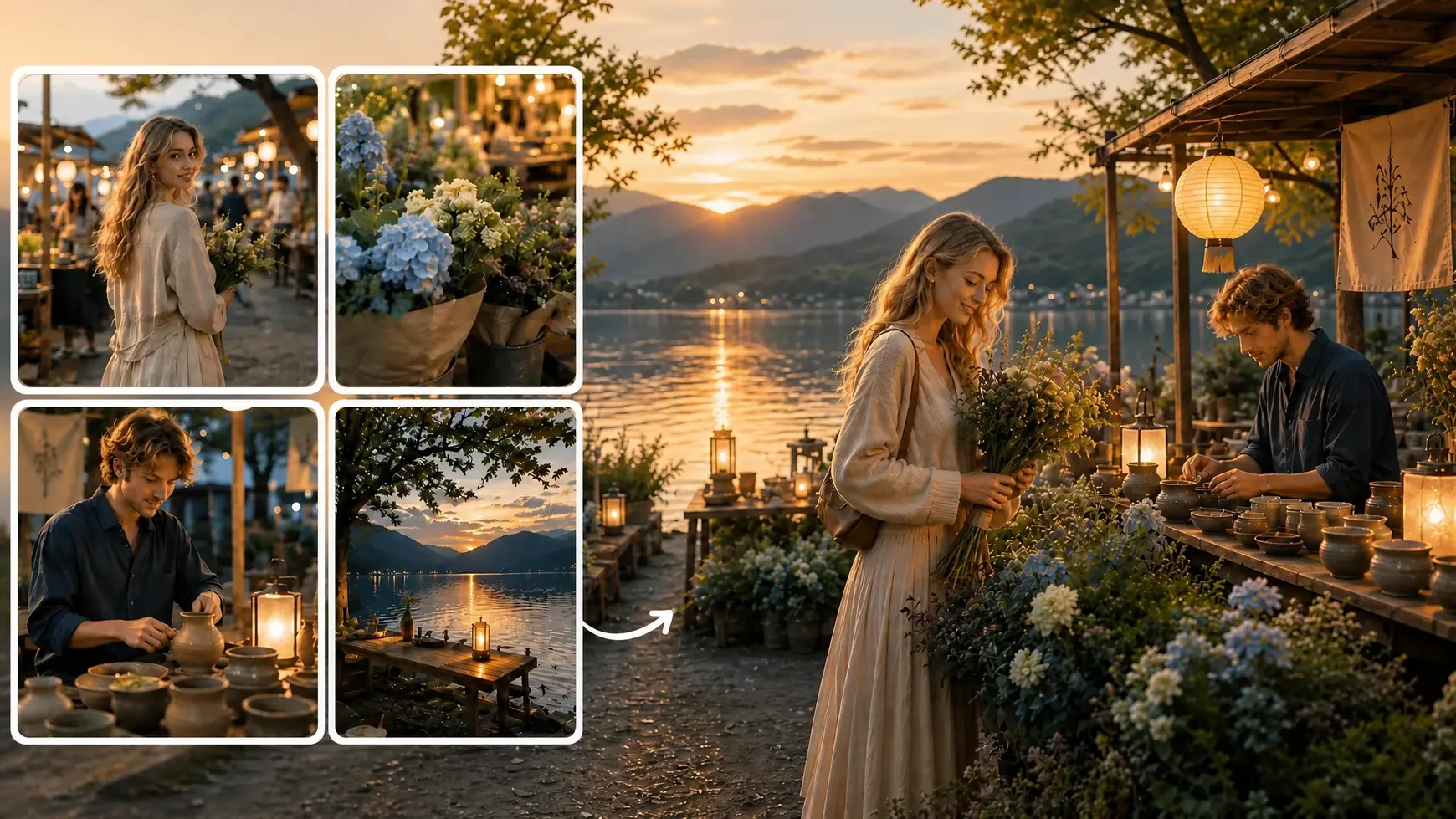
Use Multiple References to Show What You Mean
Some visual details are much easier to show than describe. With Grok Imagine Image 2.0 on AIEase, you can use multiple reference images to guide products, characters, environments, styles, or other elements you want the model to pick up. It gives you more control when a text prompt alone cannot fully explain the look you are aiming for.
Build New Versions with Image-to-Image
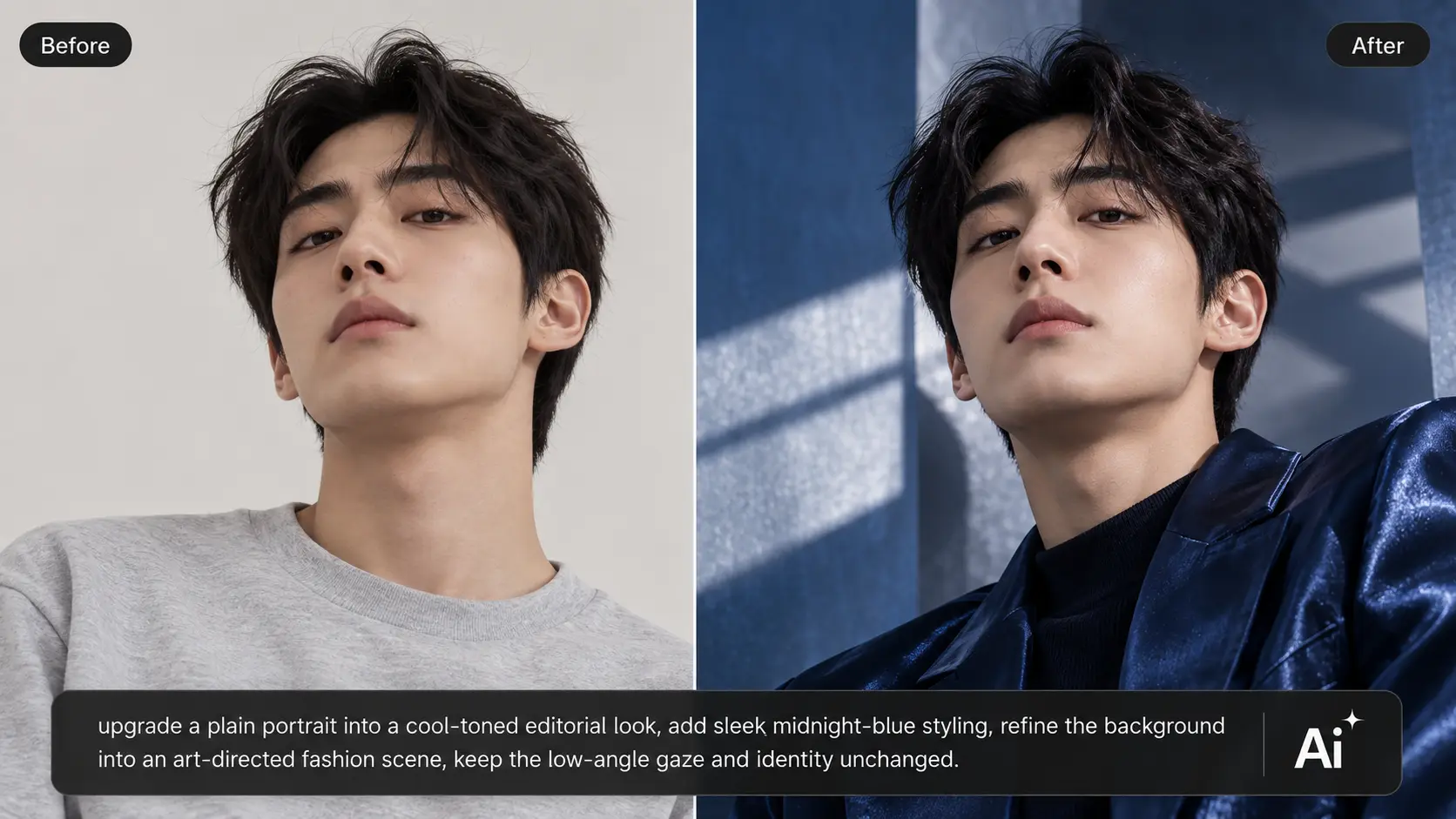
If you already have an image worth keeping, you do not need to start again from zero. Upload it to AIEase and use Grok Imagine Image 2.0 image-to-image generation to explore a different style, setting, mood, composition, or overall direction. You keep the existing image as your starting point while giving the next version a clear new brief.
What Can You Create with Grok Imagine Image 2.0?

E-Commerce
One product can need dozens of visuals across listings, ads, and seasonal campaigns. Instead of reshooting every concept, use Grok Imagine Image 2.0 on AIEase to build new scenes from product references and clear creative briefs. It works well for lifestyle shots, launch visuals, and promotional assets.

Marketing
Campaign deadlines move fast, but creative production often does not. Grok Imagine Image 2.0 helps you turn a brief into posters, ad concepts, event graphics, and campaign visuals quickly. You can test different directions before your team commits to one final look.

Social Media
Social content gets repetitive when every post starts from the same template. Use AIEase to create fresh campaign posts, thumbnails, announcements, and branded visuals around new ideas. Grok Imagine Image 2.0 gives you more room to vary style, mood, and composition.

Fashion & Beauty
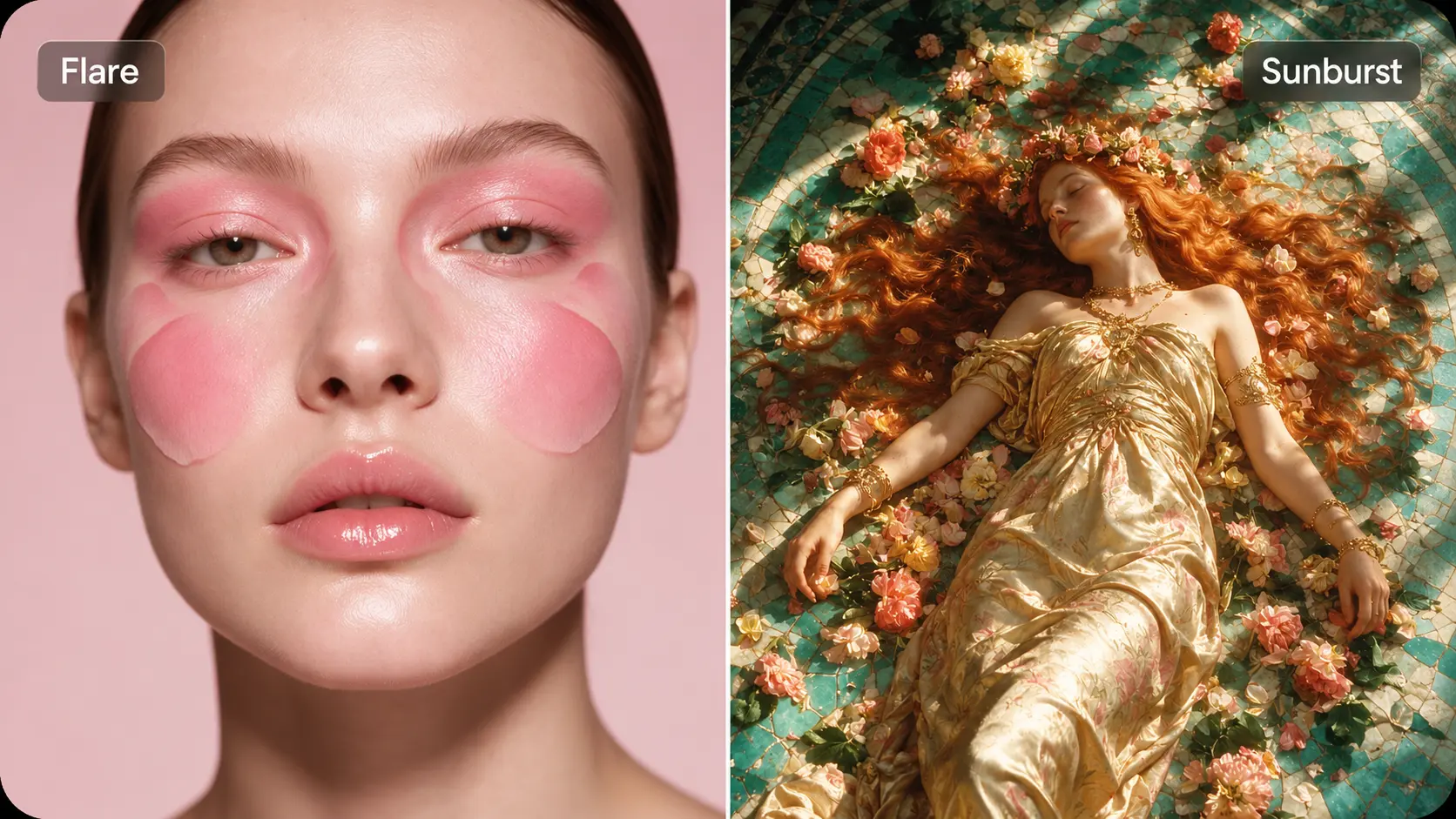
A full shoot can be expensive just to test an idea. Use prompts and references to explore makeup looks, fashion editorials, lookbook concepts, and campaign scenes before production starts. It is a faster way to compare styling and art direction early on.

Gaming & Entertainment
Characters and environments rarely look right on the first pass. Grok Imagine Image 2.0 lets you explore different outfits, props, locations, and key art concepts without building every idea from scratch. That makes early visual development easier to iterate.

Publishing & Editorial
Stock photos often feel too generic for a specific story. With Grok Imagine Image 2.0 on AIEase, you can create article visuals, cover concepts, and editorial images around a clear topic, mood, or visual angle. The result feels more closely tied to the content.
How to Use Grok Imagine Image 2.0 on AIEase
- Step 1
Choose Grok Imagine Image 2.0
Open AIEase and select Grok Imagine Image 2.0 as your image model. You can start with a text prompt or upload an image as a visual reference.
- Step 2
Add Your Prompt and References
Describe the subject, setting, style, lighting, composition, and any text you want in the image. Add reference images when you need clearer guidance for products, characters, or overall visual direction.
- Step 3
Set the Format and Generate
Choose an aspect ratio that fits your use case, then generate the image. You can compare the results and pick the version that best matches your brief.
- Step 4
Download or Share Your Image
Once you are happy with the result, download the image and use it for ads, social content, product visuals, editorial work, or other creative projects.
Frequently Asked Questions
Have more questions? You can email service@aiease.ai, and we'll be happy to help you.
What is Grok Imagine Image 2.0?
Grok Imagine Image 2.0 is an image generation model from xAI with stronger prompt following, typography, layout control, and reference-based creation. On AIEase, you can use it for text-to-image and image-to-image generation across product visuals, ads, posters, characters, and other creative work.
How is Grok Imagine Image 2.0 different from the previous Grok Imagine model?
Grok Imagine Image 2.0 handles detailed instructions, text, and complex compositions more reliably. It is better suited to prompts with several requirements, especially when you need tighter control over layout, style, objects, or visual hierarchy.
Can I edit an existing image with Grok Imagine Image 2.0 on AIEase?
Yes. Upload an image to AIEase and use image-to-image generation to create a new version from it. You can change the style, background, setting, mood, composition, or overall visual direction through a new prompt.
Is Grok Imagine Image 2.0 good at generating text in images?
Yes. Grok Imagine Image 2.0 handles text and layout more effectively, making it useful for posters, ads, packaging concepts, social graphics, and other designs that include headlines or short copy.
Grok Imagine Image 2.0 vs GPT Image 2: what is the difference?
Both models can follow detailed prompts and work with visual references, but they approach image creation differently. Grok Imagine Image 2.0 stands out for typography, layout, and prompt-driven creative control, while GPT Image 2 also performs well in structured image generation and editing workflows. Your choice depends on the type of image and workflow you need.