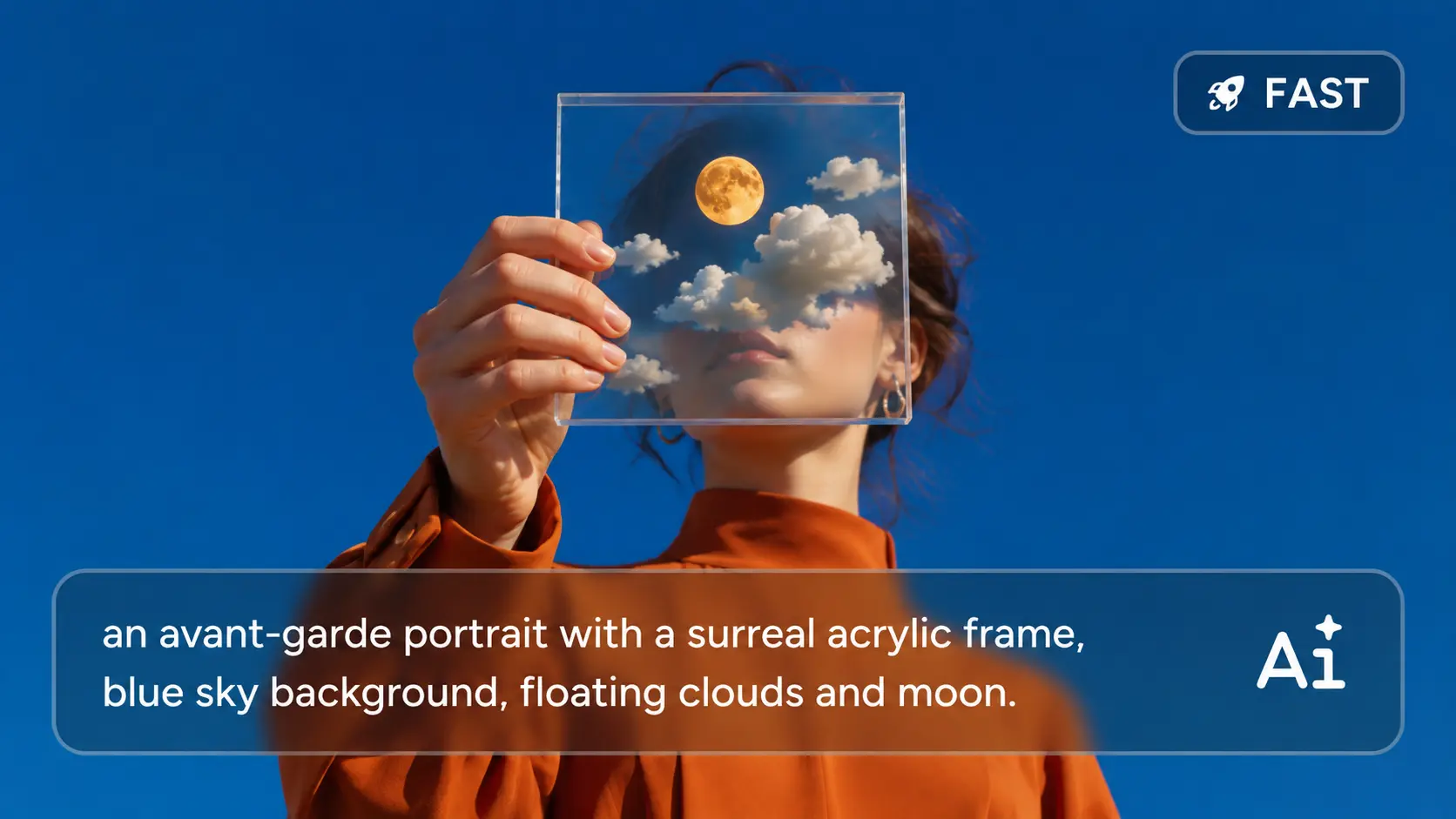
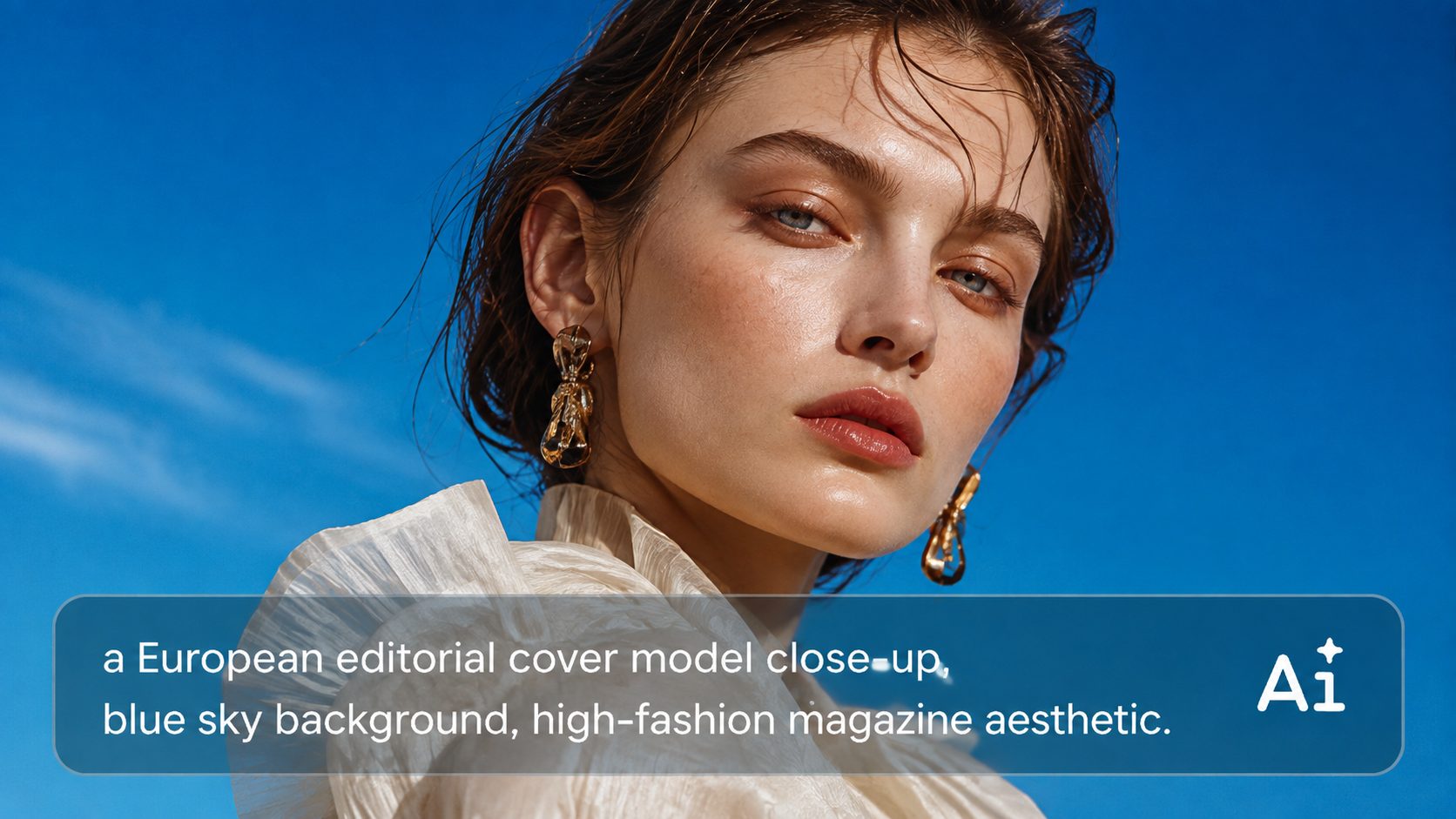
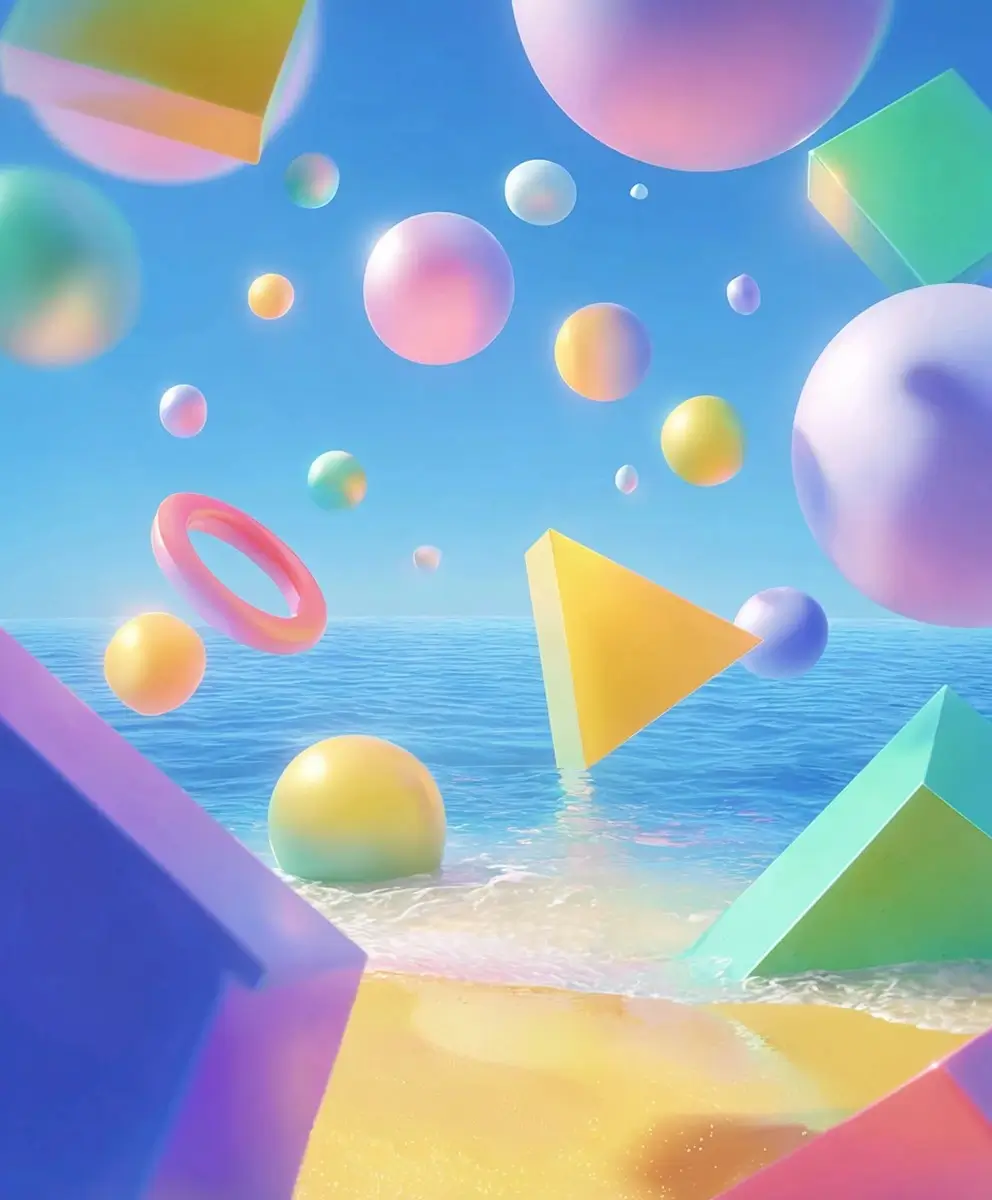
Powerful Qwen Image 3.0 for AI Image Generation & Editing
Generate and edit up to 2K visuals with precise text, reference-based editing, and flexible creative control. Create posters, comics, infographics, product posters, and more. Try Qwen Image 3.0 on AI Ease and switch to Qwen Image 3.0 Pro when you need enhanced detail and precision.
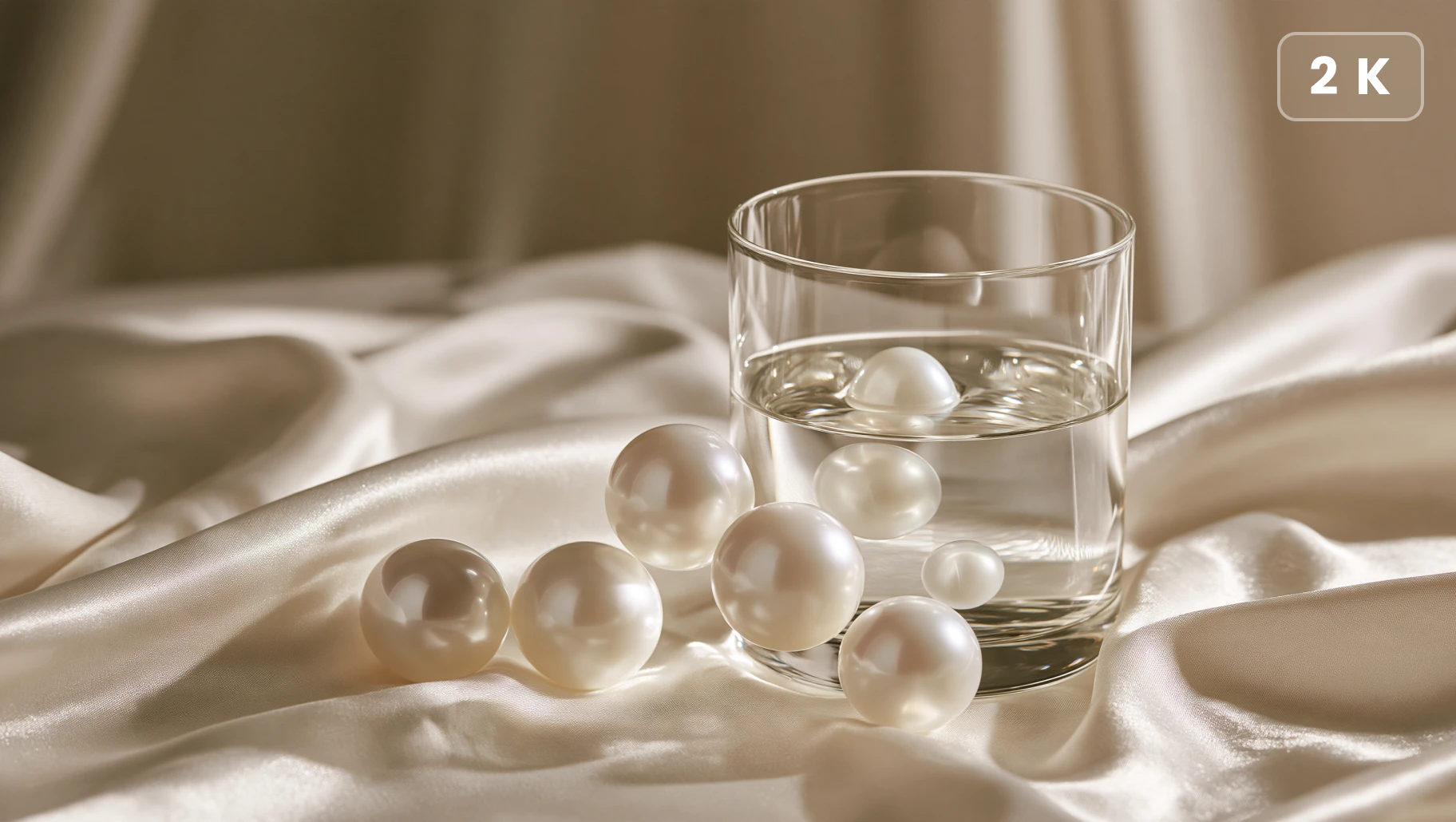
Generate Sharp Images in Up to 2K
Create high-resolution AI images with up to 2K output for sharper details and cleaner visuals. Qwen Image 3.0 preserves fine textures, edges, and visual elements across portraits, products, illustrations, and creative designs. Whether you need polished marketing assets or detailed creative concepts, it delivers clear results that are ready for closer viewing and further editing.
Precise Text Rendering Across Languages
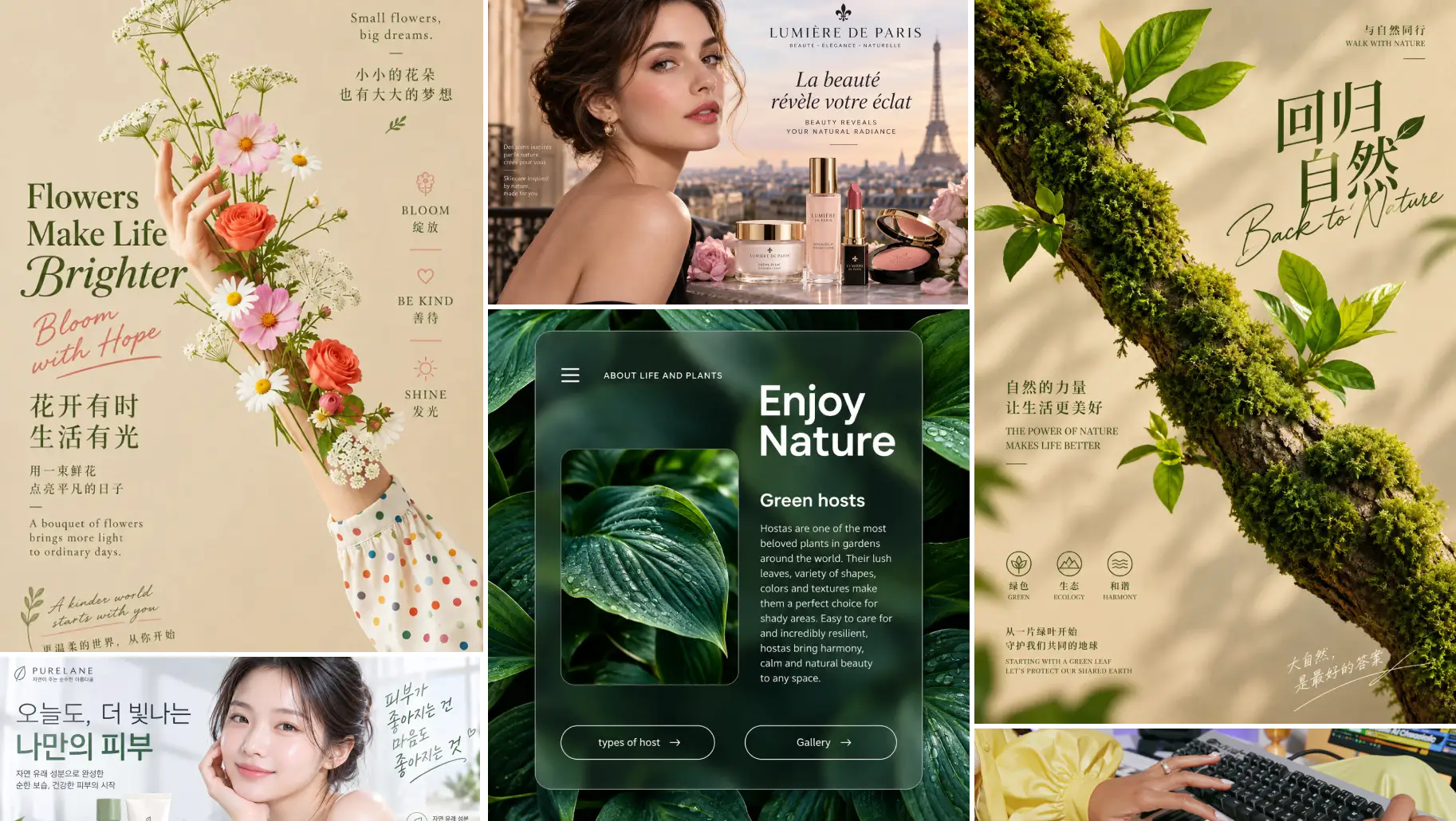
Create images with clear, accurate, and well-structured text across 12 languages. Qwen Image 3.0 maintains strong character clarity, spacing, and contextual accuracy, making it easier to create posters, advertisements, social media graphics, packaging designs, and other visuals where precise typography matters.
Precise Image Editing with References
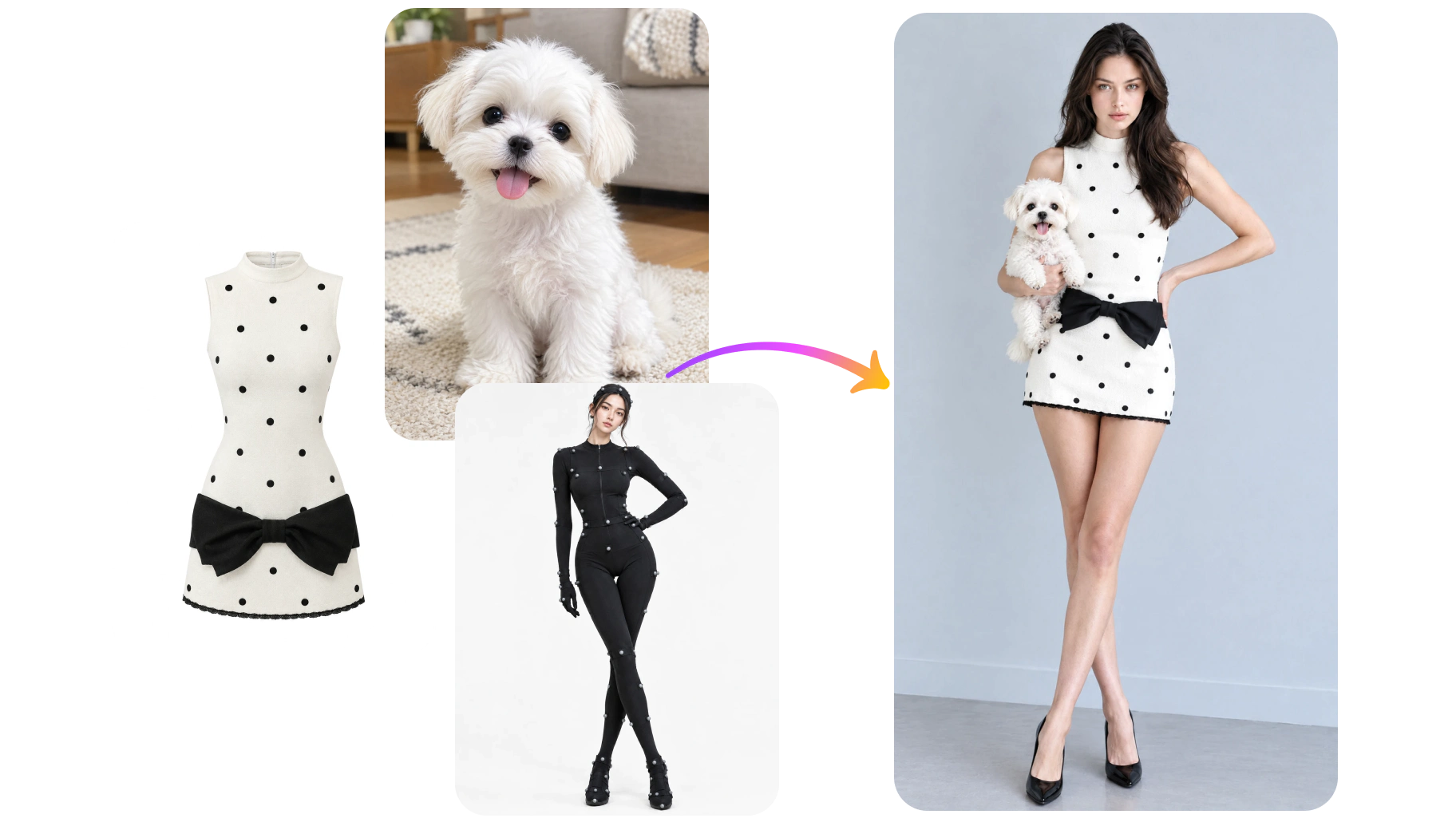
Edit existing images with natural-language instructions while maintaining their key visual features. Qwen Image 3.0 supports single-image and multi-image editing with up to three reference images, giving you greater control over the editing process. Change objects, backgrounds, compositions, poses, or visual styles while preserving the elements that matter most.
Qwen Image 3.0 Pro for Hyperrealistic Details
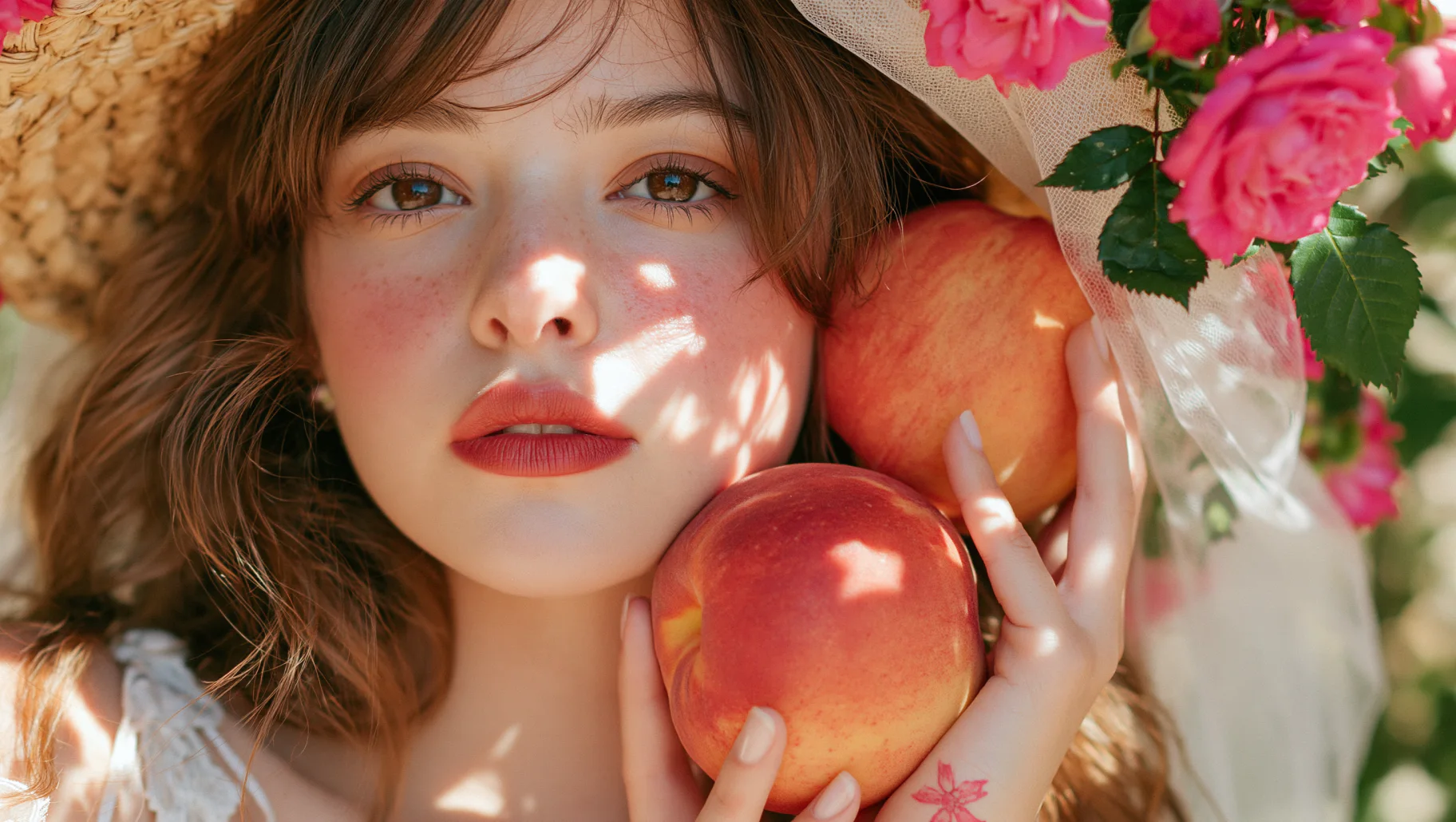
Qwen Image 3.0 Pro delivers hyperrealistic visuals with refined micro-details, complex layouts, and precise small-text rendering. It builds on the versatile image generation and editing capabilities of Qwen Image 3.0, adding greater visual fidelity for detail-intensive projects. Try Qwen Image 3.0 Pro on AI Ease and explore its advanced capabilities.
Qwen Image 3.0 AI Image Generator for Creative and Professional Work
From visual storytelling to information-rich designs, Qwen Image 3.0 helps you create clear, detailed visuals with accurate text, flexible layouts, and precise image editing.


How to Use Qwen Image 3.0 on AI Ease
- 1
Choose Qwen Image 3.0
Select Qwen Image 3.0 in AI Ease to start creating or editing your image.
- 2
Add Your Prompt or References
Enter your prompt and upload reference images when you want to guide the generation or edit an existing image.
- 3
Adjust Your Settings
Choose your preferred aspect ratio, number of variations, and other available settings to customize your results.
- 4
Generate and Download Your Image
Click Generate to create your image, review the results, and download your favorite version.
Frequently Asked Questions
What is Qwen Image 3.0?
Qwen Image 3.0 is an AI image generation and editing model developed by Alibaba. It can create detailed visuals from text prompts and edit existing images using natural-language instructions, with support for multilingual prompts and text rendering.
What is the difference between Qwen Image 3.0 and Qwen Image 3.0 Pro?
Qwen Image 3.0 is built for versatile, efficient image creation and editing across a wide range of projects. Qwen Image 3.0 Pro focuses on higher visual fidelity, delivering more refined micro-details, complex layouts, and tiny typography for detail-intensive work.
Can I edit images with Qwen Image 3.0?
Yes. Qwen Image 3.0 supports reference-based image editing with natural-language instructions. You can use one or multiple reference images, with up to three references, to modify objects, backgrounds, styles, and other visual elements while preserving key features.
How long can Qwen Image 3.0 prompts be?
Qwen Image 3.0 supports ultra-long prompts of up to 15,000 characters in AI Ease, allowing you to describe complex scenes, multiple elements, layouts, and creative requirements in greater detail.
What image sizes and aspect ratios does Qwen Image 3.0 support?
Qwen Image 3.0 supports output up to 2K and multiple aspect ratios, including 1:1, 3:4, 4:3, 3:2, 2:3, 16:9, 9:16, 21:9, and 9:21.
What can I create with Qwen Image 3.0?
You can use Qwen Image 3.0 to create posters, advertisements, infographics, comics, storyboards, UI mockups, product visuals, technical diagrams, academic graphics, and other detailed visual content.