Free Seedream 5.0 Flash AI Image Generator
Create and edit images with Seedream 5.0 Flash on AI Ease. Generate detailed visuals up to 2K from text or images, combine up to 10 references, and refine specific details in one workflow. With fast, affordable generation and flexible aspect ratios, you can explore more ideas for product images, marketing campaigns, and everyday content.
Why Choose Seedream 5.0 Flash

Bring Your Ideas to Life Faster
Keep your creative momentum going with fast image generation and editing. Seedream 5.0 Flash makes it easier to try an idea, review the result, and explore another direction while the concept is still fresh. Whether you’re responding to a quick brief or preparing several visual options, you can move through revisions efficiently and spend more time shaping the images you want to create.

More Images for Your Budget
Give yourself more room to experiment without stretching your production budget. Seedream 5.0 Flash is built for cost-efficient creation, making it a practical choice for frequent generation and ongoing content needs. Explore alternative concepts, create variations, and refine your favorites before choosing a final direction. For creators and teams producing visuals regularly, it offers a way to keep creating while managing production costs.

Create and Edit in One Workflow
Keep image generation and editing together as your ideas develop. Start from a prompt or an existing photo, then use instructions and references to shape the result. Seedream 5.0 Flash on AI Ease lets you explore a new concept and refine its details in one workflow. You can keep building on the same creative direction as feedback arrives, making everyday revisions easier to manage.
Create More with Seedream 5.0 Flash
Bring ideas to life with fast, cost-efficient image generation and editing on AI Ease. Seedream 5.0 Flash combines flexible creative tools with affordable generation, making it easier to explore ideas, refine images, and keep up with everyday content needs.

Create from Text or Images
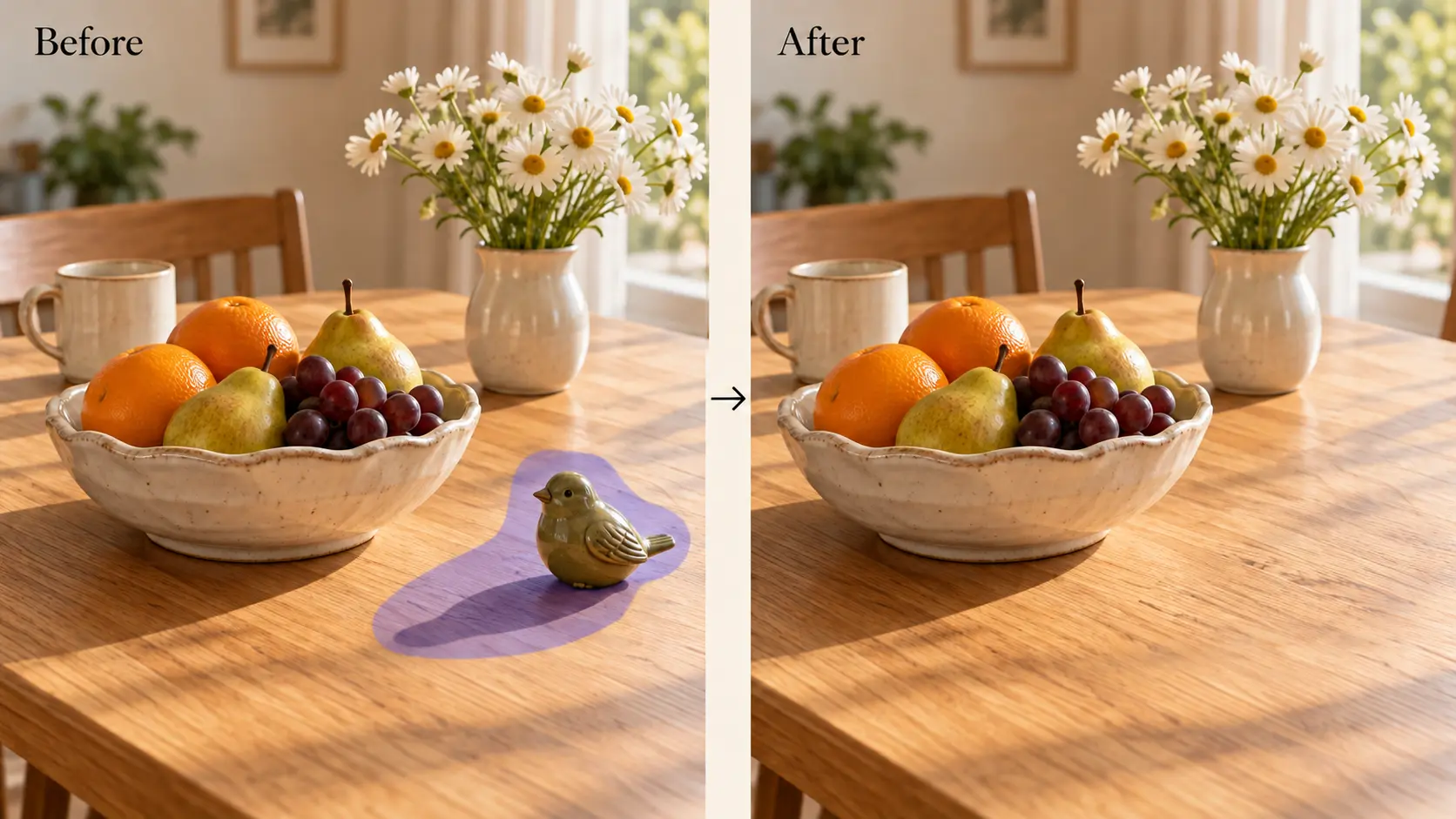
Turn a written idea into a new image, or give an existing photo a fresh look. With Seedream 5.0 Flash on AI Ease, you can create scenes, change backgrounds, explore styles, and refine details through prompts. Bring new concepts to life and edit the images you already have in one workflow.
Create Detailed Images up to 2K
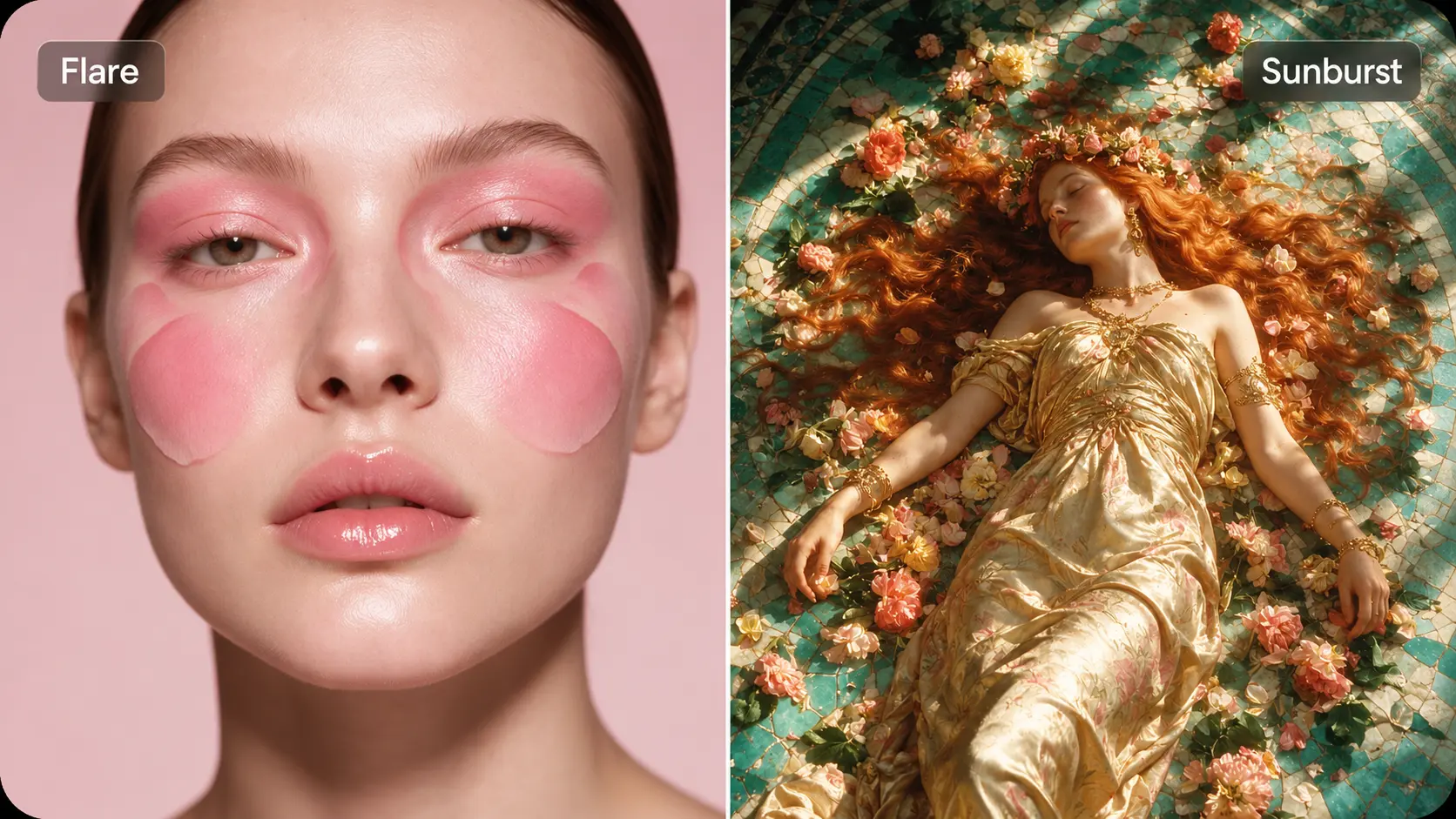
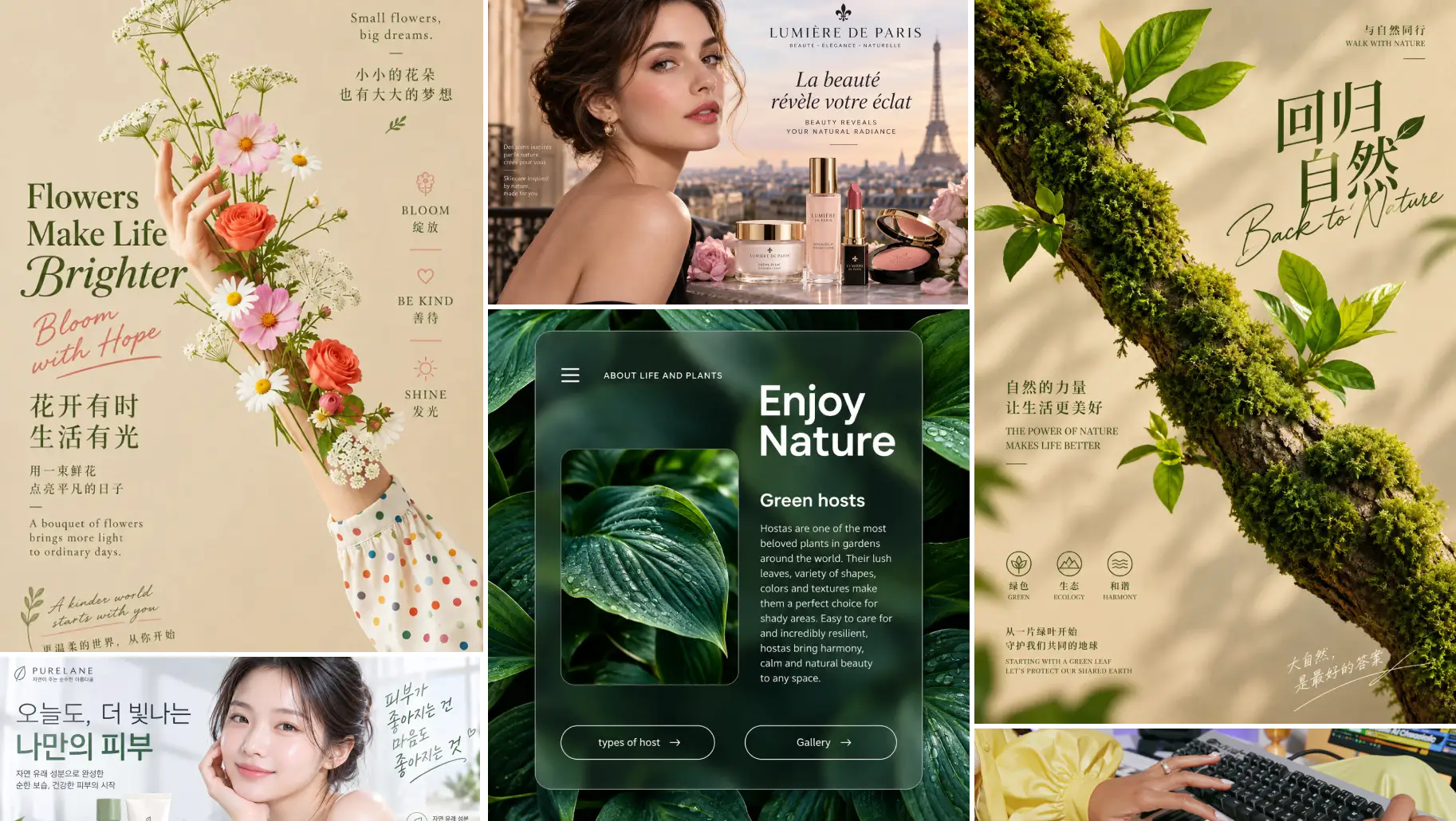
Generate images at resolutions up to 2K for product visuals, portraits, illustrations, and marketing content. Give textures, lighting, and small details more room to shine. Whether you’re refreshing a landing page or creating your next social post, produce clear, detailed visuals that help bring your creative direction into focus.
Guide Results with Multiple Image References
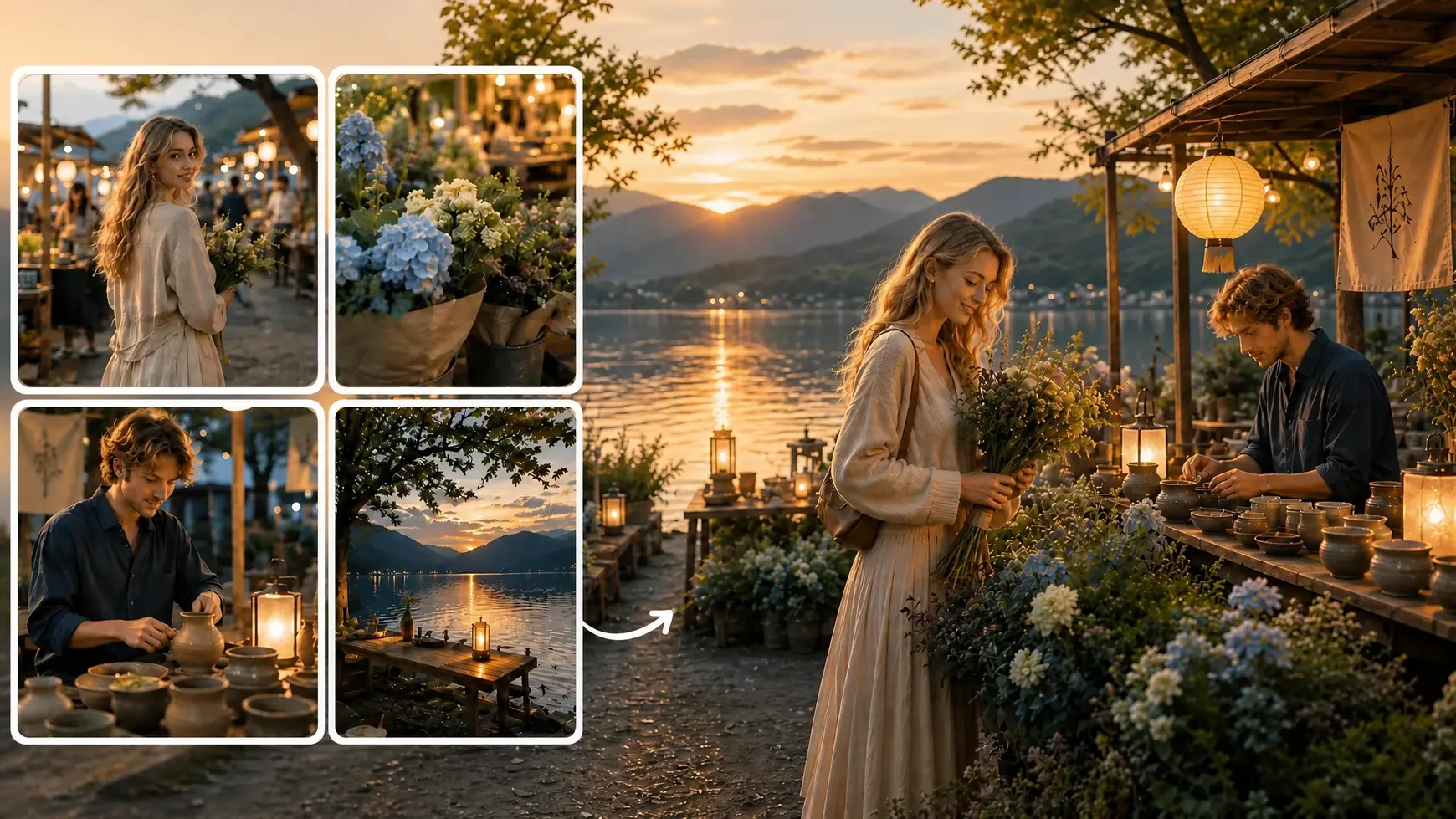
Add up to 10 image references to give Seedream 5.0 Flash a clearer picture of your idea. Use references to guide the subject, setting, style, or composition, then describe how you want those elements to come together. It’s a flexible way to explore combinations and communicate details that words alone may miss.
Find the Right Fit for Your Content
Create images in flexible aspect ratios to suit different layouts and platforms. Choose a wide composition for a website banner, a square format for a product showcase, or a vertical image for social content. Shape your visuals around where they’ll appear, so the format supports your idea from the start.
Explore Seedream 5.0 Flash Use Cases


How to Use Seedream 5.0 Flash
- 1
Add Your Prompt and References
Describe the image you want to create or the changes you want to make. Upload up to 10 reference images to guide the subject, style, or composition.
- 2
Choose Your Image Settings
Select Seedream 5.0 Flash on AI Ease, then choose your resolution and aspect ratio. Generate images up to 2K and pick a format that fits your project.
- 3
Generate, Refine, and Download
Generate your image and preview the result. Adjust your prompt or make further edits to refine the details, then download your favorite version when you’re happy with it.
Frequently Asked Questions
Have more questions? You can email service@aiease.ai, and we'll be happy to help you.
What is Seedream 5.0 Flash?
Seedream 5.0 Flash is an AI image generation and editing model developed by ByteDance. It focuses on fast, cost-efficient creation and supports text prompts, image editing, multiple references, and output up to 2K.
Do I need design or editing experience?
No professional design experience is needed to get started. Describe what you want to create or change, add reference images if needed, and choose your settings. You can refine your instructions as you explore the results.
Can I edit an existing photo?
Yes. Upload your photo and describe the changes you want. You can request a different background, adjust colors, remove distracting elements, or explore another visual style while using the original image as a starting point.
How many reference images can I upload?
Seedream 5.0 Flash supports up to 10 reference images. Use them to guide the people, products, backgrounds, styles, or composition in your result. Explain the role of each reference so your instructions are easier to follow.
Can I combine elements from different images?
Yes. You can provide separate references for different parts of a composition. For example, combine a model photo, a clothing image, and a location reference, then describe how you want them to appear together.
What image styles can I create?
You can explore realistic photography, digital illustrations, anime-inspired artwork, cinematic scenes, and other visual styles through your prompt. Adding a style reference can help communicate the look you want more clearly.
Is Seedream 5.0 Flash suitable for product images?
Yes. You can create product scenes, lifestyle images, and promotional visuals using product references and prompts. Describe the setting you want, then review the result to check that important product details match what you sell.
How can I get better results?
Use a clear prompt with a specific subject and visual direction. Add relevant references instead of unrelated images, and explain what each reference should contribute. When refining a result, focus on a few changes at a time.