Character Image
Free AI Dance Video Generator Online: Make Anyone Dance with AI
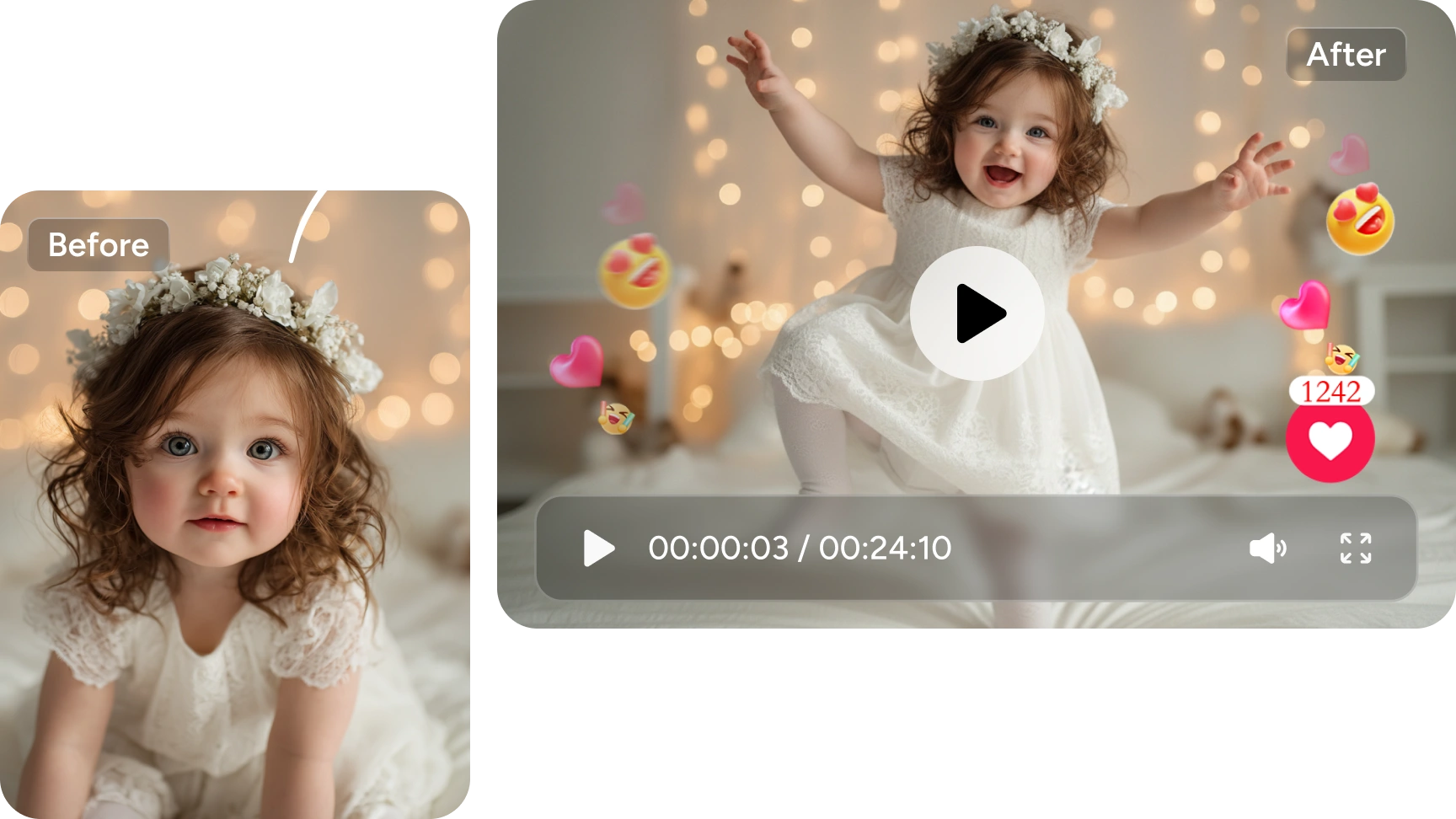
Make images dance to create hilarious effects and entertain people. With our AI dance video generator, everyone can be a talented dance master without hassle. Look no further; come on and catch the popular dance trends!
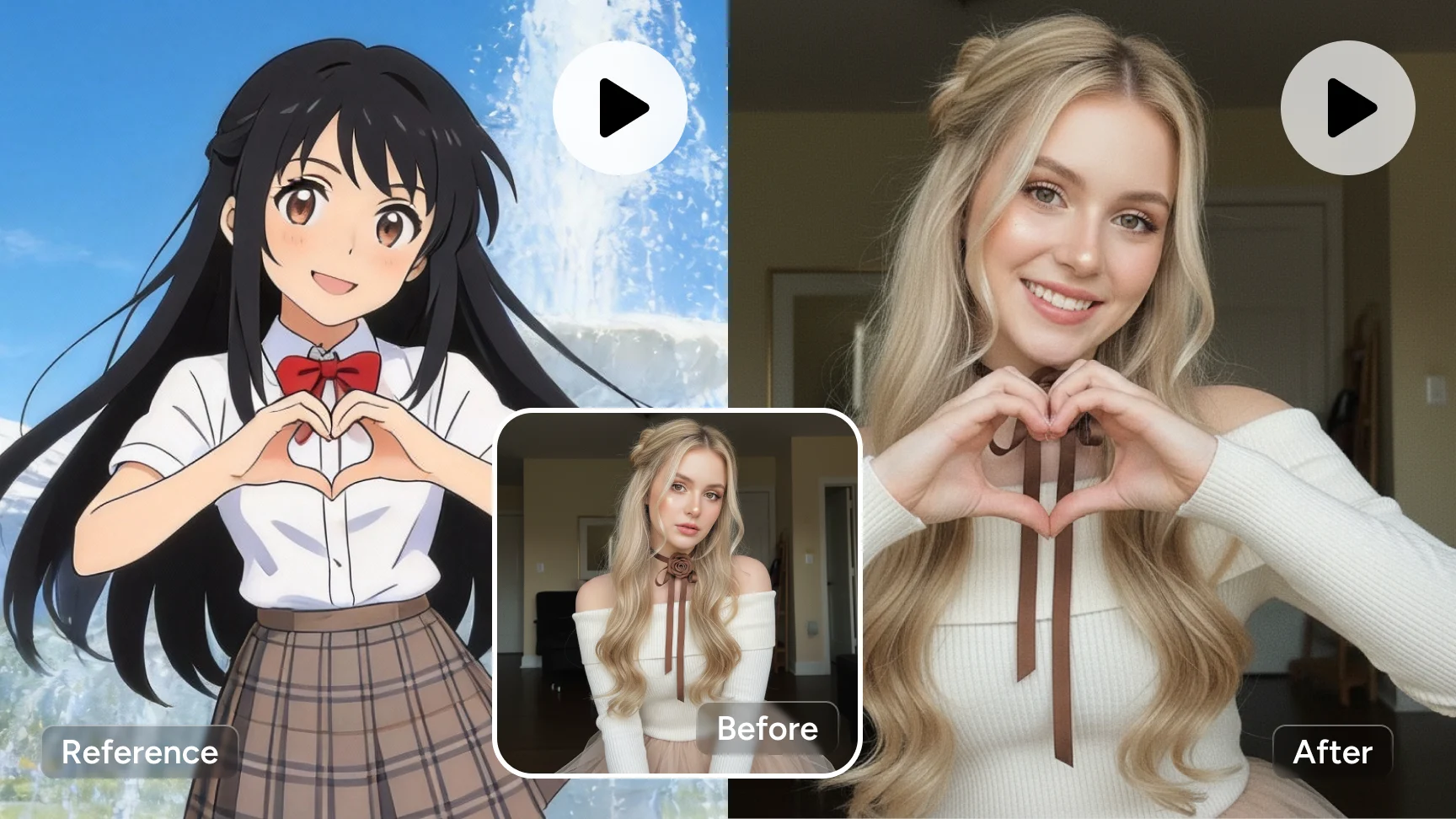
Maintain the same movements as the reference video, with the female character dancing.
HistorySee All
Maintain the same movements as the reference video, with the female character dancing.
Your videos generation history will appear here.
Inspirations
See AllBest AI Dance Video Generator You've Used
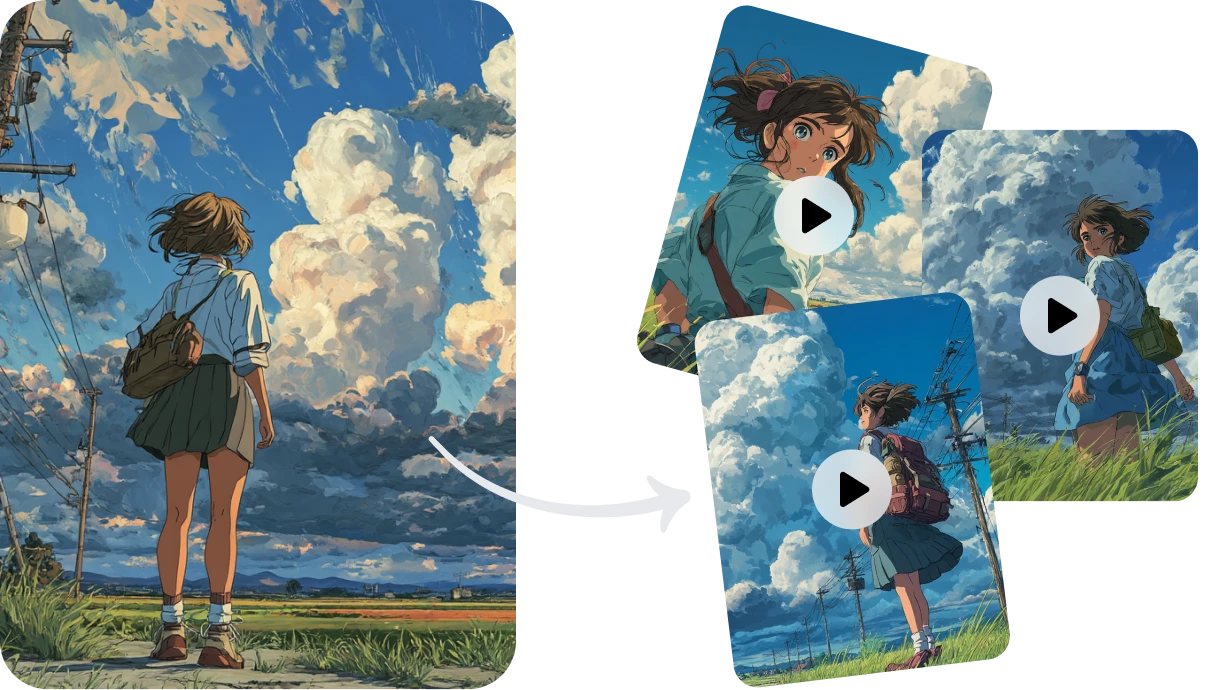
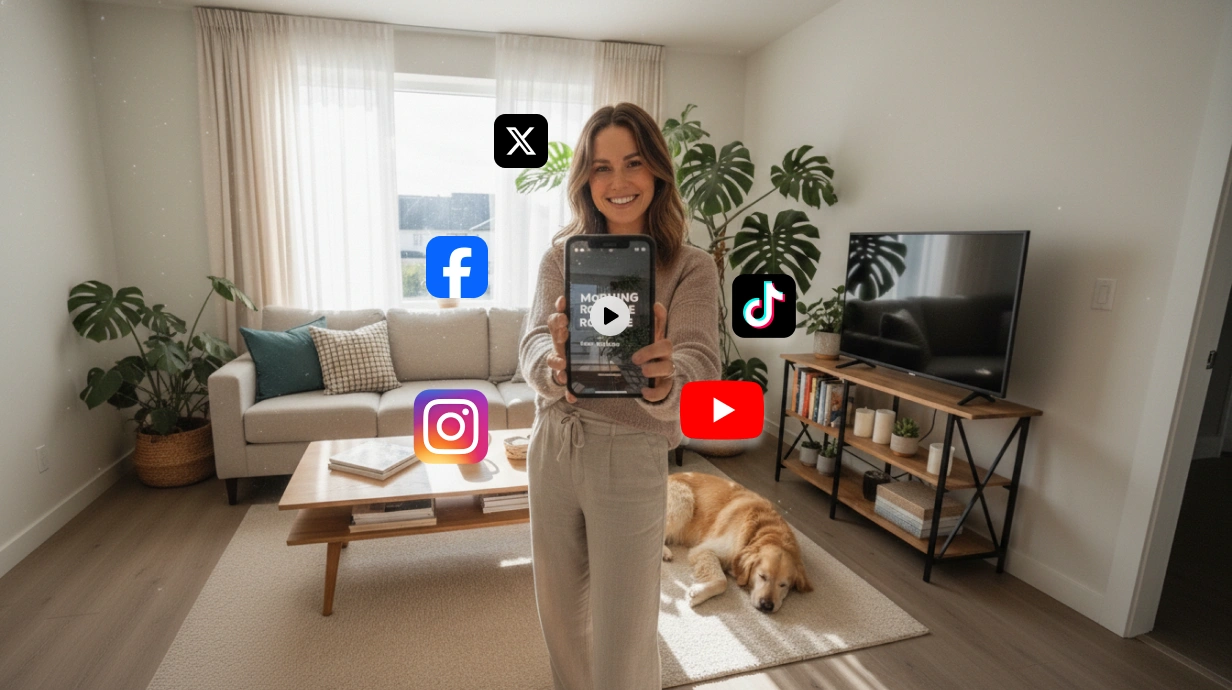
Use Cases of AI-Generated Dance Videos
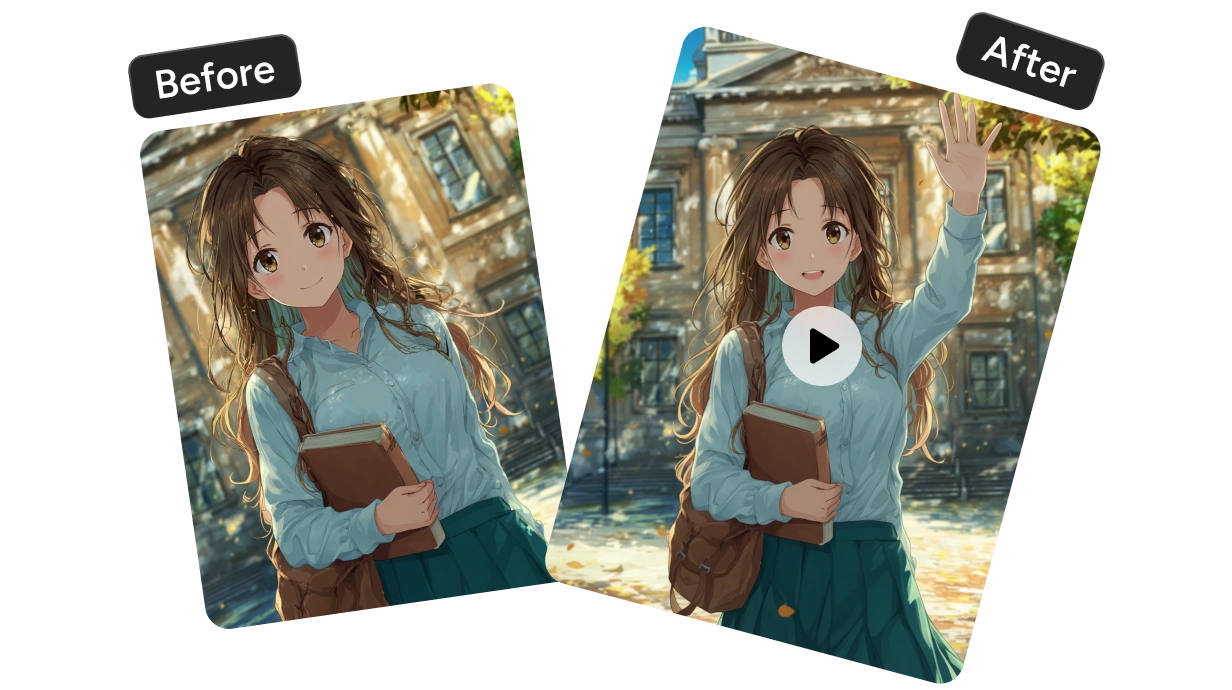
How to Create AI Dance Videos Online
More AI Video Effects to Try on
Frequently Asked Questions
Have more questions? You can email service@aiease.ai, and we'll be happy to help you.
How to animate a photo online?
You can effortlessly make an image dance with AI Ease’s AI dance video generator. Simply follow these steps:
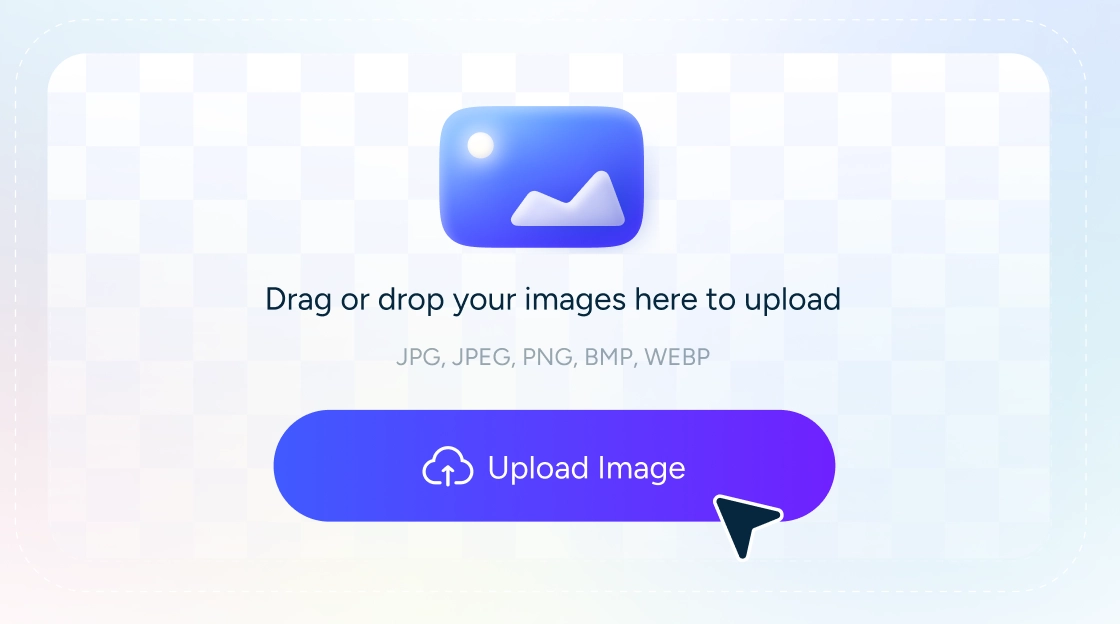
Step1: Upload or select an image with a whole body or showing a clear face.
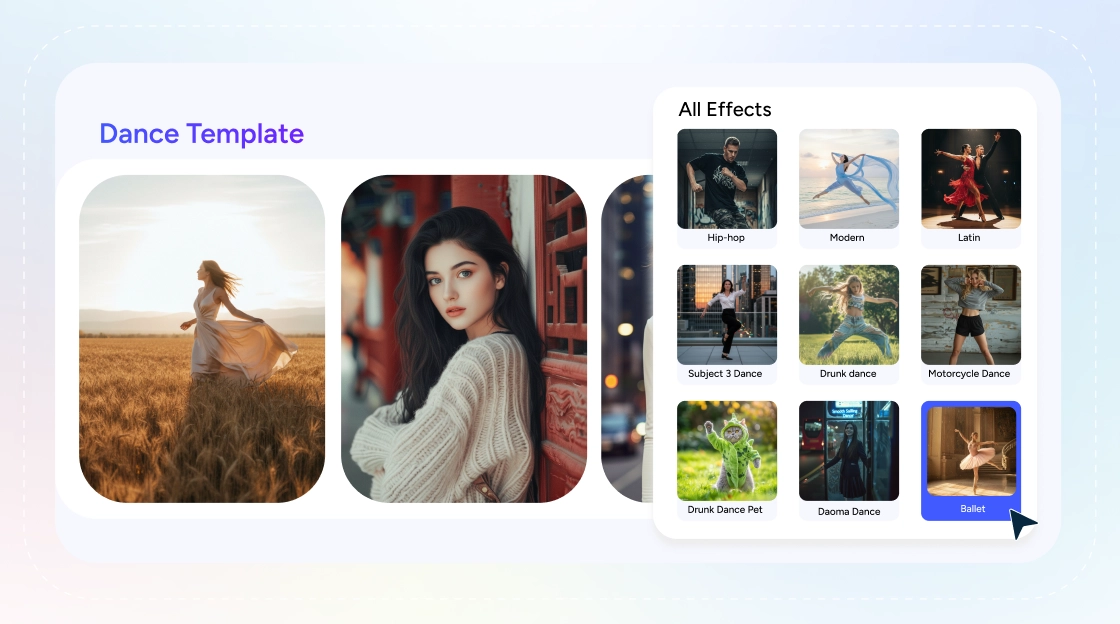
Step2: Choose from our premade AI video effects to animate your image with AI.
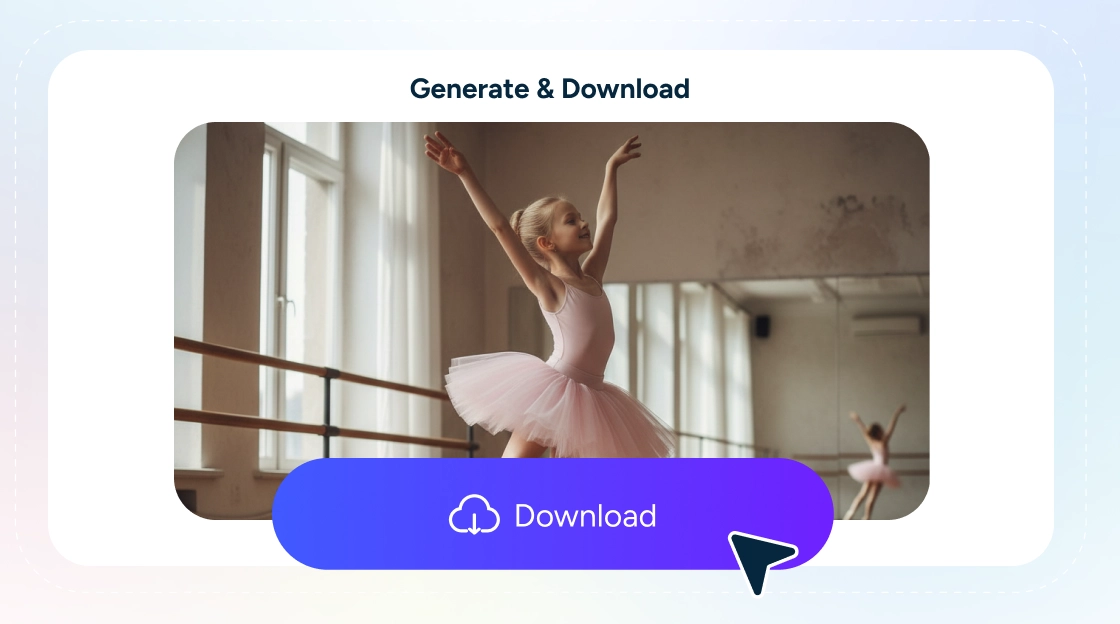
Step3: Preview the generated animated photo and export it in high quality to save it on your device.
How long does it take to generate a dance video?
Our one-tier dance video generator trains models on multiple real human dancers and their motions. This allows it to interpret your order quickly and transform the uploaded still image into a dynamic and captivating dancing video within minutes.
Can I use the generated dance videos for commercial purposes?
Yes, all the videos you generated using AI Ease are royalty-free. When you create content with AI Ease, you don't have to worry about licensing issues. AI Ease guarantees that everything you produce is free for personal and commercial use.
Will my dance video look authentic?
Our state-of-the-art algorithms ensure that your generated dance video looks incredibly realistic. The AI detects your image and integrates it seamlessly into the chosen template, retaining its original appearance while creating dynamic dance moves.
Create Amazing AI Dance Videos and Showcase Them on Piclumen
Generate dynamic and exciting dance videos with AI, and share them on Piclumen to connect with a community of creative dancers. Explore new styles, inspire others, and get inspired by unique dance creations from artists around the world. Let your moves shine on Piclumen!