

Drag or drop your image here to upload
Free Image to Video AI Generator: Animate Photos with AI
Looking for an easy way to turn static images into engaging videos? AI Ease offers a powerful image to video AI generator that helps you animate photos, add motion, and create professional videos within seconds.
A tranquil, cinematic autumn forest path scene. A gentle breeze causes a few leaves to fall from the trees. Moments later, a beautiful red fox enters the frame from the left, gracefully running along the path, its movement causing leaves to swirl up from the ground. The golden hour sunlight filters through the moving leaves, creating a warm and vivid play of light and shadow. Cozy, serene, with exceptionally natural motion and texture.
HistorySee All
A tranquil, cinematic autumn forest path scene. A gentle breeze causes a few leaves to fall from the trees. Moments later, a beautiful red fox enters the frame from the left, gracefully running along the path, its movement causing leaves to swirl up from the ground. The golden hour sunlight filters through the moving leaves, creating a warm and vivid play of light and shadow. Cozy, serene, with exceptionally natural motion and texture.
Your videos generation history will appear here.
Inspirations
See All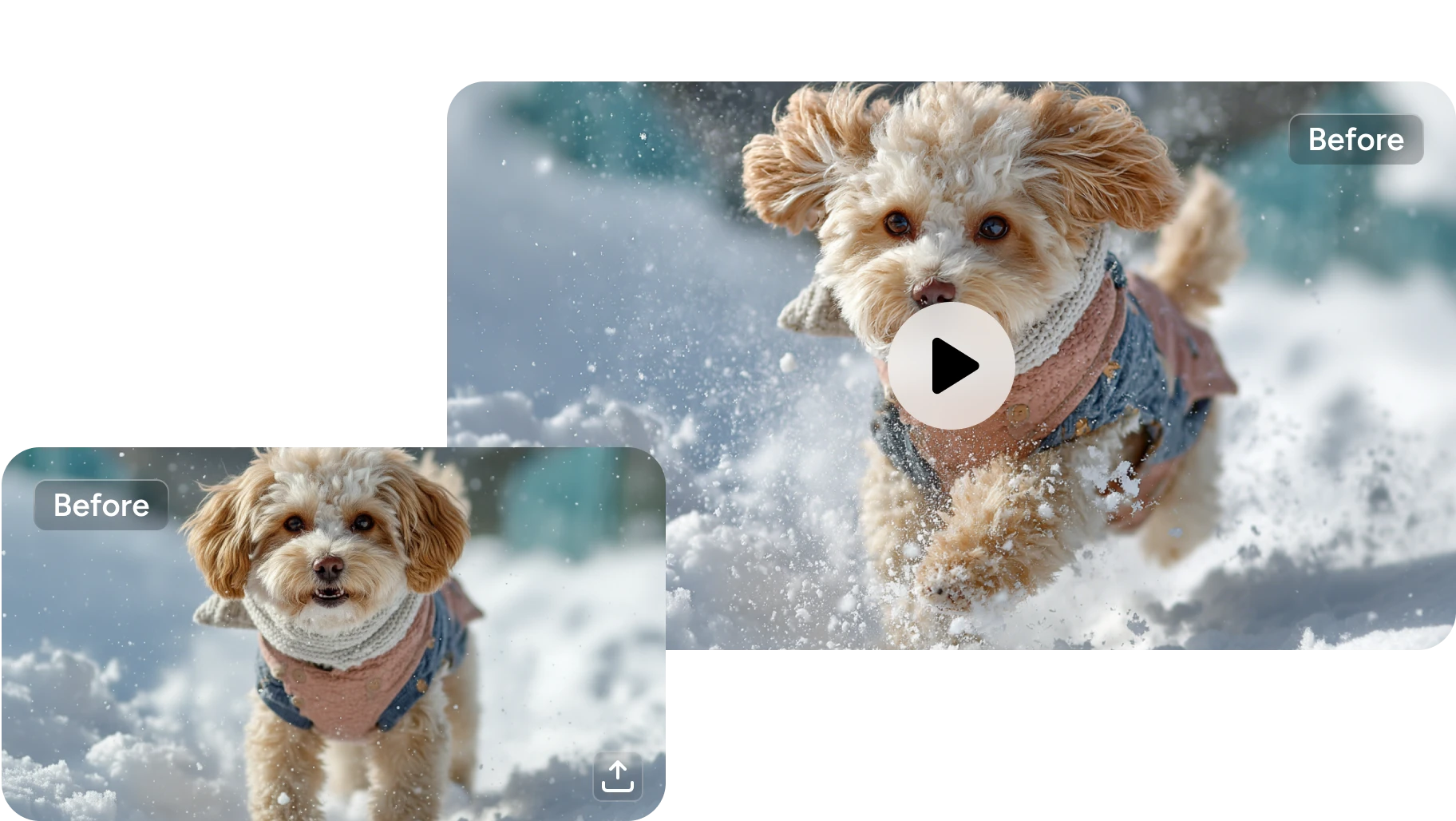
Instantly Turn Images into Videos with One Click
AI Ease makes the image to video process fast and effortless. Instead of spending hours learning editing tools or designing motion manually, you can simply upload an image and instantly generate an animated video with just one click. Our advanced AI photo to video tool carefully analyzes visual elements within the image and applies intelligent motion, cinematic transitions, and natural animation effects that feel smooth and realistic. Whether you want to promote products or create social media content, our easy-to-use image to video converter online helps you produce eye-catching videos within seconds.
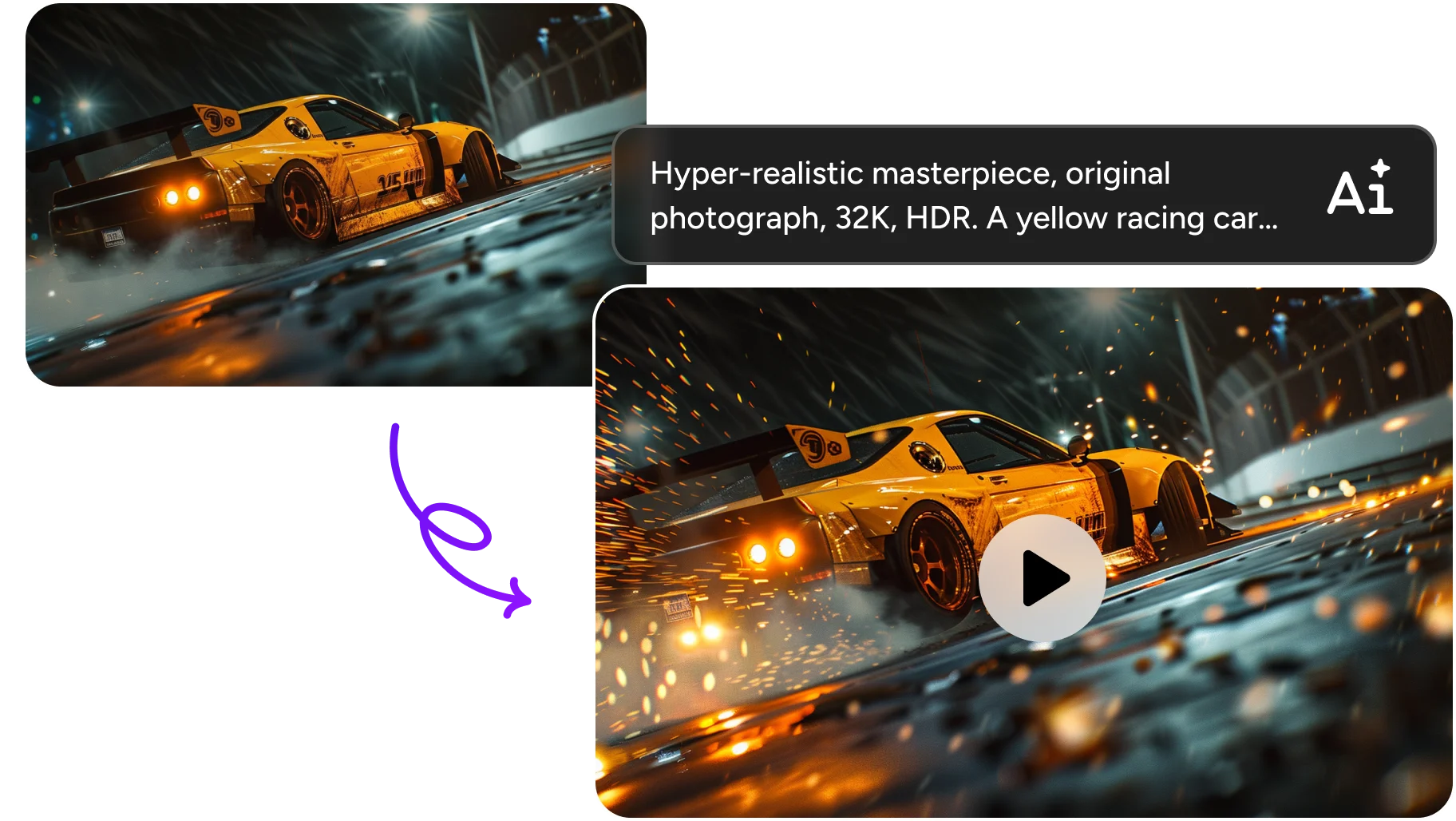
Precise Prompt Adherence, Consistent Characters & Advanced Motion Control
Our advanced image to video AI technology ensures that every animation follows your instructions with remarkable precision while maintaining visual consistency throughout the video. So your characters, objects, and scenes remain stable and believable, which is essential for storytelling, branding, and professional content creation. AI Ease also integrates Kling 2.6 motion control, allowing you to upload reference videos or images to replicate specific movements and animation styles, making your AI image to video results more accurate and customizable.
All-in-One AI Model Library for Diverse Video Creation
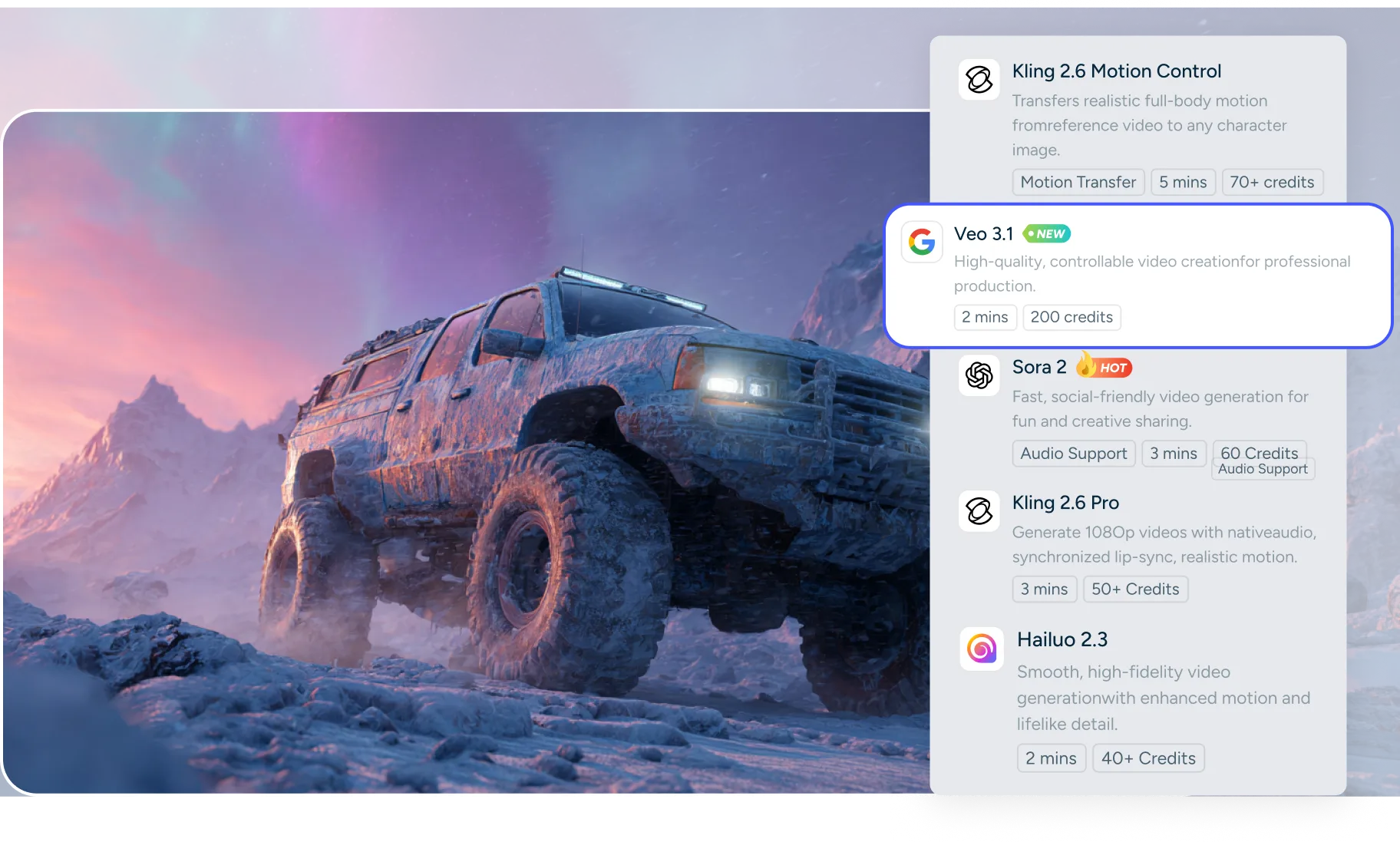
Why settle for one style when you can have access to the world's most powerful engines in one place? AI Ease provides a comprehensive library of the world's leading models to ensure your AI video generator from image experience is always top-tier. Our image to video generator integrates advanced technologies including Veo 3.1, Sora 2, Seedance 2.0, Hailuo 2.3, Kling 2.1, Wan 2.2, and more, all supporting image to video AI generation. It allows you to explore different ways to make a video with pictures without switching between tools or platforms. Just click and give it a shot!
AI Image to Video Creation with High-Quality
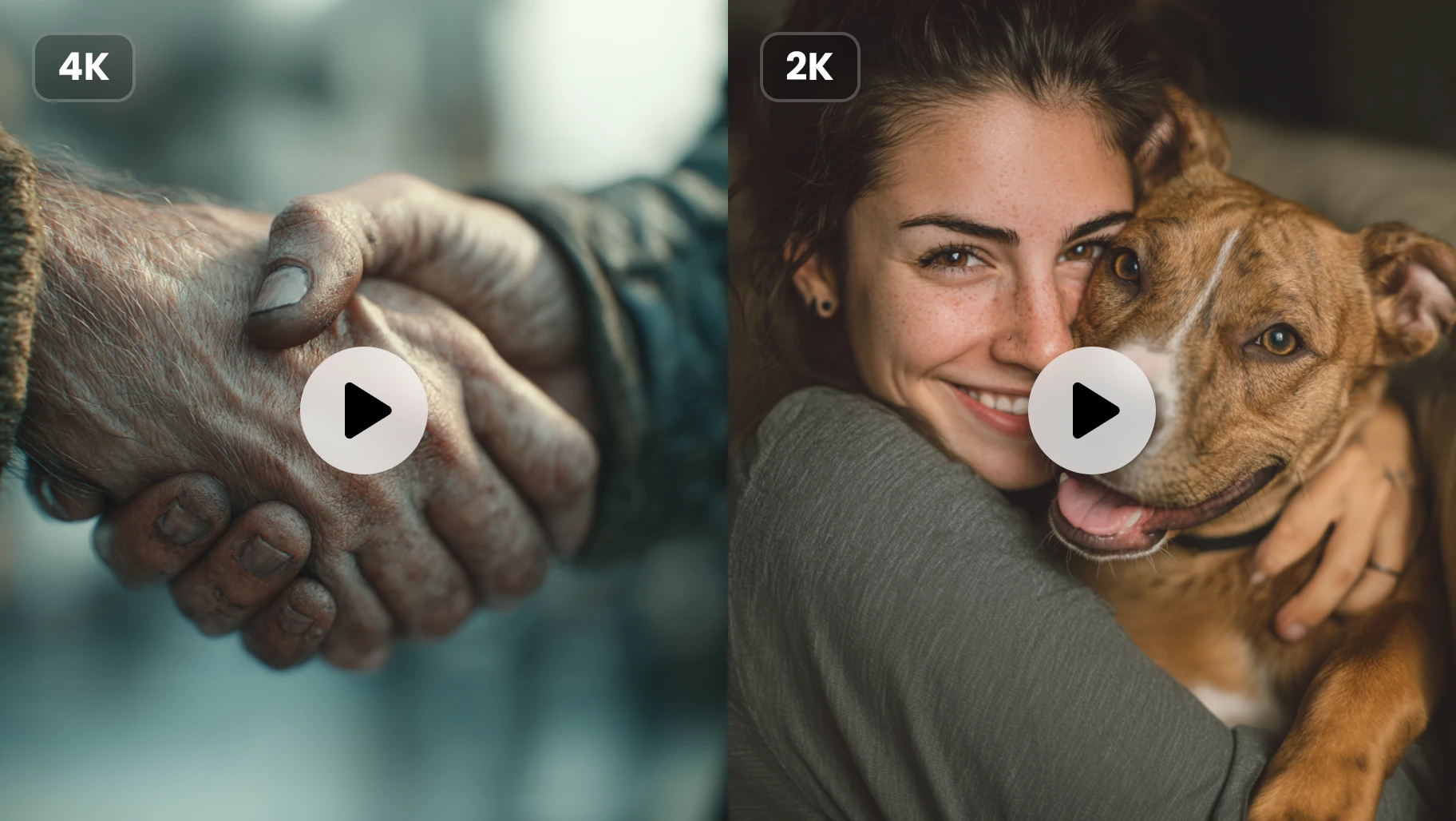
Quality is never compromised at AI Ease. Our AI image to video generator creates smooth, realistic videos with sharp details and cinematic motion. It allows you to select from various resolutions to perfectly fit your needs. You can choose 480p or 720p for quick social media drafts and mobile viewing, or opt for 1080p Full HD when you need the highest quality for professional presentations, YouTube, and marketing campaigns.
Popular Image to Video Use Cases
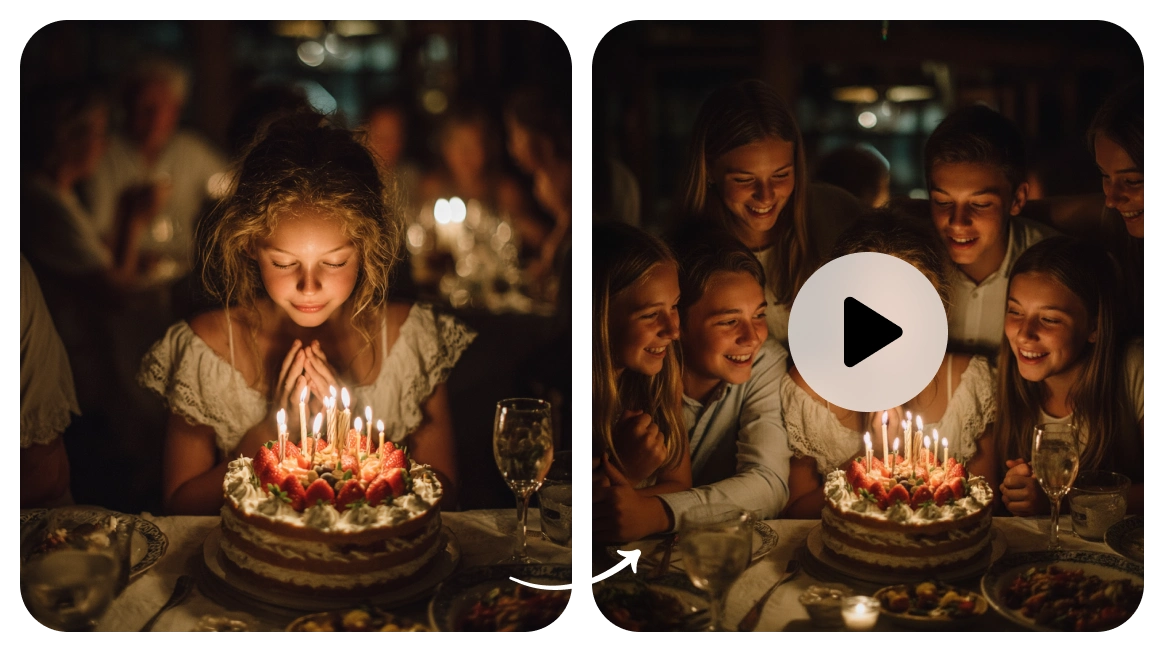
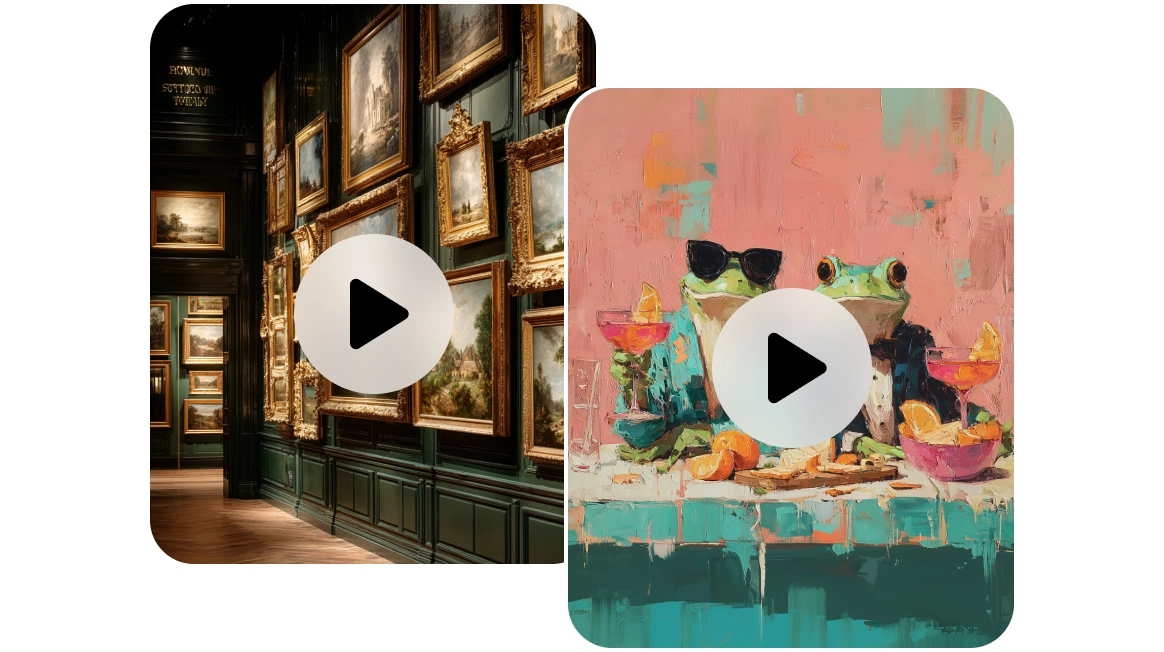
How to Convert Images to Videos Online Free
- Step 1
Upload Your Image
Begin by dragging and dropping your desired file into the AI Ease image to video workspace or clicking the upload button to select a file from your device. Once your image is uploaded, you can also enter a descriptive prompt to guide the AI on exactly how you want the scene to come to life.
- Step 2
Customize Video Settings
Tailor the output to your specific needs by choosing from our extensive library of AI models like Sora, Kling, or Veo.You can also select your preferred resolution, video duration and aspect ratio.
- Step 3
Generate and Download
Simply click the generate button and watch as our image to video AI processes your request in under a minute. Once you're satisfied, you can instantly download your finished masterpiece and share it online.
Explore More AI Video Tools in AI Ease
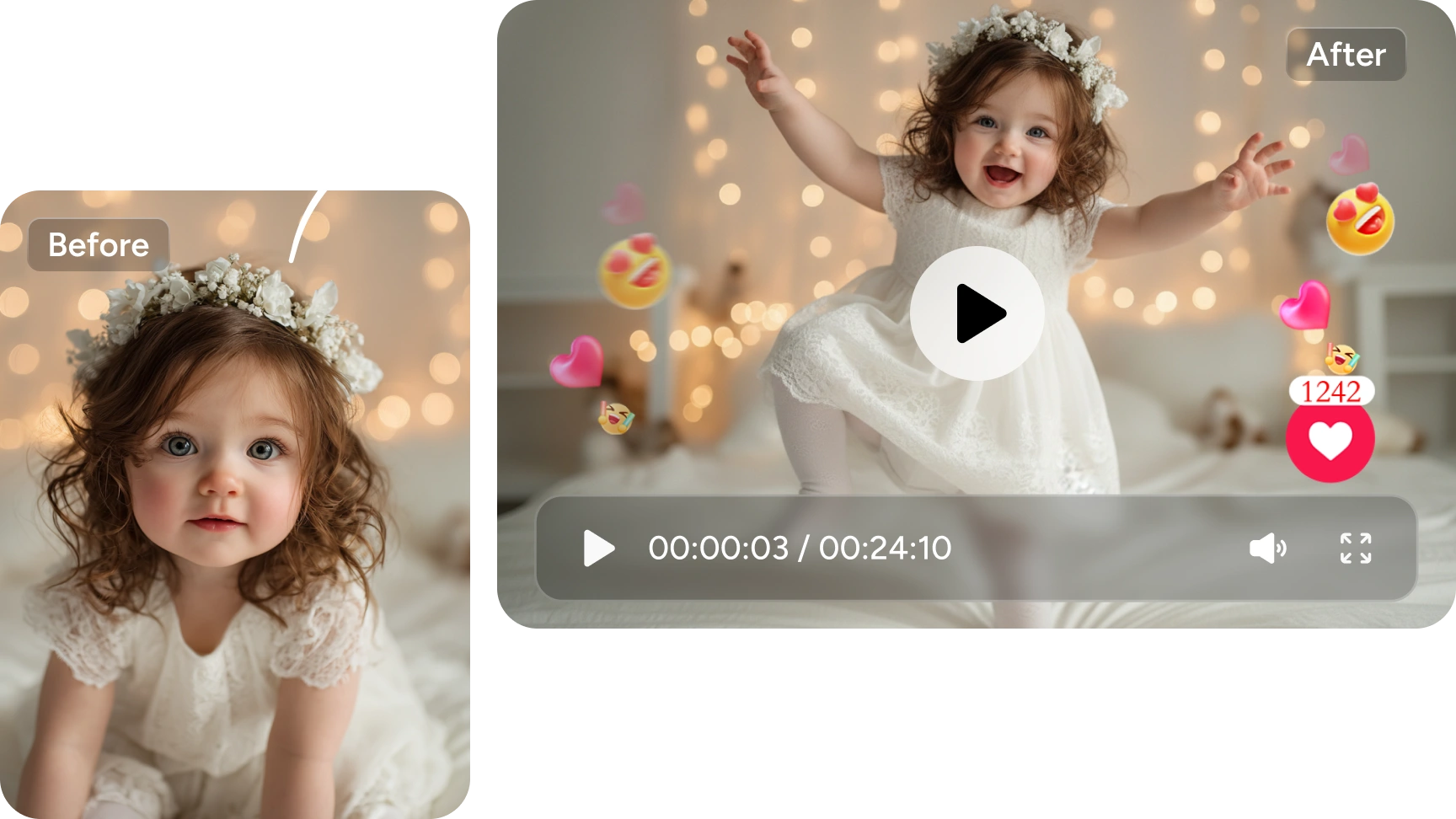
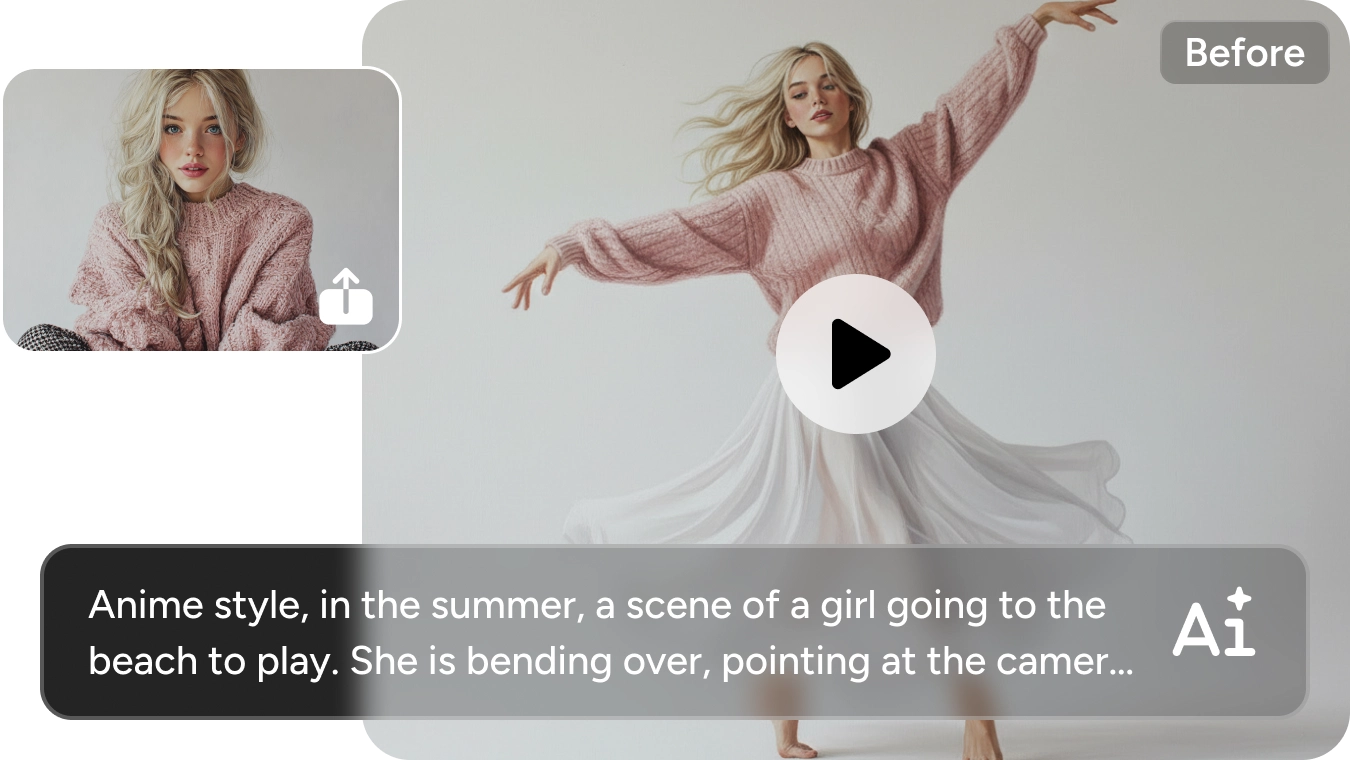

Frequently Asked Questions
Have more questions? You can email service@aiease.ai, and we'll be happy to help you.
What is image to video AI?
Image to video AI is a groundbreaking technology that uses deep learning and neural networks to analyze a static picture and predict how it would move in a three-dimensional space. By understanding the objects, textures, and lighting within your file, the AI image to video engine generates new frames that blend seamlessly together, creating a fluid and realistic motion picture from a single still shot.
Is the AI Ease image to video tool free?
Yes! You can start using our AI image to video generator with free credits to explore its full potential and see the quality for yourself.
What is the best model for an image to video AI?
It depends on your specific needs. For cinematic realism and physics, try Sora 2 or Veo 3.1. For smooth character movements and artistic flexibility, Kling 2.1 is an excellent choice.
Can I create 1080p videos from a single photo?
Absolutely. Our AI photo to video tool supports high-definition output up to 1080p to ensure your content looks professional on any platform.
Can I use the AI photo to video tool for commercial purposes?
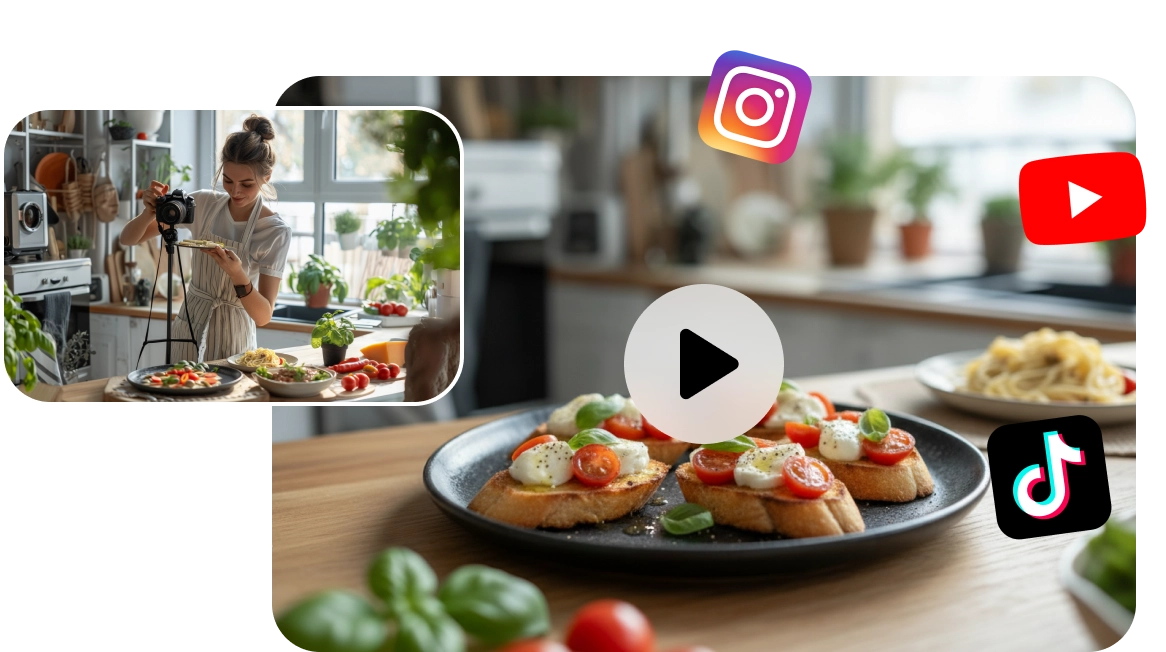
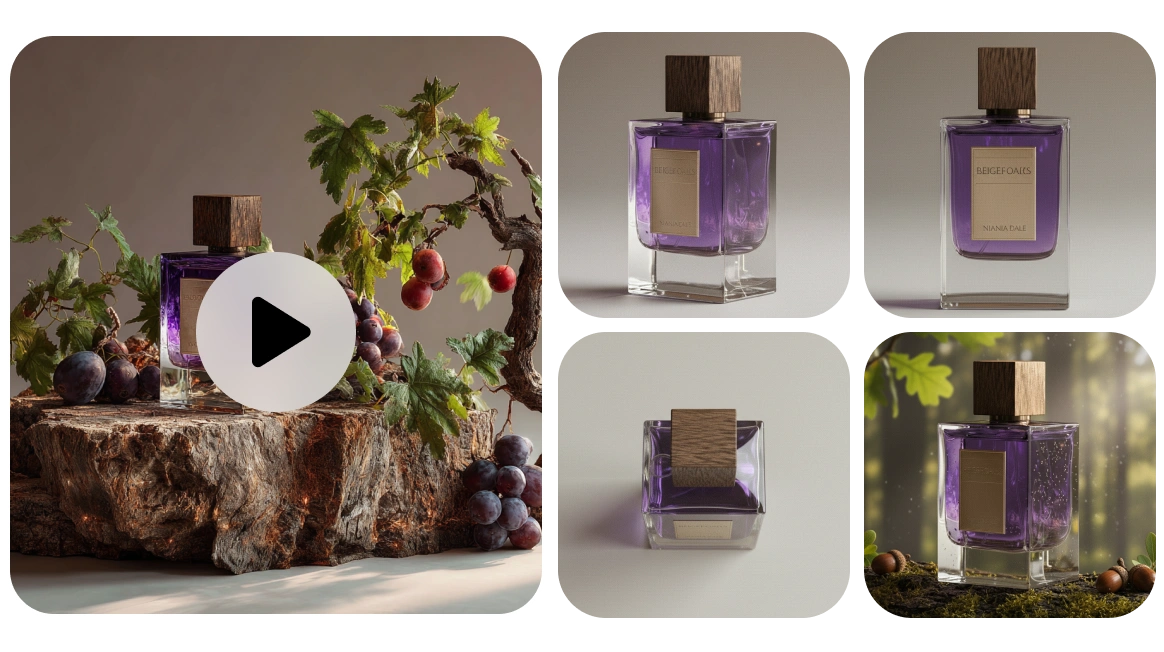
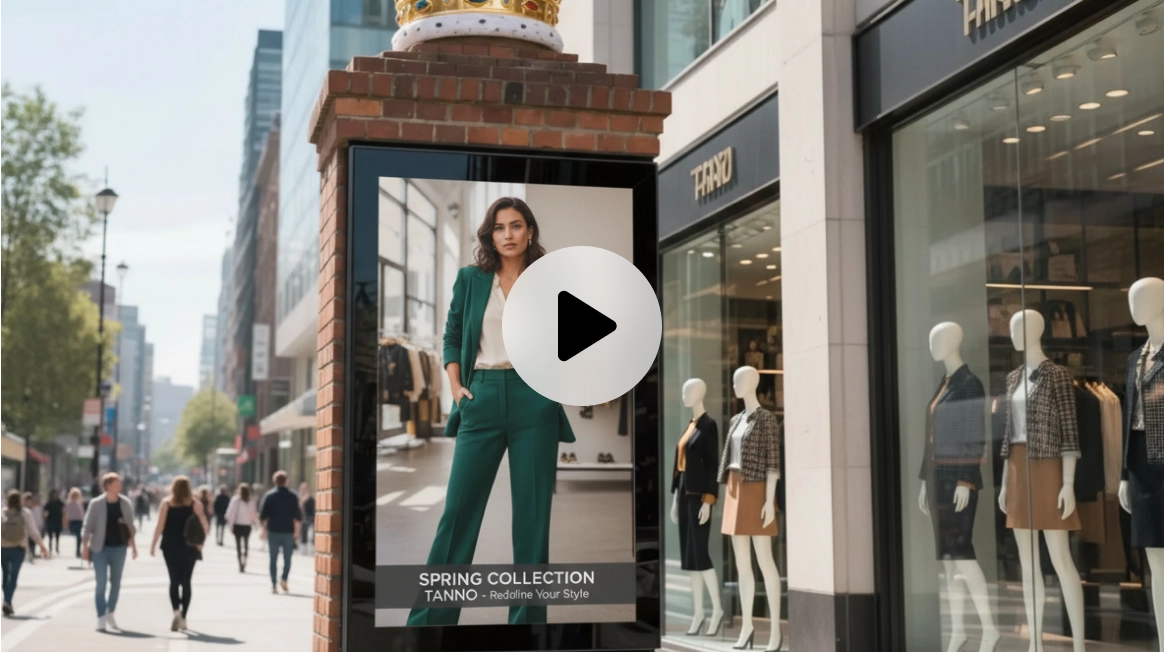
Yes! Our AI video generator from image is perfect for creators and businesses. You can use the image to video tool to make professional social media ads, product videos, and marketing content quickly and affordably.
Do I need any professional video editing skills to use AI Ease?
Not at all. Our image to video converter online is designed for everyone. You can convert image to video online with just a few clicks, as the AI handles all the hard technical work for you automatically.