

Free AI Replacer: Replace Objects in Photos Online
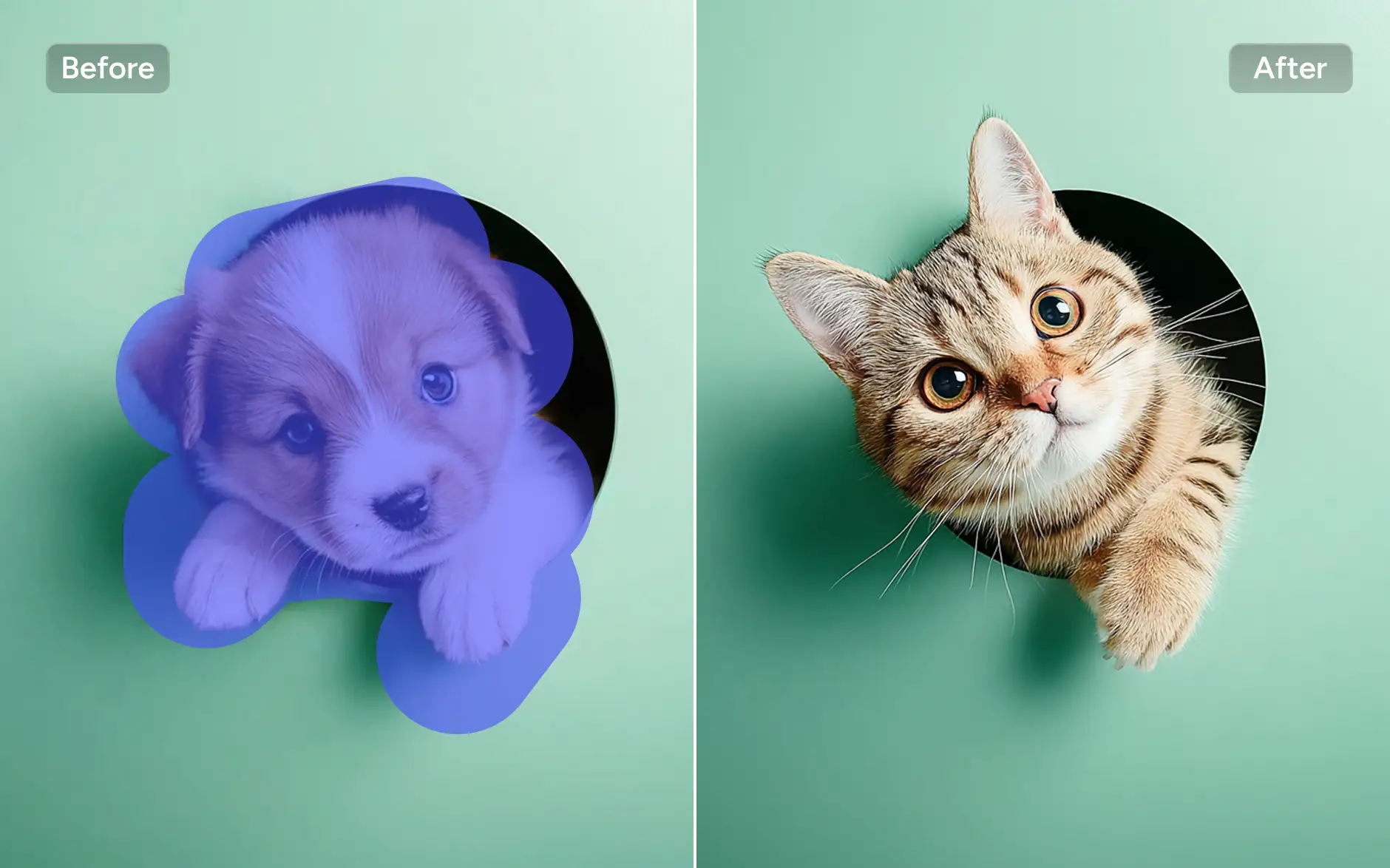
AI Ease’s AI Replacer works like a magic brush, effortlessly erasing and replacing objects in images. With AI generative fill, you can edit photos and add new elements in seconds.



Smart AI Recognition
Powered by advanced AI, our AI replacer accurately detects objects, people, and details, ensuring precise and natural replacements in every photo.

Free of Cost
Access our AI replacer tool online for free, easily erase and replace objects in photos anytime without extra costs or limitations.

High-Quality Results
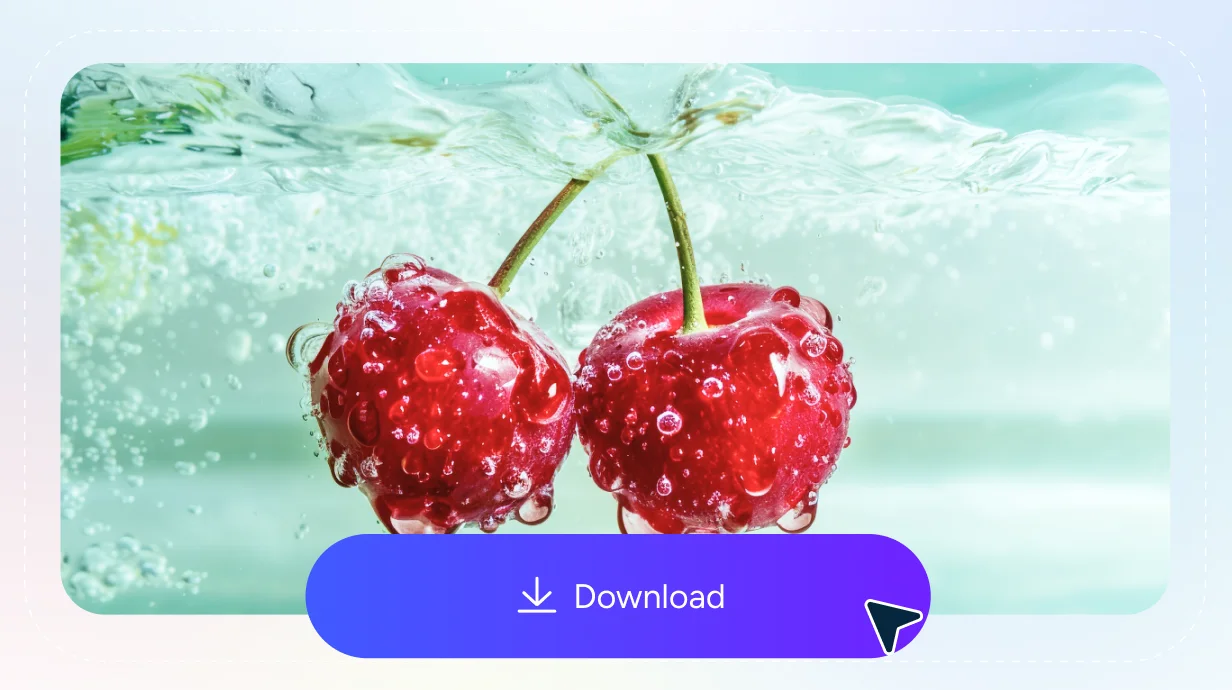
Get seamless and realistic outputs with sharp details and smooth blending, perfect for both personal and professional use.Get seamless and realistic outputs with sharp details and natural filling, perfect for both personal and professional use.
Enhance Your Imperfect Portraits With AI Replace
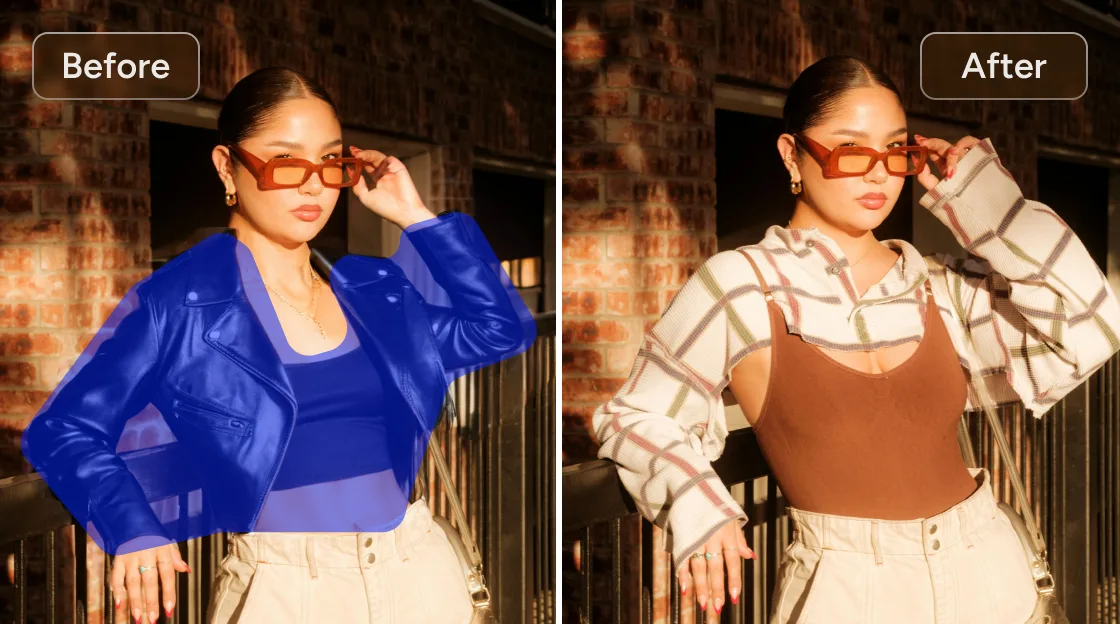
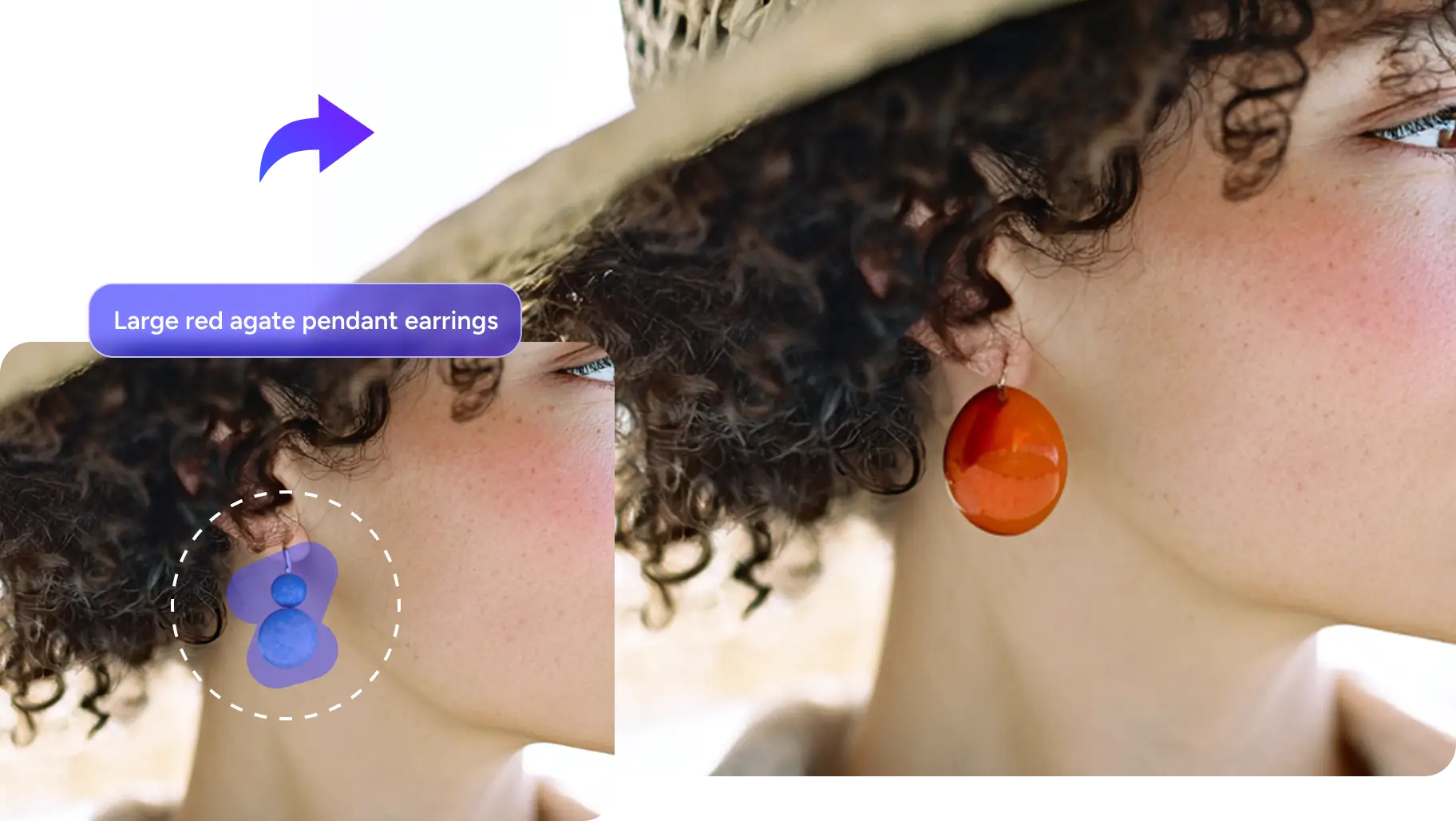
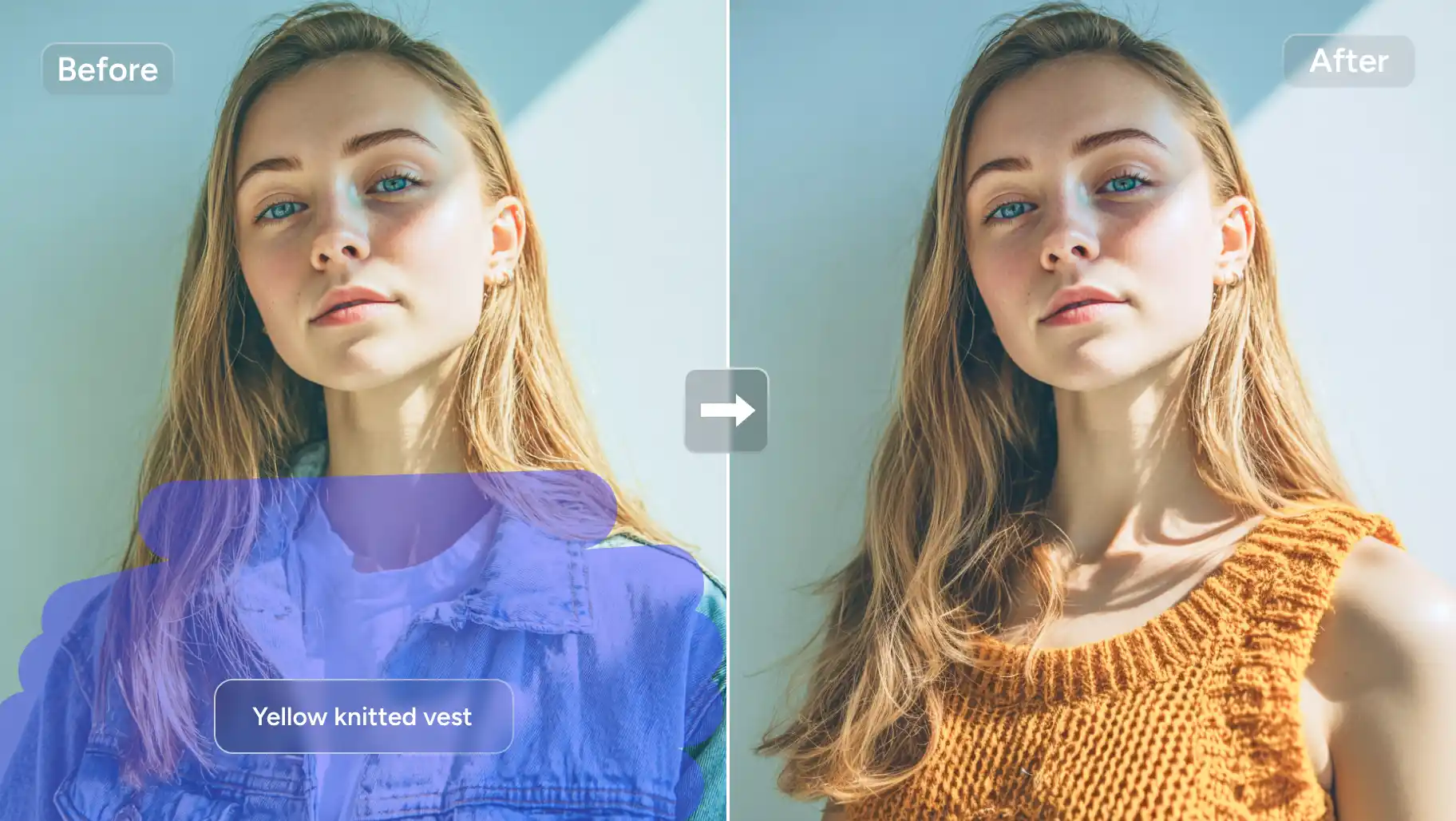
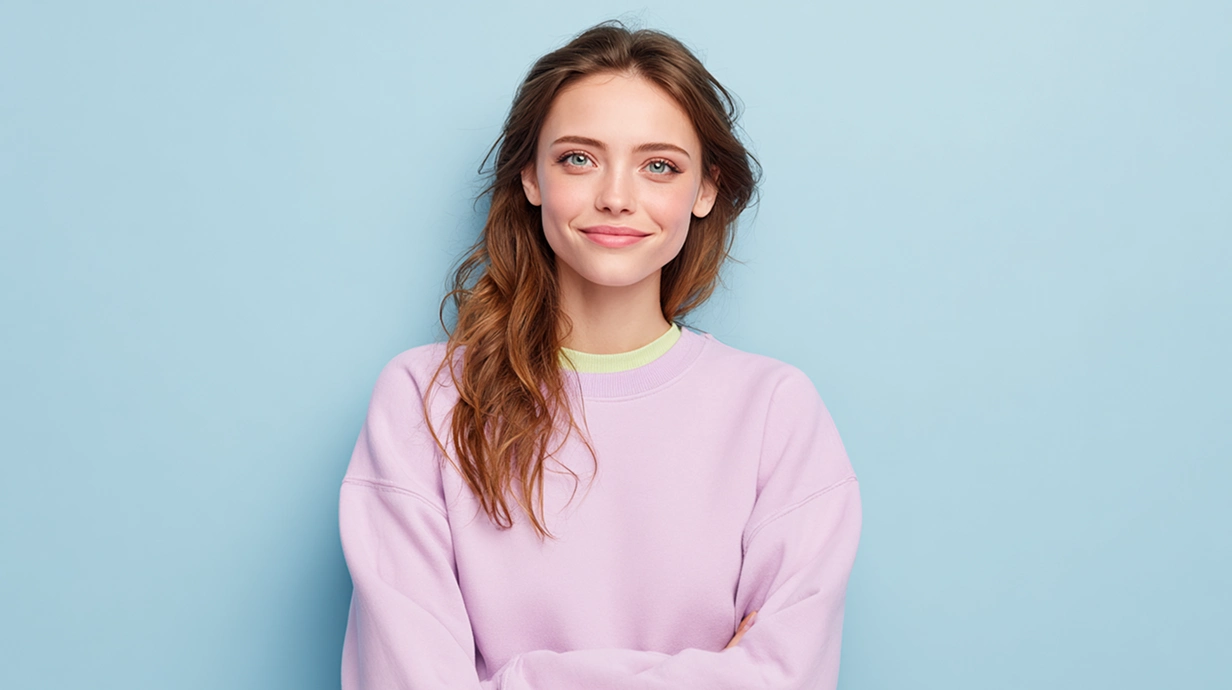
Elevate your portrait photography by replacing the original unattractive backgrounds and attire with appealing elements. Whether you want to apply a stunning landscape scene, change color of image, or add gorgeous embellishments to your body, our free AI Replacer can meet all your needs.
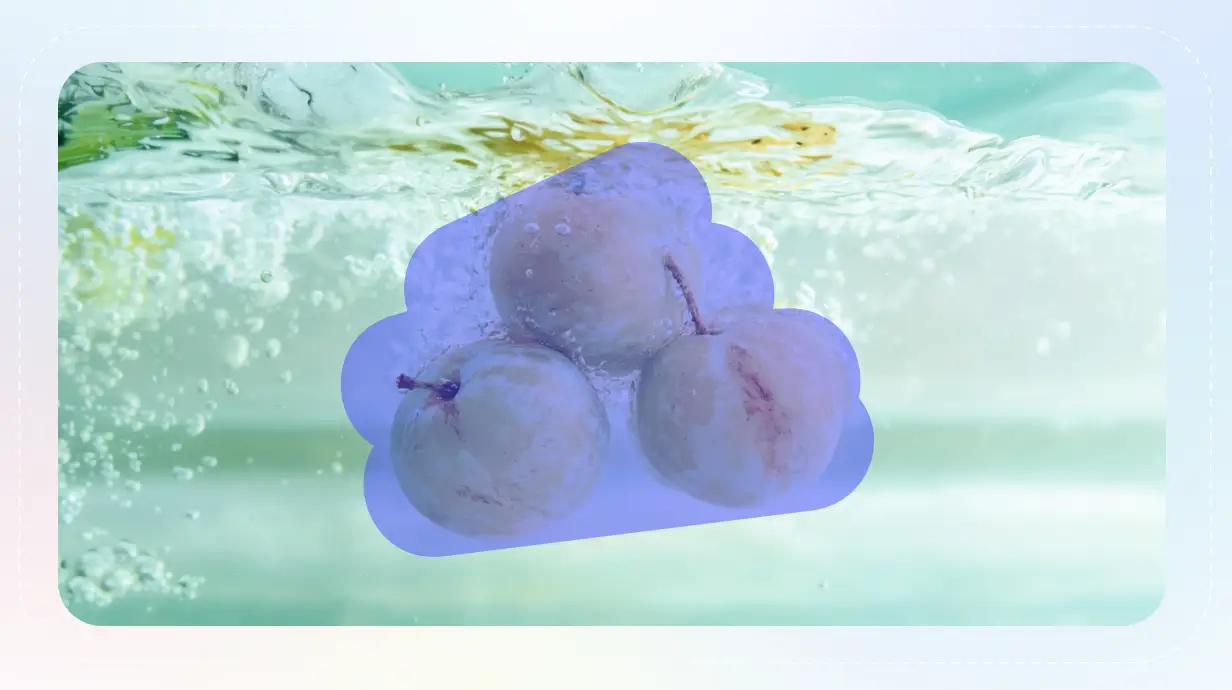
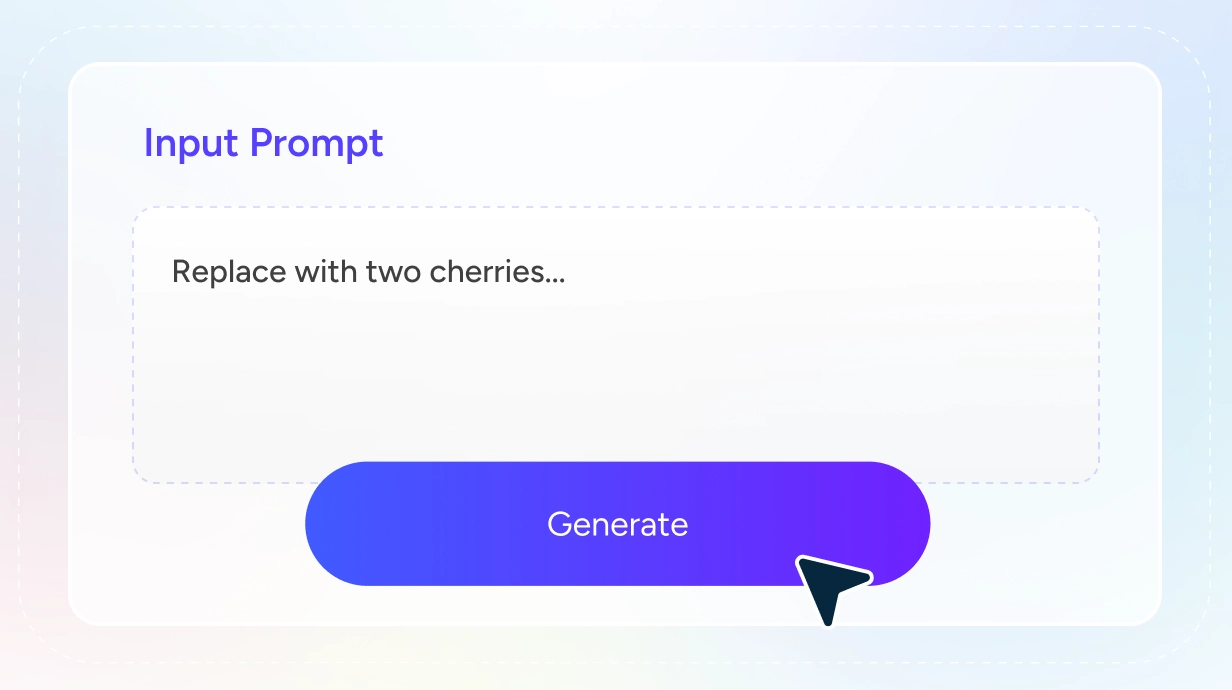
Paint over the area you want to replace, and input the prompts describing your ideal effects. With AI generative fill, AI Ease will turn your text prompts into realistic and vivid objects within seconds. Look no further; use a magic brush to add charm and beauty to your less-than-appeal portraits.
Elevate Product Visuals With AI-Powered Image Replacement
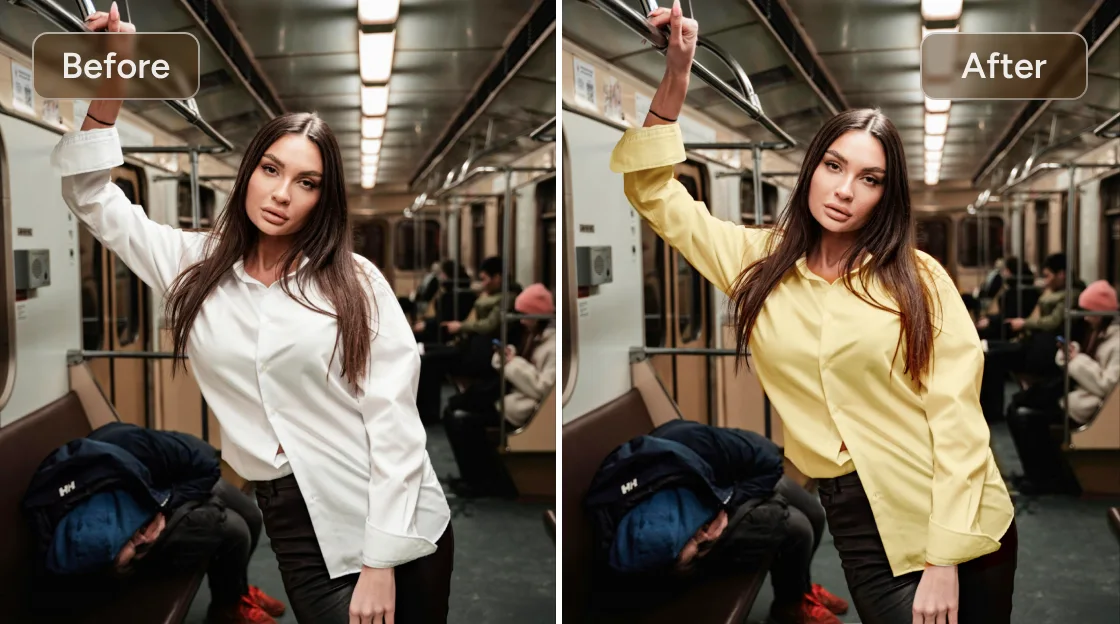
Display your products in the best appearance by replacing cluttered and distracting background setups with polished and professional occasions. With an effortless AI Replacer tool, there is no need to exclusively arrange a setup for photography. Just upload your product photo and replace color in image online free or add a corresponding scene based on its tone and theme. You can even add props to complement the image, making it more informative and visually attractive.
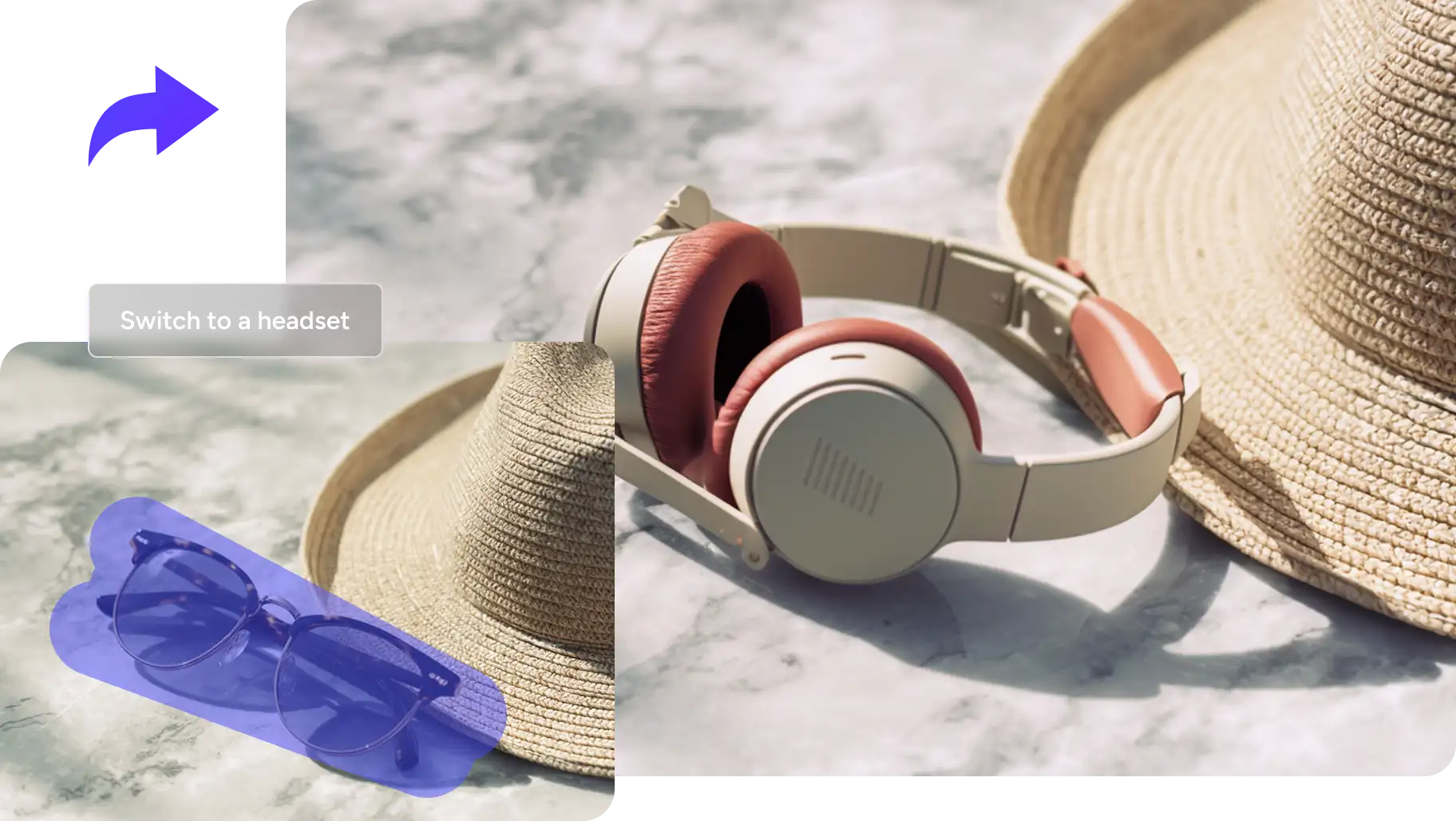
Redesign & Personalize Marketing Materials with Objects Replace
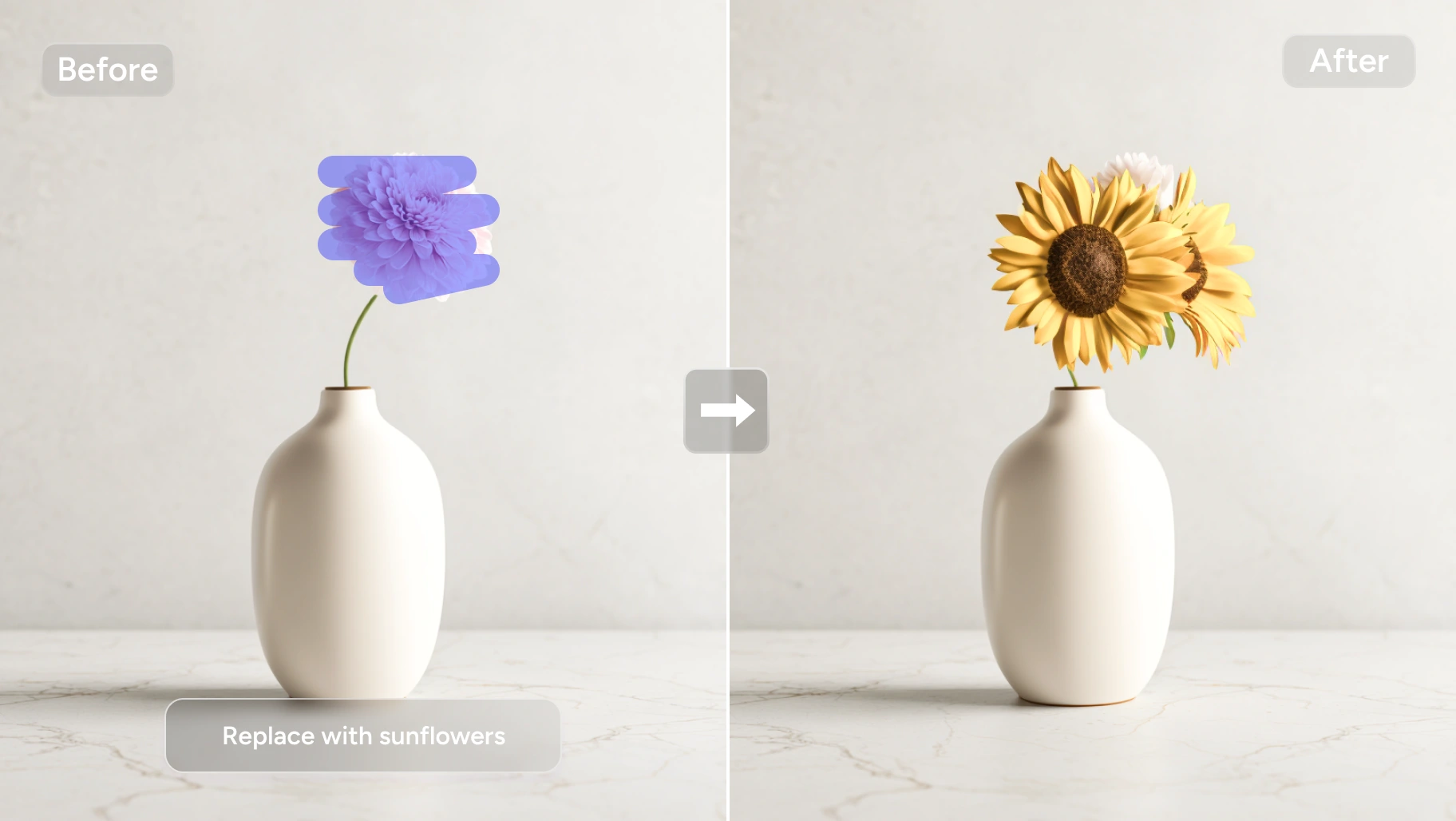
Create captivating marketing materials using AI Replace to switch out standard backgrounds with dynamic, brand-specific environments. This AI Image Replacer tool lets you customize visuals to fit your campaign’s needs, making it perfect for social media ads, brochures, and promotional content. You can effortlessly add or remove objects from photos and seamlessly replace elements, ensuring your marketing visuals stand out.
Create Engaging & Viral Content for Social Media
Create eye-catching social media posts with the help of photo editor AI. Use AI replacer to clean up crowds from busy landmarks and get clutter-free travel photography to entice flurry likes and mimics. As an outfit blogger, you can experiment with various fashion dressing-ups simply by inputting the prompts. With AI Ease, you can effortlessly generate unique and scroll-stopping social media posts.
Burst Out Creative Whimsy to Enrich Your Life
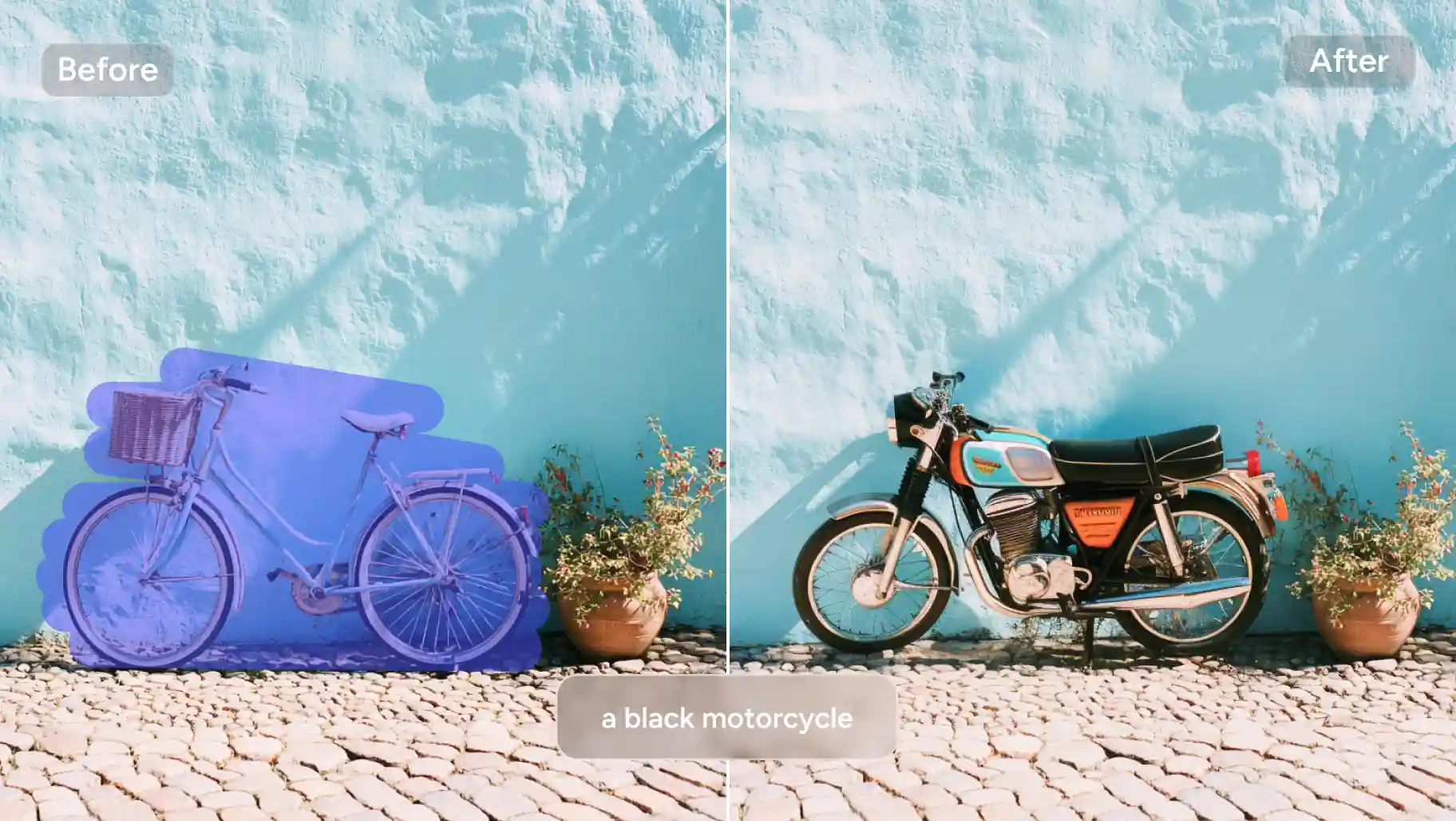
If you love capturing daily moments, a free AI replacer is essential. See something unwanted in a photo? Brush over it and use AI generative fill to replace the object with something that fits. See something missing? Brush the empty area and add the element you imagined. Unleash your creativity in seconds and add a spark that brightens your everyday life.
How to Replace Object in Image with AI Replacer
Play Around Various Object Replacements for Unlimited Fun
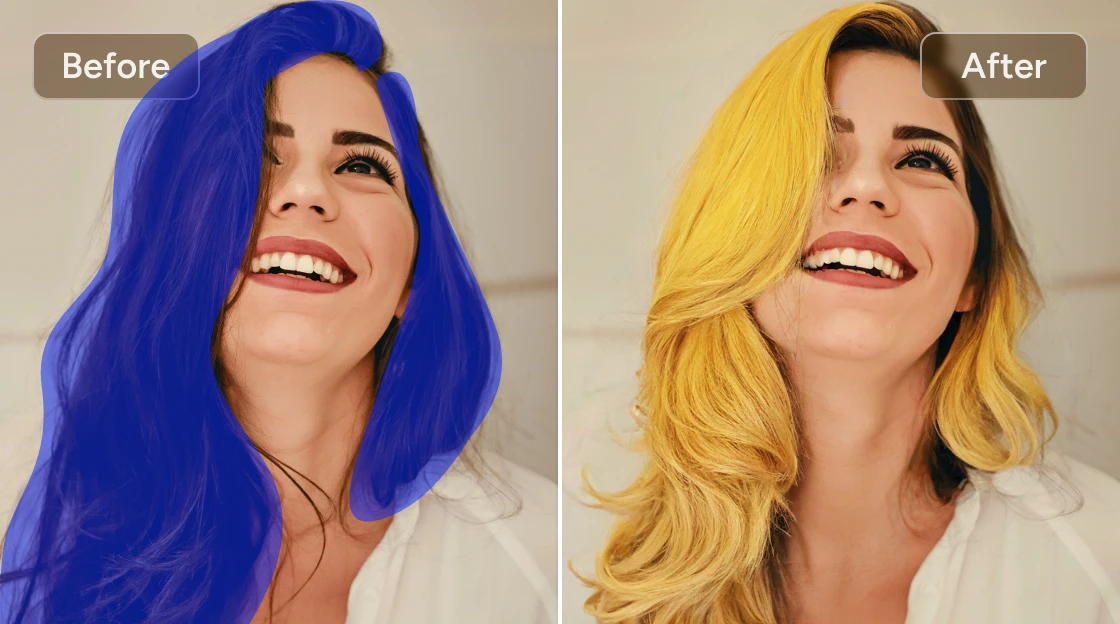
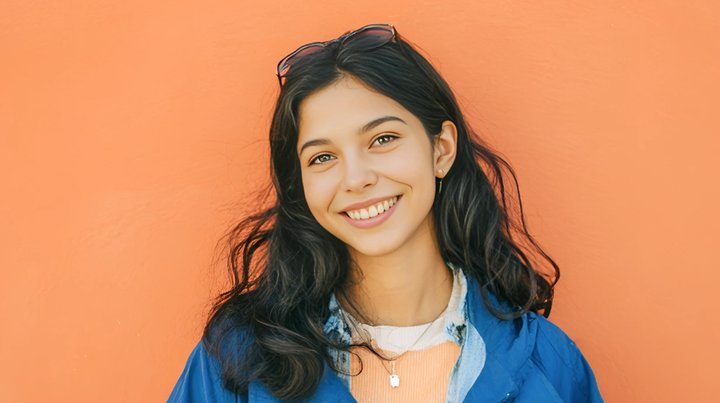
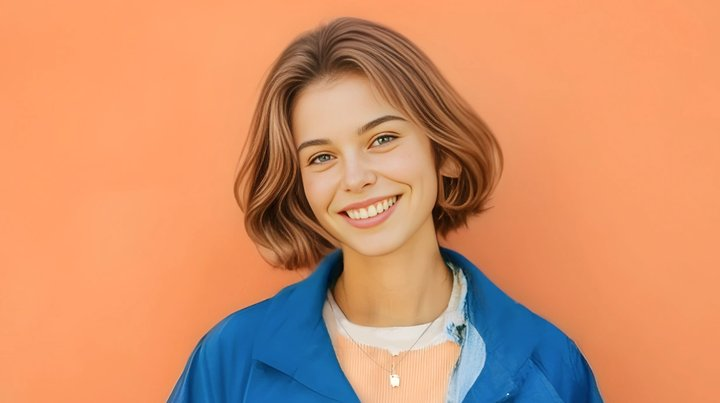
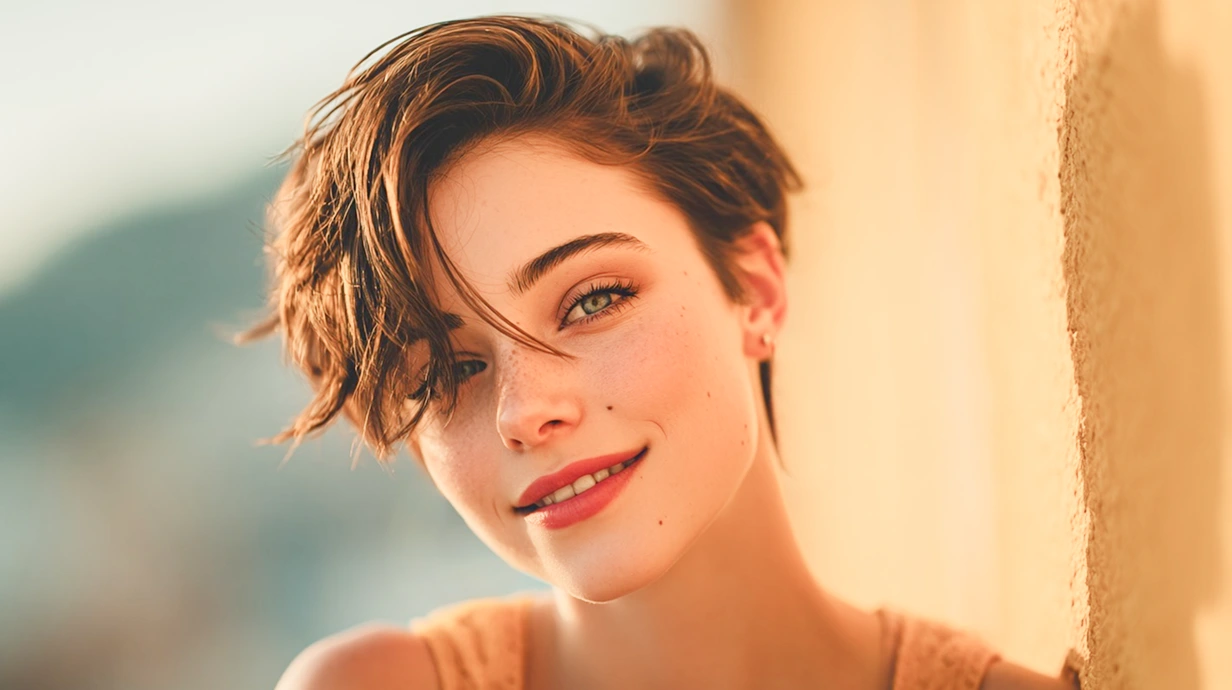
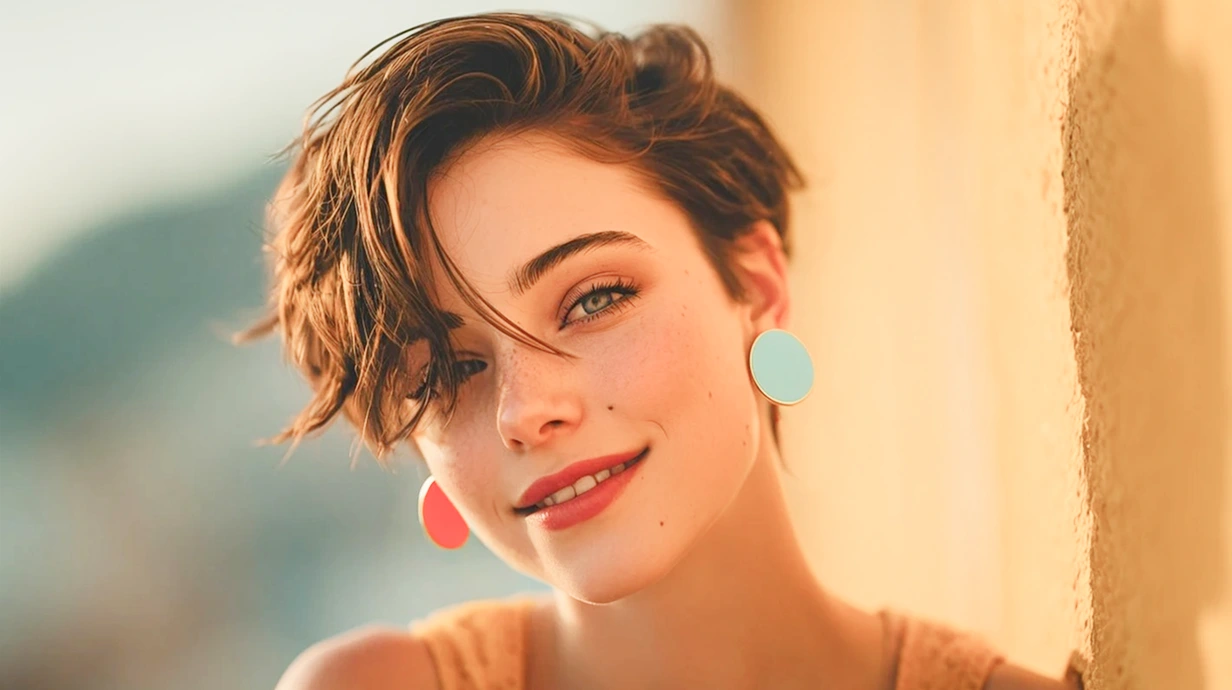
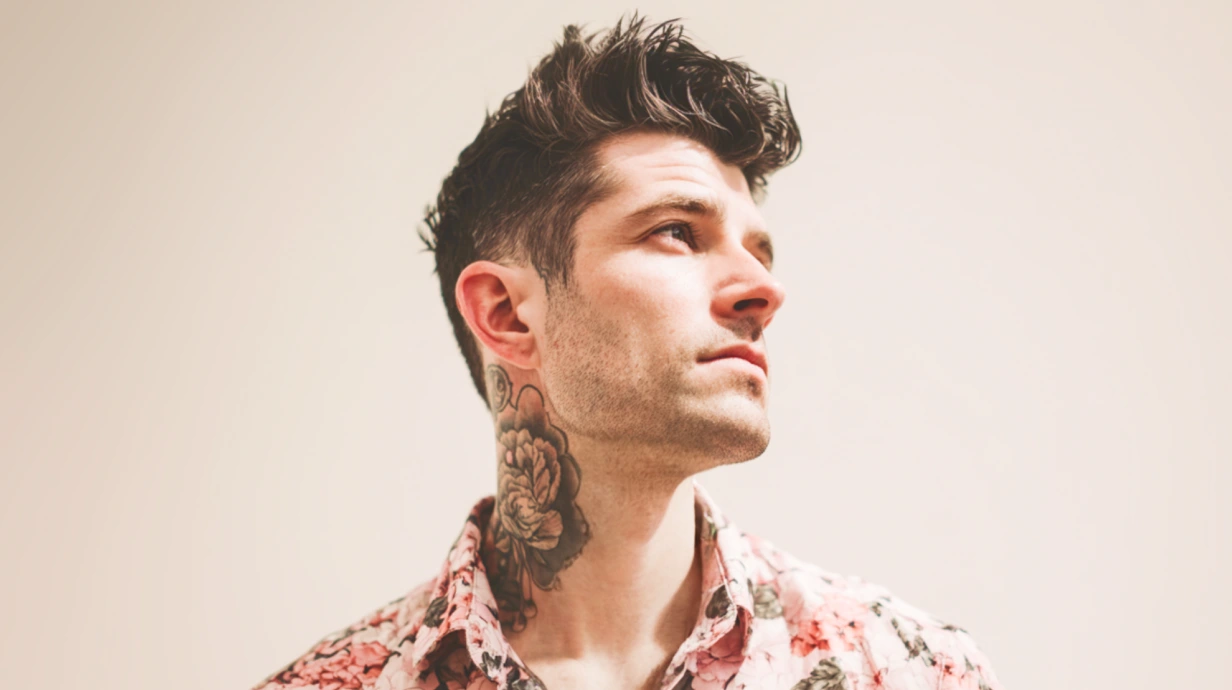
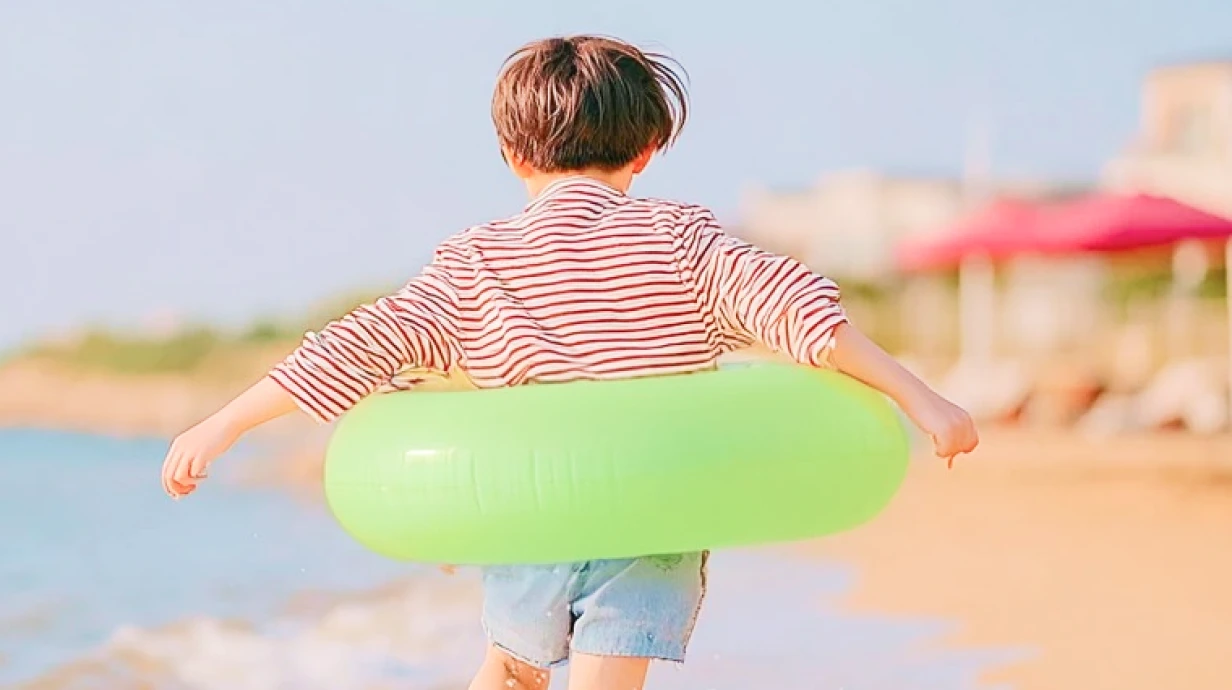
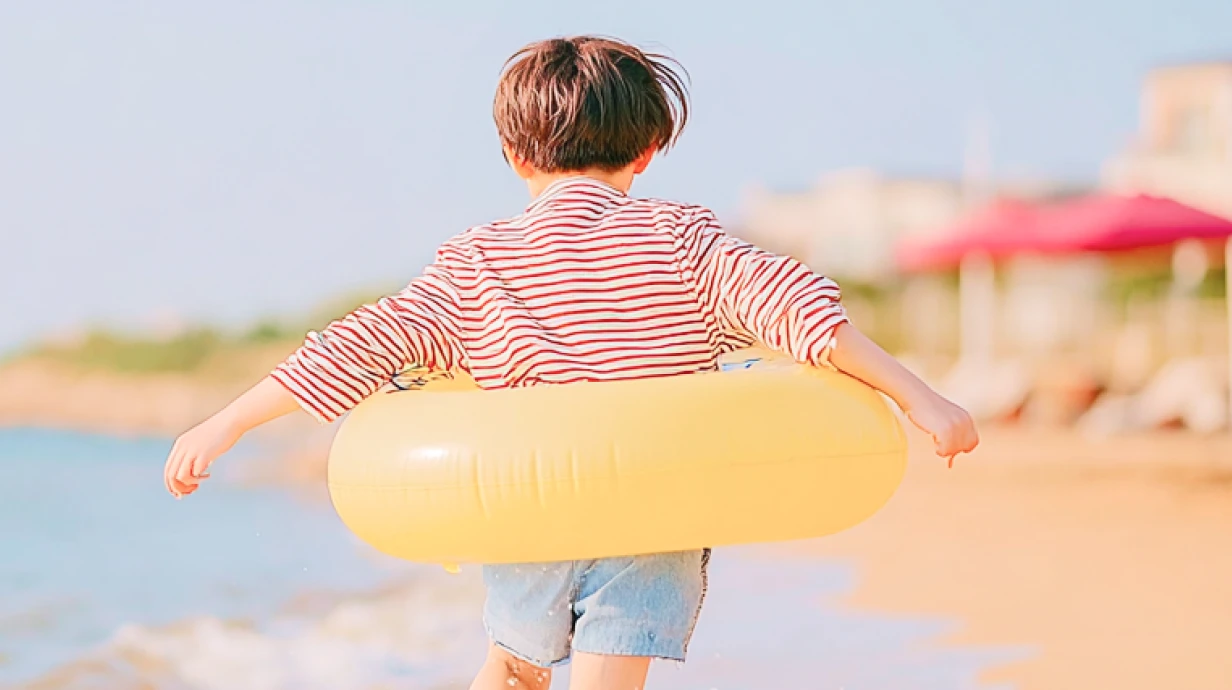
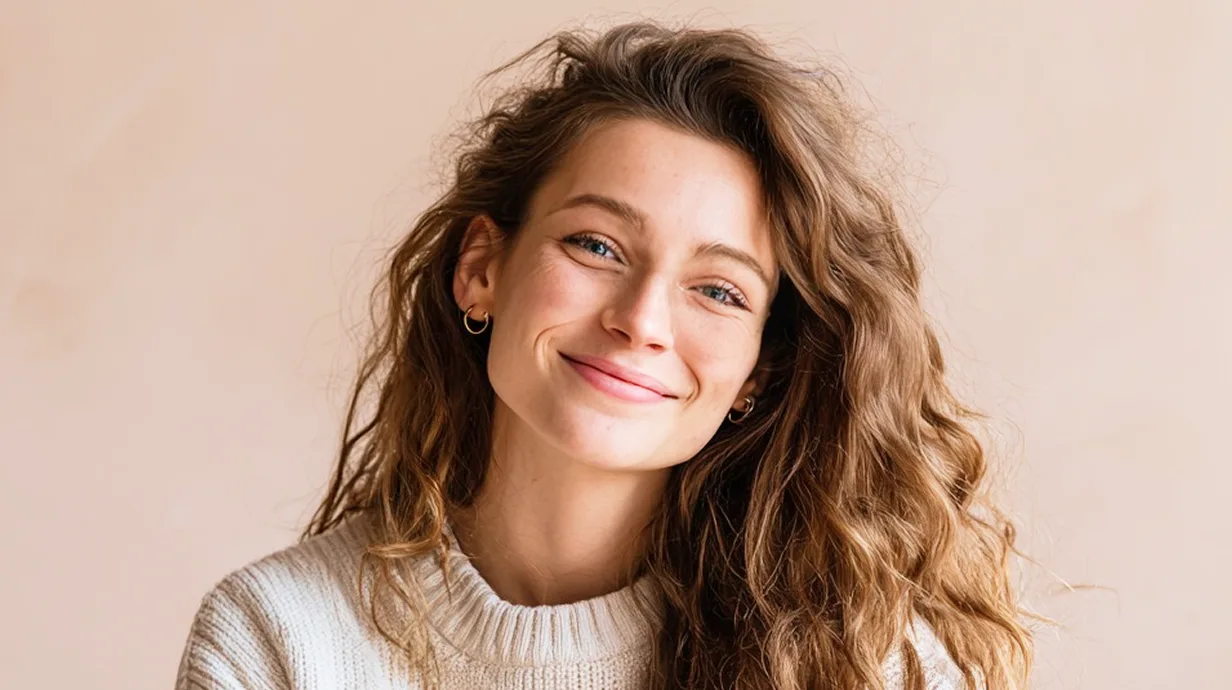
Do you need more inspiration for replacing which part of the image? Here are some creative and fun ideas. AI virtual try on clothes, hairstyles, hair colors, jewelry, and glasses, or replace color in your image to create enchanting and sought-after portraits and photos.


Frequently Asked Questions
Have more questions? You can email service@aiease.ai, and we’ll be happy to help you.
Can I upload only one image to this AI replacer?
No, you can upload up to 50 images to our free AI replacer. However, you must process each image individually to replace the object precisely.
What if I'm not satisfied with the current image replacement?
After you enter prompts, our AI replacer will generate two images by default. But if you are unsatisfied with them, you can choose the “Generate More” option, and the AI will regenerate results according to your prompts. You can generate images without limitation until you get the one that best suits your needs.
Can I manually select and refine the area I want to replace?
You can use the brush tool to manually paint over the target area. If needed, zoom in to refine edges for higher accuracy before applying the AI Replace function.
How long does AI replacement usually take?
Most replacements are generated in just a few seconds. The exact time depends on image complexity, but even detailed edits process quickly with our best image editor AI.