


Free AI Watermark Remover Online
Instantly remove watermarks from photos with unprecedented precision. Erase distracting watermarks in no time with AI Ease's free watermark remover online.
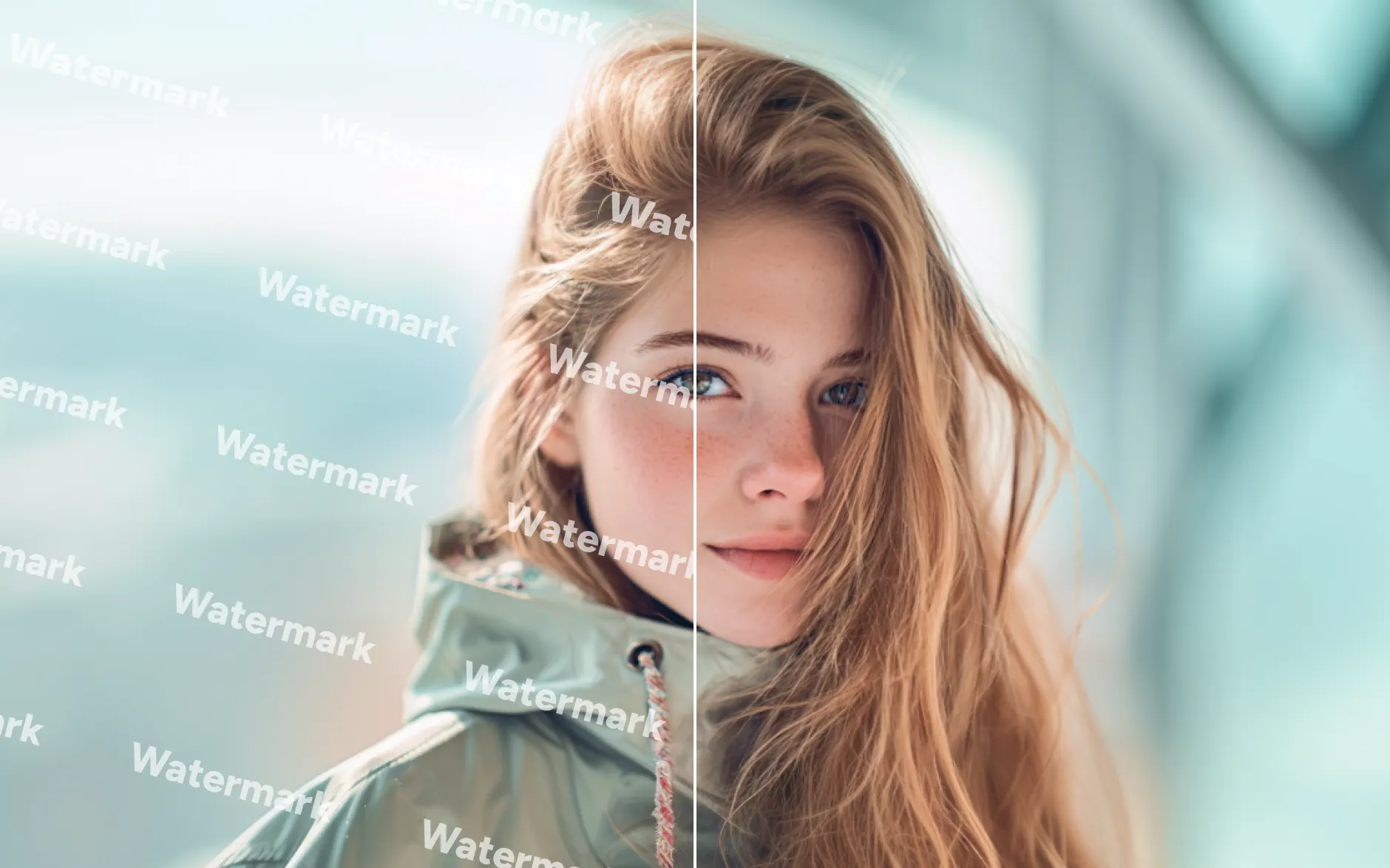


Image Processed
0+
Happy Users
0+
Remove Watermark from Image Using AI
Try the free AI watermark remover and experience the best image watermark removal in AI Ease. With two modes available, removing watermarks from images is never a headache for having satisfactory results. Transform your images with our powerful watermark remover now!
Introducing Latest Watermark Layer Detection Technology
Integrated with advanced watermark layer detection technology, our AI-powered tool designed specifically for removing watermarks can effortlessly erase watermarks from images without damaging the background layer. Our AI watermark remover analyzes every layer in your uploaded photo, including the background, foreground, and watermark layers. With this advanced system, AI Ease ensures the completeness and integrity of your photos, even when dealing with the most complex and embedded watermarks.
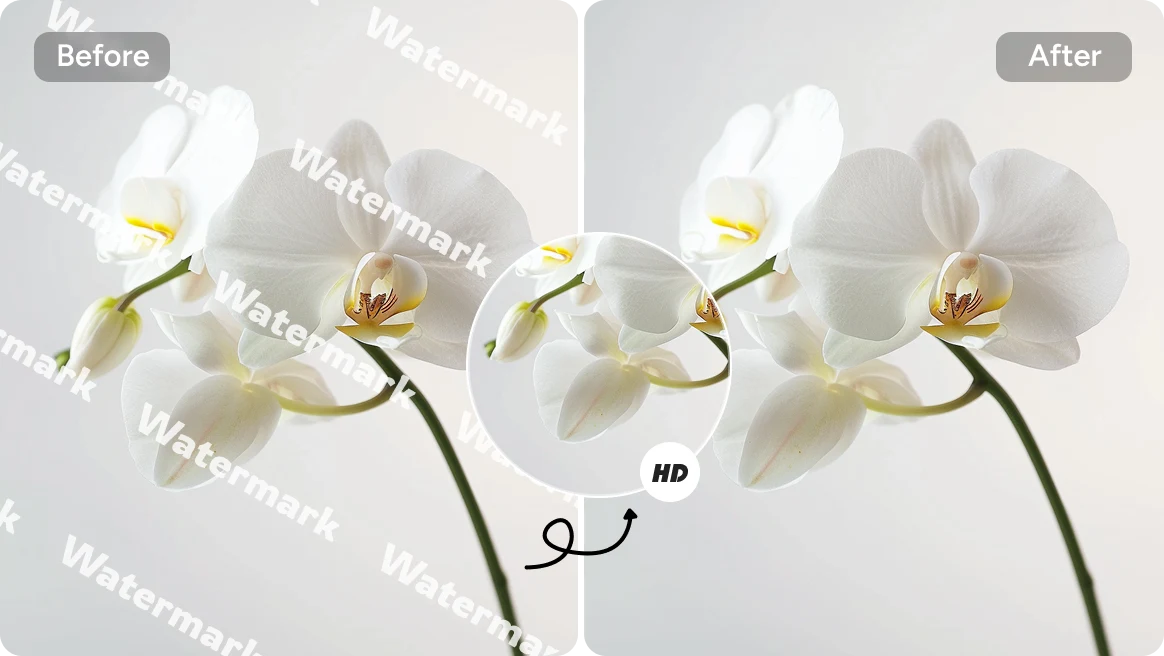
Remove Image Watermark Like Never Existed Before
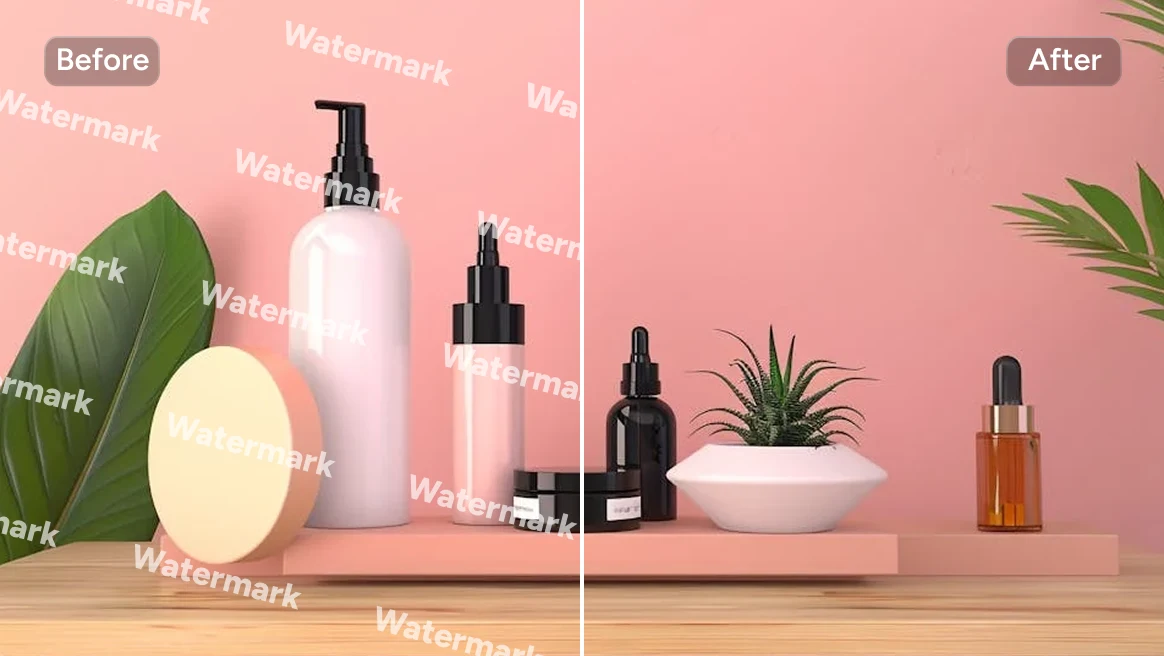
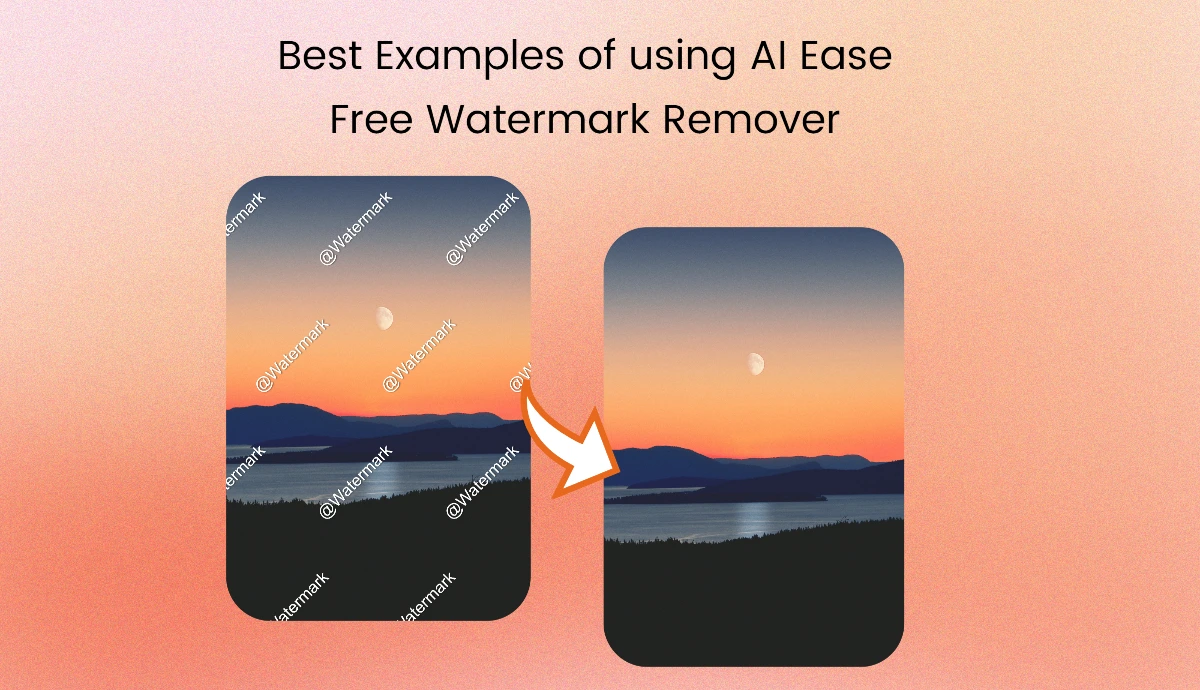
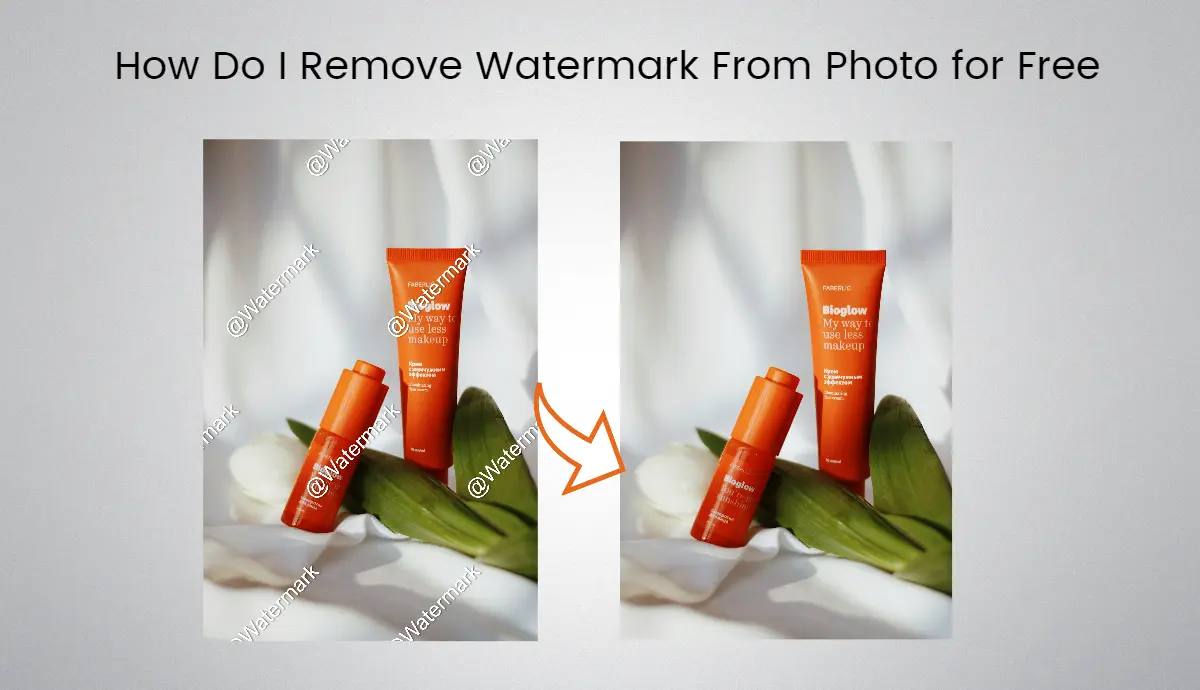
Erase distracting watermarks from photos with impressive results using our free watermark remover online. Once the watermark is detected, our tool will instantly wipe it out as if it had never been there. AI Ease can handle the edges of the removal area with precision, delivering a clear and sharp image without blurriness. Removing watermark from image won’t compromise its quality or clarity. Also, you can use our Seedream 4.5 image editor to delete watermarks in one tap. Say goodbye to unwanted marks and download your perfect and high-quality photo for free.
Automatically Clear Watermark with Impressive Results




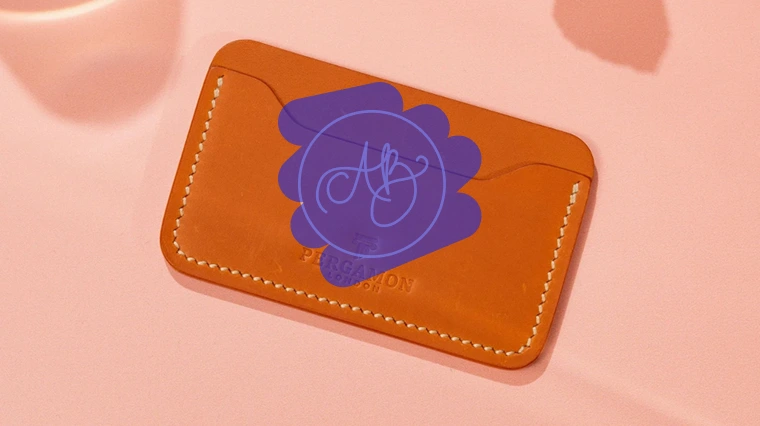
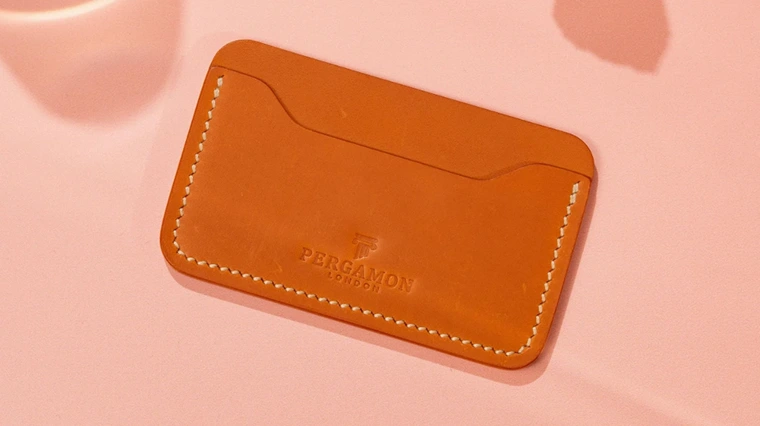
How to Remove Watermark from Photo
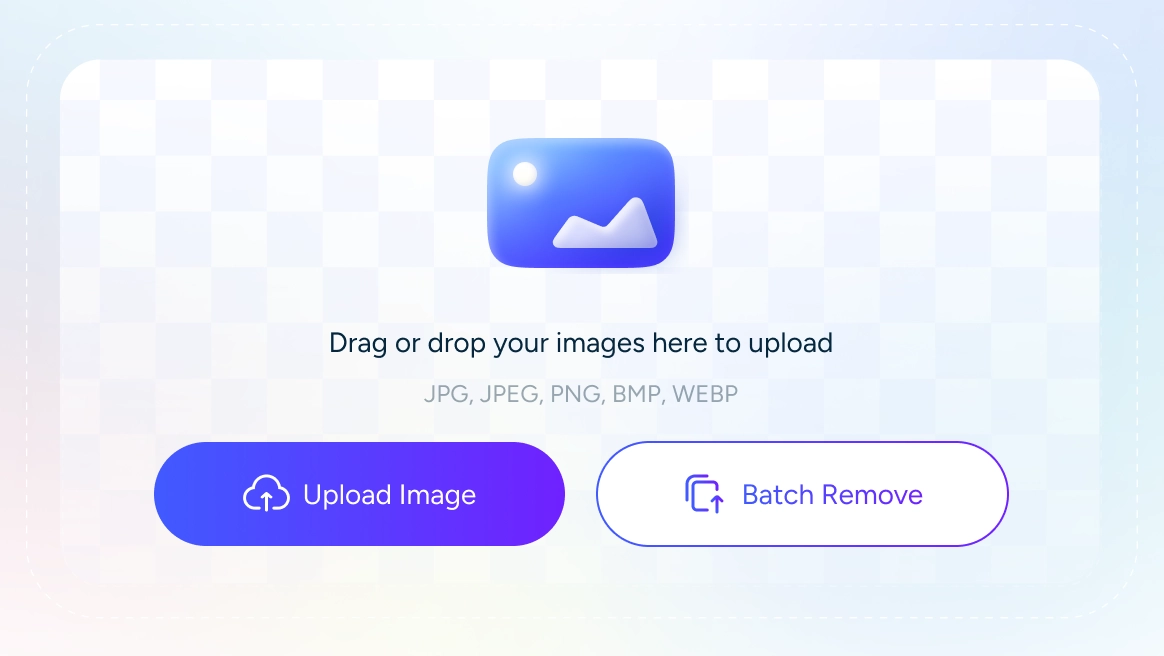
Step 1: Upload Image
Upload your image to our AI watermark remover. PNG, JPG, JPEG, WEBP, and MBP files are supported.
Step 2: AI Detects & Removes
Our free watermark remover will automatically detect and instantly remove watermarks from images in seconds.
Step 3: Precise Removal
Paint over the left watermarks with our brush tool, and click “Remove” to edit out the remaining.
Step 4: Download and Apply
Download the watermark-free image and apply it as needed.
Discover More for Watermark Removal
What Our Customer Say
Frequently Asked Questions
Is it free to remove watermarks from images?
Yes, it is. AI Ease offers free trails for everyone to use our image watermark remover.
What image formats are supported in AI Ease's image watermark remover?
AI Ease supports PNG, JPG, JPEG, WEBP, and MBP files (up to 5MB) to remove image watermarks.
Can I remove logo from image?
Yes, you can remove the logo from an image using AI Ease's online logo remover. Just upload the image and let our AI remove the logo watermark in seconds.
How many photos can I upload to the AI watermark remover at a time?
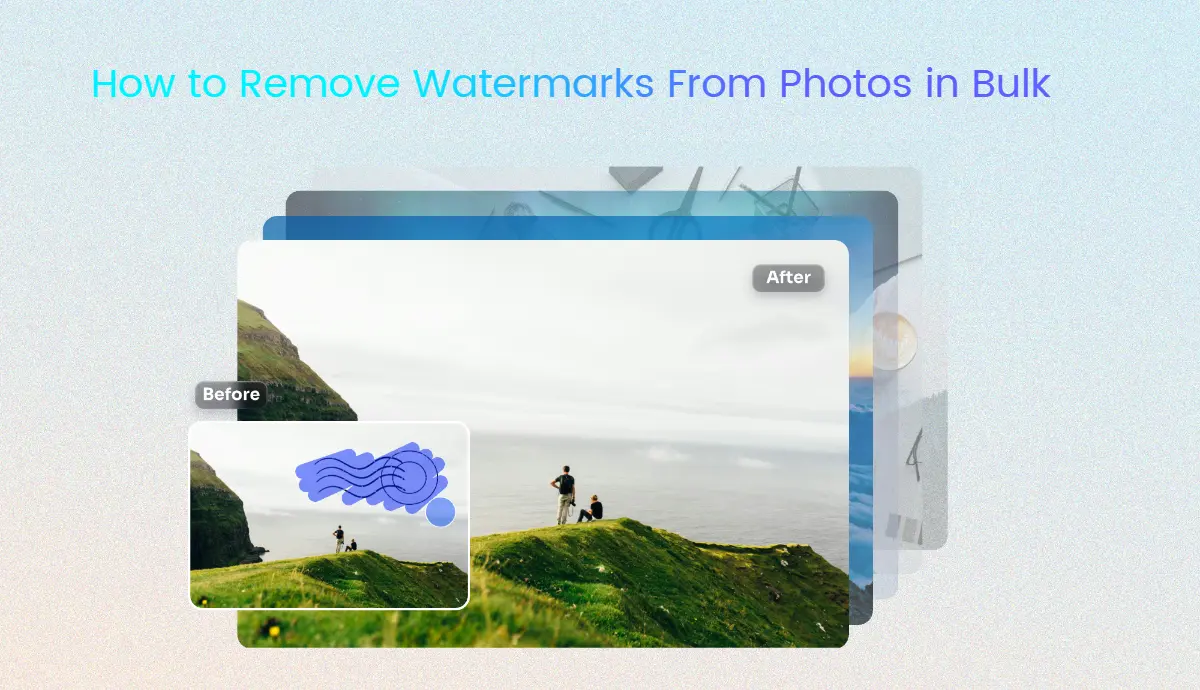
You can upload up to 50 photo files at a time to AI Ease's watermark remover for batch processing.
Will my photo image be damaged if I use AI Ease to remove the sophisticated watermarks?
No, it won't be harmed, as our AI watermark remover is integrated with advanced watermark detection technology to ensure the integrity of the image.
Is it illegal to remove watermark from photo?
Removing the watermark from a copyright-protected photo is illegal. Using an image watermark remover is legal as long as you are processing a licensed image owned by you, especially for commercial purposes.
Who can use AI Ease to remove watermark from photo?
Everyone can use AI Ease to remove watermarks from pictures, whether you are an individual or a professional.
Can I remove image watermark on my phone?
Yes, you can seamlessly delete watermark from images using your mobile phones, as our AI watermark remover is available on both iOS and Android platform.