Free Text to Video AI: Instantly Generate Video from Text
Turn ideas, scripts, or simple prompts into professional cinematic videos in minutes. AIEase's text-to-video AI understands natural language and automatically generates complete videos with synchronized visuals and audio.
Powerful Text to Video AI Capabilities
AI That Truly Understands Your Script
Our advanced prompt to video AI doesn't just place text on slides. It understands context, tone, and structure. Simply describe your idea, provide a script, or input detailed instructions, and the text to video generator transforms them into coherent, visually engaging scenes.
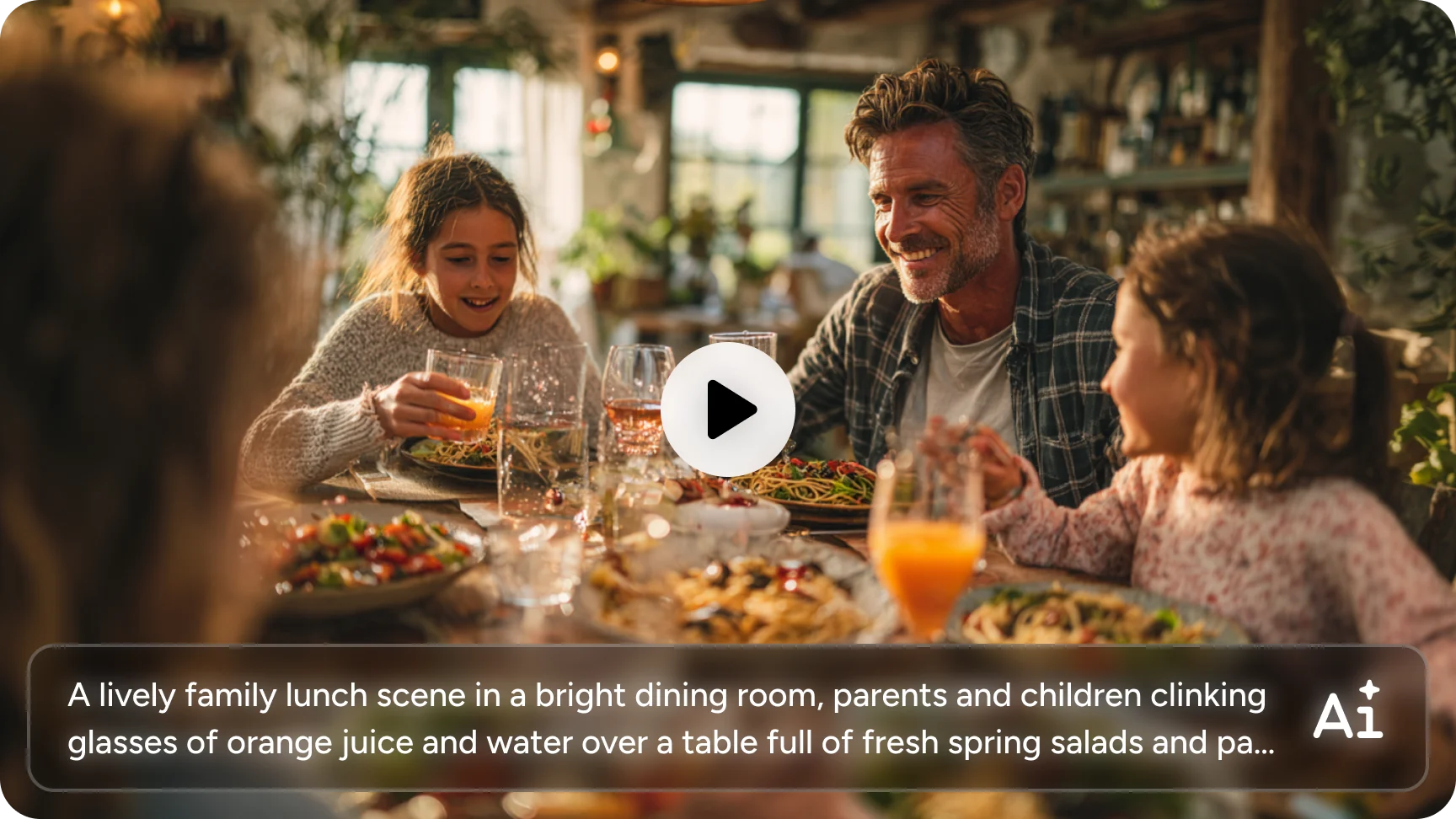
Generate Video and Audio Together
Want to skip the complicated workflow? Try AIEase AI video generator . Generate complete videos with synchronized voiceovers in a single process. Just input your script and let the system produce a fully integrated AI-generated video from text with natural pacing and sound alignment.
Add Subtitles by Simply Telling the AI
Need captions? Just include that in your prompt. Instead of relying on automatic caption detection, you can instruct the text to video AI to generate subtitles directly as part of the video creation process. This gives you more control over formatting and ensures subtitles align with your intended messaging.
Create Multilingual Native Videos
AIEase also supports you in generating multilingual videos with advanced video models, such as Seedance 1.5. This enables the system to generate native-language voice and visuals in one seamless output — perfect for global audiences. Whether you want English, Spanish, Japanese, or other language versions, this free text to video AI supports scalable, international-ready content production.
Optimized for Multiple Formats and Platforms
How to Create a Video Using Text to Video AI
- Step 1
Enter Your Script or Prompt
Provide a short description, full script, or structured instructions.
- Step 2
Choose a Video Model and Settings
Select options such as voice style, format, and language (e.g., Kling 2.6, Hailuo 2.3, Wan 2.2 and so on).
- Step 3
Generate the Video Automatically
The video AI analyzes your content and creates a complete AI generated video from text.
- Step 4
Download and Share
Export your finished video and publish it anywhere online.
Use Cases for Text to Video AI

Social Media Shorts and Reels
Quickly generate scroll-stopping short videos for TikTok, Instagram, and YouTube Shorts. With our text to video AI free, you can produce engaging content without filming or editing software.

Product and Service Promotion Videos
Convert product descriptions into compelling promotional clips. This AI video generator is ideal for e-commerce pages, SaaS demos, and landing page explainers.

Educational and Training Videos
Turn lesson scripts, tutorials, or knowledge articles into video content instantly. The video generator helps educators and trainers scale their teaching materials.

Marketing and Advertising Campaigns
Create high-impact digital marketing videos without hiring production teams. From brand storytelling to online video advertising, you can generate video from text quickly and iterate multiple versions.

Voiceover Narration and Explainer Videos
Transform written scripts into talking videos with synchronized narration. The text to video converter is ideal for explainer content and net-novel promotion.

Scalable Content Production
Need multiple variations? With prompt to video AI, you can quickly produce different scripts, tones, or language versions to test and optimize performance.
Who Is This Text to Video Generator For?



Frequently Asked Questions
Have more questions? You can email service@aiease.ai, and we'll be happy to help you.
What is text to video generator?
Text-to-video AI is a technology that converts written content into video automatically. By analyzing your script or prompt, it generates scenes, visuals, and synchronized audio.
Can I create AI videos from images?
Yes. AIEase also supports generating videos from images. Choose one AI video model, upload your image, and tell us what kind of video you need. Our AI will give you a cinematic video in minutes.
Does it support multiple languages?
Yes. By selecting supported video models such as Seedance 1.5, you can generate multilingual AI generated video from text with native voice output.