

Bring Detailed Prompts Closer to Your Vision
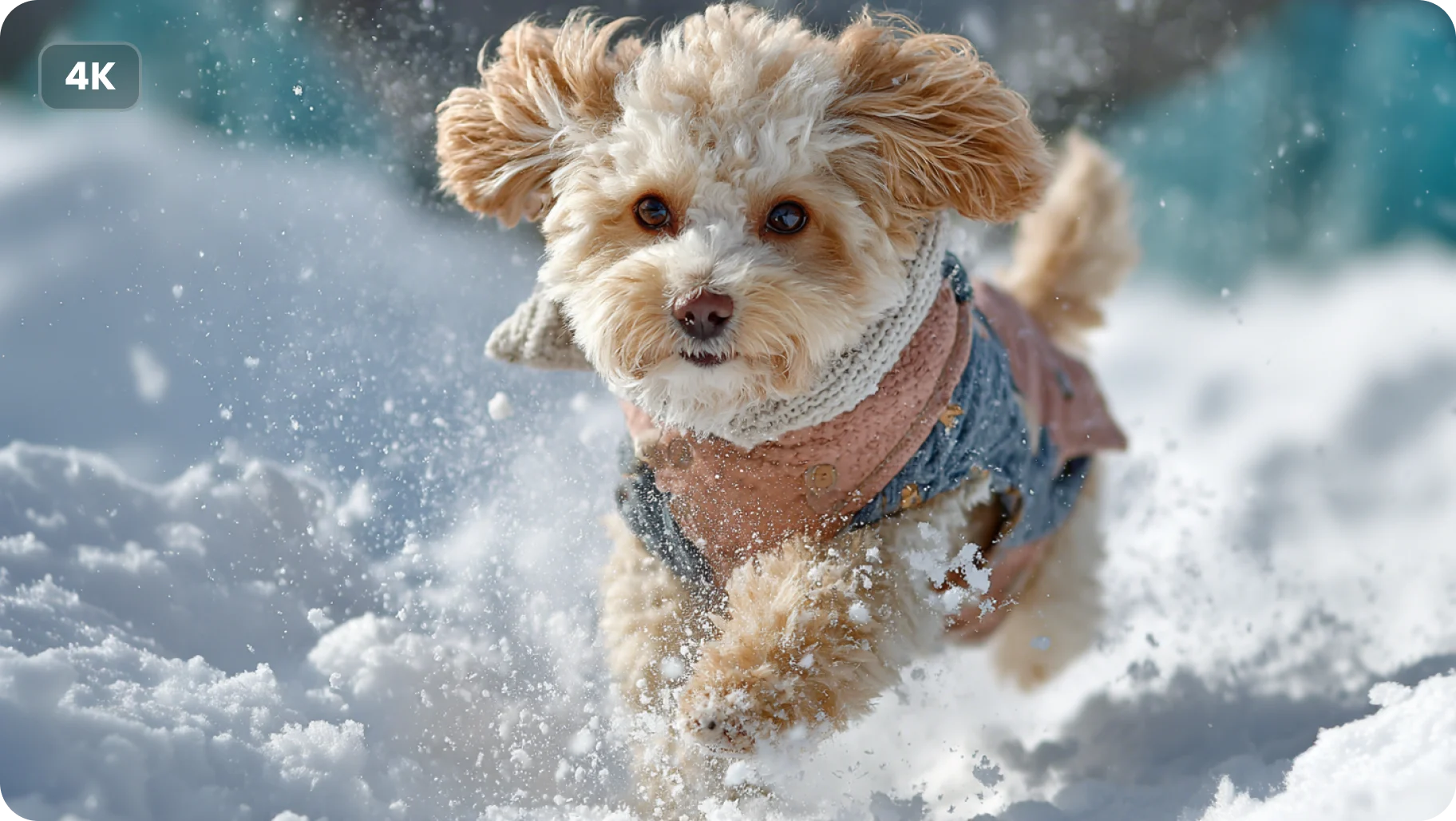
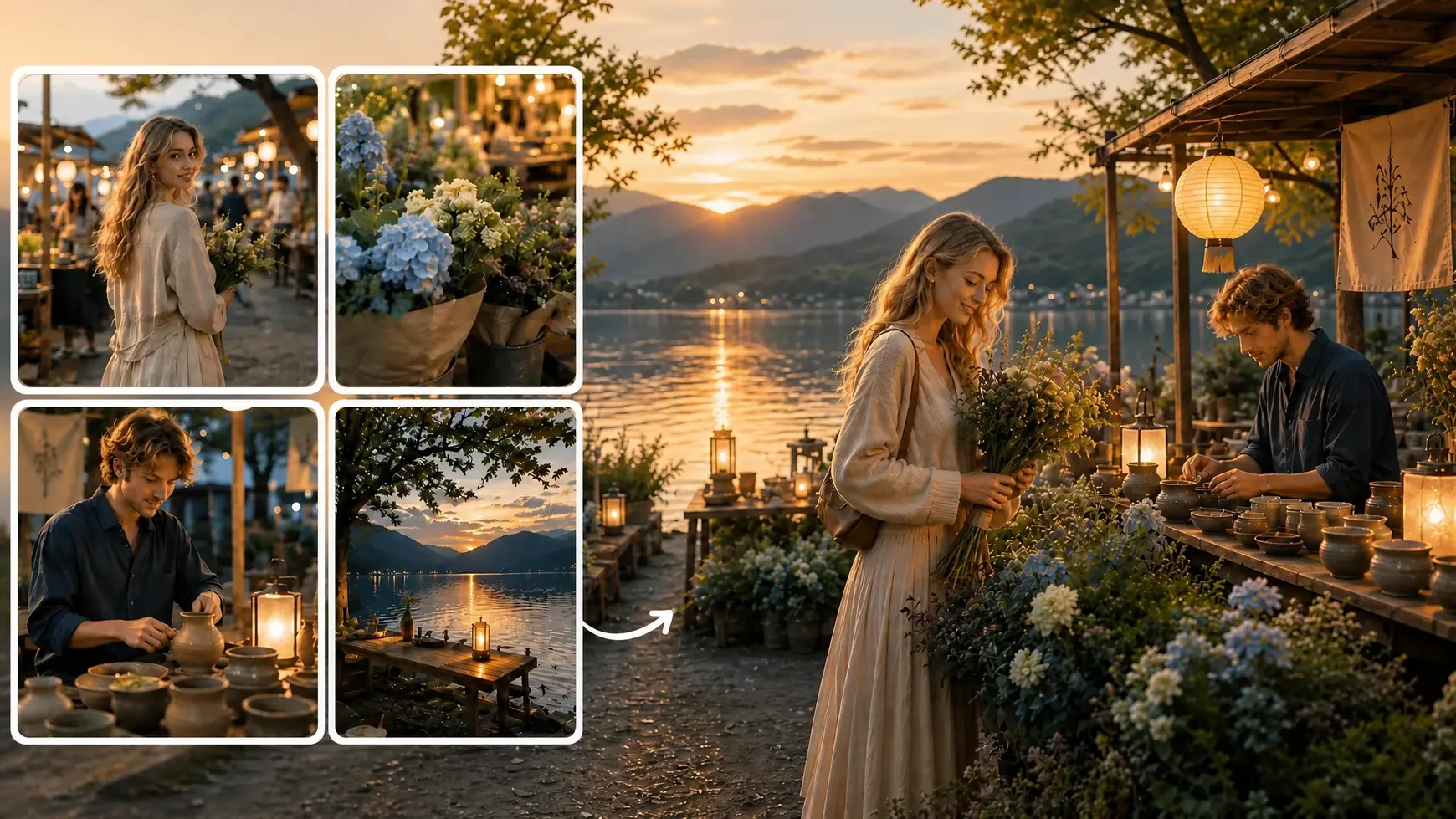
A strong idea should not get lost between the prompt and the final image. Midjourney V7 handles detailed descriptions of subjects, environments, lighting, composition, color, and style with stronger prompt understanding. On AI Ease, you can turn anything from a short creative idea to a more carefully directed scene into polished visuals without reducing your prompt to a few basic keywords.
Create Richer, More Coherent Details
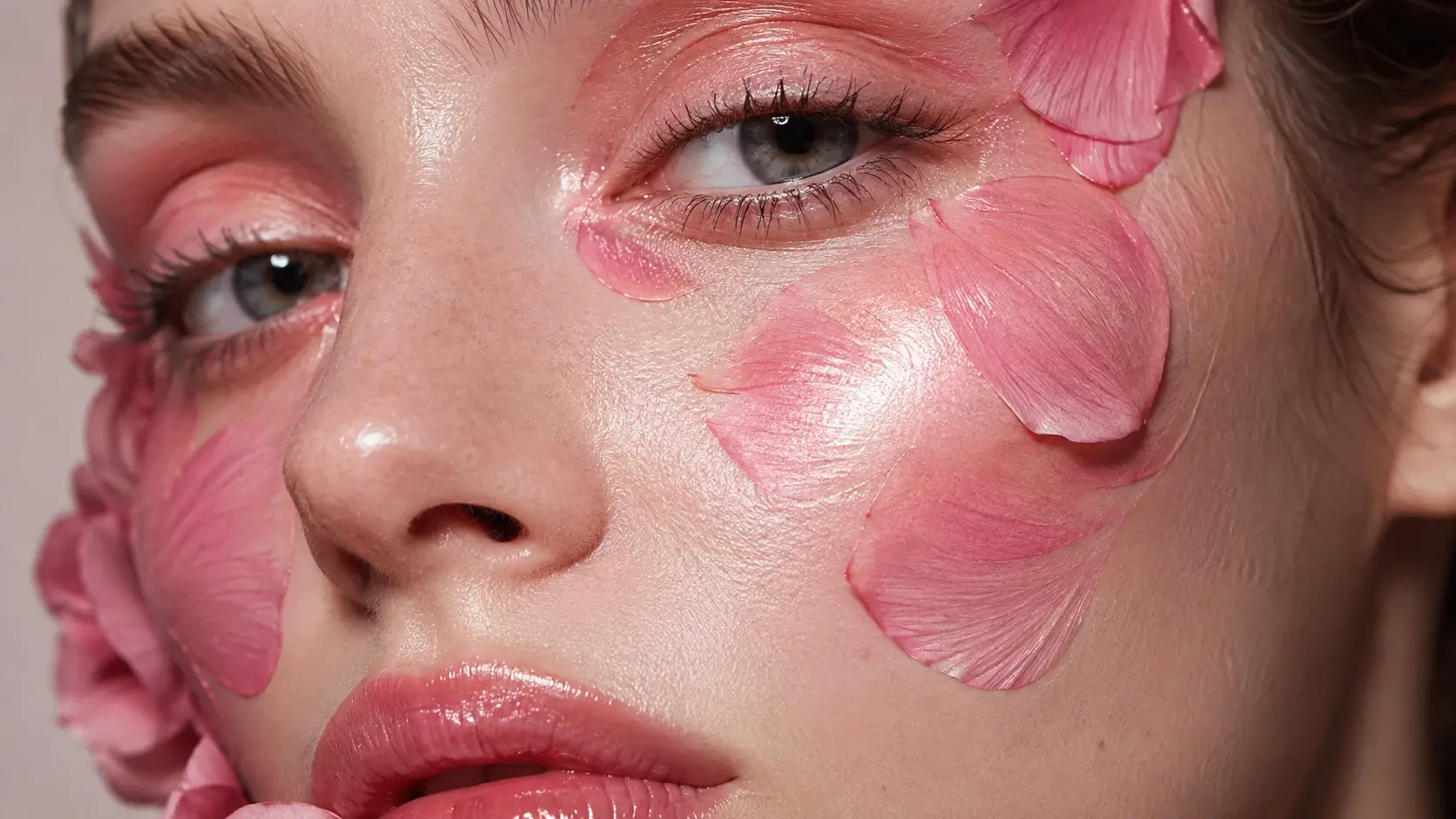
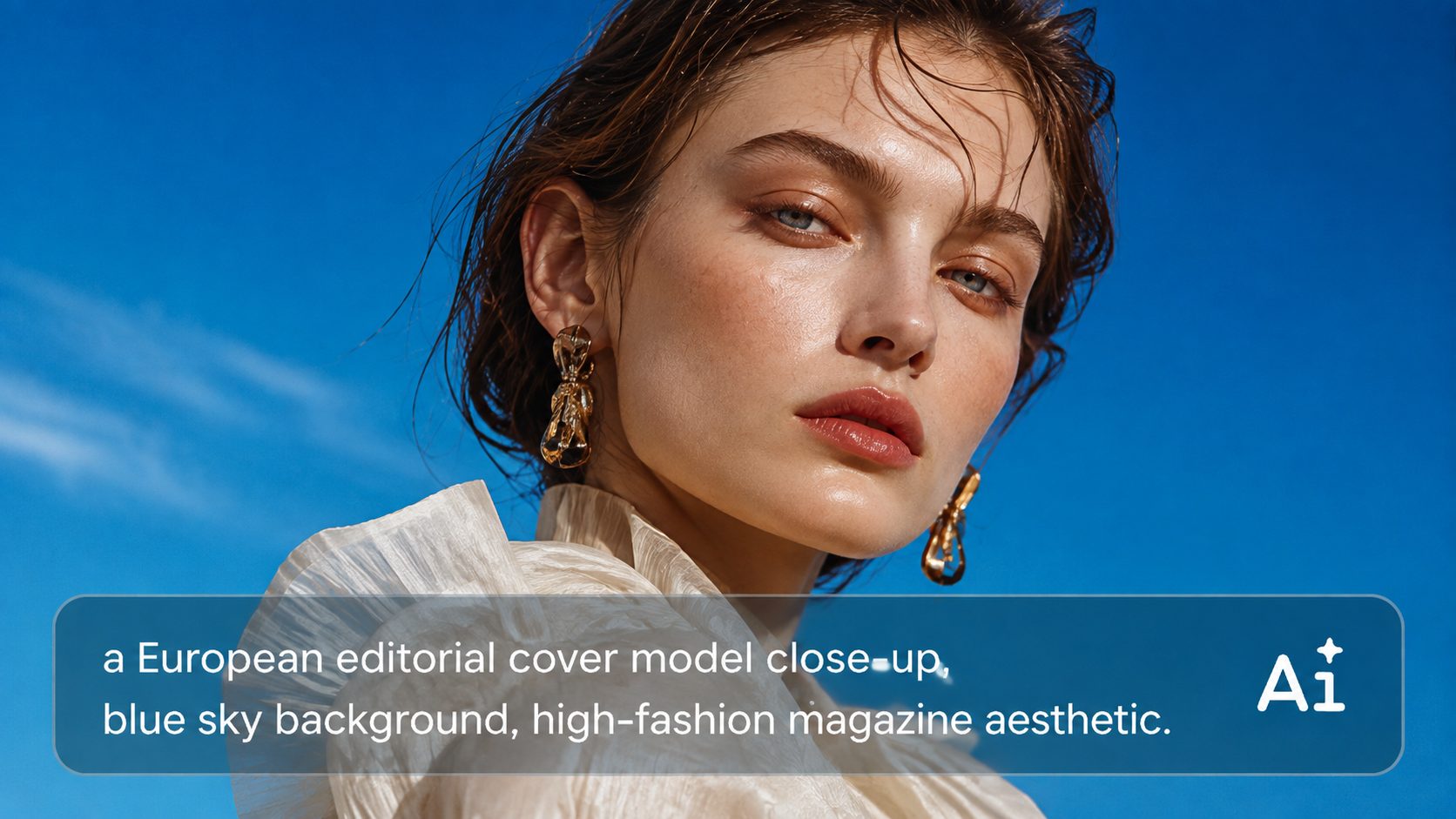
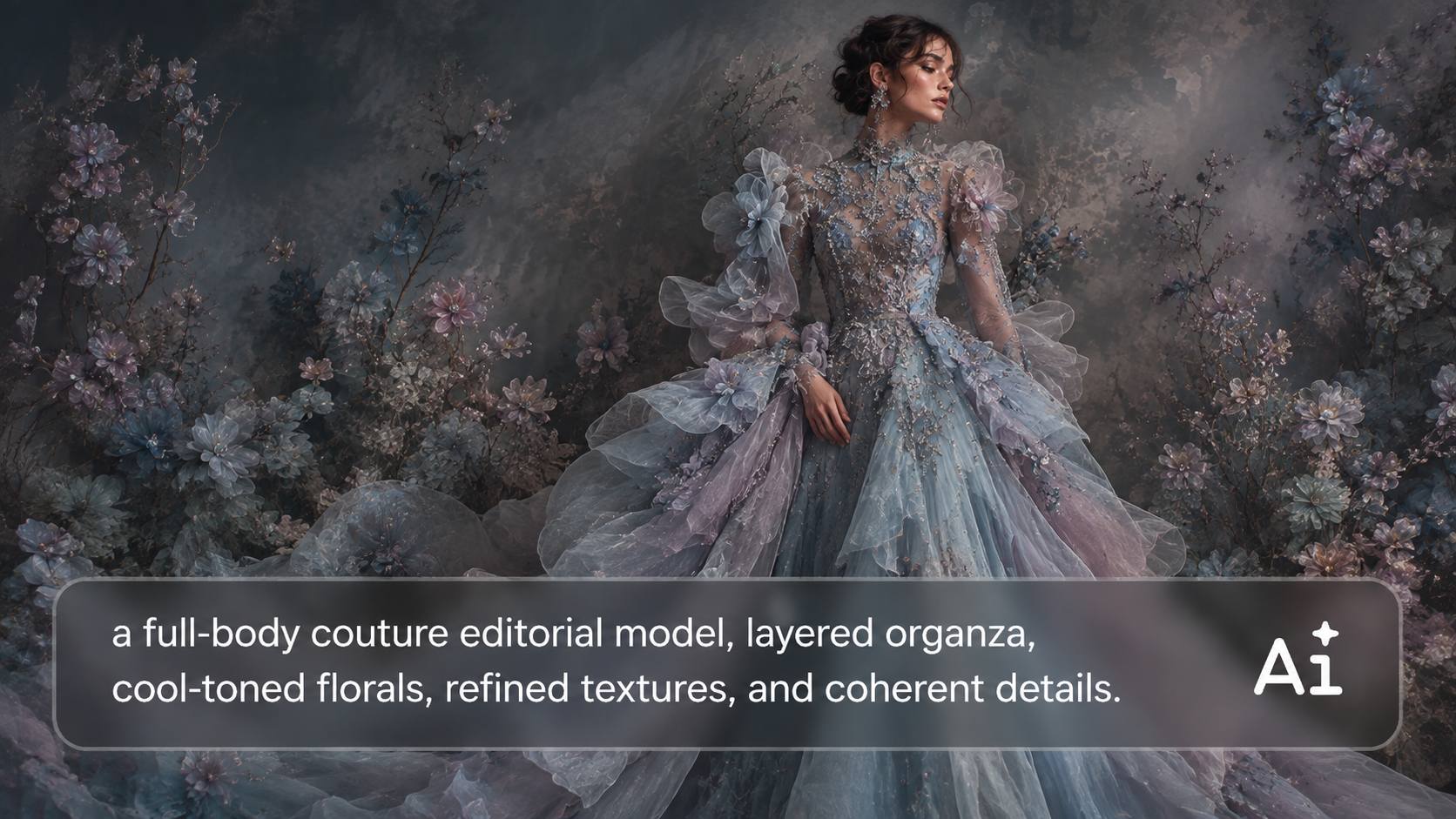
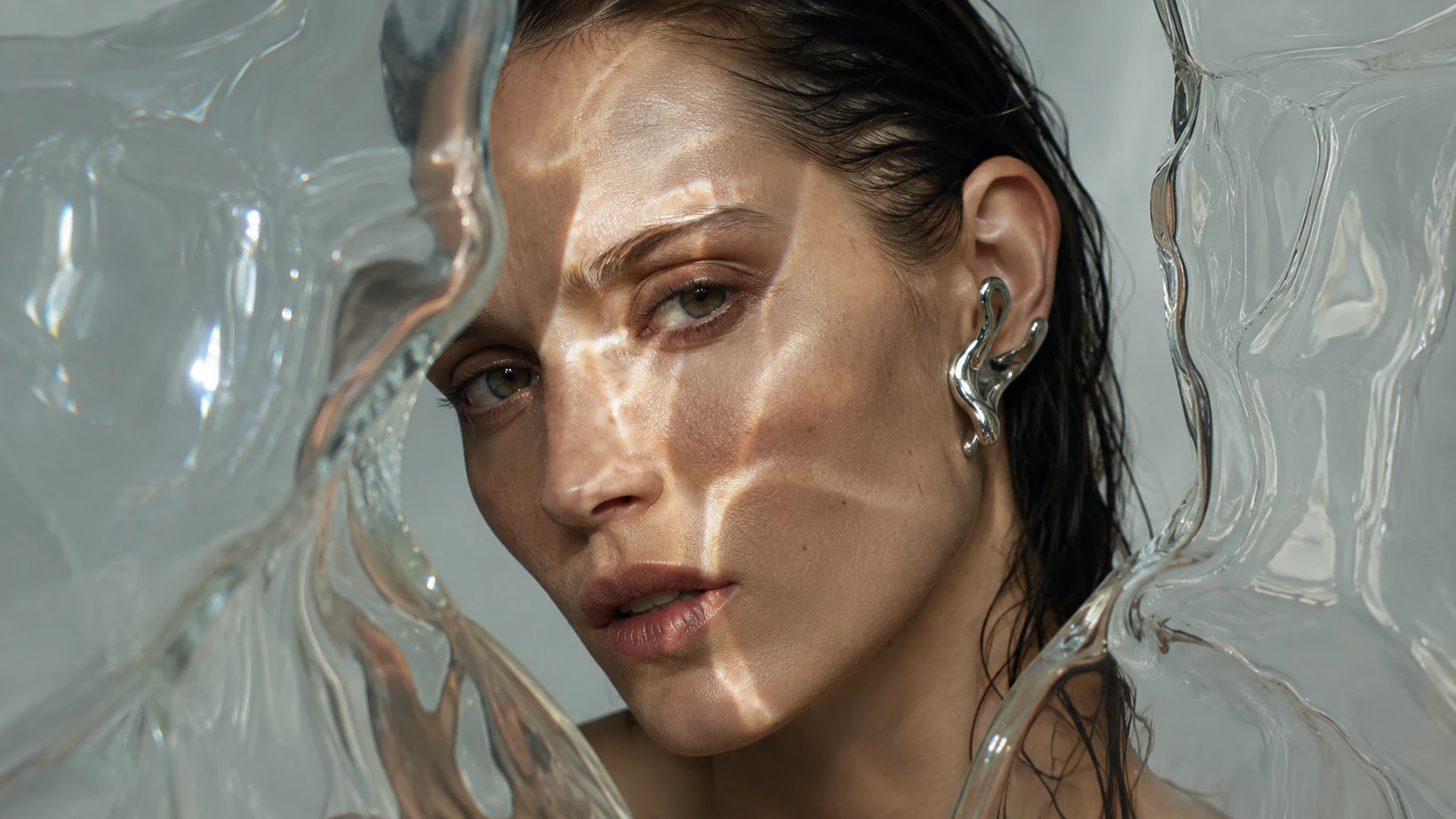
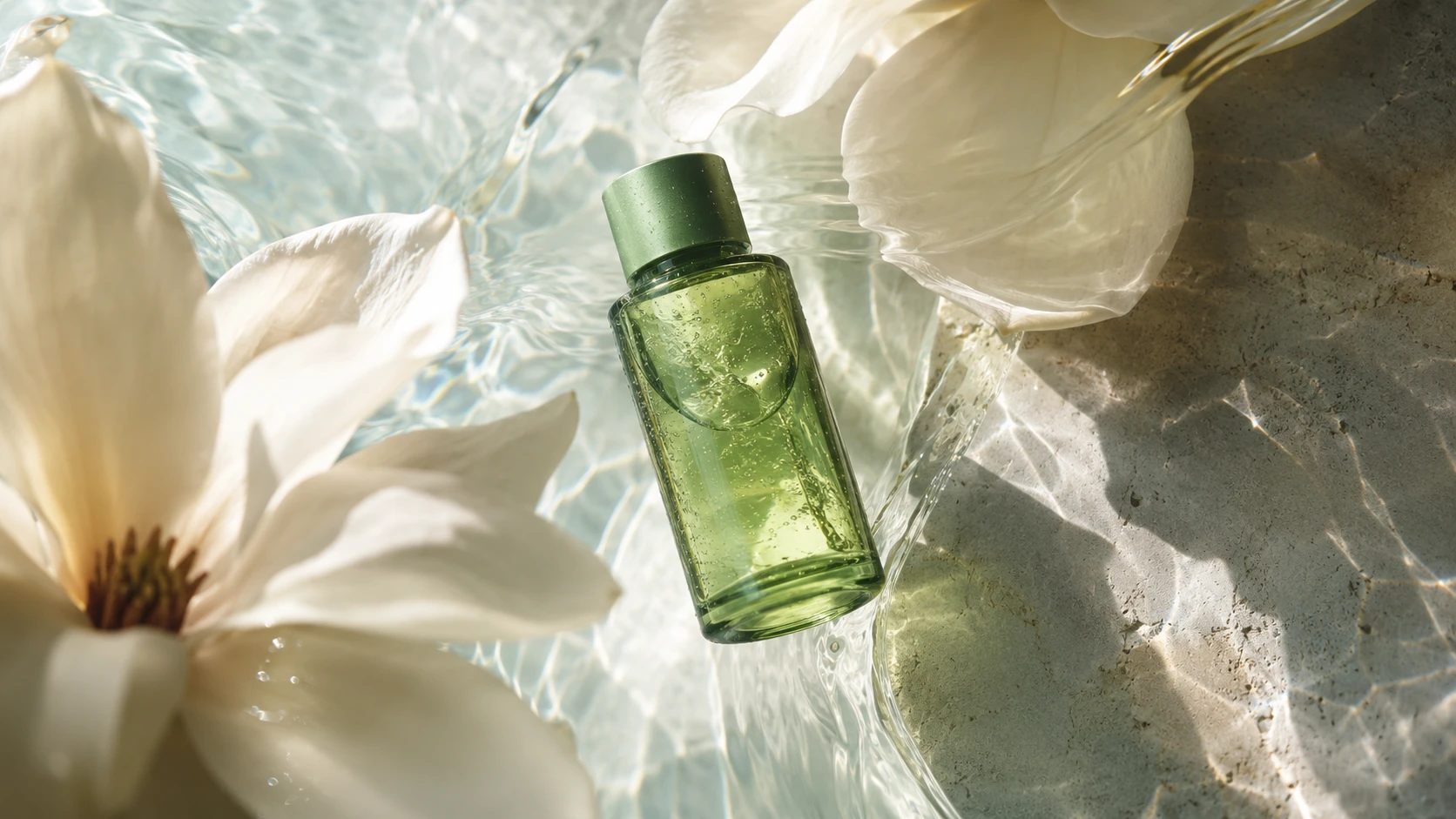
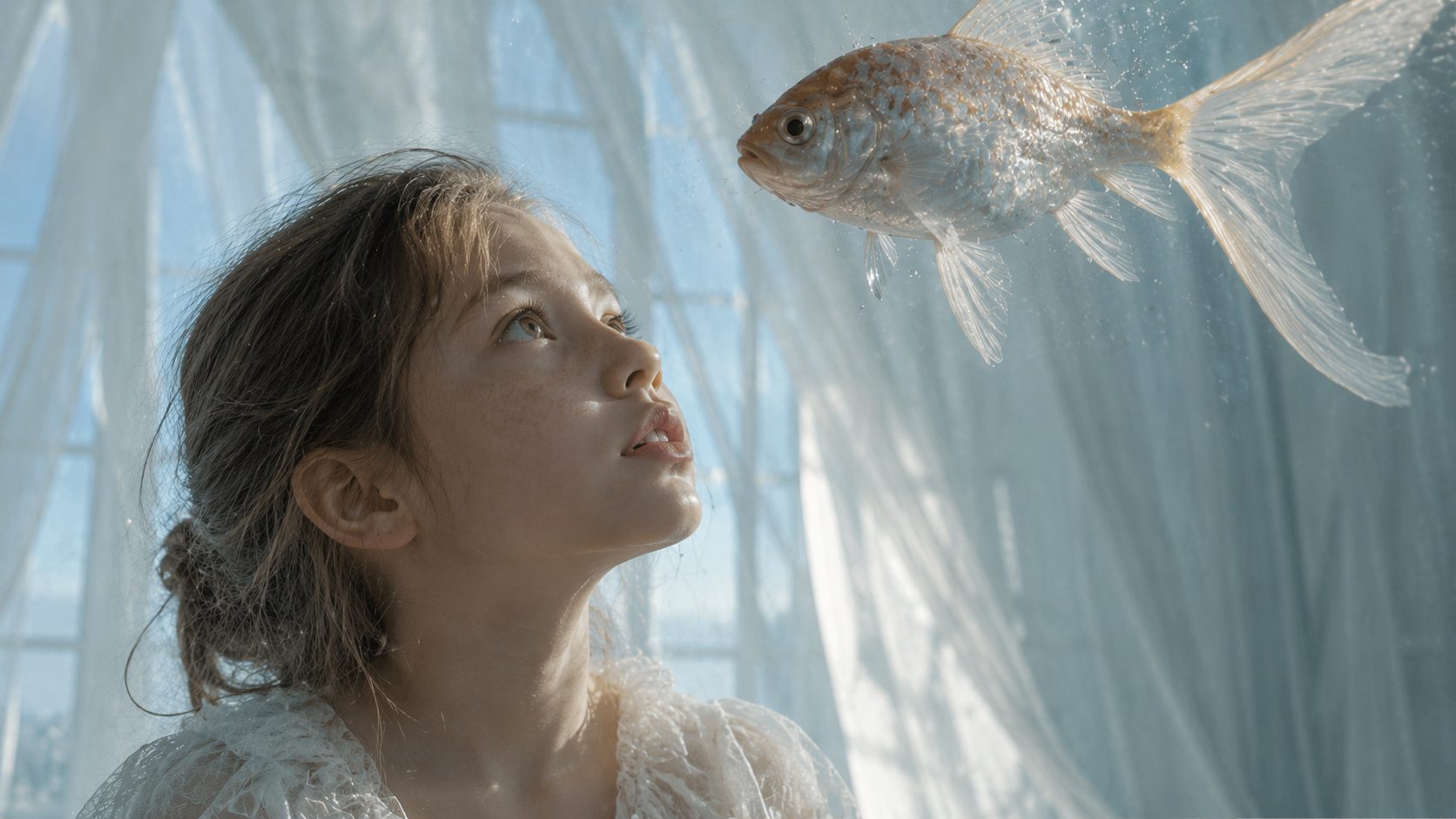
Faces, hands, clothing, textures, materials, and small objects can make a big difference in how convincing an AI image feels. Midjourney V7 improves fine details and overall visual coherence, helping complex scenes look cleaner and more complete. Use the Midjourney AI image generator on AI Ease for portraits, fashion, products, environments, and other visuals where the small details matter as much as the overall composition.
Explore Distinctive Visual Styles
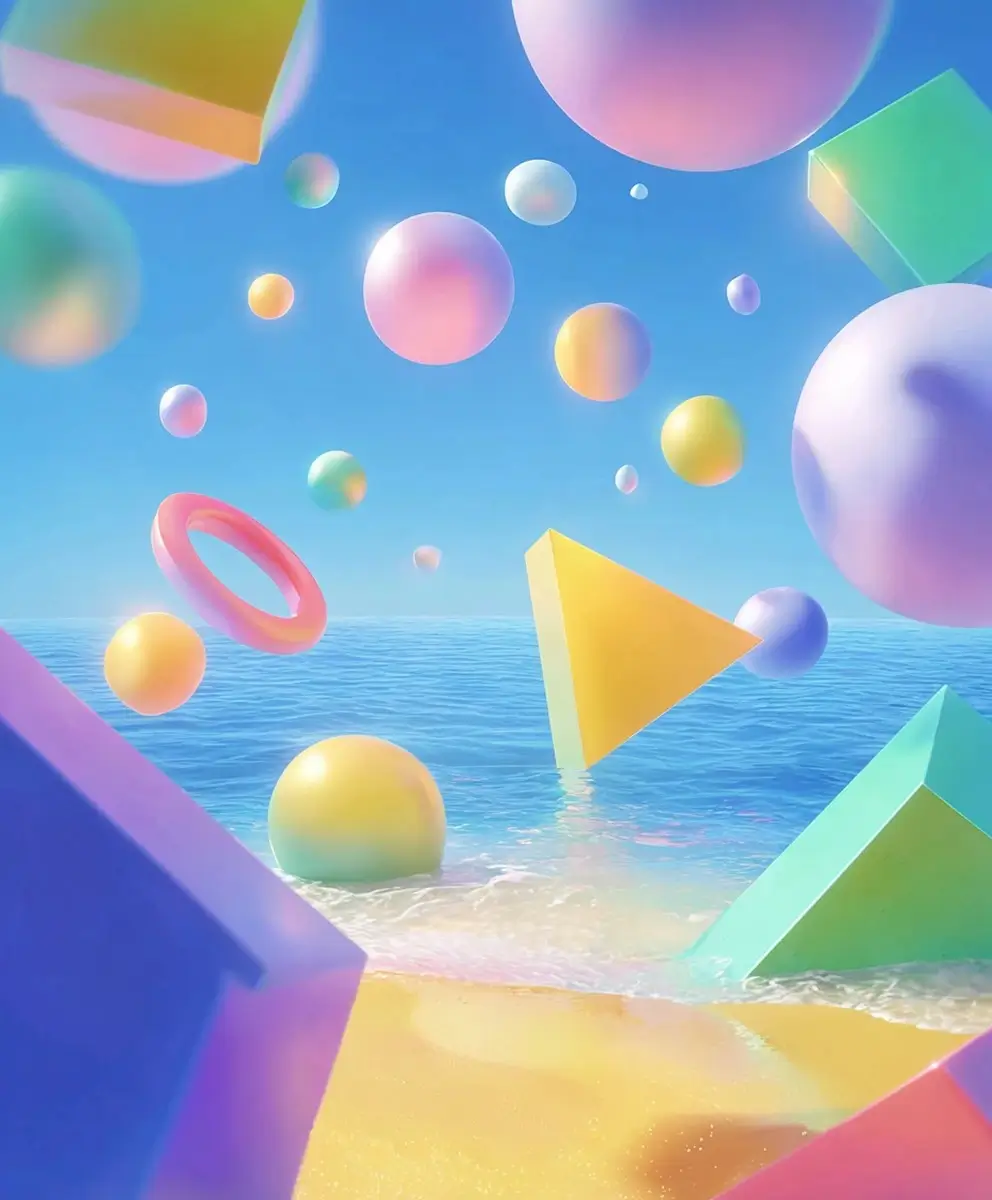
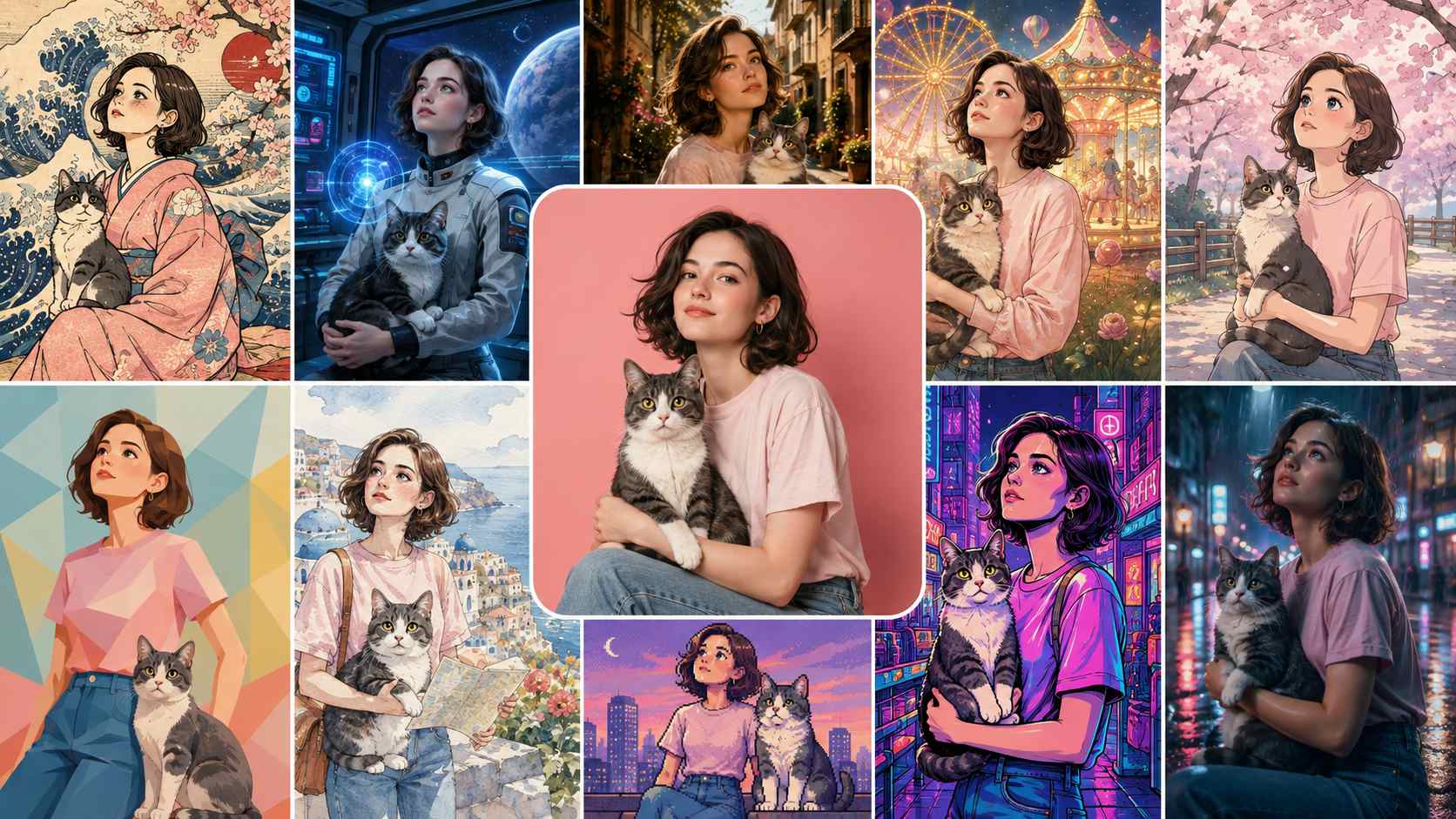
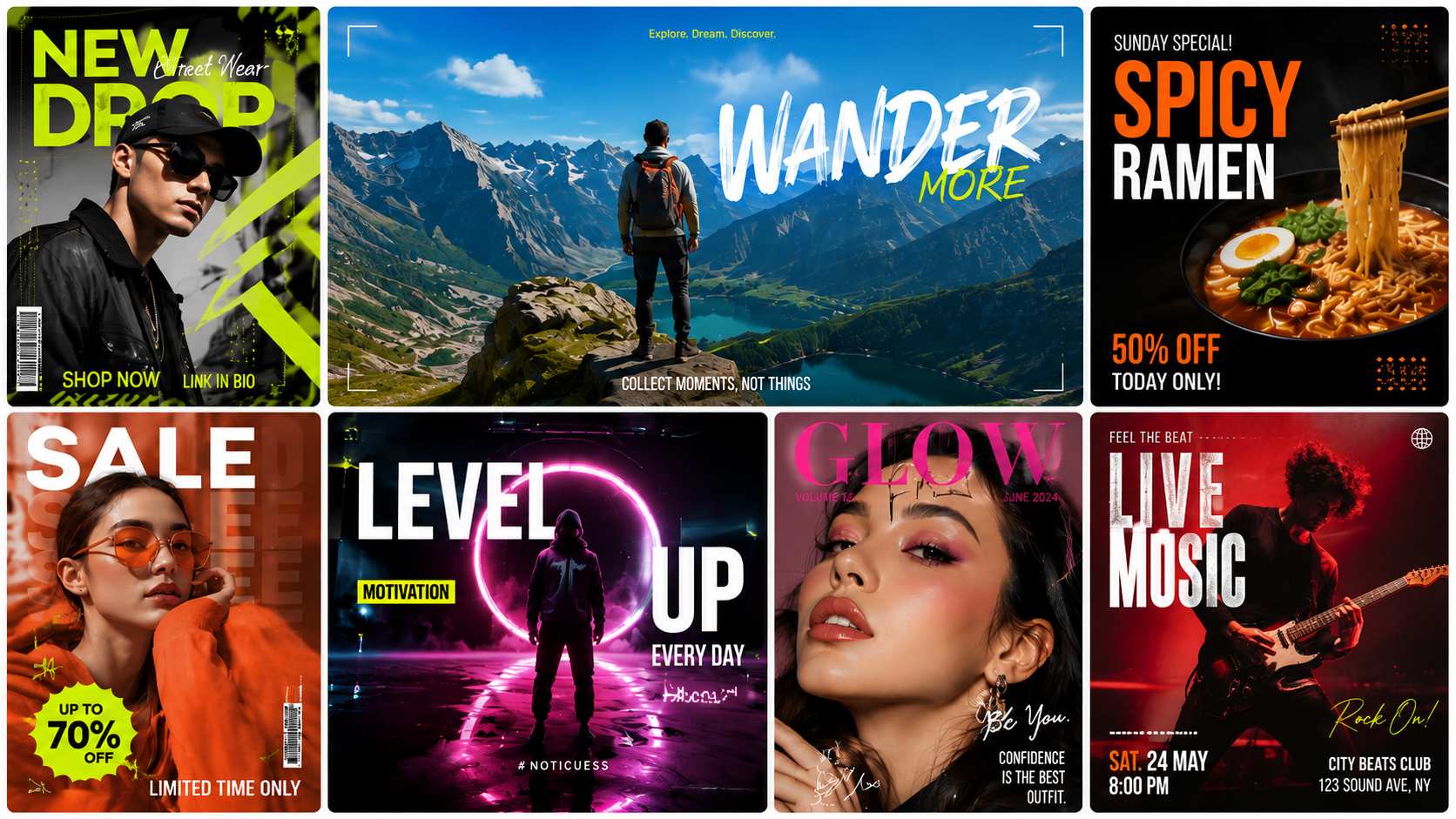
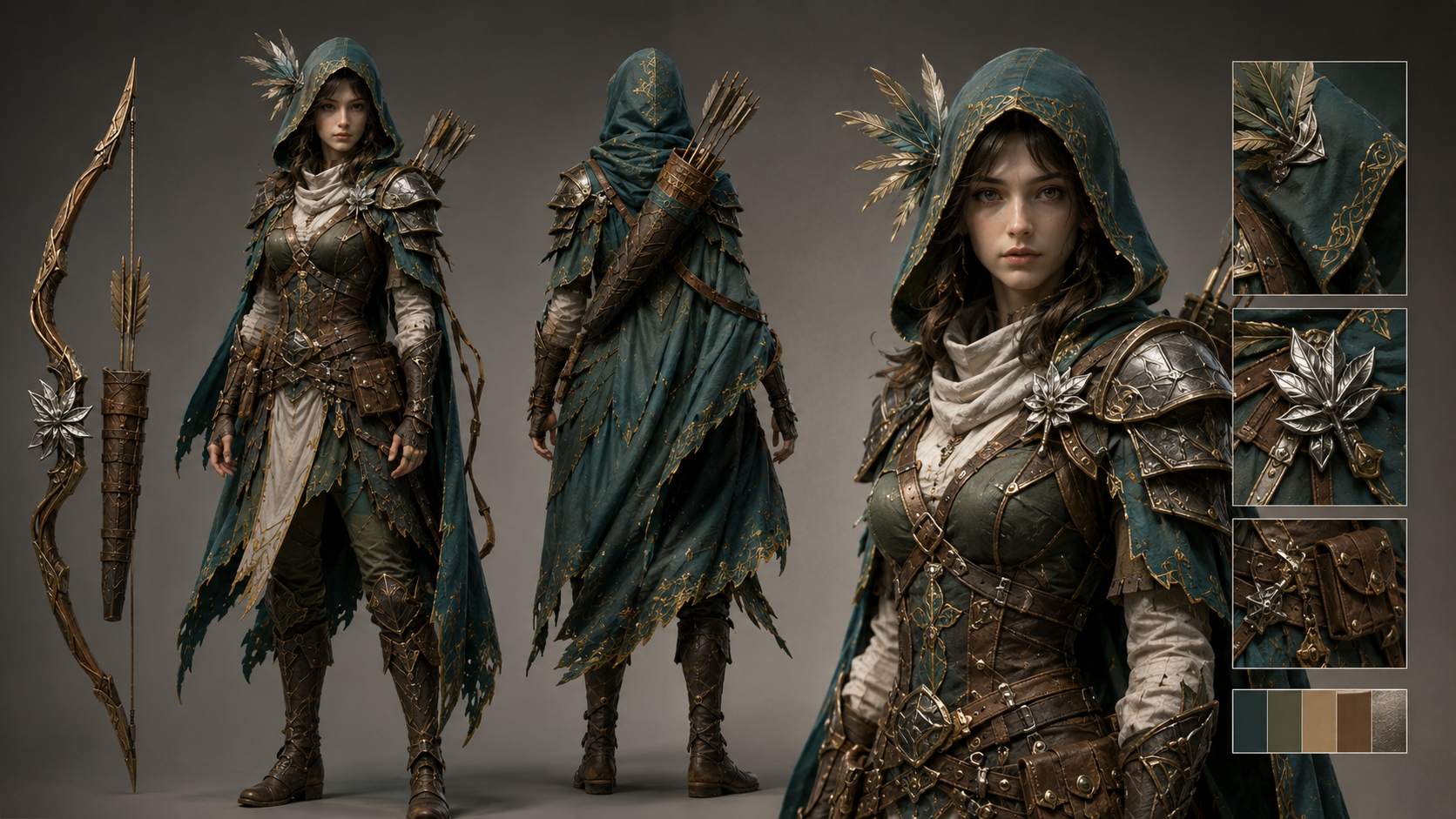
Move from photorealistic photography to cinematic imagery, editorial fashion, fantasy art, illustration, surrealism, architecture, and experimental design. Midjourney V7 is especially strong when visual direction matters. On AI Ease, you can describe the mood, lighting, palette, materials, composition, and aesthetic you want to shape a more distinctive final look.
Get 4 Creative Results From One Prompt
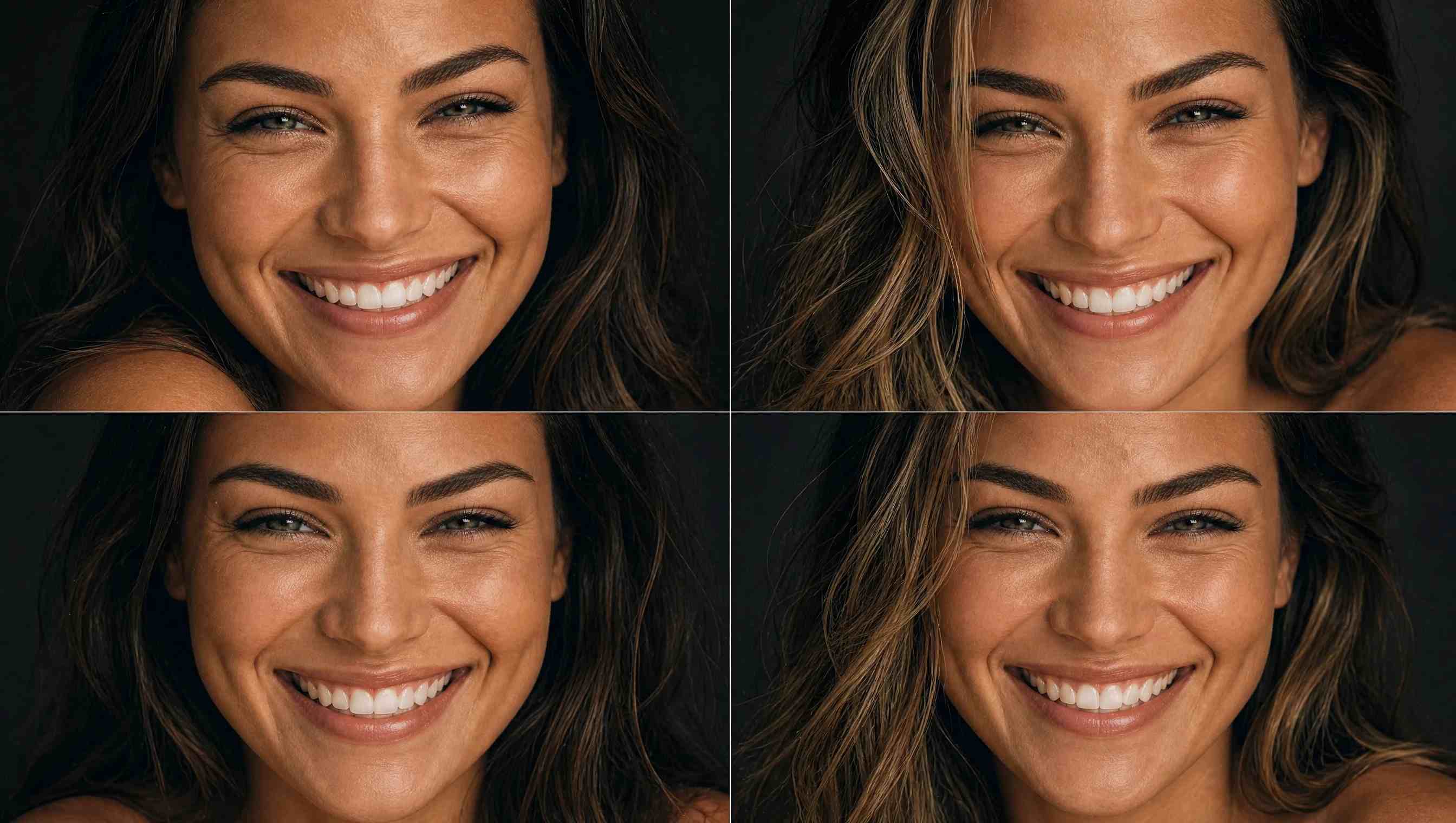
The first composition is not always the one you would choose. AI Ease generates 4 Midjourney V7 images from each prompt, giving you several interpretations of the same idea in one generation. Compare different compositions, details, and visual directions, then choose the result that works best or refine your prompt for another set.
Create Images for Different Formats
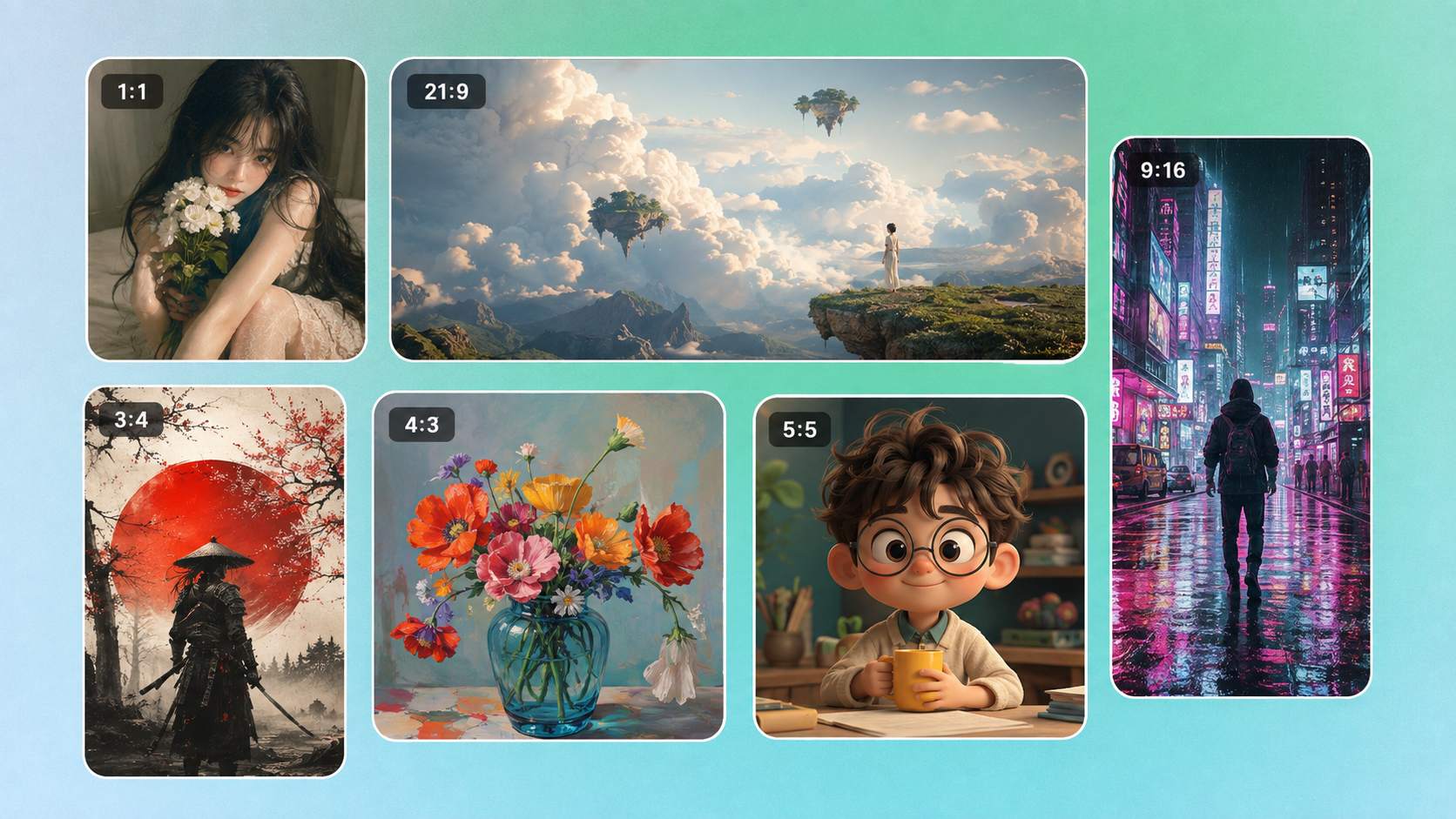
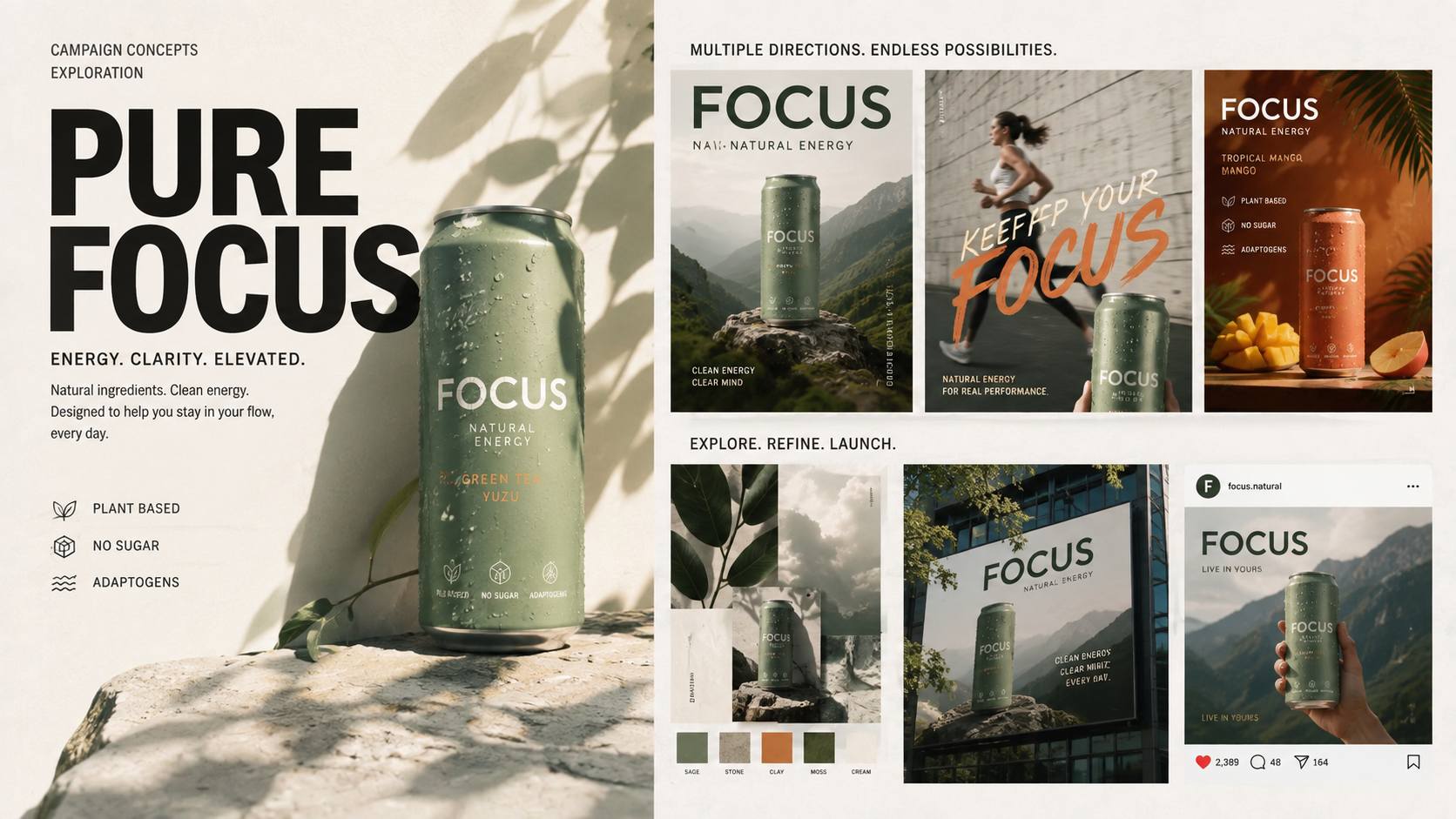
Create for social posts, portraits, posters, website banners, or cinematic scenes without relying on extra cropping afterward. Midjourney V7 on AI Ease supports flexible aspect ratios, including popular options such as 1:1, 4:5, 3:4, 16:9, 9:16, and 21:9, along with more portrait and landscape formats. Choose the ratio that fits your project and build the composition around the final format from the start.
What Can You Create With Midjourney AI Image Generator?
How to Use Midjourney V7 on AI Ease
- Step 1
Choose Midjourney V7
Open the AI Ease image generator and select Midjourney V7 as your image model. The current workflow supports text-to-image generation.
- Step 2
Describe What You Want to Create
Write a prompt covering the subject, setting, composition, lighting, mood, and visual style. Then choose an aspect ratio that fits your intended format.
- Step 3
Generate 4 Images
Start generating and AI Ease will create 4 images from your prompt. Compare the results, pick your favorite, or adjust your prompt to explore another creative direction.
Creative Midjourney V7 Prompts to Try
Frequently Asked Questions
Have more questions? You can email service@aiease.ai, and we'll be happy to help you.
What is Midjourney V7?
Midjourney V7 is an AI image generation model built for stronger prompt understanding, richer detail, and more coherent results. It works well for realistic photography, concept art, fashion, advertising, and other creative visuals.
What is the difference between Midjourney V7 and V6.1?
Midjourney V7 improves on V6.1 with better prompt understanding, richer textures, and stronger consistency in hands, bodies, objects, and complex scenes.
Can Midjourney V7 handle complex prompts?
Yes. Midjourney V7 can follow detailed prompts that include subjects, environments, lighting, composition, colors, and visual styles. For better results, keep the most important details clear and avoid adding too many repetitive adjectives.
Can I use Midjourney V7 without Discord?
Yes. You can use Midjourney V7 directly on AI Ease in your browser. Simply enter your prompt, choose a format, and generate your images online.
How many images does Midjourney V7 generate at once?
Each generation creates 4 images from the same prompt, giving you several visual options to compare.
Is Midjourney V7 good for realistic images?
Yes. Clear descriptions of lighting, composition, materials, and camera perspective can help you get more natural results.
How do I write a good Midjourney V7 prompt?
Start with the main subject, then add the setting, action, composition, lighting, and visual style. A simple structure is: Subject + Setting + Action + Composition + Lighting + Style