無料 Seedream 5.0 Flash AI画像ジェネレーター
AI Ease 上の Seedream 5.0 Flash で画像を作成・編集しましょう。テキストや画像から最大2Kの高精細ビジュアルを生成し、最大10枚のリファレンスを組み合わせて、1つのワークフローで細部まで調整できます。高速かつ手頃な生成と柔軟なアスペクト比により、商品画像、マーケティング施策、日常コンテンツのアイデアをもっと広げられます。
Seedream 5.0 Flash を選ぶ理由

アイデアをもっと速く形に
高速な画像生成と編集で、クリエイティブの流れを止めずに進められます。Seedream 5.0 Flash なら、思いついたアイデアをすぐ試し、結果を確認し、コンセプトが新しいうちに別の方向性も探せます。急なブリーフへの対応でも、複数案のビジュアル準備でも、効率よくリビジョンを重ねられ、本当に作りたいイメージづくりに時間を使えます。

予算内で、もっと多くの画像を
制作コストを抑えながら、試行錯誤の幅を広げましょう。Seedream 5.0 Flash はコスト効率の高い生成に特化しており、頻繁な生成や継続的なコンテンツ制作に実用的な選択肢です。別案のコンセプトを試したり、バリエーションを作ってからお気に入りを磨き込んだりできます。日常的にビジュアルを制作するクリエイターやチームにとって、制作コストを管理しながら作り続けるための手段になります。

1つのワークフローで作成と編集
アイデアの進化に合わせて、生成と編集を同じ流れの中で行えます。プロンプトや既存写真から始めて、指示やリファレンスで結果を整えていきましょう。AI Ease 上の Seedream 5.0 Flash なら、新しいコンセプトの探索から細部の調整までを1つのワークフローで完結できます。フィードバックを受け取りながら同じ方向性を発展させていけるので、日々の修正対応もスムーズです。
Seedream 5.0 Flash でもっと作る
AI Ease 上の高速かつコスト効率の高い画像生成・編集で、アイデアをビジュアルに落とし込みましょう。Seedream 5.0 Flash は柔軟なクリエイティブツールと手頃な生成を組み合わせ、アイデアの探索、画像のブラッシュアップ、日常的なコンテンツ制作をしやすくします。

テキストや画像から作成
テキストのアイデアから新しい画像を作ったり、既存の写真に新しい表情を与えたりできます。AI Ease 上の Seedream 5.0 Flash なら、シーンの生成、背景変更、スタイルの探索、細部の調整をプロンプトで行えます。新しいコンセプトを形にしつつ、手元の画像も同じワークフローで編集できます。
最大2Kの高精細画像を生成
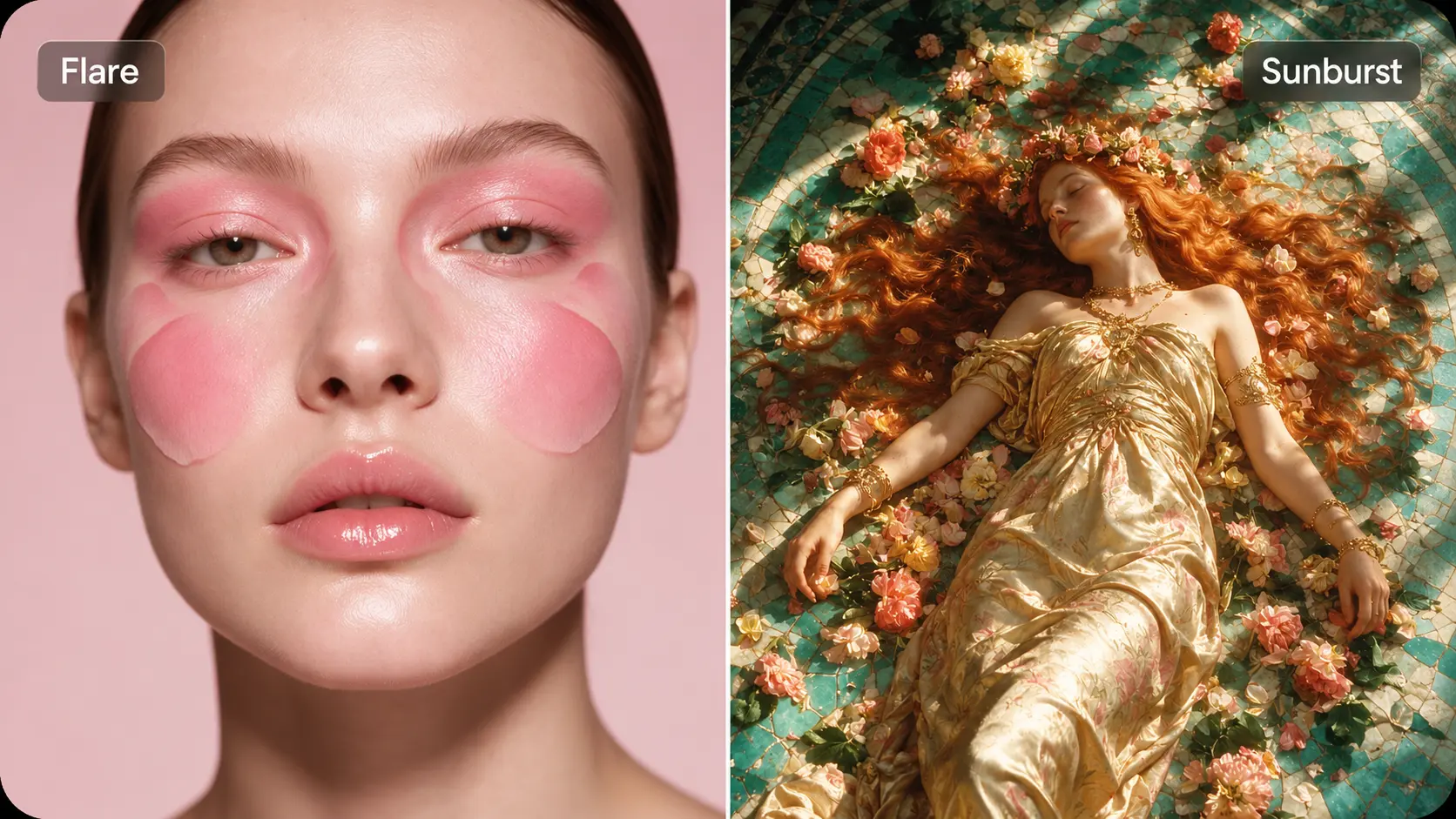
最大2K解像度で画像を生成し、 商品ビジュアル, ポートレート、イラスト、マーケティング用コンテンツに活用できます。質感やライティング、細かなディテールまでしっかり表現可能です。ランディングページの刷新から次のSNS投稿まで、クリエイティブの方向性をはっきり伝える、クリアで緻密なビジュアルを制作できます。
複数の画像リファレンスで結果をコントロール
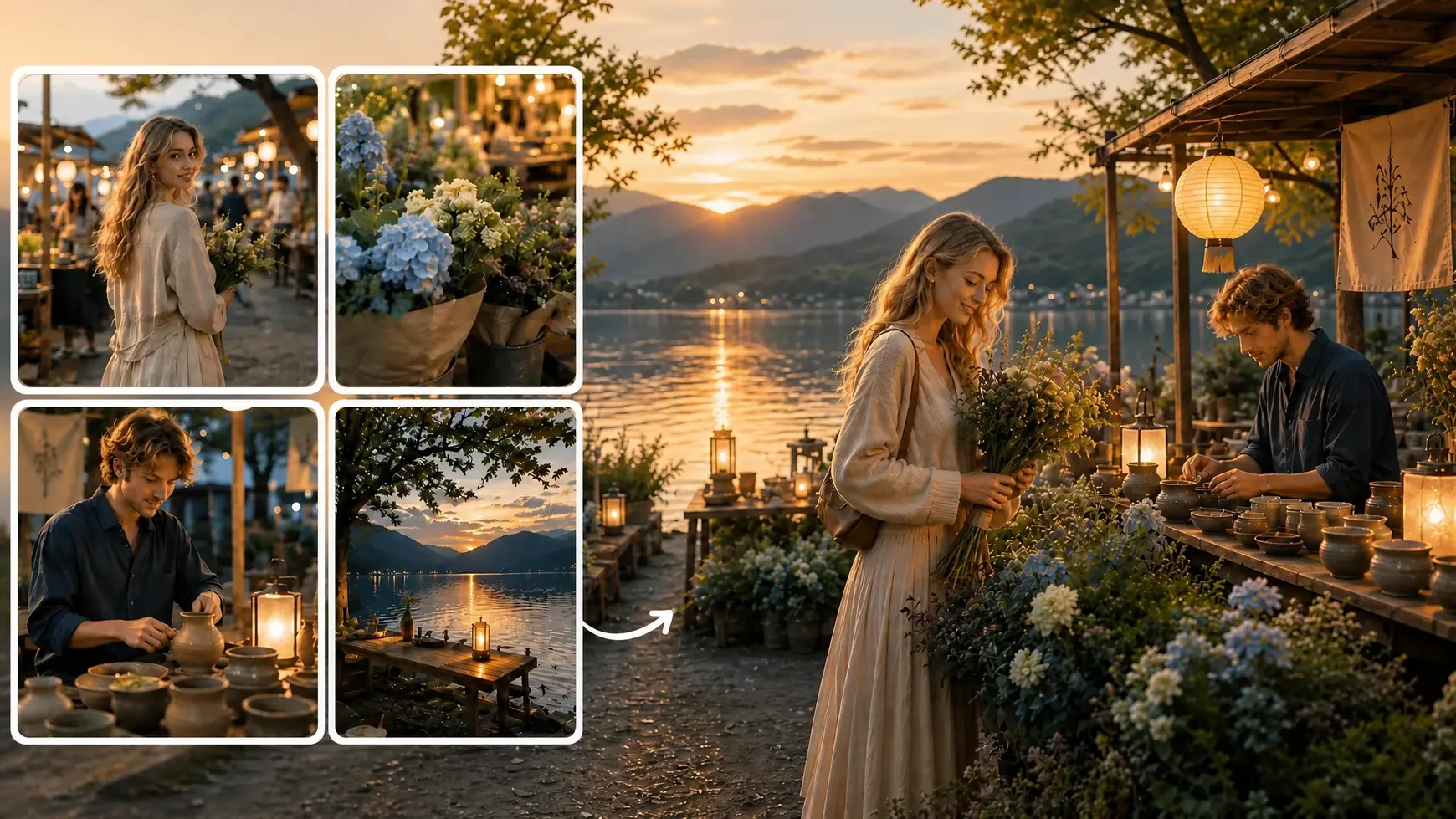
最大10枚の画像リファレンスを追加して、Seedream 5.0 Flash にあなたのイメージをより正確に伝えましょう。被写体、シーン、スタイル、構図などをリファレンスでガイドし、それらをどう組み合わせたいかを説明します。言葉だけでは伝わりにくいニュアンスも補える、柔軟な表現方法です。
コンテンツに合う比率を見つける
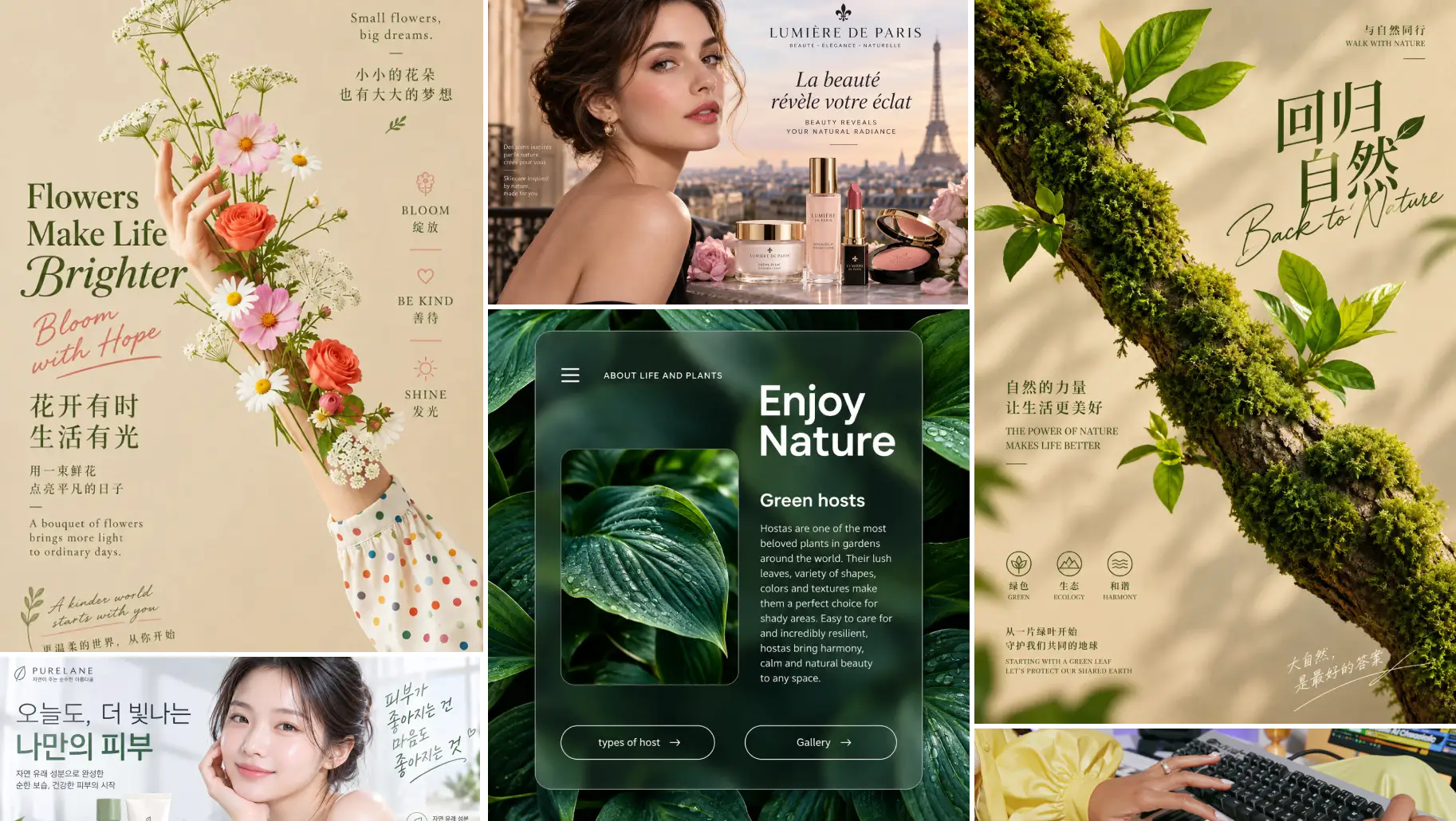
さまざまなレイアウトやプラットフォームに合わせて、柔軟なアスペクト比で画像を作成できます。Webバナー向けの横長構図、商品紹介向けの正方形、SNS向けの縦長画像などを選択可能です。掲載先に合わせてビジュアルを設計し、最初からフォーマットがアイデアを後押しする形にしましょう。
Seedream 5.0 Flash の活用シーン


Seedream 5.0 Flash の使い方
- 1
プロンプトとリファレンスを追加
作りたい画像や、加えたい変更内容を説明します。被写体、スタイル、構図をガイドするために、最大10枚までリファレンス画像をアップロードできます。
- 2
画像設定を選択
AI Ease 上で Seedream 5.0 Flash を選び、解像度とアスペクト比を指定します。最大2Kまで生成でき、プロジェクトに合ったフォーマットを選択できます。
- 3
生成・調整してダウンロード
画像を生成して結果をプレビューします。プロンプトを調整したり、さらに編集を加えて細部を整え、納得のいくバージョンをダウンロードしてください。
よくある質問
他にもご不明な点があれば、service@aiease.ai までメールでお問い合わせください。
What is Seedream 5.0 Flash?
Seedream 5.0 Flash is an AI image generation and editing model developed by ByteDance. It focuses on fast, cost-efficient creation and supports text prompts, image editing, multiple references, and output up to 2K.
Do I need design or editing experience?
No professional design experience is needed to get started. Describe what you want to create or change, add reference images if needed, and choose your settings. You can refine your instructions as you explore the results.
Can I edit an existing photo?
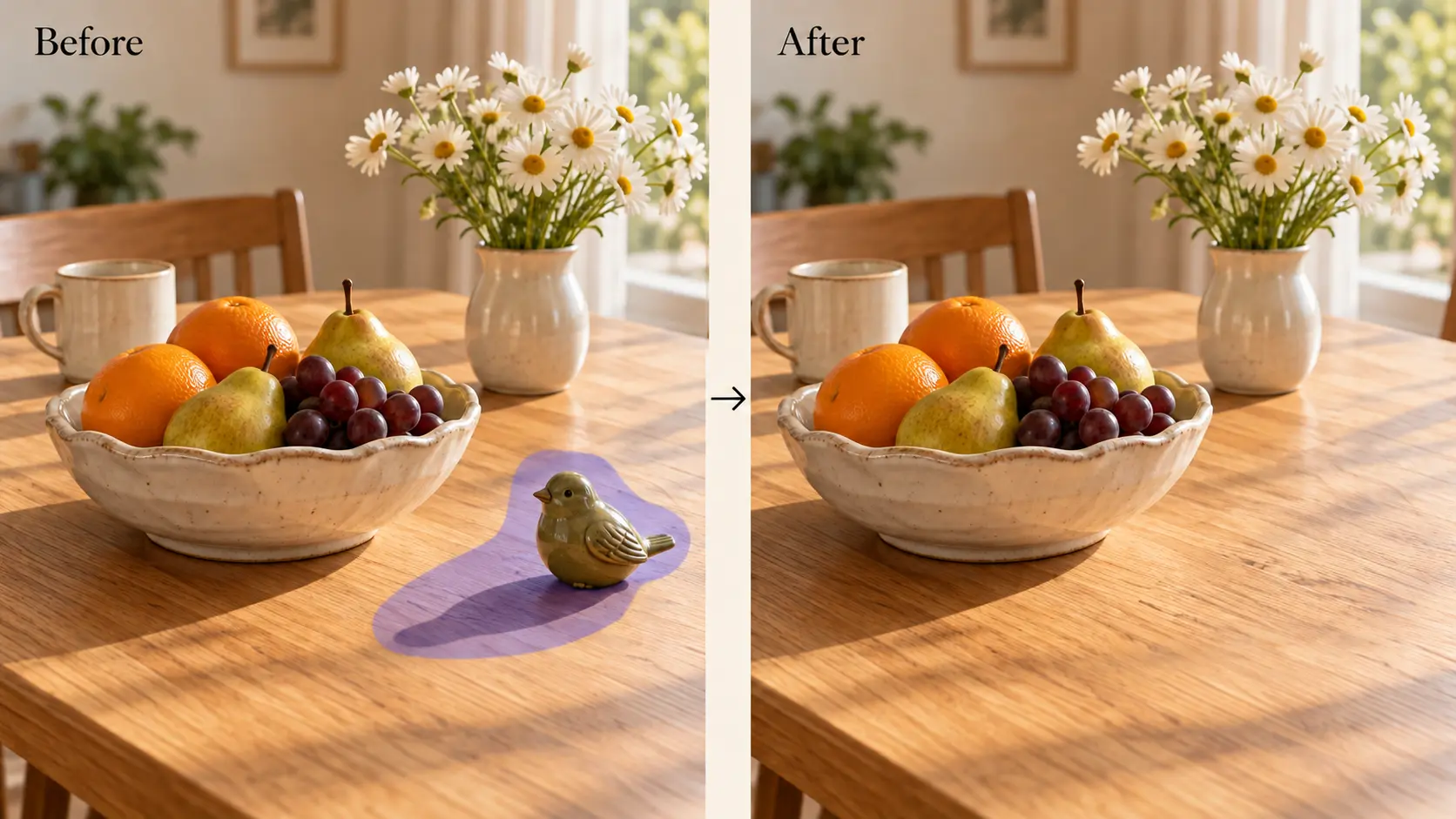
Yes. Upload your photo and describe the changes you want. You can request a different background, adjust colors, remove distracting elements, or explore another visual style while using the original image as a starting point.
How many reference images can I upload?
Seedream 5.0 Flash supports up to 10 reference images. Use them to guide the people, products, backgrounds, styles, or composition in your result. Explain the role of each reference so your instructions are easier to follow.
Can I combine elements from different images?
Yes. You can provide separate references for different parts of a composition. For example, combine a model photo, a clothing image, and a location reference, then describe how you want them to appear together.
What image styles can I create?
You can explore realistic photography, digital illustrations, anime-inspired artwork, cinematic scenes, and other visual styles through your prompt. Adding a style reference can help communicate the look you want more clearly.
Is Seedream 5.0 Flash suitable for product images?
Yes. You can create product scenes, lifestyle images, and promotional visuals using product references and prompts. Describe the setting you want, then review the result to check that important product details match what you sell.
How can I get better results?
Use a clear prompt with a specific subject and visual direction. Add relevant references instead of unrelated images, and explain what each reference should contribute. When refining a result, focus on a few changes at a time.