Free AI Jiggle Video Generator
Turn a single image into a dynamic jiggle video in seconds on AIEase. This AI jiggle video generator adds smooth, physics-inspired motion to photos and creates playful and realistic boobs jiggle effects designed for short videos, GIFs, and social media content.
Create Fun & Realistic Jiggle Video Effects with AI
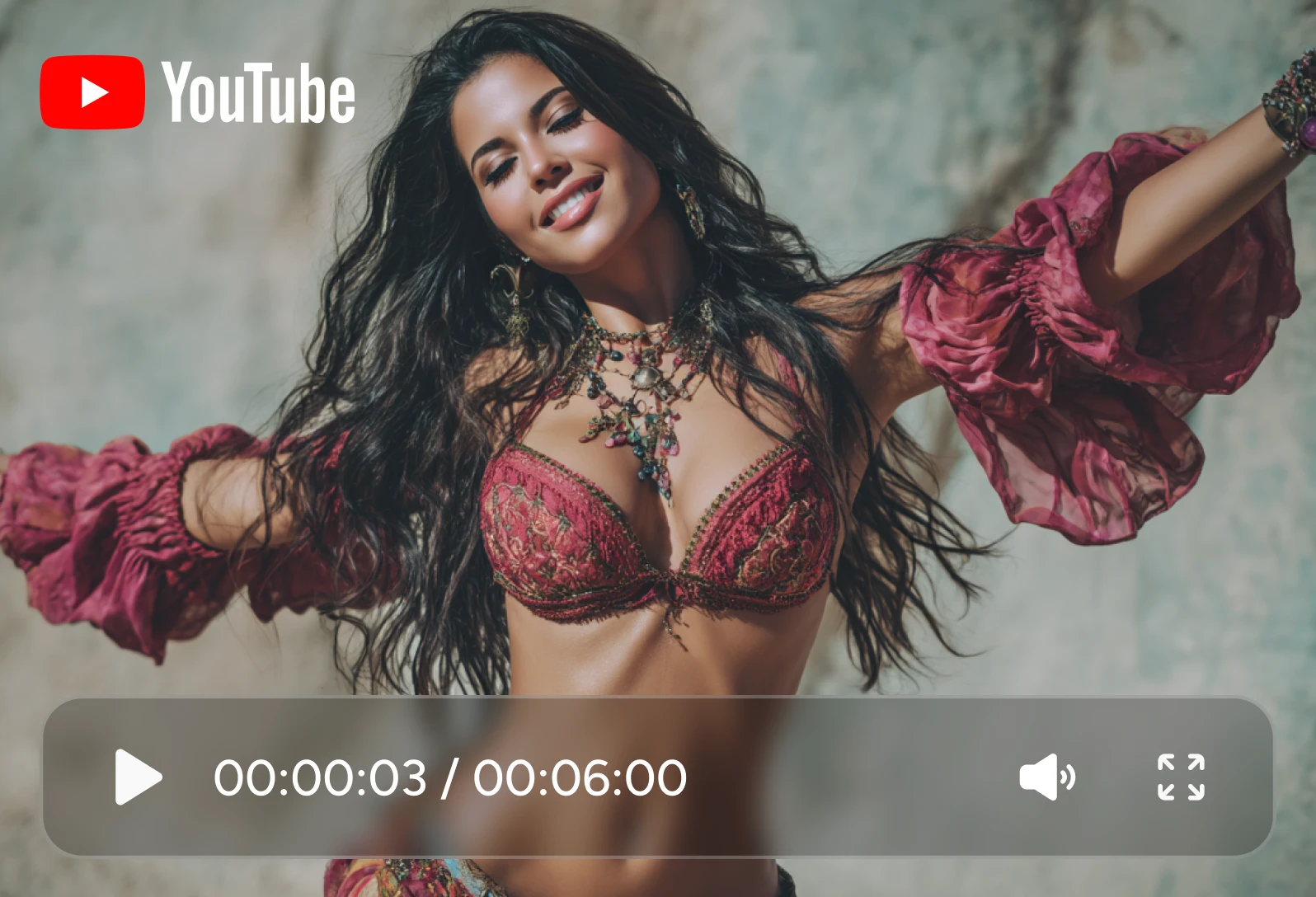
Natural Jiggle Motion That Looks Real
The AI analyzes the human anatomy in the uploaded image, maintains the body's stability, and generates smooth, balanced, natural jiggle animations. Instead of stiff or mechanical movement, the result looks fluid and visually pleasing. Ideal for short-form videos and loop animations.
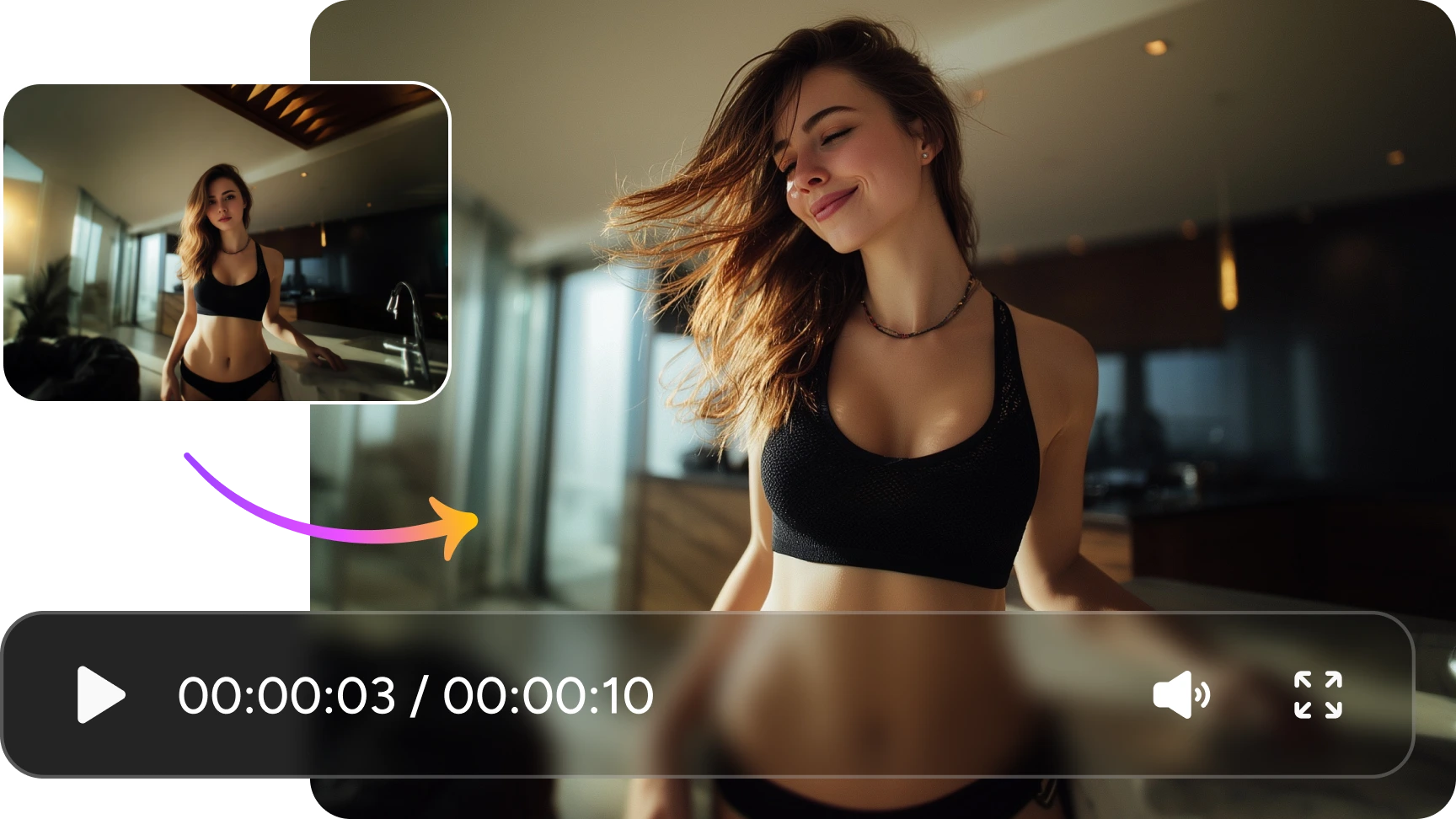
Works with Realistic, Anime & Stylized Images
This AI jiggle video generator supports multiple visual styles. Whether the image you upload is a realistic portrait, an anime character, an illustration, a pet, or a mascot, the jiggle AI adapts motion patterns to match the original image style for consistent results.
Perfect for Memes, Social Content & Short Videos
Jiggle effects are widely used in viral clips, reactions, and meme-style videos. With AI-generated motion for man & woman, you can quickly create eye-catching content for TikTok, Reels, Shorts, or GIF sharing without manual animation work.
Use One Image to Get Instant Video Output
What you should do is really easy: upload a single photo. And then get a ready-to-use jiggle video by clicking the "Generate" button. No timelines, no keyframes, no editing software — the AI handles everything and delivers a short video you can download or share immediately.
How to Create a Boobs Jiggle Video with AI
- Step 1
Upload an Image
Choose a clear photo or illustration. Full-body or half-body images work best, but characters, pets, and stylized art are also supported.
- Step 2
Generate the Jiggle Effect
Click the "Generate" button to apply the jiggle video effect. The AI automatically adds smooth motion and creates a short animated clip.
- Step 3
Download or Share
Preview the result, then download the video when you are satisfied. Use it directly for social posts, memes, or creative projects.
Explore More AI Video Effects on AIEase
Frequently Asked Questions
Have more questions? You can email service@aiease.ai, and we'll be happy to help you.
What is AI undress?
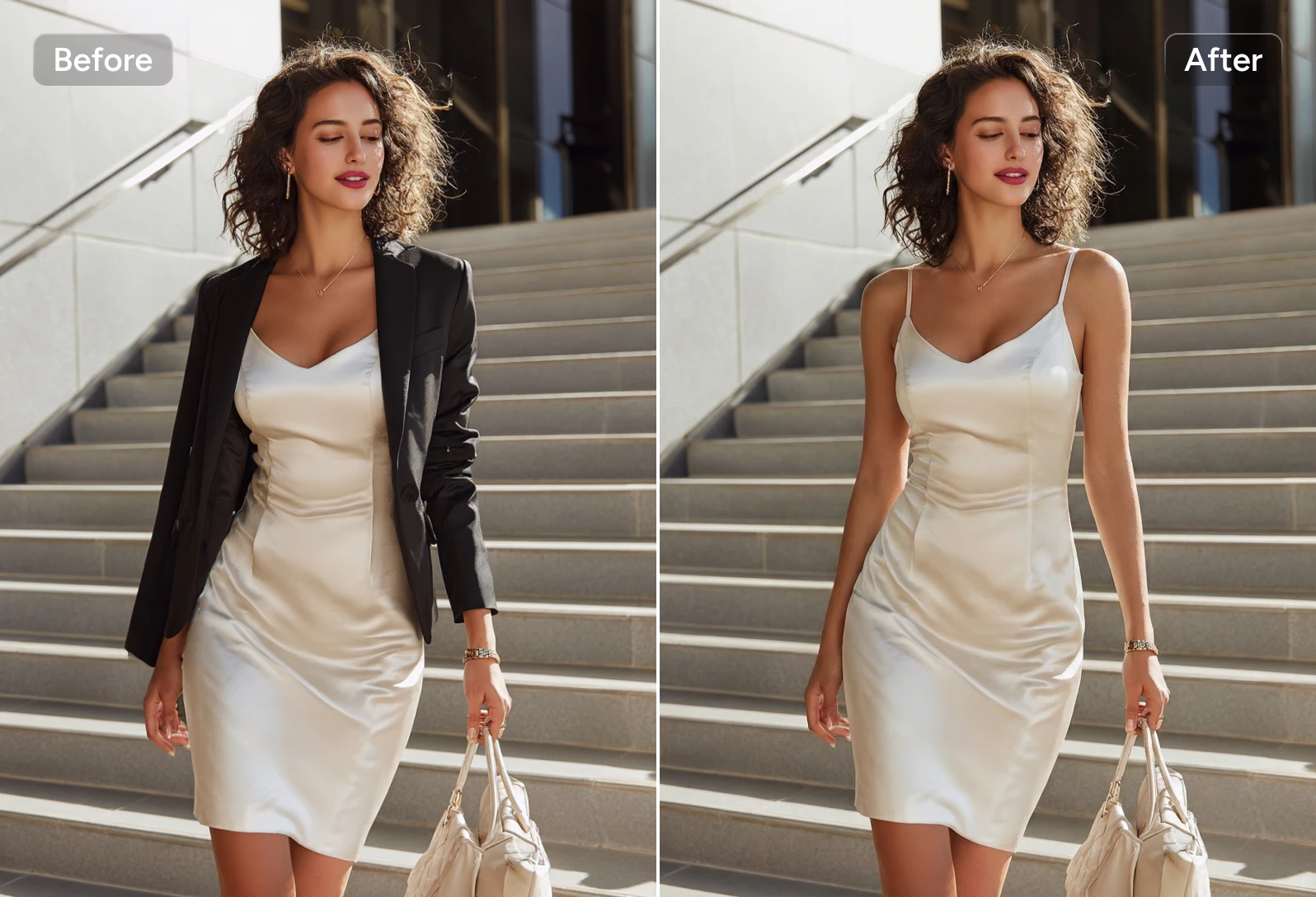
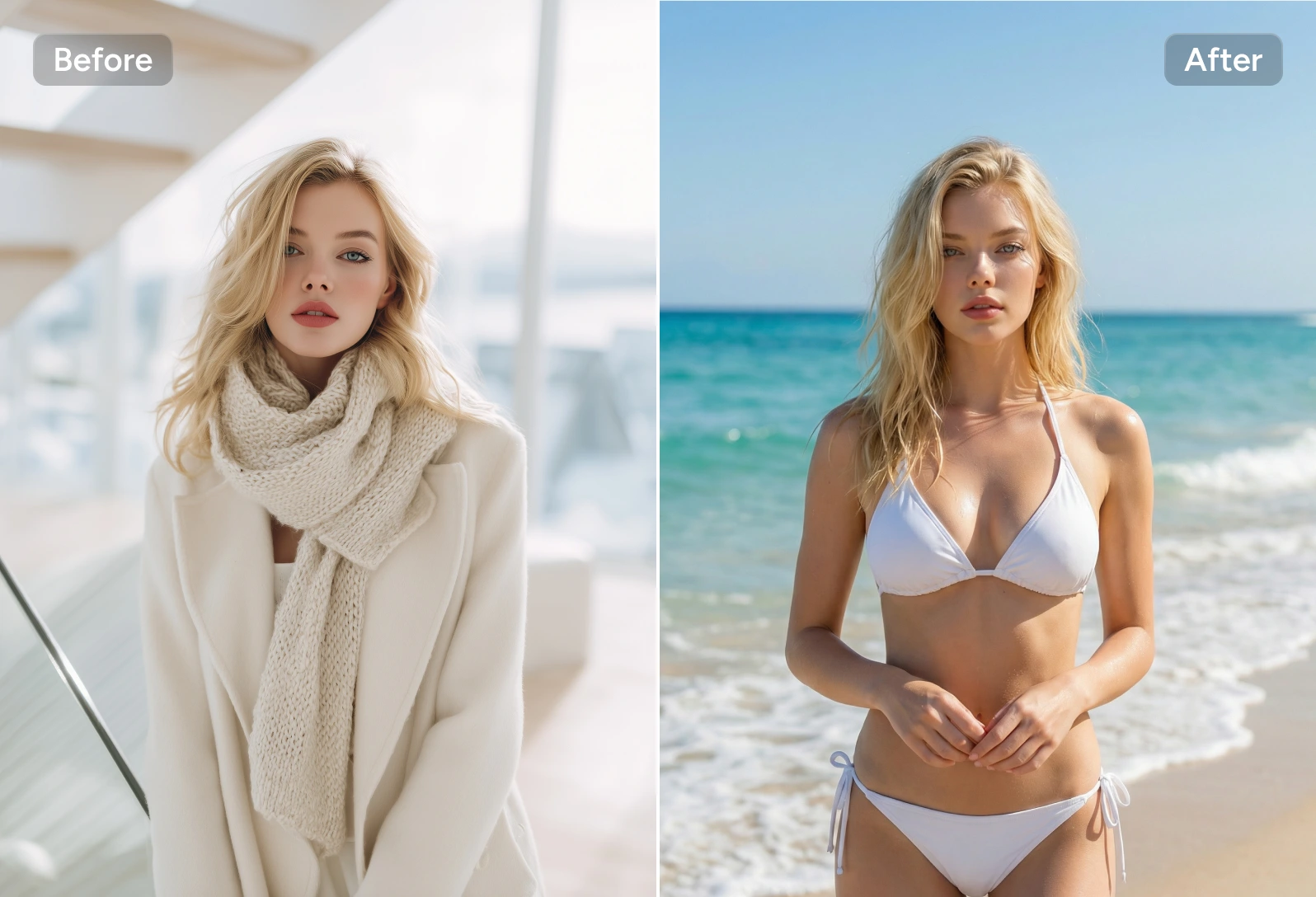
AI undress is an AI-powered video effect that simulates clothing-related visual changes in a controlled, artificial way. Instead of editing real footage frame by frame, the AI analyzes motion, body structure, and style cues to generate a visual transformation effect for creative and experimental purposes.
Does the undress AI generator support anime-style content?
Yes. In addition to realistic visuals, the undress AI generator supports anime and illustrated styles.
Is undress AI safe to use?
Yes. The undress AI generator is designed with safety and ethical boundaries in mind. AIEase does not store the images you upload, nor do we save the generated videos on servers.