

Remove Unwanted Objects from Photos Online for Free
Use AI Ease's AI Object Remover to erase unwanted objects from photos in seconds, including passers-by, distracting text, wire lines and other elements that spoil your shots. Clean up your pictures and achieve flawless results with AI Ease's FREE online magic AI eraser.



Free AI Tool
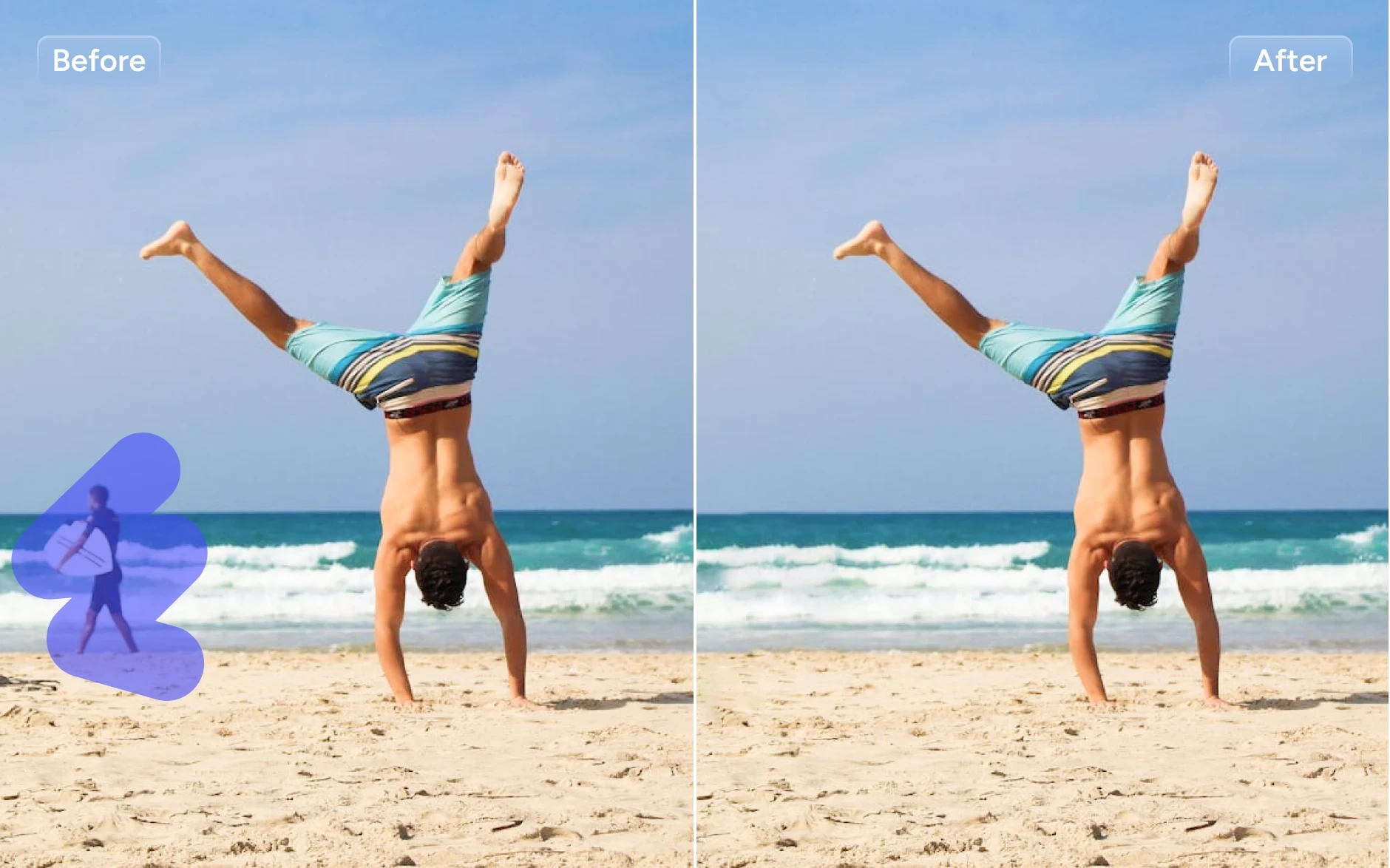
AI Ease's free AI object remover lets you erase unwanted objects from photos instantly without compromising image quality.

Data Security
Your privacy matters. All uploaded photos are processed securely, and no personal data is stored or shared.

Batch Upload
Save time with batch uploading. Upload multiple images at once for faster, more efficient object removal.
Flawless & AI-Powered Object Remover
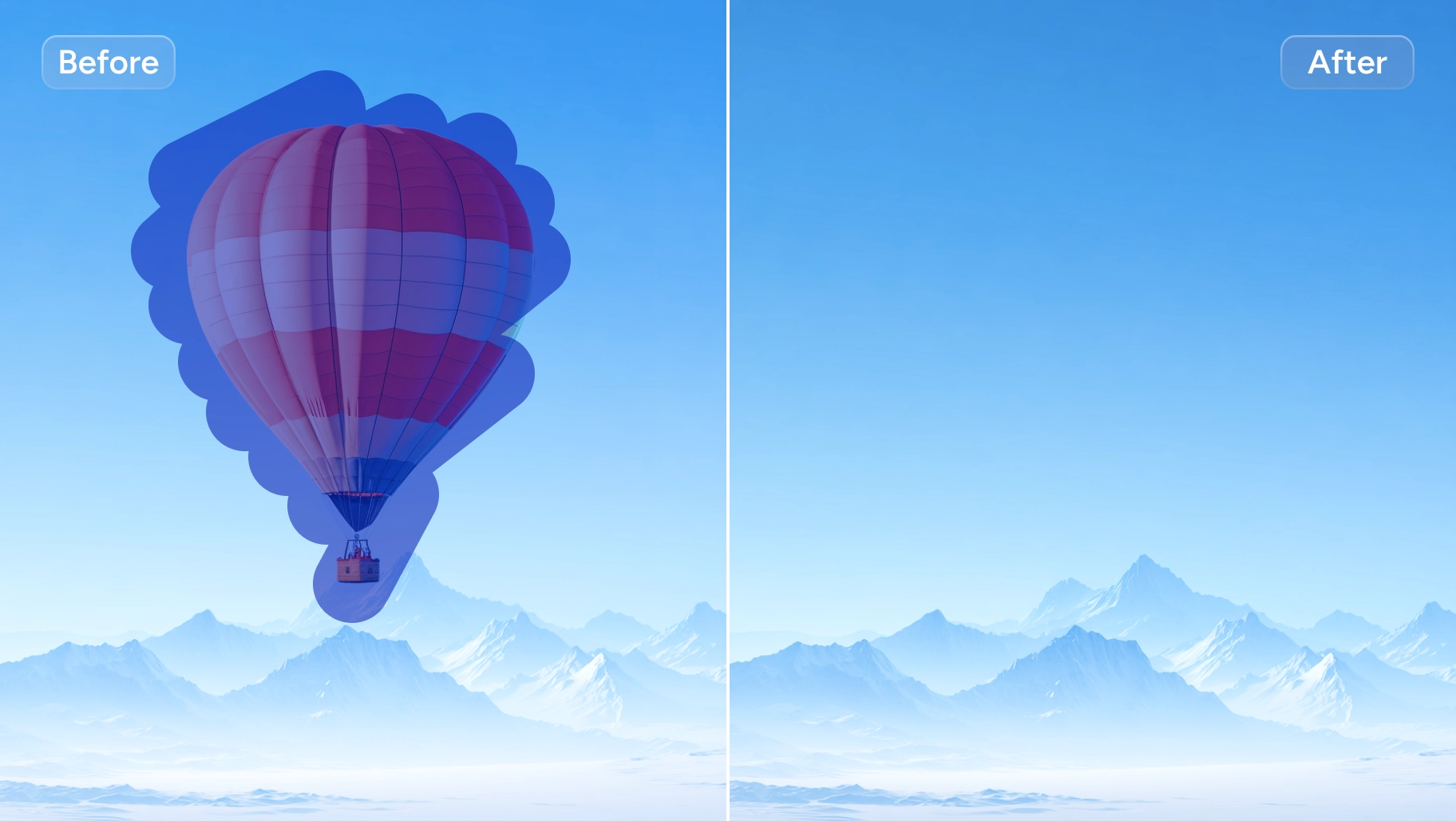
Driven by top-tier algorithms, AI Ease offers a FREE tool to eliminate the unwanted objects in your images like magic. Brush over the elements or artifacts with our AI image eraser, and our tool will automatically remove, inpaint, and retouch to give flawless results based on your image content. Get rid of these bothersome elements with our AI object remover as if they had never existed!
Advanced AI Background Detection & Protection Technology
Once you upload images to our AI object remover, the tool automatically performs background detection and precisely separates the areas to remove unwanted objects from photos. Simply mark the elements you want to erase, and our AI-powered tool will safely delete them while protecting the rest of your image, delivering a seamless and professional-looking result every time. Alternatively, you can use AI models with text-to-edit capabilities, such as Nano Banana Pro. No manual operation is required, simply tell it what you need to remove, and you'll get the processed image in seconds.
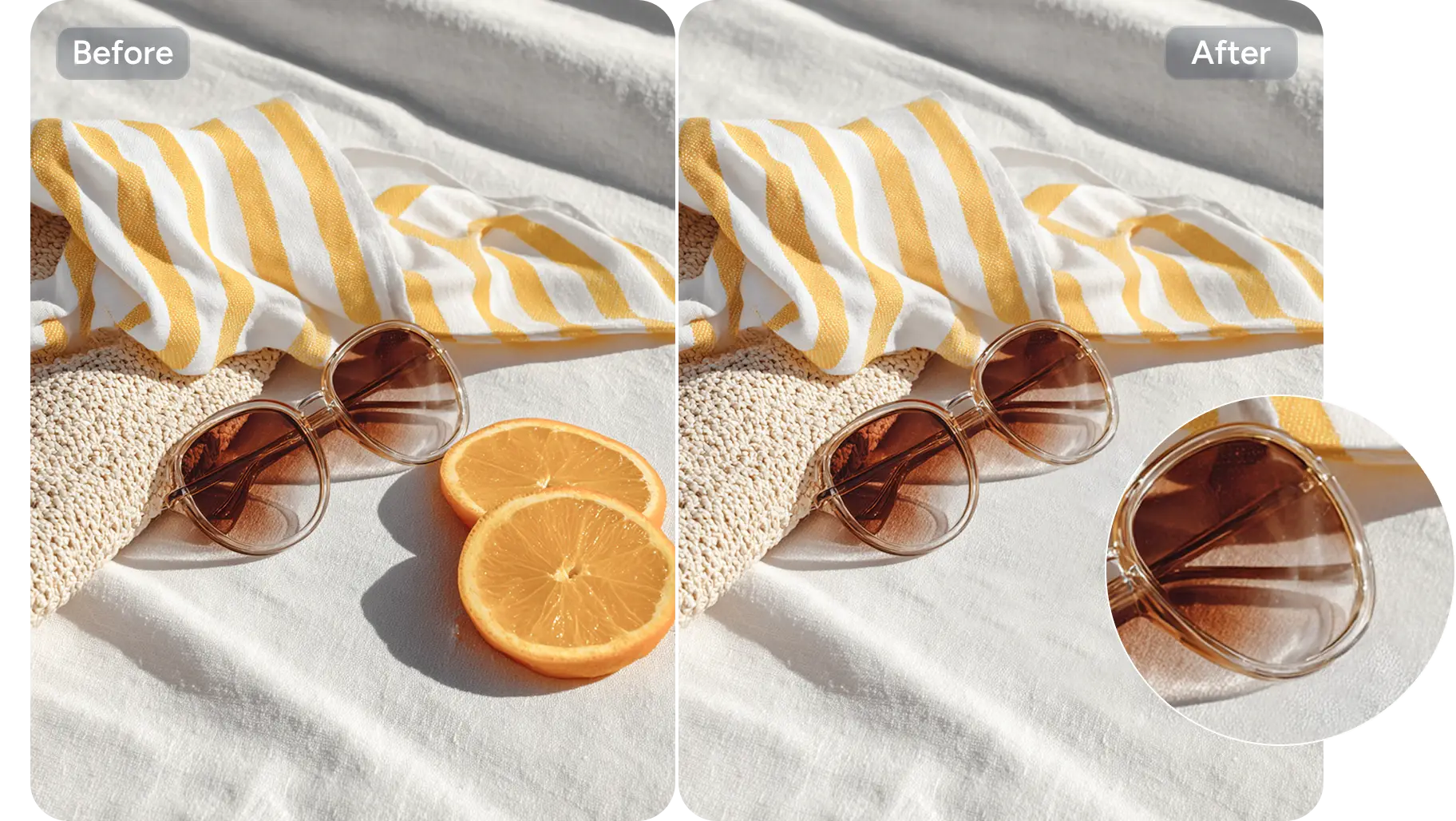
Integrated with Powerful AI Inpainting Technology
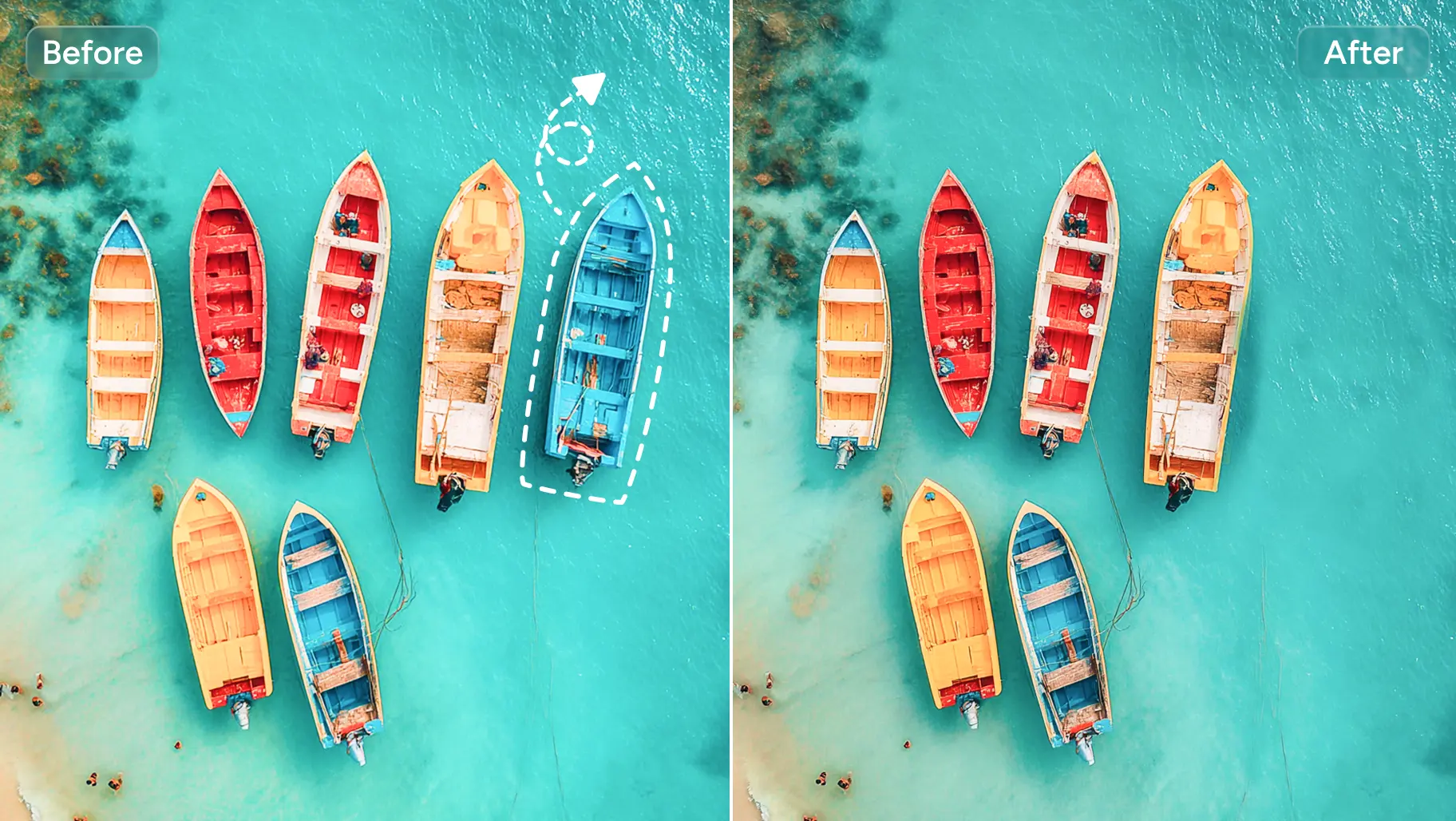
To achieve natural-looking edits, our AI inpainting tool fills in the areas where objects have been removed, producing natural backgrounds. For simpler processing, consider Seedream 4.5. This prompt-based editing model automatically analyzes the surrounding image and reconstructs the area, delivering a clean, restored image that appears untouched.
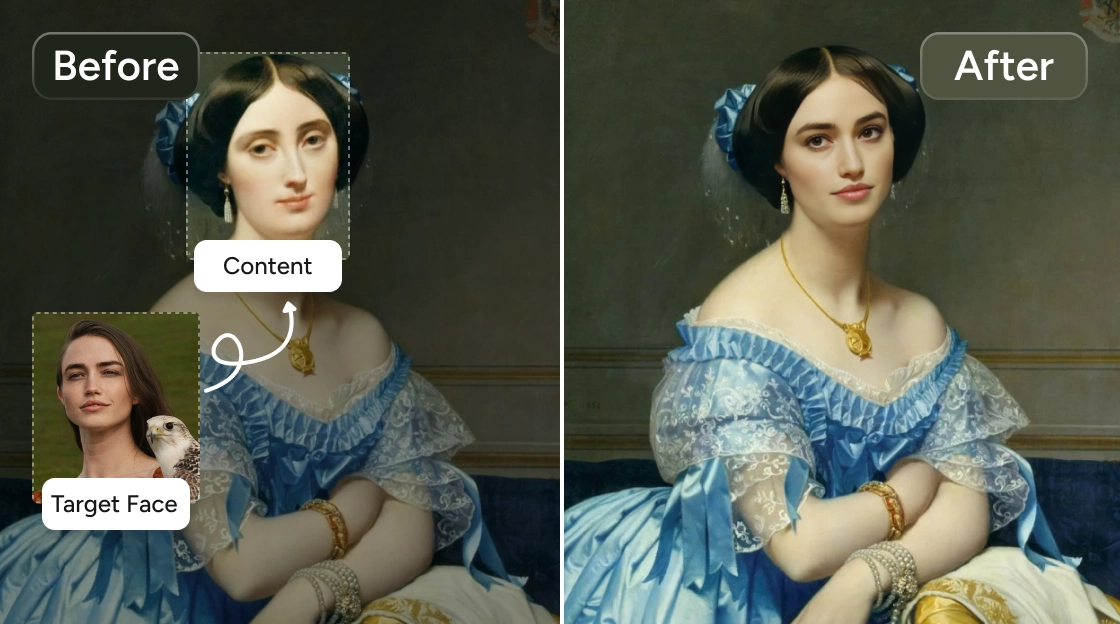
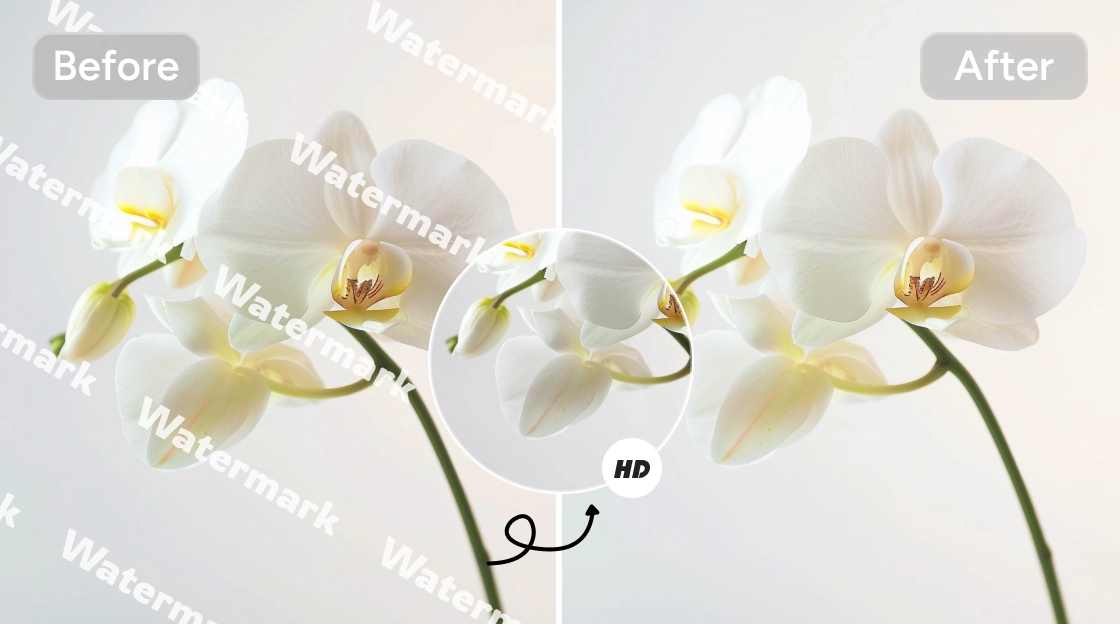
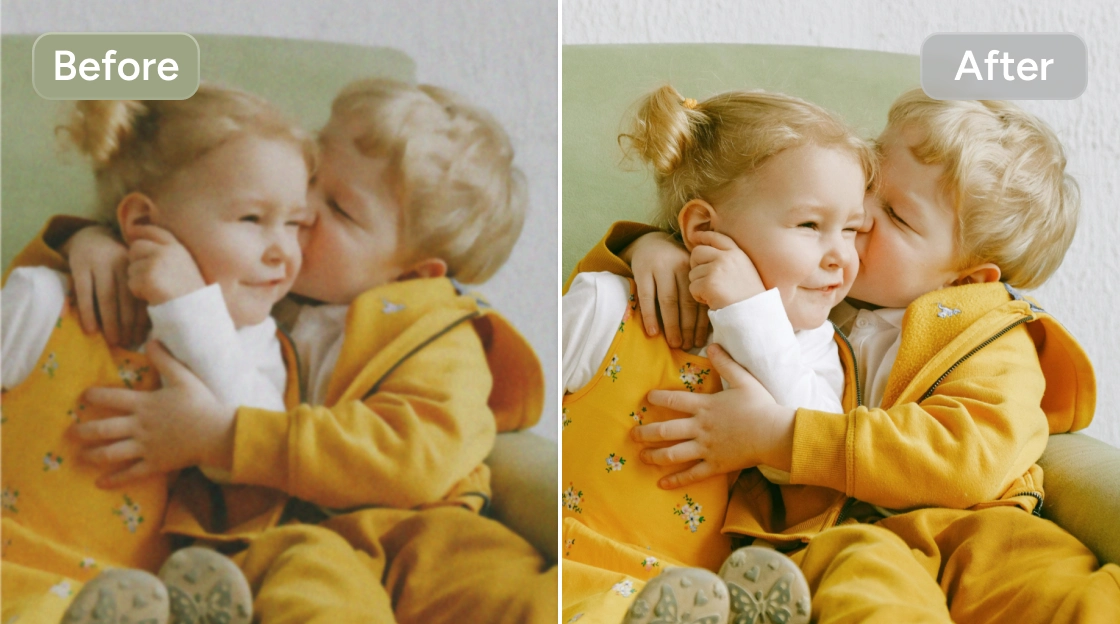
Clean Up Photos by Removing Unwanted Objects
How to Remove Objects from Images Online
More Free AI Tools to Love
Frequently Asked Questions
Have more questions? You can email service@aiease.ai, and we'll be happy to help you.
Is removing objects from the photo in AI Ease free?
Yes! AI Ease offers a free, AI-powered photo eraser online for everyone to delete unwanted objects from pictures. There are no limits to using our object remover.
Can AI Ease ensure my privacy and security when using an object remover?
AI Ease's AI photo object remover prioritizes the data and privacy security of the users. All the uploaded images will not be leaked to anyone other than the owner.
What image formats are supported?
When you erase objects from photos with AI Ease, PNG, JPG, JPEG, WEBP, and BMP (≤ 5MB) formats are supported.
Can AI Ease object remover handle multiple images?
AI Ease supports batch image uploads (up to 50) to the object AI remover. You can smoothly remove unwanted objects from all your uploaded images.
How to erase something from a photo?
Crop someone out of a photo is easy with AI Ease. Follow our steps below:
1. Open AI Ease's online AI object remover and upload the image of the person you want to remove.
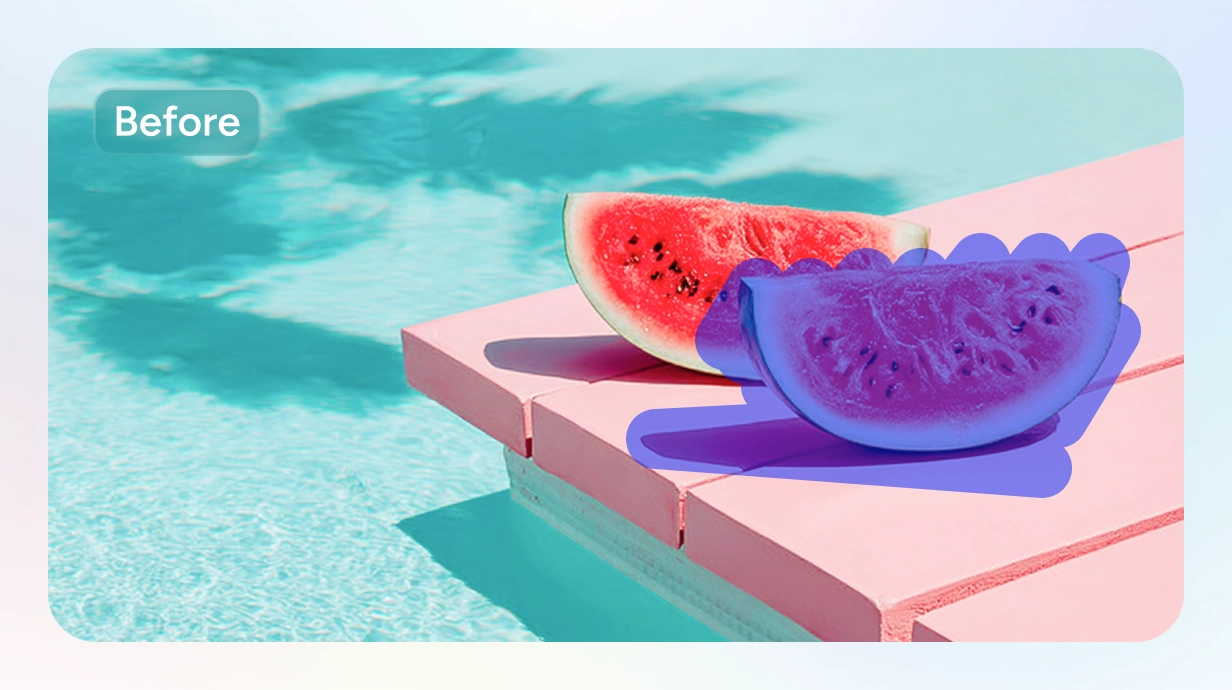
2. Brush over to mark out the area or part of the person you want to edit. You can adjust the pixel size of the brush and refine the area with the eraser tool available.
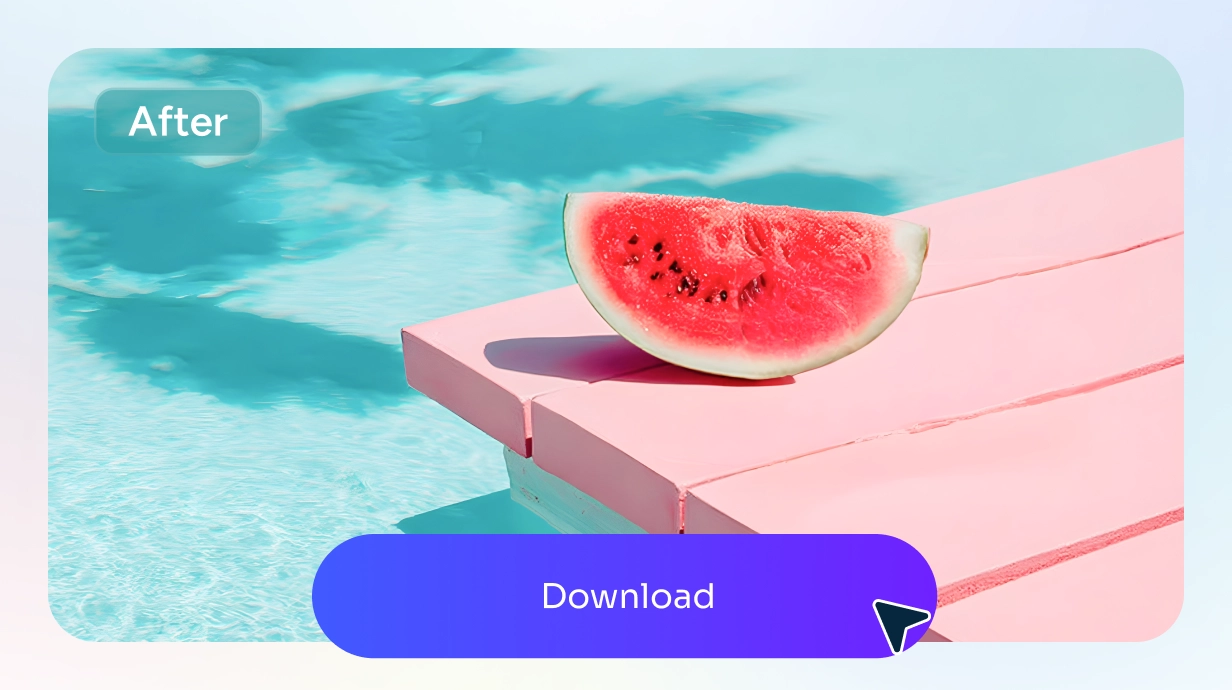
3. Then, click the “Remove” button to get your new image to download and share.
Can I remove wrinkles or blemishes in AI Ease?
Yes. AI Ease works as a photo retouch and eraser tool. Simply brush over wrinkles, blemishes, or other small elements, and our AI will smooth and enhance the image instantly.
Erase Object from Photo with AI
Say goodbye to troublesome elements in your photos with AI Ease. In seconds, you can erase and remove all the unwanted objects.