OpenAI Shuts Down Sora? Discover the Best AI Video Alternatives
OpenAI is reportedly preparing to shut down Sora, a change that may create real inconvenience for users who rely on AI video tools in their daily workflow. For many creators, the issue is not only losing access to one model, but also dealing with interrupted production, changing creative tools, and uncertainty about what to use next. As OpenAI shuts down Sora, users are starting to look for more reliable AI video alternatives that can support smoother and more consistent creation.
Why Sora Mattered and What Its Shutdown Means for Users
Sora was part of many users’ AI video workflow, so any change in availability can affect how they create, test, and move projects forward. Understanding what Sora offered and why OpenAI is stepping away from it makes it easier to choose the right alternative with less disruption.

What Is Sora?
Sora is OpenAI’s video-generation model built to turn text prompts and images into short videos. When OpenAI first introduced it, the product drew attention because it could generate scenes with convincing motion, cinematic composition, and stylized visual effects from a simple prompt. Later, OpenAI expanded the product into a newer Sora 2 experience with stronger control and built-in audio features.
What made Sora important was convenience. Instead of moving between separate tools for ideation, animation, and scene testing, users could generate early visual concepts in one place. That is also why its change in availability matters so much: for many users, Sora was not just a novelty model, but part of a creative workflow that saved time and reduced tool switching.

Why OpenAI Shuts Down Sora?
OpenAI has publicly confirmed that Sora 1 was sunset in the U.S., while recent reporting suggests the company is moving away from Sora more broadly. Although OpenAI has not published a long official explanation in one place, current coverage points to several likely reasons behind the change, including safety concerns, misuse risks, high computing costs, and a shift toward other long-term product priorities.
A common view is that Sora was not shut down because demand was weak, but because video generation was too expensive to sustain under the original pricing model, especially as usage grew. For users, the biggest issue is disruption. With more users concerned about Sora video shutting down, creators may need to adjust prompts, test new tools, and rebuild parts of their workflow. That is why many users are now looking for alternatives that offer more stable AI video creation and a smoother path forward.
Try the Best AI Video Alternatives
Best Sora Alternatives to Consider As OpenAI Shuts Down Sora
Before picking a replacement, it helps to think less about hype and more about fit. The best Sora alternatives are the ones that match your actual workflow: visual quality, motion stability, scene consistency, prompt control, and the ability to move from text or images into usable video without too much trial and error.
When Sora shut down by OpenAI , users do not just lose a model name; they lose a familiar way of working. That is why model selection should start with the type of content you make most often. AIEASE is useful here because it brings several video models into one workflow, so users can compare outputs without constantly moving across different tools.
Veo 3.1
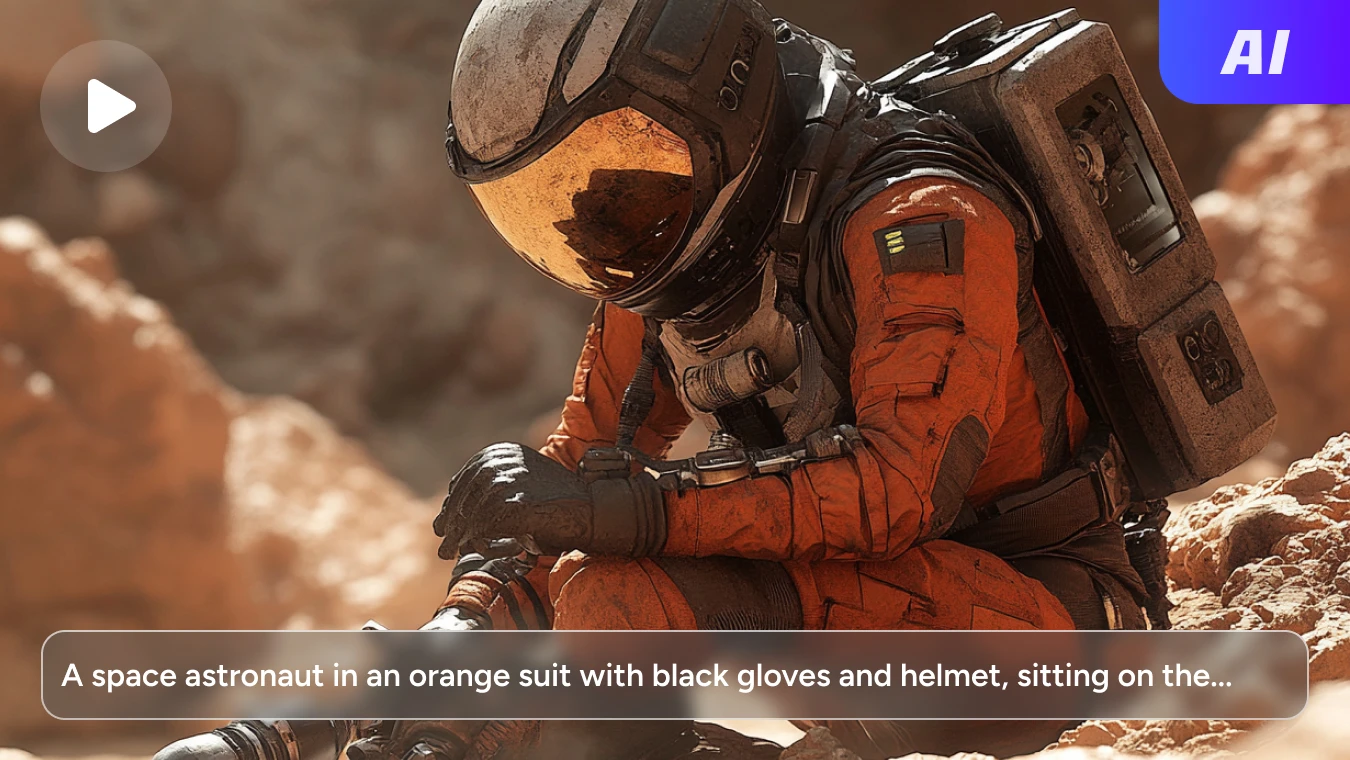
Veo 3.1 is a strong option for users who want polished, cinematic AI video creation. It supports both text-to-video and image-to-video generation, making it easier to turn ideas or reference images into refined visual content. It is especially suitable for users who want high-end results without adding unnecessary complexity to the workflow.
Its main strengths are video quality and visual consistency. Veo 3.1 delivers professional-looking output with natural motion, accurate lighting, and strong scene polish. It also supports multilingual prompting and reference-image-based creation, making it a good fit for storytelling, branded videos, and other projects that need a more cinematic final look.
Kling 2.6
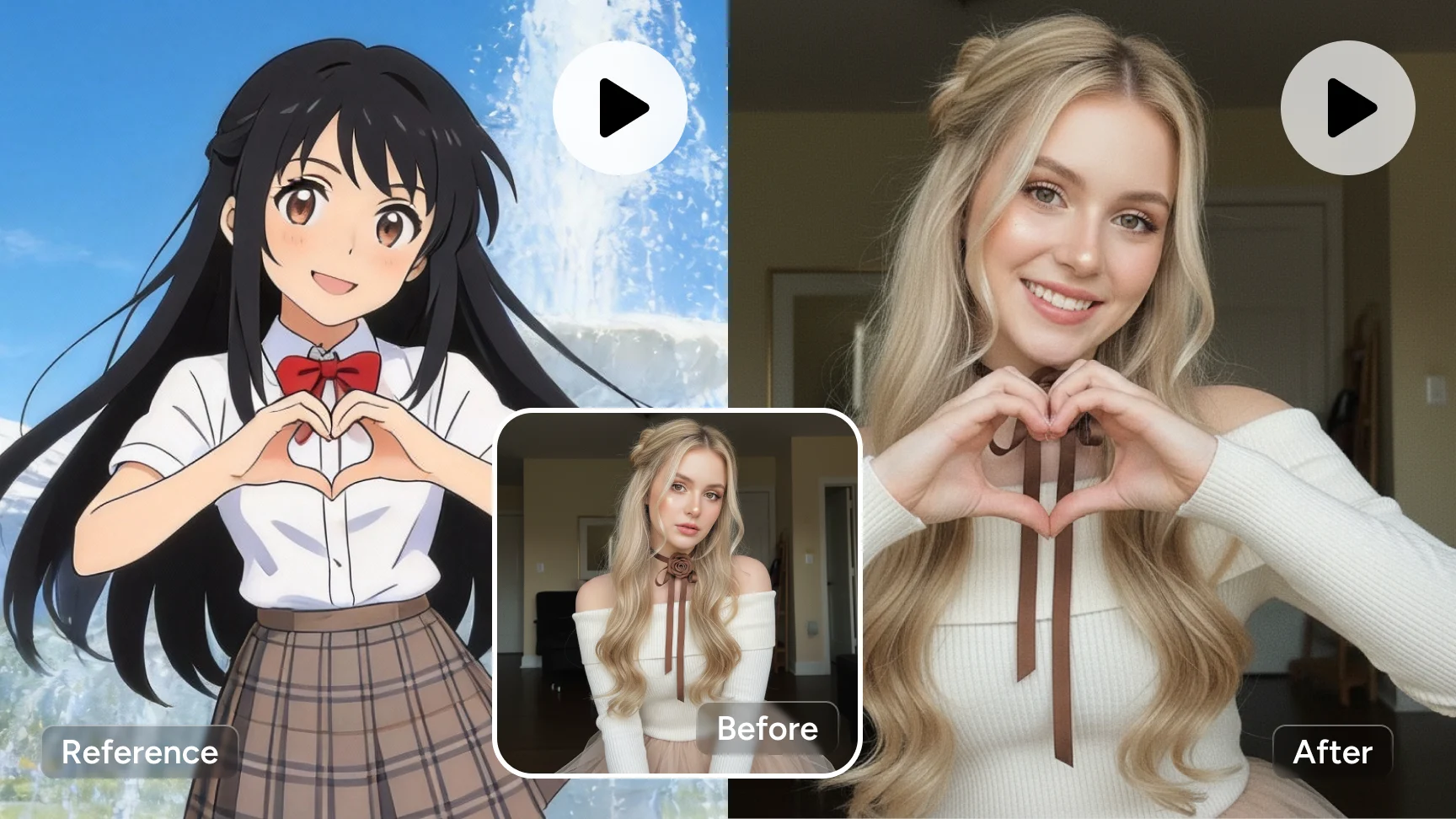
Kling 2.6 is better suited to users who want more precise control over character movement and video performance. It is designed for image-to-video creation with motion reference, allowing actions, expressions, gestures, and lip sync from a reference video to be transferred onto a target character image. This makes it especially useful for character-driven videos and projects that need more controlled animation.
Its biggest advantage is motion control. Kling 2.6 supports more detailed movement transfer, more stable gesture and expression rendering, and longer one-shot generation. It works well for talking characters, performance videos, ads, and other content that depends on accurate movement, clearer expression, and stronger continuity throughout the clip.
Seedance 1.5 Pro
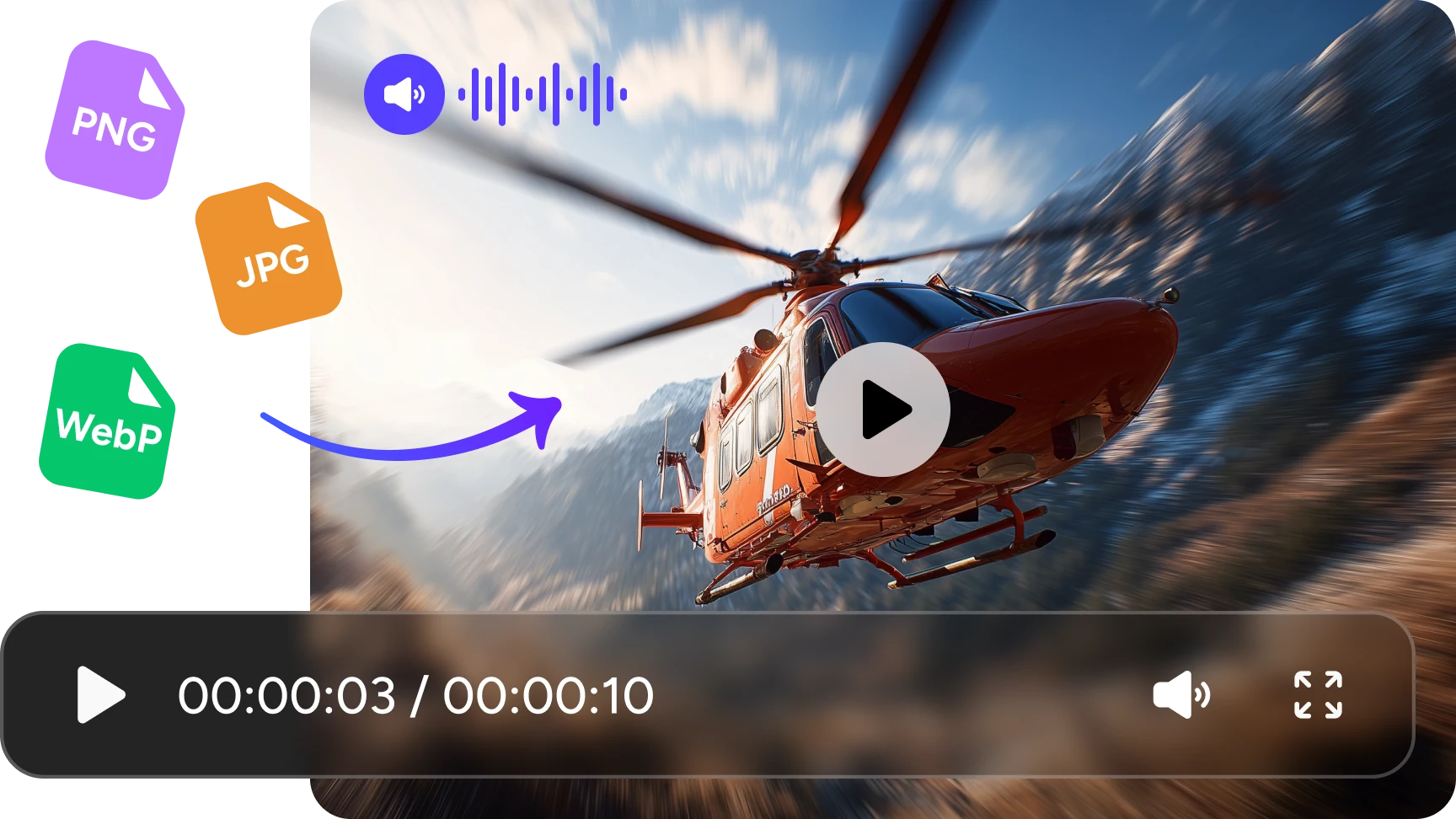
Seedance 1.5 Pro is a good choice for users who want more than silent video generation. It is built for audio-visual creation, which means video and audio can be generated together in one workflow. Instead of creating visuals first and adding sound later, it helps produce more complete clips with voice, sound effects, lip sync, and camera motion from the beginning.
Its main advantage is a more immersive output style. Seedance 1.5 Pro can create cinematic clips with natural voice, synced lip movement, sound effects, and dynamic camera motion. It supports both text-to-video and image-to-video generation, making it a strong fit for short films, ads, multilingual content, and other projects that need richer and more expressive audio-visual results.
Explore More AI Video Generators on AIEase
Frequently Asked Questions
Have more questions? You can email service@aiease.ai, and we'll be happy to help you.
What features does Sora offer?
Sora is designed for AI video generation from text prompts and images. Its main features include text-to-video creation, image-to-video generation, cinematic scene output, and the ability to produce visually rich short-form videos with strong creative potential.
Did OpenAI fully shut down Sora?
OpenAI has publicly confirmed that Sora 1 was sunset in the U.S., while current reporting suggests a broader shift away from Sora. For many users following the news around sora shut down by OpenAI, that creates uncertainty around continued access and long-term workflow stability.
What should you use after Sora shuts down?
The best way to keep creating after Sora shuts down is to move to an AI video platform that supports reliable output, smoother workflows, and more than one model option. That makes it easier to adapt to changing needs without interrupting your creative process.
How to choose the right sora alternative?
The best way to choose a Sora alternative is to focus on your actual needs, such as video quality, motion realism, scene consistency, prompt control, and workflow fit. A good replacement should help you create more smoothly, not add more complexity.
Which alternative is better for cinematic AI video creation?
For users who care most about polished visuals and a more cinematic final look, Veo 3.1 is a strong option to consider. It is better suited to projects that need higher visual quality and a more refined output style.
Which alternative is better for control or audio-visual creation?
Kling 2.6 is better for users who want stronger motion control, better continuity, and more stable video generation, while Seedance is a better fit for users who want a richer audio-visual workflow with more expressive and immersive output.