Wan 2.5: Create Cinematic Audio-Visual AI Videos
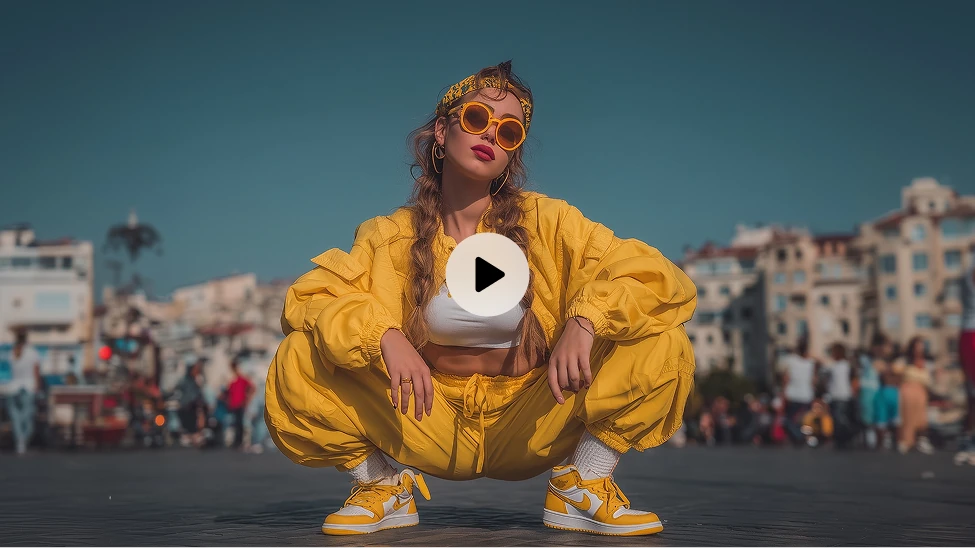
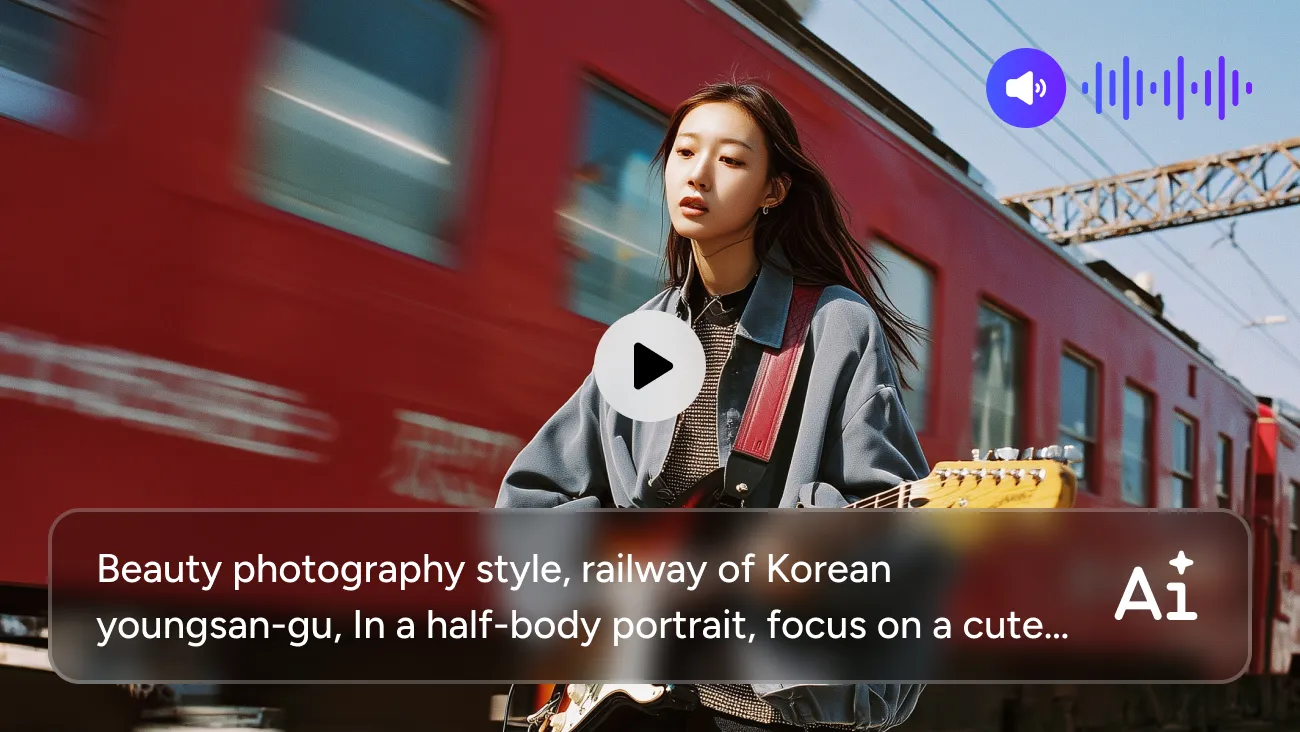
Wan 2.5 takes AI video creation a step further. It doesn't just build the visuals — it also generates sound, voice, and background audio that match the scene.
Create Videos with Audio from Text or Images
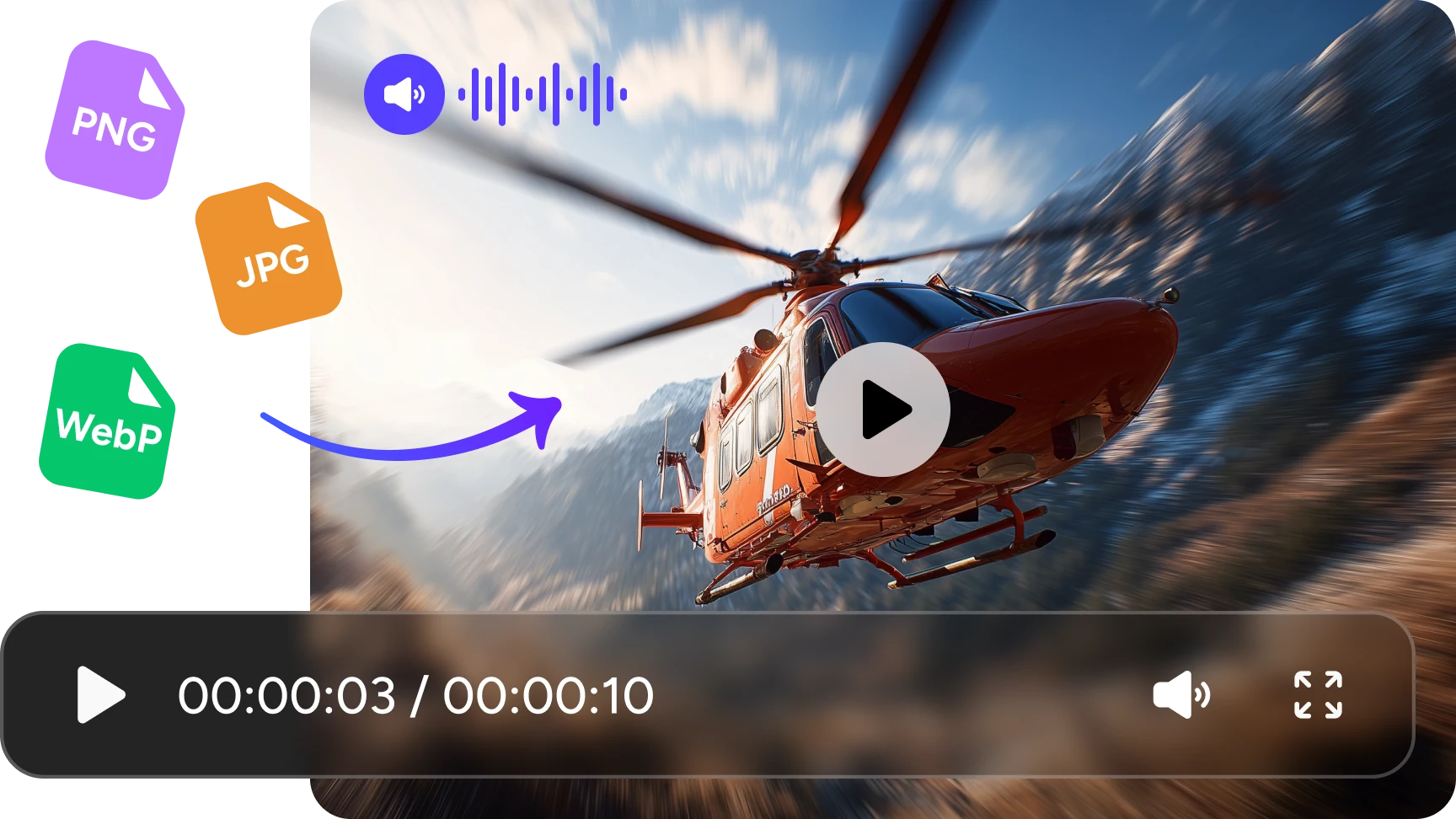
Just describe the scene you want, or upload an image as a starting point. Wan 2.5 turns it into a short video with fitting background sounds, voices, or ambient audio. It feels like skipping the tricky editing steps and jumping straight to a polished clip.
Smooth, Stable Motion with Better Scene Control
Movements look more natural in Wan 2.5. Characters interact smoothly, cameras pan without odd jumps, and transitions between frames feel steady. Even when your prompt gets a bit complex, the model tries to keep everything connected and believable.
Clear Visuals Up to 1080P
Wan 2.5 boosts image clarity and detail. Textures, lighting, and depth look sharper compared to Wan 2.2. You can generate short videos that hold up well on social media, product pages, or presentation slides — without that "AI blur" you sometimes see in older models.
Reliable Prompt Following for Complex Scenes
Give it a style, mood, or specific action, and Wan 2.5 usually matches it with good accuracy. Whether you want a slow-motion shot, a rainy street, or a quiet close-up scene, the model respects your instructions better and stays consistent through the whole clip.
Audio-Visual Sync for Voice, Sound Effects, and Music
One of the biggest upgrades: Wan 2.5 generates audio and syncs it with the video automatically. You can get: basic voice lines, ambient background sound, soft music, environmental effects like wind or footsteps. No separate audio editing needed — your clip comes out with sound already aligned.
How to Use Wan 2.5 AI Video Generator in AI Ease
 Step 1
Upload Your Image
Upload your image and tell Wan 2.5 AI video generator how the video should move.
 Step 2
Customize Settings
Tell Wan 2.5 what you want and select resolution (e.g., 720p / 1080p), aspect ratio (1:1 / 9:16 / 16:9), and the video length (5s /10s) based on your project.
 Step 3
Download & Use
Once you are satisfied with the result, download it without watermarks and publish it to a platform such as Instagram or TikTok.
Frequently Asked Questions
Have more questions? You can email service@aiease.ai, and we'll be happy to help you.
What is Wan 2.5?
Wan 2.5 is a next-generation AI video generator that creates short videos with synchronized audio. It improves visual quality, motion stability, and prompt accuracy compared to earlier versions. You can generate videos from text or images and get built-in sound effects, voices, or ambient audio.
How is Wan 2.5 different from Wan 2.2?
Wan 2.5 delivers clearer 1080p visuals, smoother motion, and stronger prompt following. The biggest upgrade is audio generation — Wan 2.2 creates silent videos, while Wan 2.5 produces videos with synced sound and voice. It also handles complex scenes better and offers more stable frame-to-frame consistency.