Cinematic & Professional AI Video Generation
Instantly Create Dynamic Videos from Text or Images
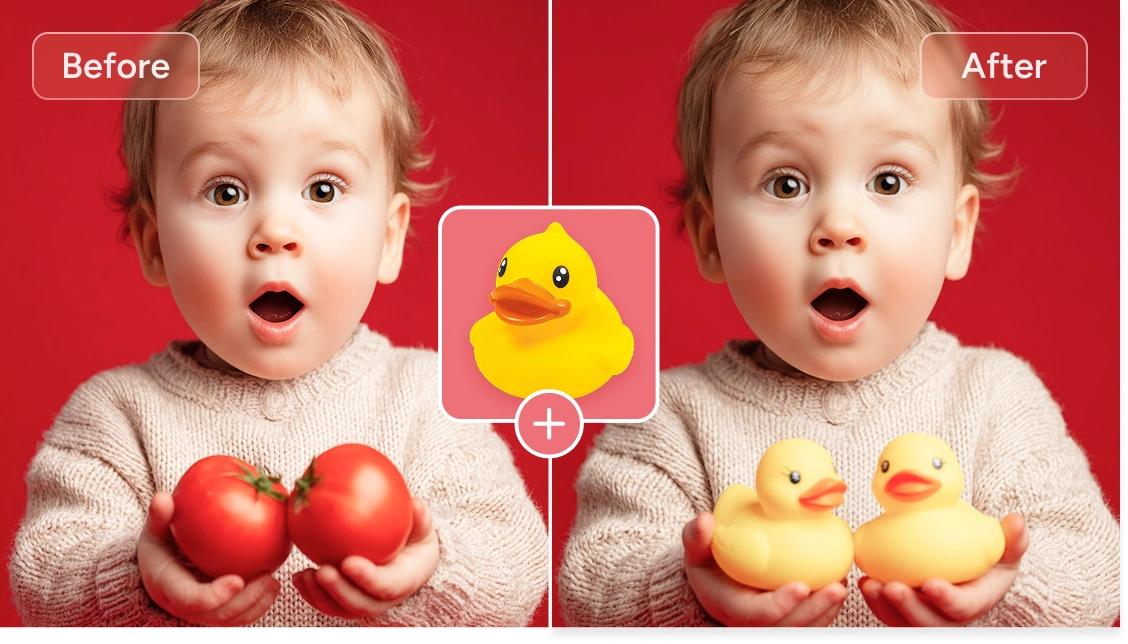
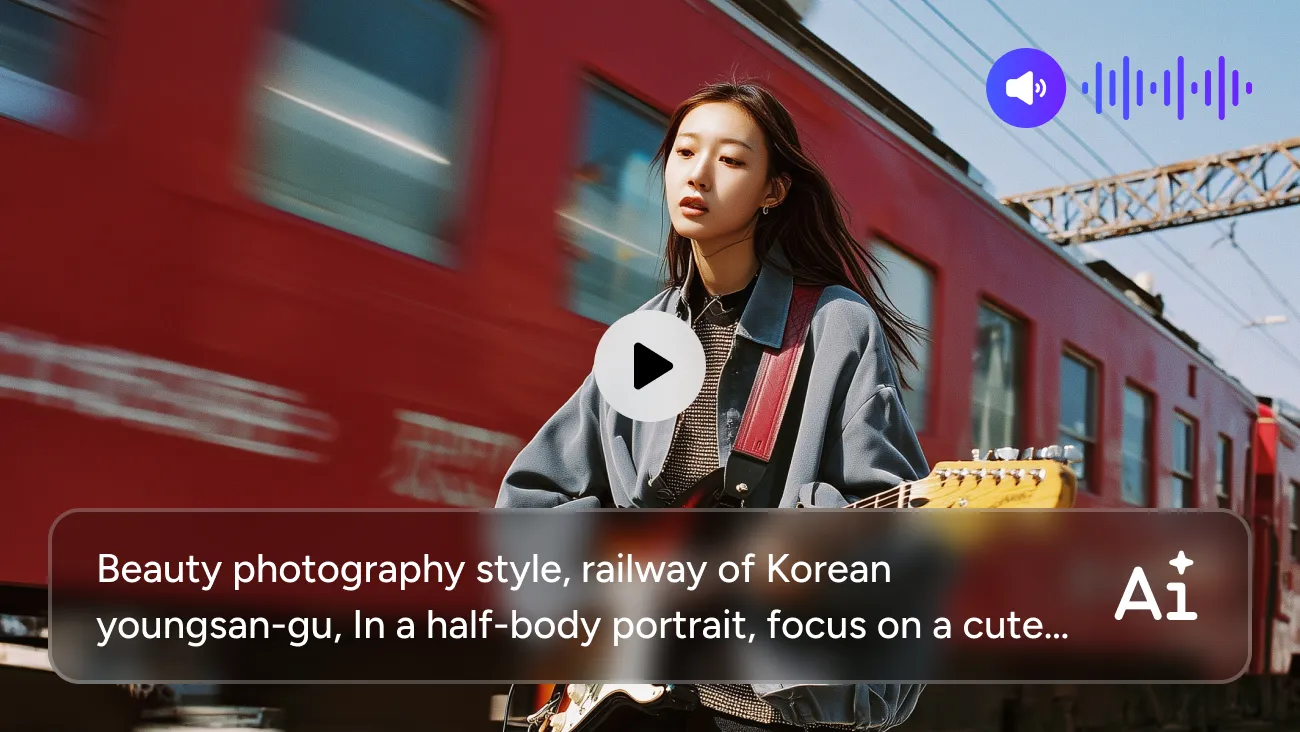
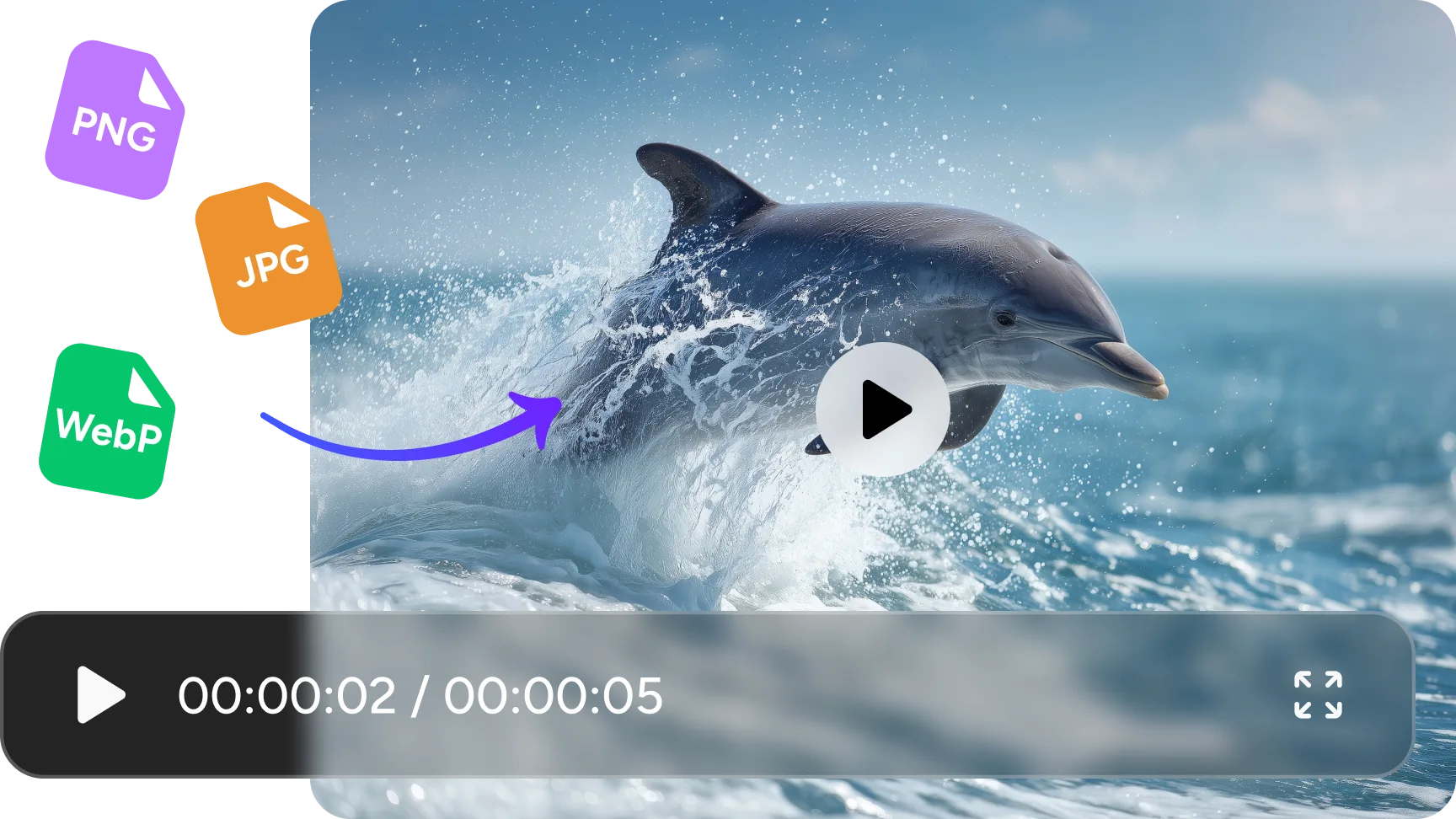
Simply input text or upload images (JPG/PNG/WebP supported), and the AI video generator model effortlessly transforms your ideas into moving scenes. Tell this AI video generator what elements you need—such as style, location, time, or motion—without any editing skills. Wait just one minute to receive smooth, natural animations.
Fluid & Natural Motion Control
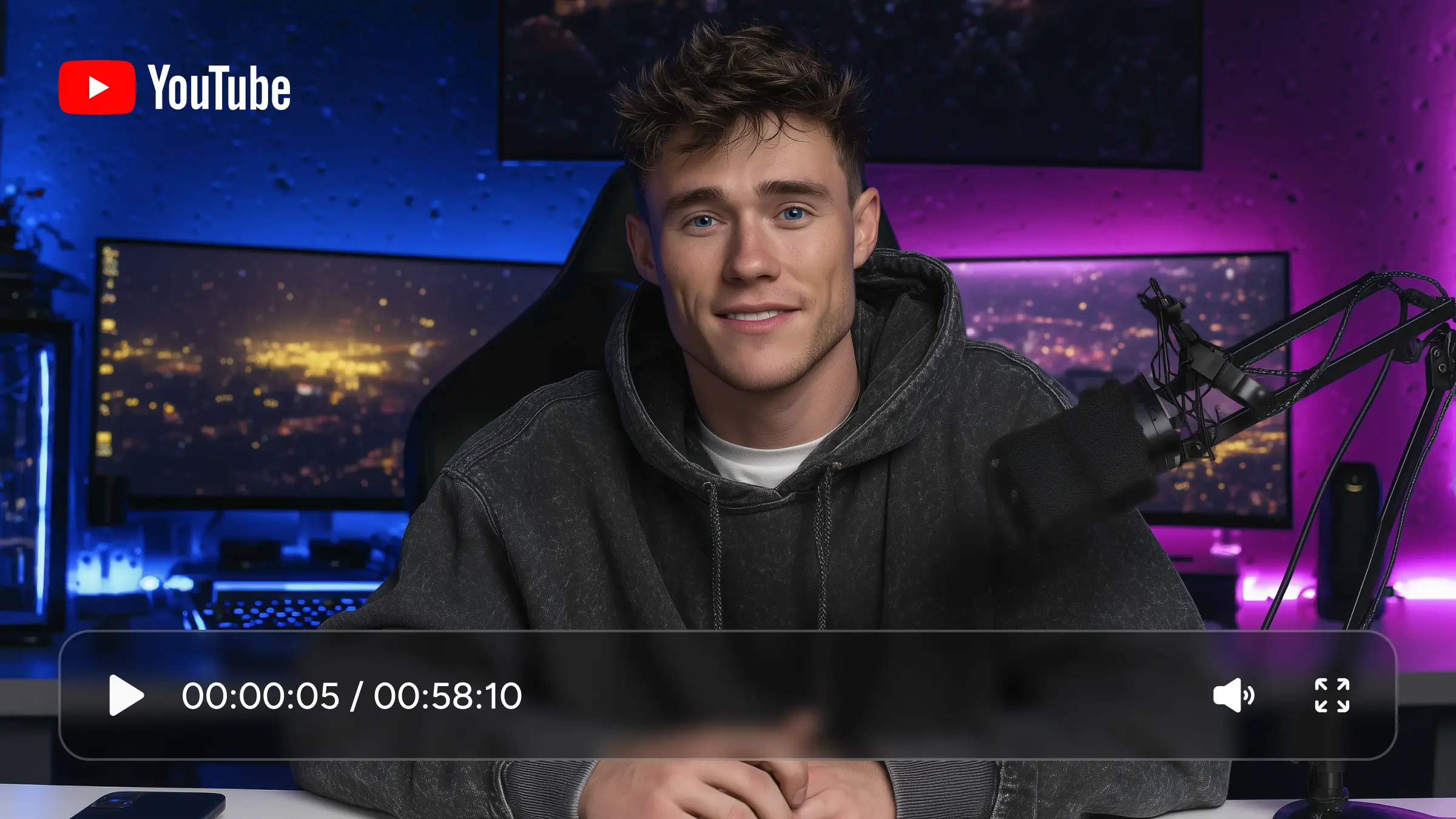
Leveraging the MoE architecture and advanced motion synthesis technology, Wan 2.2 AI video generator delivers stunning motion handling. Character walking, turning, and reactions appear remarkably lifelike, while camera movements remain smooth and stable—perfect for creating high-quality character close-ups. It also supports camera choreography: specify actions like dolly-ins, pans, or tracking shots in your prompts. Even in complex scenes, Wan 2.2 maintains fluidity without stuttering.
Deliver Clear & High-definition Results Up to 720P
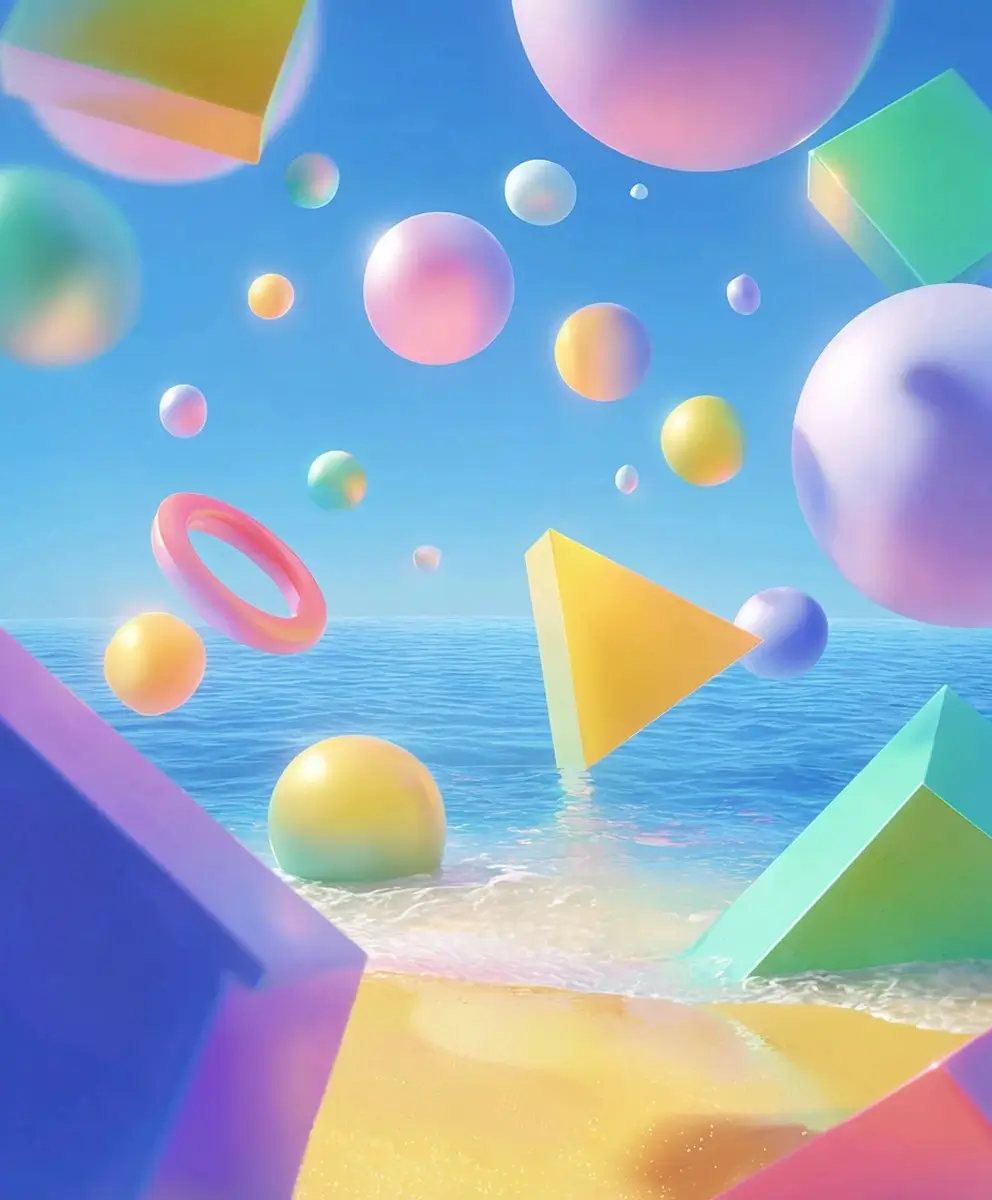
Whether creating quick concept shorts or creative demos, Wan 2.2 AI video generator provides sharp visuals up to 720P resolution. This clarity easily meets demands for social media posts, previews, or rapid creative projects. For fast AI animation generation, the quality is absolutely top-tier.
Reliable Prompt Adherence for Consistent Outputs
Wan 2.2 demonstrates high prompt fidelity—accurately translating your written descriptions of scenes, styles, and actions into video. Style, color, motion, and fundamental details remain consistent throughout the animation. This proves especially useful when you require predictable results without repeatedly tweaking prompts.
How to Use Wan 2.2 Video Generator in AI Ease
 Step 1
Upload Your Image
Upload your image as the storyboard frame and tell Wan 2.2 AI video generator the effect you need.
 Step 2
Customize Settings
Select resolution (e.g., 480p / 580p / 720p) and aspect ratio (1:1 / 9:16 / 16:9) based on your project.
 Step 3
Download & Use
Once you are satisfied with the result, download it without watermarks and publish it to a platform such as Instagram or TikTok.
Frequently Asked Questions
Have more questions? You can email service@aiease.ai, and we'll be happy to help you.
What is Wan 2.2?
Wan 2.2 is an AI video generation model that turns text or images into short, dynamic videos. It focuses on smooth motion, clear visuals up to 720P, and stable prompt control. You can use it for quick concept shots, storytelling, product demos, or any creative idea you want to bring to life without doing manual video editing.
What’s the difference between Wan 2.2 and Wan 2.5?
Wan 2.5 is basically the upgraded version. It offers sharper visuals, more accurate motion, and better scene consistency compared to Wan 2.2. It also tends to follow prompts more reliably and handles complex shots with fewer artifacts. Wan 2.2 is lighter and faster, while Wan 2.5 is better if you want higher quality or more cinematic results.
Can I use Wan 2.2 for commercial projects?
Yes. As long as the platform you're using allows commercial use, you can use Wan 2.2–generated videos in your work. Always double-check the specific usage policies of the service you're on, but the model itself does not restrict commercial usage.