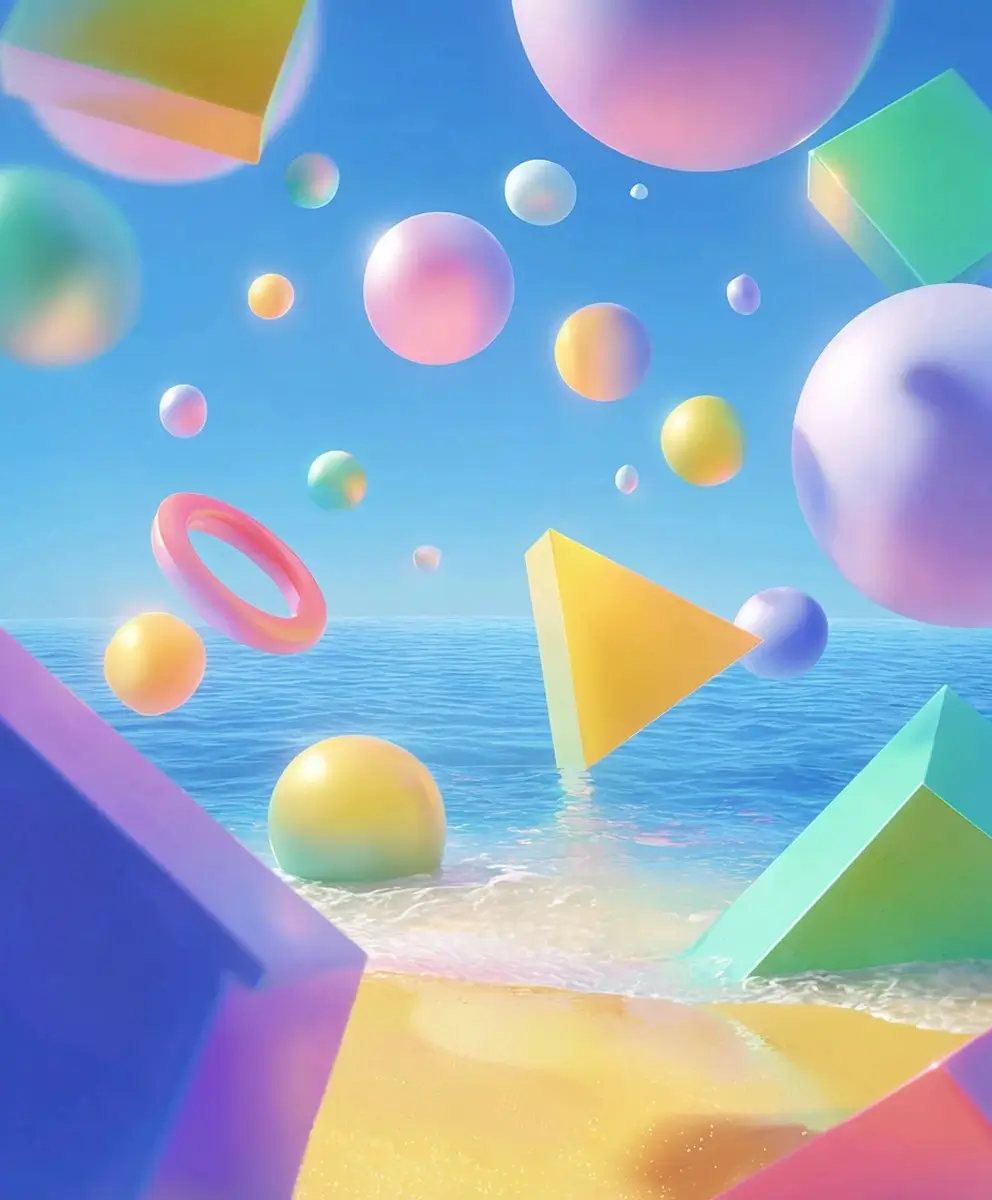
Key Features of Seedance 1.0

Professional Video Quality
Get clean, sharp, and high-resolution results. With Seedance on AI Ease, you can generate videos up to 1080p, making them perfect for social media, ads, and branding content.

Creative Control
Shape your video the way you want. Choose 5s or 10s duration, aspect ratios (16:9, 9:16, 1:1, 4:3, 3:4, 9:21), video quality (480p/720p/1080p), and camera moves such as zoom, pan and track.

Fast Procession
Seedance 1.0 is designed for speed. You can turn text ideas or reference images into a full video in just a few minutes. No long waiting, no complex steps — simply enter your idea and let AI Ease do the work.
Try Seedance Video Generator in No Time
Instantly Create Professional-Level Videos with Seedance 1.0 Pro
Powered by Seedance 1.0 Pro and Seedance 1.0 Lite, our AI video maker helps you create polished videos in minutes instead of hours. Just type your idea or upload reference images, and Seedance will turn your thoughts into a high-quality AI video effortlessly. Whether you’re creating videos for Instagram Reels, TikTok, YouTube Shorts, or business marketing, you can get professional-level results with almost no effort. Try Seedance video generator in AI Ease for free!
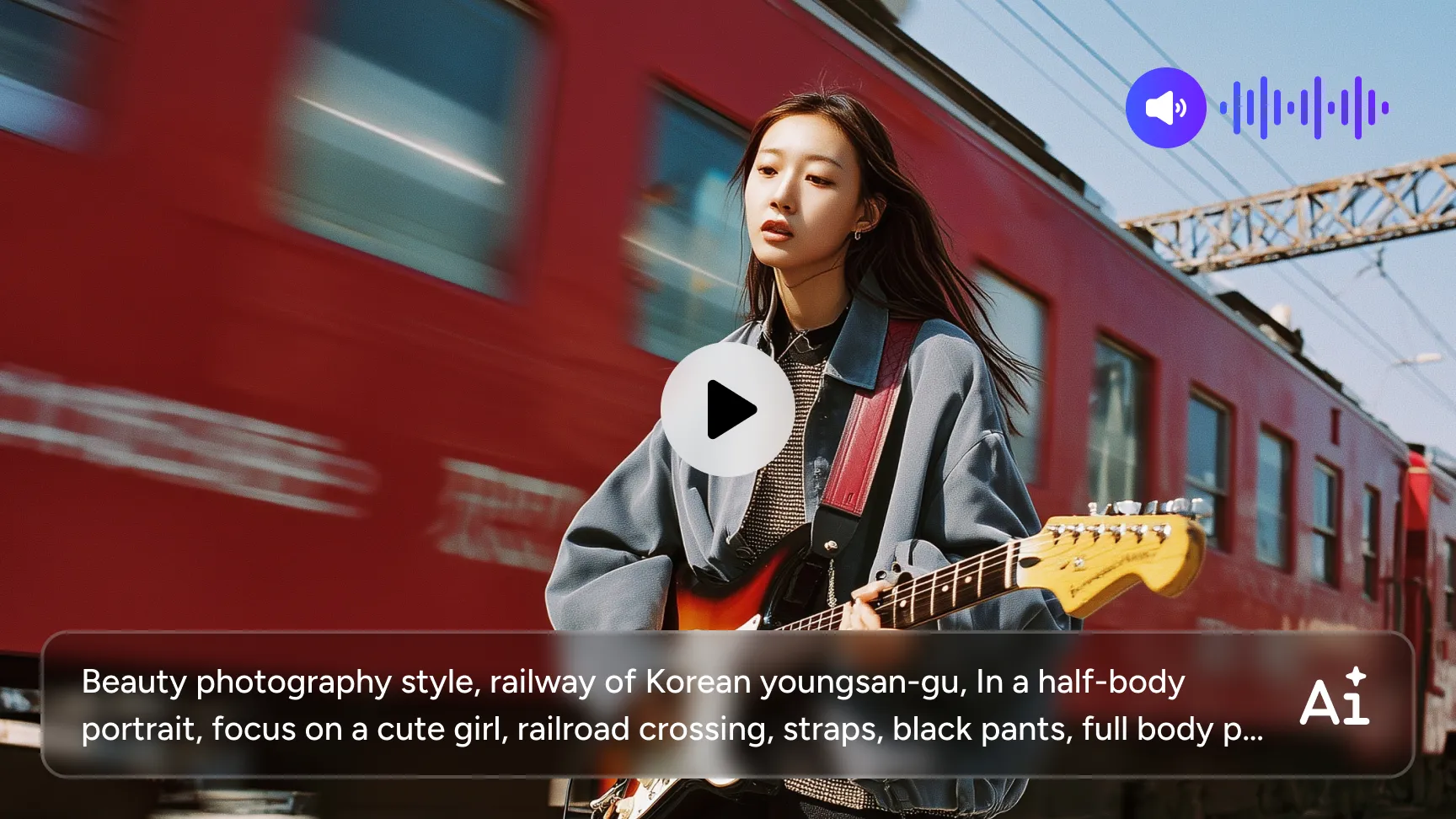
Smooth & Stable Motion
Seedance 1.0 delivers fluid and stable motion, even in fast-moving scenes. Thanks to ByteDance’s powerful Seedance model, it handles subtle expressions and large-scale actions smoothly, keeping your video realistic and visually appealing.
Native Multi-shot Storytelling
Seedance on AI Ease can generate multiple shots in one video from a single prompt. It keeps your characters, style, and atmosphere consistent while switching between different camera angles. This gives your video a natural, cinematic flow — perfect for storytelling, ads, or short films.
Diverse Stylistic Expression
Want to create AI videos in various styles? AI Ease has you covered. From photorealistic scenes to cyberpunk, illustrations, or felt textures, Seedance understands a wide range of style prompts. No matter your aesthetic, Seedance helps you create videos that match your creative vision.
Precise Prompt Adherence
Seedance uses advanced semantic understanding to follow your prompts accurately. It can handle detailed scenes, complex actions, and rich compositions, producing videos that look well-directed, rich in detail, and true to your idea.
How to Use Seedance Video Generator in AI Ease
 1
1Enter Your Idea & Upload Images
Start by typing your idea in AI Ease. You can also upload reference images to guide the look, character, or style of your video.
 2
2Customize Your Settings
Choose the settings that fit your platform and content needs. Adjust the video duration, aspect ratio, generation mode (Lite or Pro), and output quality. You can also fine-tune motion and perspective through Seedance’s smart camera controls.
 3
3Generate & Download
Click “Generate” and let Seedance create your video in minutes. Preview the result, make adjustments if needed, and download your final video in high quality.
Explore More AI Video Models in AI Ease
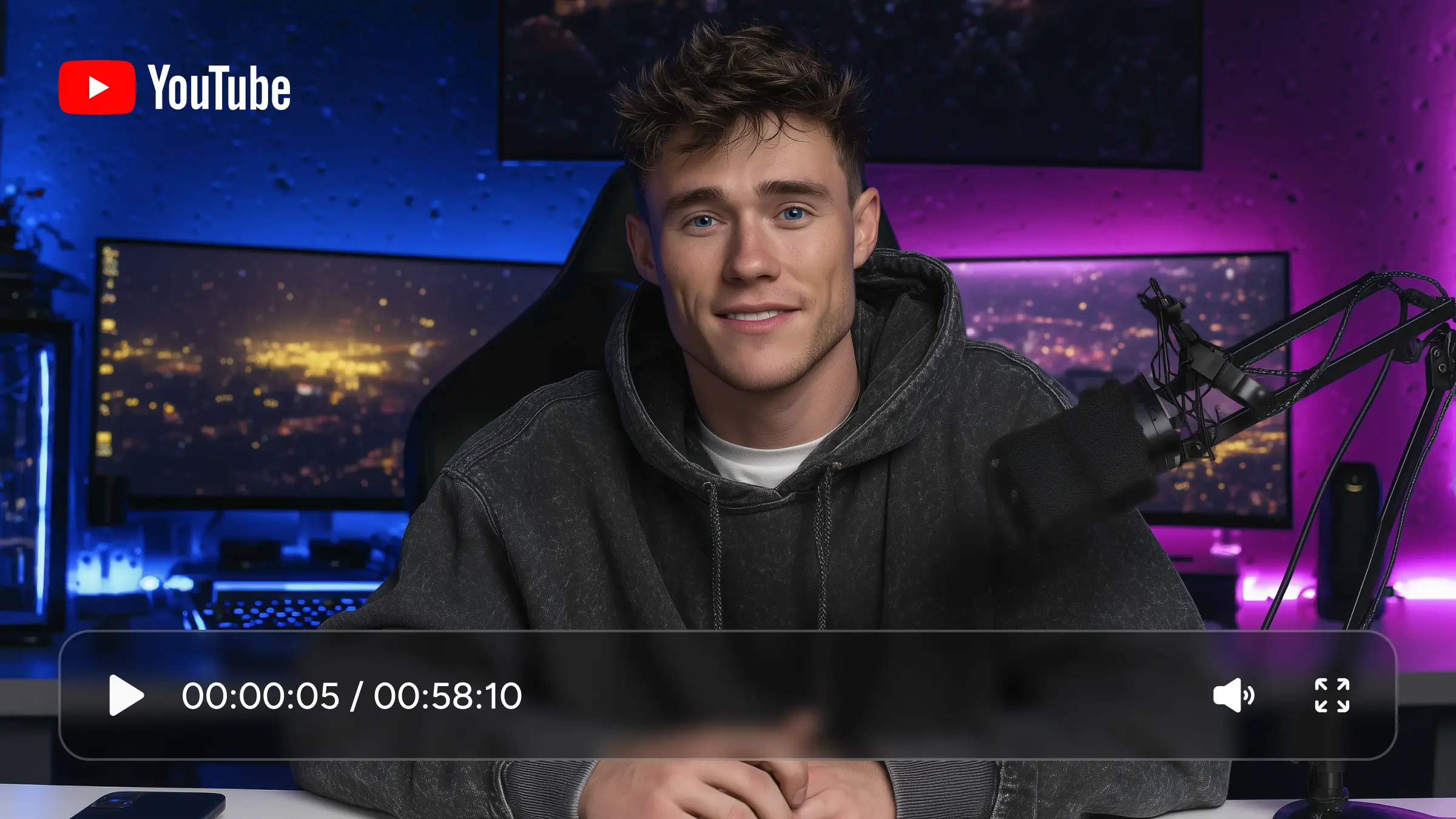
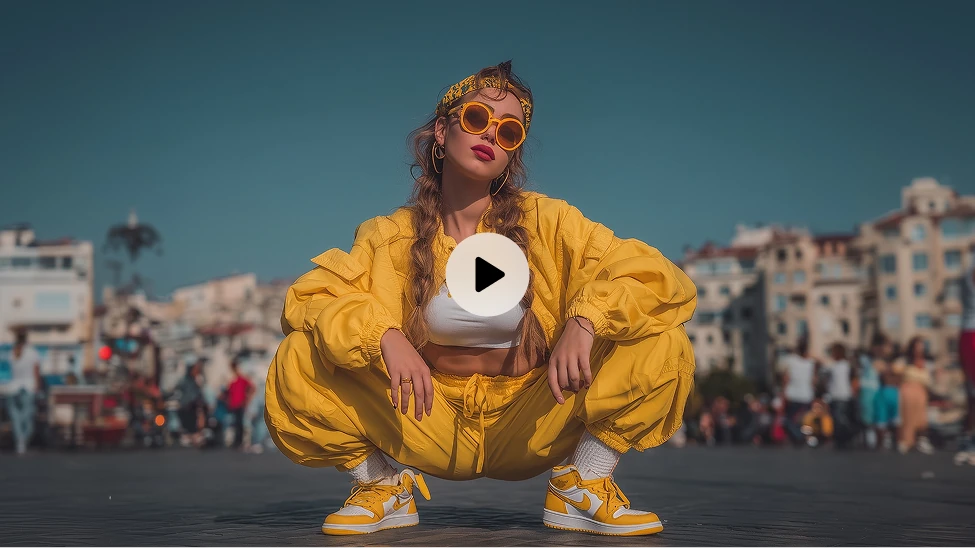

Frequently Asked Questions
Have more questions? You can email service@aiease.ai, and we'll be happy to help you.
What is Seedance 1.0?
Seedance 1.0 is an advanced AI video generation model by ByteDance. It creates high-quality videos from text prompts or reference images, supporting multi-shot storytelling, stable motion, and diverse visual styles.
Is Seedance free to use on AI Ease?
Yes. AI Ease offers free trials so you can try Seedance 1.0 and create AI videos at no cost.
What kinds of videos can I make with Seedance?
You can make short videos for TikTok, Instagram, YouTube, marketing campaigns, creative storytelling, product showcases, and more.
Can I control video motion or camera angles?
Yes. Seedance supports zooming, panning, tracking, and multi-shot camera switching.
What image formats are supported?
Seedance supports all common image formats, including JPG, JPEG, PNG, and WebP. You can upload reference photos, concept art, product images, or character designs to guide your video.
Can I use the generated videos for commercial use?
Yes. Videos created with Seedance on AI Ease can be used for commercial purposes, including ads, marketing, branding, and social media content. Just make sure your input materials do not violate copyright rules.
Does Seedance 1.0 have audio?
No. Seedance 1.0 currently generates silent videos only because it focuses on producing high-quality visual content. If you want to create videos with audio, you can use other AI video models available on AI Ease, such as Veo 3.1 or the Kling AI Video Generator, which support audio generation. You can also add your own music or sound effects after downloading the video.
What’s the difference between Seedance Lite and Seedance Pro?
- Seedance Lite: Faster generation speed, ideal for simple concepts, previews, and quick drafts.
- Seedance Pro: Higher video quality, better motion stability, and stronger prompt understanding. Best for final production, storytelling, and commercial use.