Free Online Kling 2.6 AI Video Generator
Kling 2.6 is the first Kling model that generates video and audio together in a single run. Instead of stitching visuals and sound afterward, it handles everything at once—motion, dialogue, background ambience, and sound effects—all naturally synced. It's perfect for ads, social content, and product demos.
A Complete Audio-Visual Result with One Model
Generate Video and Audio Together Instantly
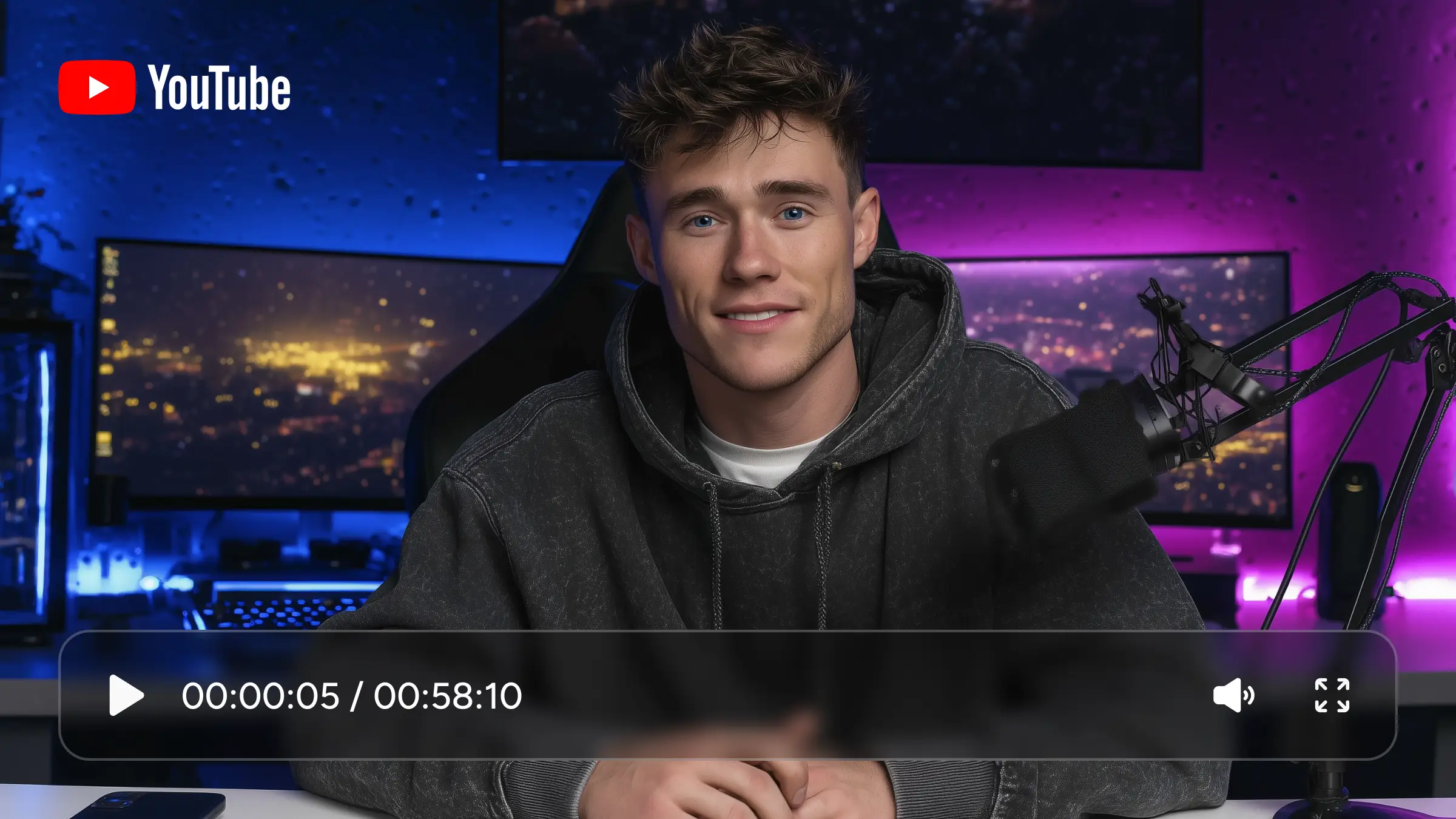
Kling 2.6 is built for speed. Instead of generating visuals first and fixing sound later, it creates video and audio at the same time. Dialogue, ambient sound, and effects are automatically aligned with the scene, so nothing feels off or out of sync. The result is a complete video straight from the first generation—no extra tools, no post-production, and no wasted time jumping between platforms.
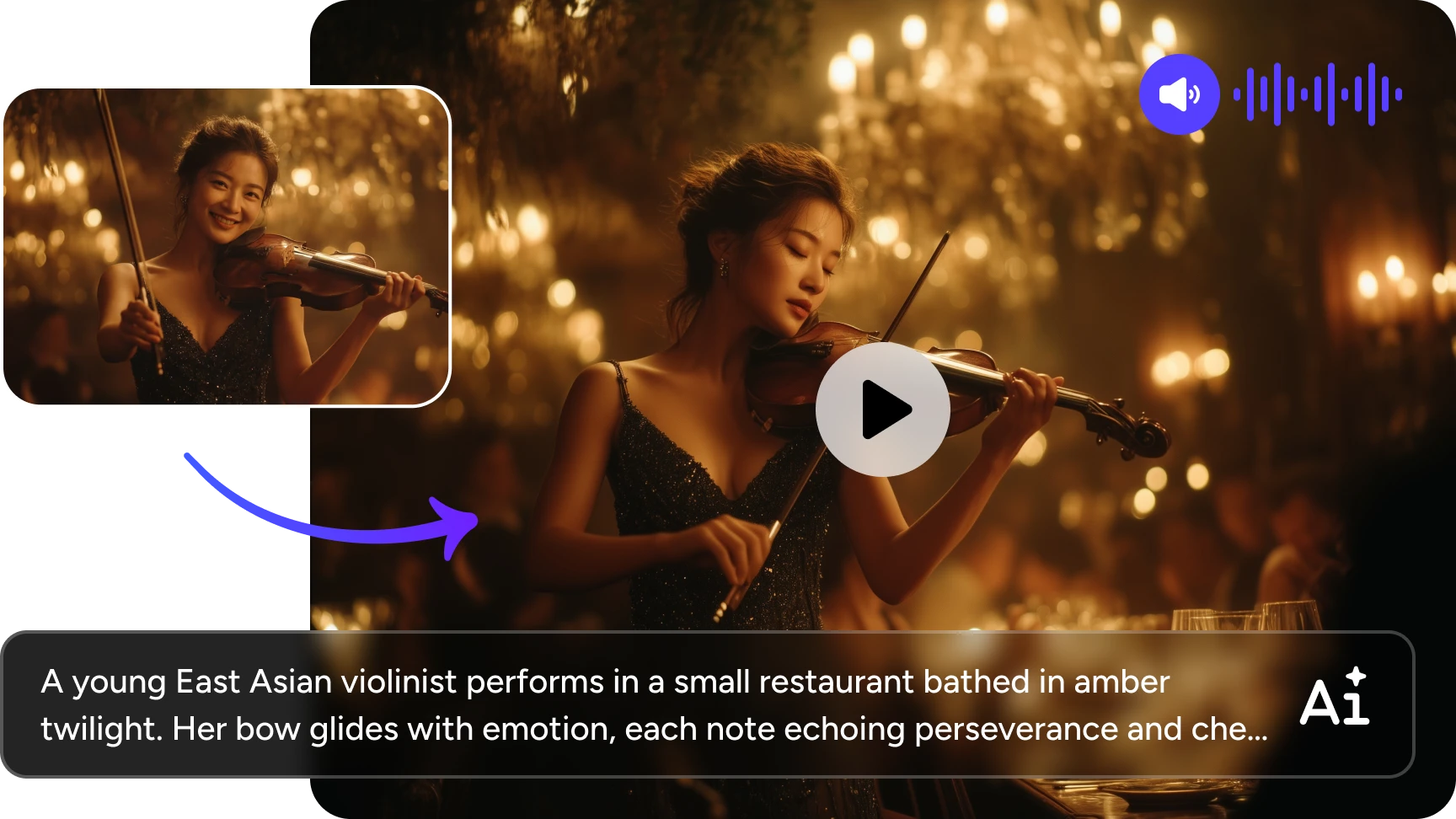
Turn Static Images into Dynamic Videos
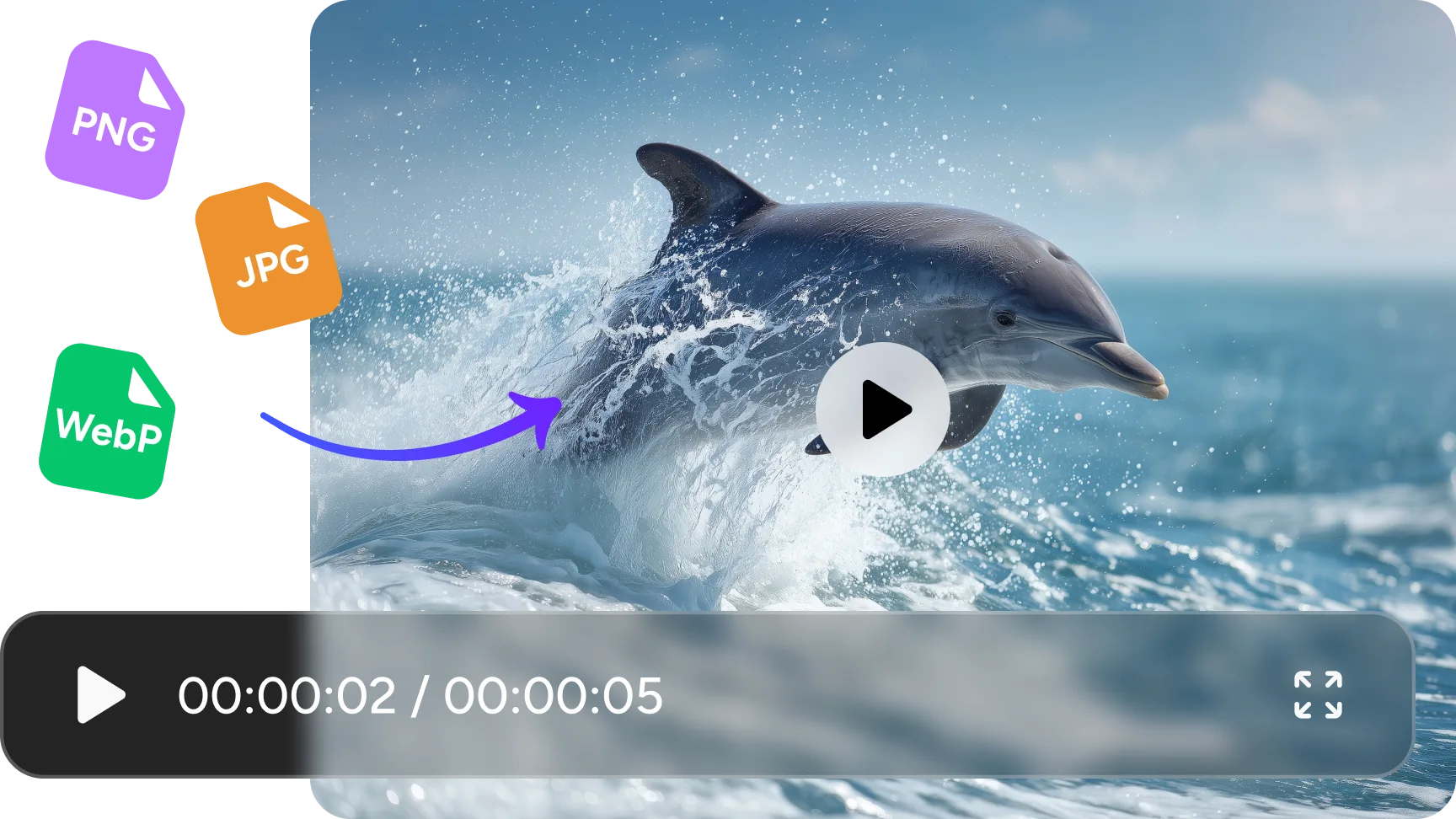
Want a video from a poster, product image, illustration, or design mockup? Kling video generator offers a perfect solution. Simply upload a poster, product photo, illustration, or design mockup, tell it how the elements move, and Kling 2.6 turns it into a moving scene with natural motion and synced sound. What used to be static suddenly feels alive. This makes it easy to reuse existing assets and turn them into engaging videos without learning animation or editing software.
All Sounds Fit the Scene
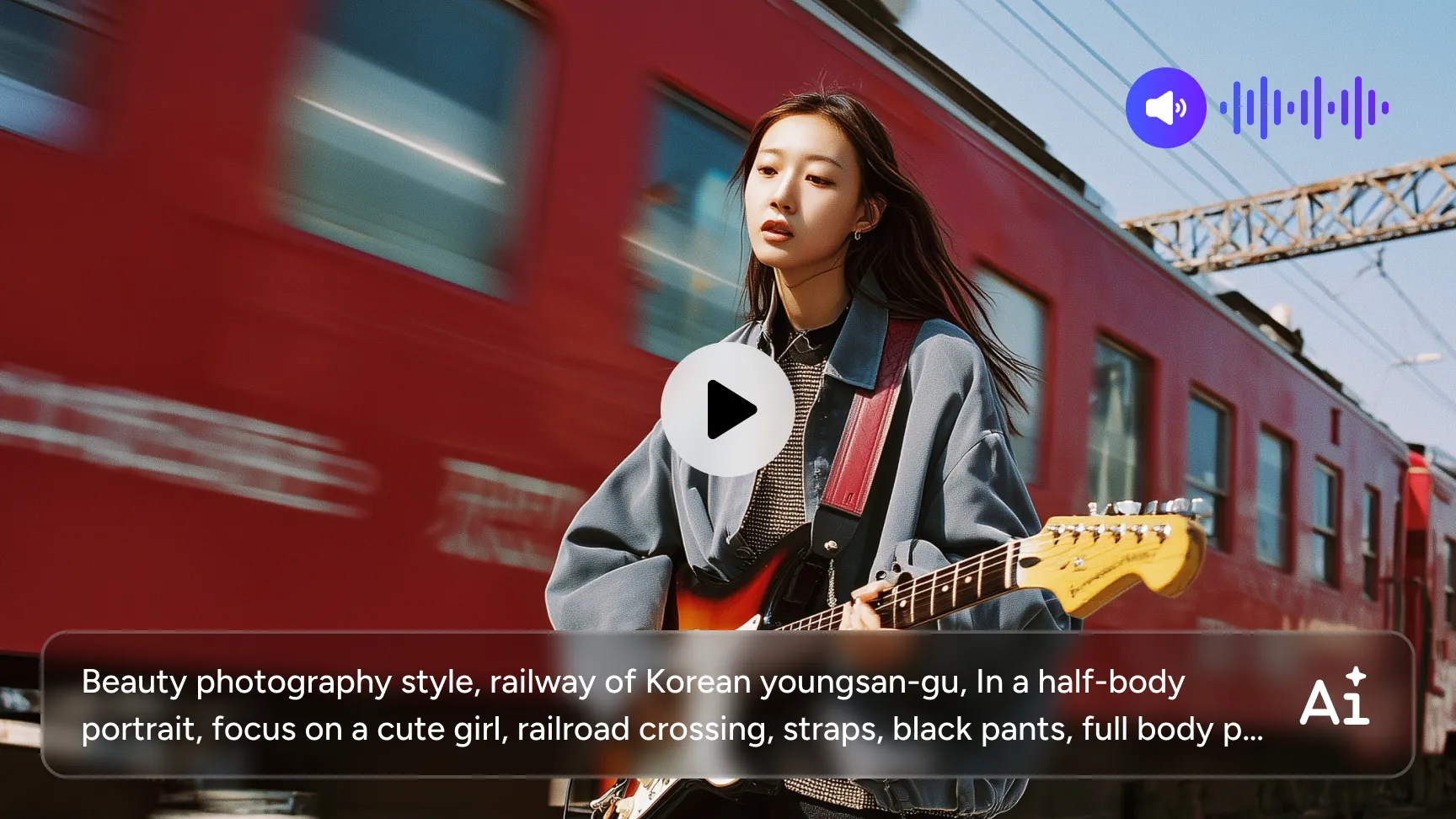
Kling 2.6 doesn’t just add sound—it adapts it. Characters can speak or sing, background audio shifts with the scene, and the overall mood stays consistent from start to finish. Whether it’s a calm narration or a more energetic moment, the audio feels intentional and natural. You don’t need to choose tracks or fine-tune timing—the AI handles it for you.
Get Work-Ready Videos in One Generation
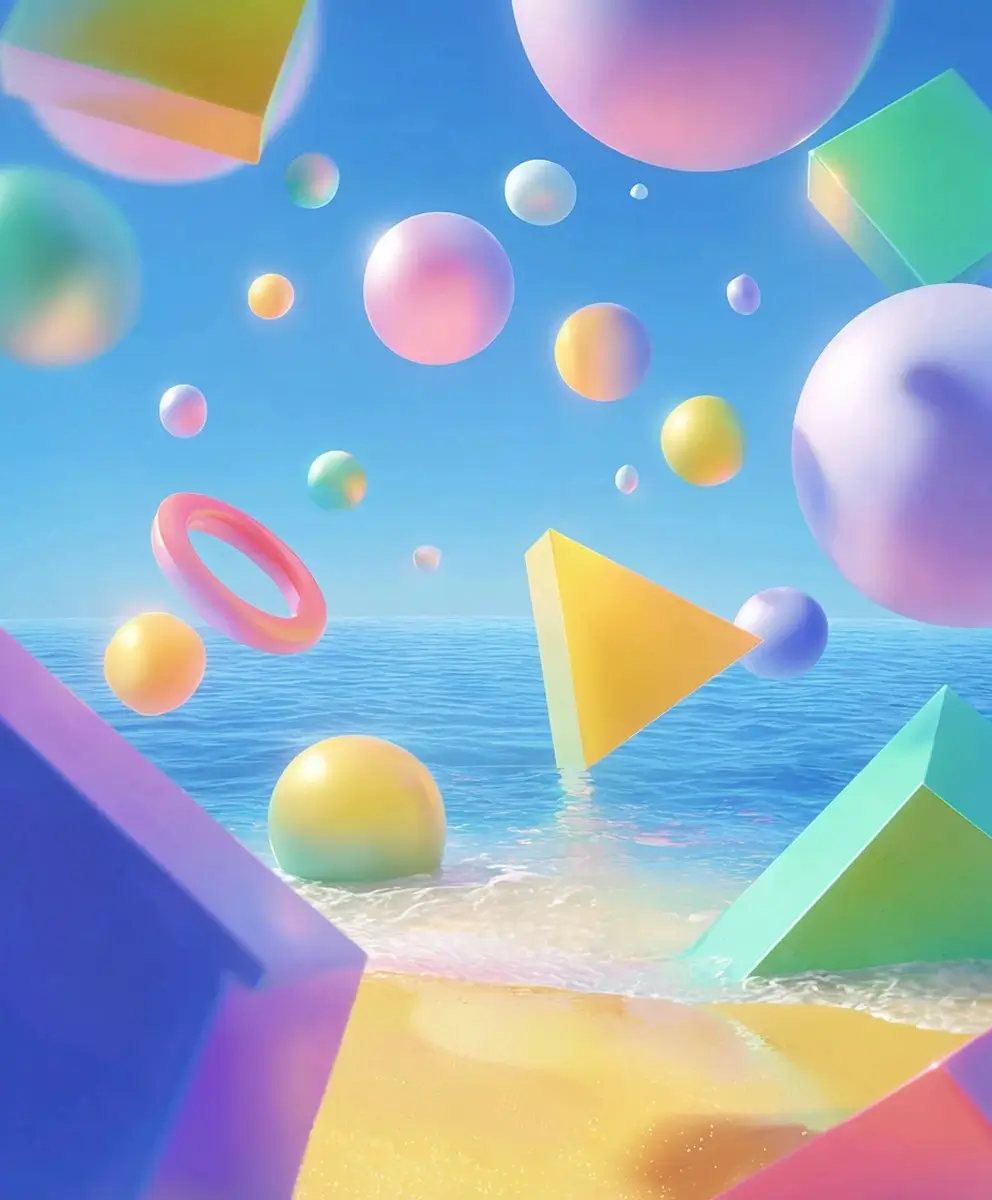
Kling video generator understands your prompt as a scene, not just a list of visual elements. It keeps characters consistent, holds camera logic together, and makes sure actions flow naturally from one moment to the next. What you get feels less like random clips and more like a short, structured sequence—something you can actually use in ads, social posts, or storytelling content without patching pieces together.
How to Create a Video with Kling 2.6
 Step 1
Upload or Describe Your Idea
Start with a text prompt or upload an image. Simple or detailed both work, based on your scene.
 Step 2
Customize Settings & Generate
Customize settings, like aspect ratio. Then click the "Generate" button, Kling 2.6 will generate video, motion, and audio together. No manual syncing. No extra tools.
 Step 3
Preview and Download
Your video is ready. Preview and download it once you are satisfied.
Frequently Asked Questions
Have more questions? You can email service@aiease.ai, and we'll be happy to help you.
What is Kling 2.6?
Kling 2.6 is an AI video generator that creates complete videos with both visuals and audio in a single generation. It turns text prompts or images into ready-to-use videos with smooth motion, synced sound, and consistent scenes.
Can Kling 2.6 generate audio automatically?
Yes. Kling 2.6 creates dialogue, ambient sound, and sound effects that match the scene. You don’t need to add or sync audio manually.
What kind of video is Kling 2.6 best for?
It works great for ads, social media content, product showcases, short clips, and quick storytelling—any situation where you want a complete video fast, without complicated tools.