How to Make a Digital Signature with Ease (6 Methods)
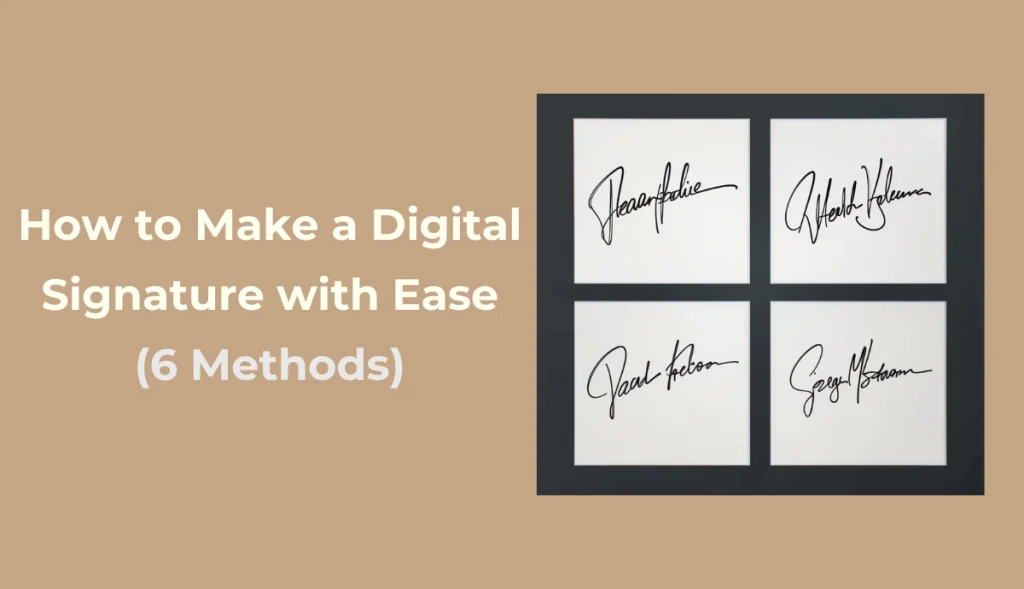
In our daily lives, we are increasingly required to sign papers such as contracts, applications, and expense reports online. In this case, learning how to make digital signature is especially vital. We will introduce 6 easy-to-use and straightforward ways to create an e-signature and apply it to images, Word, and PDF files to meet the signing needs of various scenarios.
Method 1. AI Ease – Make a Signature and Add It to Image
How to make my signature digital? Want to quickly add a unique electronic signature to a photo? AI Ease’s online free photo editor offers a fully automatic solution. No no need to manually crop images, you can add e-signature fonts to any image in just a few steps.

Key Features:
- AI Ease supports a variety of styles such as handwriting, art, and seals to meet the needs of individuality and formal scenes.
- After uploading the picture, the signature can be freely dragged, scaled, and adjusted in color without manual clipping or complex editing.
- Online operation, compatible with mobile phones and computers, signature generation can be completed anytime, anywhere.
- The output quality is clear and suitable for occasions such as work certificates, certificates, and work displays.
- AI Ease provides more AI photo tool, like AI image watermark remover, background remover, photo enhancer, AI filters, etc.
How to Create a Digital Signature Online
Try AI Ease now and add a signature to picture! It suitable for a variety of uses, including proof of work, photo watermarks, and digital certificates. Below are detailed steps of how to make digital signature with AI Ease.
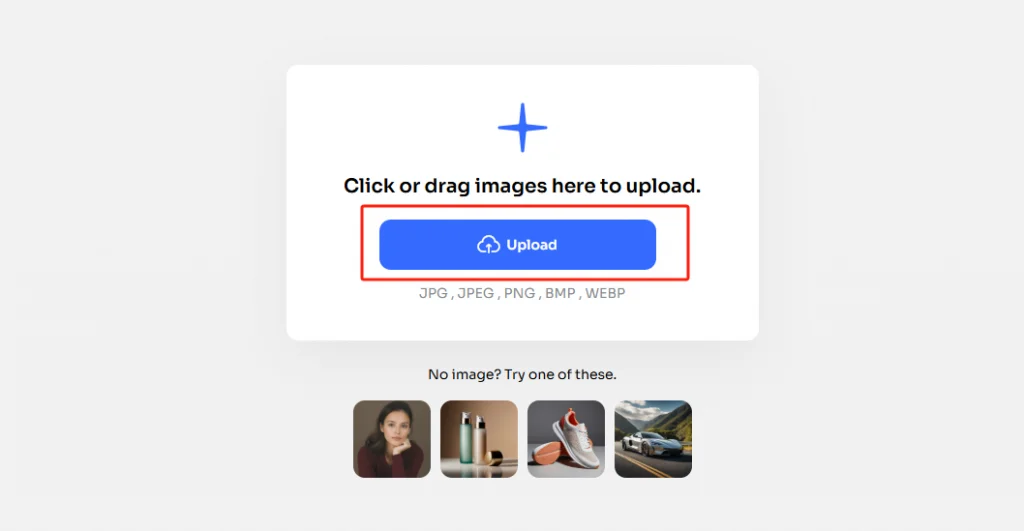
Step 1. Click the button to visit AI Ease free online. And upload the photo you want to add a signature.
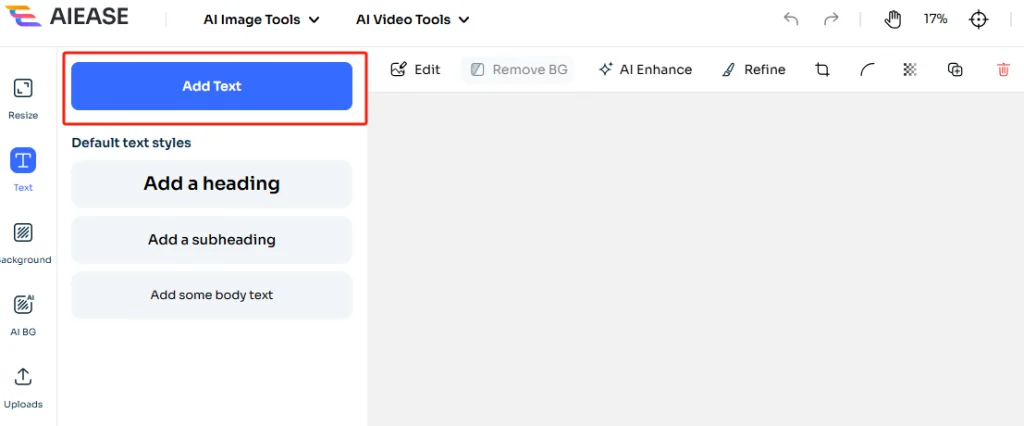
Step 2. Click the “Text” button from the left panel. Then tap “Add Text” to type and creat your e-signature.
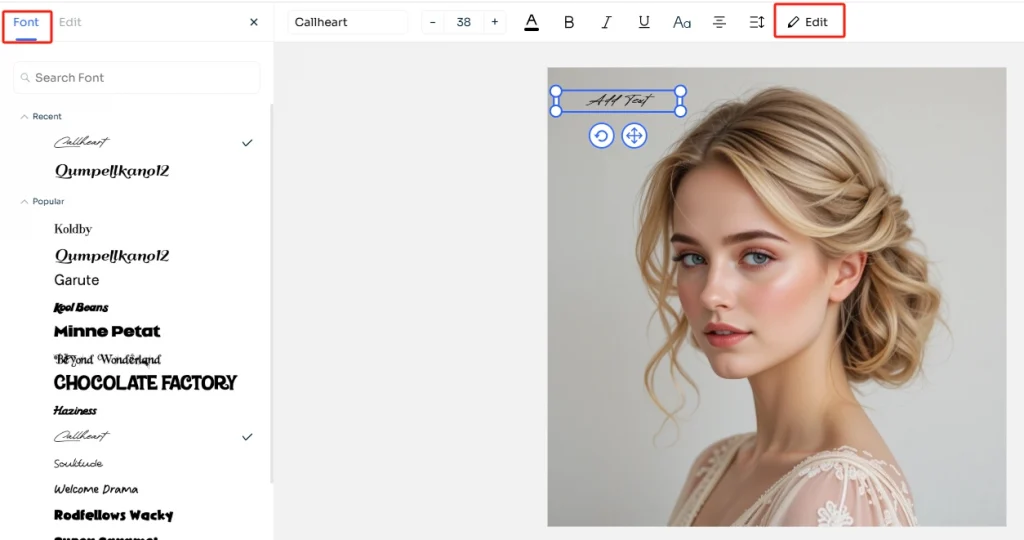
Step 3. Move the mouse to the “Edit” button at the top of the page, and click “Front” to select the text style you like.
Step 4. Once you’ve added your digital signature to a photo, you can save the image in high resolution and download it.
Method 2. CreateMySignature – Digital Signature Creator
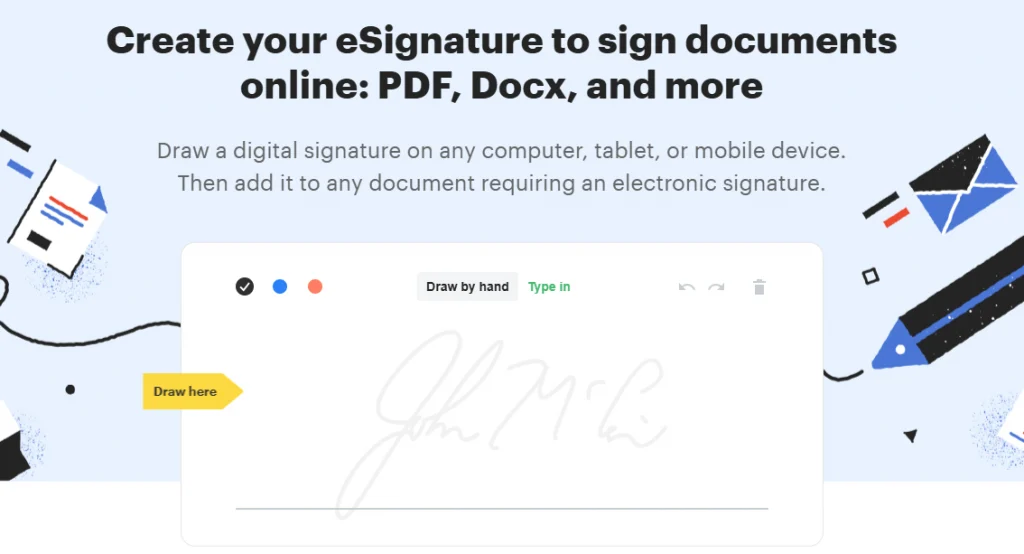
CreateMySignature is an easy-to-use digital signature creator online. It allows you to handwrite or type your signature and then download it. The signature image can be applied to files such as Word, PDF. Which is especially suitable for contracts, agreements or application forms that need to be signed quickly.
If you want to remove the background of the signature image, try using AI Ease’s transparent background maker to capture your e-signature accurately.
How to Generate an eSignature Online
Step 1. Navigate to CreateMySignature.
Step 2. Choose to “Draw by hand” or “Type in” your signature.
Step 3. You can customize your signature color (black, blue, red) and download the signature image.
Step 4. After that, insert the signature into your document using your preferred editor.
Method 3. SignWell – Generate eSignature for Files
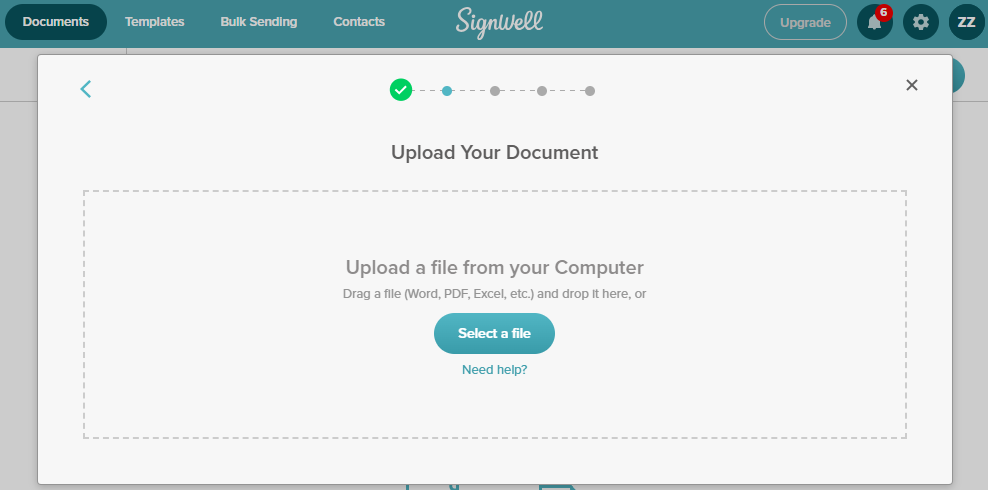
SignWell is a more professional electronic signature platform designed for businesses and teams. It not only allows for signature creation but also contains complex capabilities like document template management, signature requests, and multi-person collaborative signing. It is especially useful for professionals that need to send contracts or check documents regularly.
How to Make an Electronic Signature with SignWell
Step 1. Go to SignWell’s online signature tool. If this is your first time using this tool, you need to log in.
Step 2. Tap the “Select a file” button to upload your file. Or you can drag and drop the file to the box.
Step 3. Then locate the page you want to add signature, create your signature by drawing or typing.
Step 4. Once it is finished, download the signature file.
Method 4. Microsoft Word – Sign Signature on Word
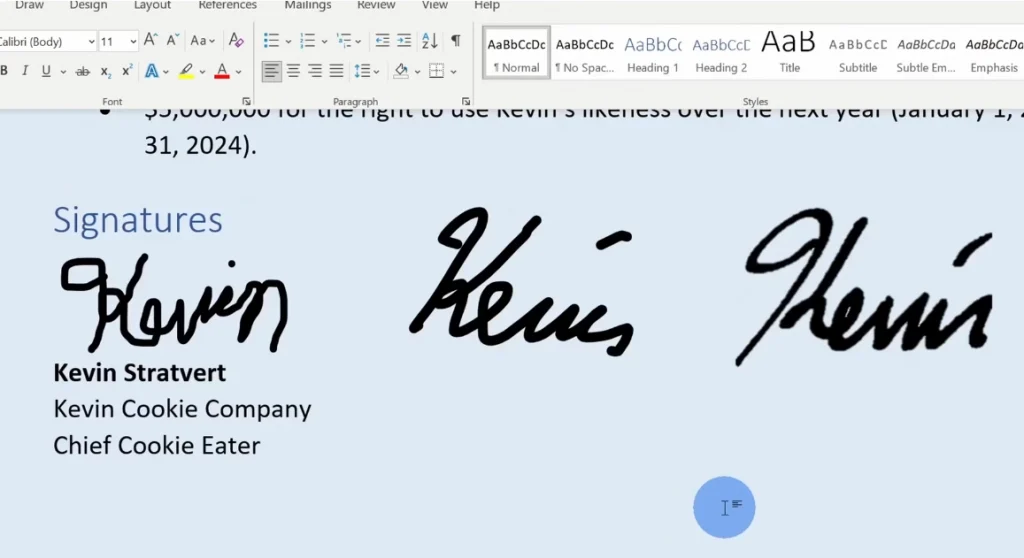
Microsoft Word is the most popular document editing tool. Many people don’t know that it has an embedded function for inserting electronic signatures. If you are editing a contract, report or application, you can insert a handwritten image signature or sign directly using a stylus/mouse.
How to Make Digital Signature in Microsoft Word
Step 1. Open your Word document and place your cursor where you want the signature to appear.
Step 2. Go to the “Insert“ tab > “Pictures” to upload your pre-made signature image, or select “Draw” to create a handwritten signature using your mouse or touchpad.
Step 3. Alternatively, choose “Insert” > “Text Box” and type your name in a handwriting-style font for a typed signature look.
Step 4. If the document needs legal validation, use the “Signature Line” feature (available in some Word versions) to insert an official digital signature field.
Step 5. Save the file as a PDF to prevent edits, or send the Word file directly.
Method 5. PDFgear – Add Digital Signature on PDF
PDFgear is a free tool that specializes in PDF processing. It not only allows you to edit, convert, and merge PDFs, but also provides practical electronic signature functions. You can directly open PDF documents on the web or your desktop, customize the signature style, and insert it in the specified location to quickly complete signing official documents.

How to Create Digital Signature in PDF
Step 1. Visit PDFgear’s PDF editor or download the desktop app.
Step 2. Upload your PDF file by tapping “Select PDF File“.
Step 3. Click “Sign” and choose to draw, type, or upload your signature.
Step 4. Drag the signature to your desired spot and save the document.
Method 6. Signaturely – Draw and Type Digital Signature
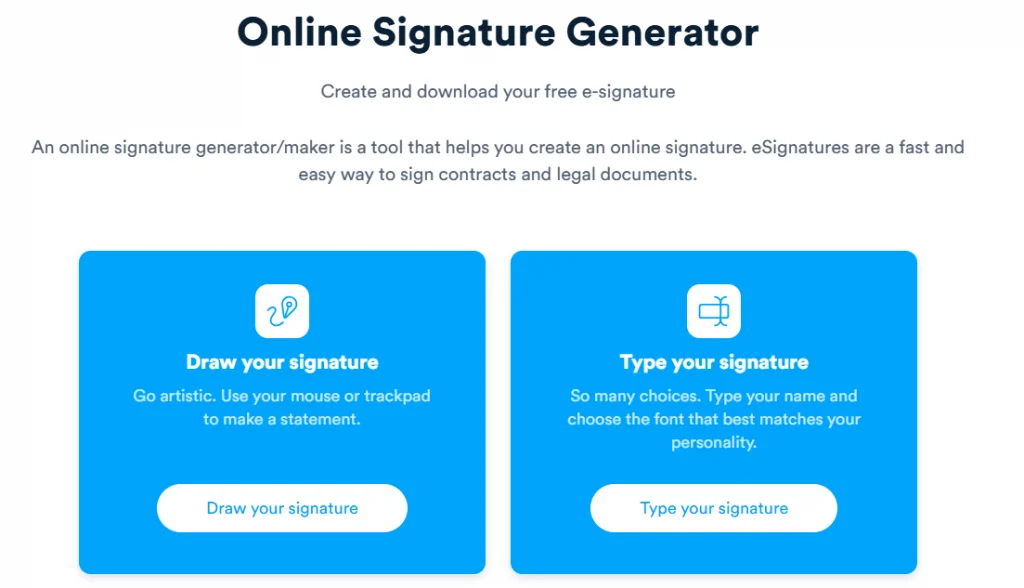
If you’re looking for a free signature maker that doesn’t require a login, Signaturely’s online signature maker is worth considering. It allows you to draw, type, or design your signature and download it as an image file, perfect for inserting into PDFs, Word documents, email footers, or image-based documents.
How to Make a Digital Signature with Signaturely
Step 1. Go to Signaturely’s signature maker online.
Step 2. Choose “Draw your signature” to sketch your signature using a mouse or touchpad. Or select “Type your signature” to enter your name.
Step 3. Then you can choose from multiple signature fonts and customize the color if needed.
Step 4. Click “Download” to save your signature as a PNG file with a transparent background.
Step 5. Insert the file into documents or upload it into PDF/Word editors.
Why Do You Want to Make Digital Signature?
Compared to the time-consuming procedure of scanning and uploading a handwritten signature, digital signatures are not only more convenient but also legally enforceable, therefore they are frequently used in remote offices, freelancers, online applications, and other settings. Learn and try different methods of how to do a electronic signature from this post.
Conclusion
Whether you want to sign a file or create your e-signature image quickly, you can learn how to make digital signatures from the article. In today’s era of digital office and remote work, mastering electronic signature has become a must-have skill. You can flexibly choose the above tools according to your needs. Try adding a unique and professional digital signature to your documents.