

Drag or drop your image here to upload
Free AI YouTube Video Maker Online
With AI Ease's powerful AI YouTube video maker, it's easy to convert text prompts into high-quality, professional YouTube videos with just one click. No professional editing skills required.
A deep, resonant power hum emerges from the mech. A single, bright red light flickers on within its dark optical sensor, then stabilizes into a piercing glow. The giant machine begins to move, shaking off tons of debris and dirt as it slowly, powerfully, rises from its grave, servos whirring and hydraulics hissing.
HistorySee All
A deep, resonant power hum emerges from the mech. A single, bright red light flickers on within its dark optical sensor, then stabilizes into a piercing glow. The giant machine begins to move, shaking off tons of debris and dirt as it slowly, powerfully, rises from its grave, servos whirring and hydraulics hissing.
Your videos generation history will appear here.
Inspirations
See AllAI YouTube Video Maker for Every Needs
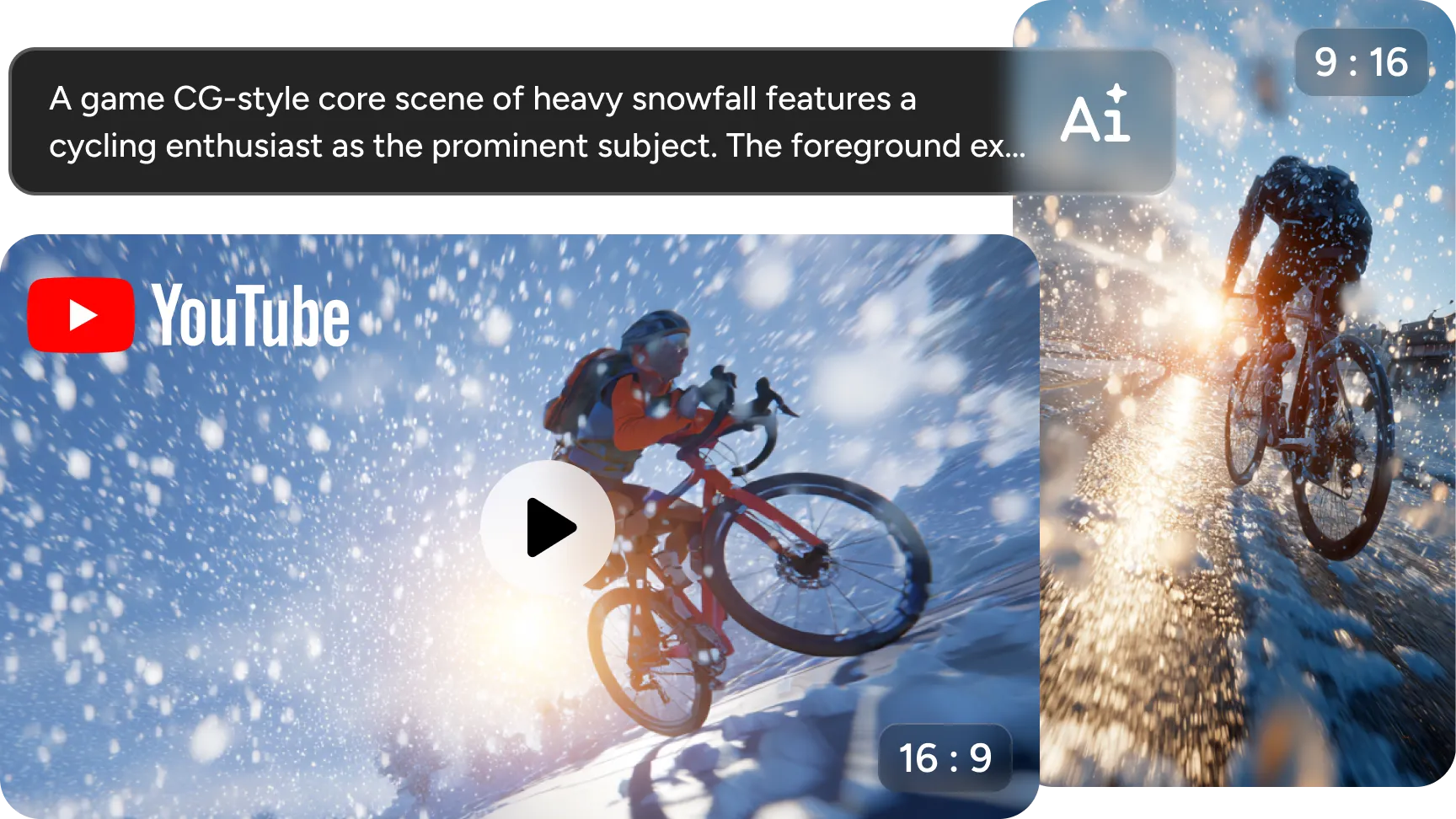
Convert Text into High-Quality YouTube Videos with AI
Use AI Ease's online AI YouTube video maker to turn text prompts into engaging YouTube videos with just a few clicks. Whether you're telling a story, sharing tips, or promoting a product, AI Ease's powerful AI text-to-video generator helps you create professional-quality content in minutes, with no editing skills required. Simply enter your script or concept, and let AI automatically convert it into a dynamic and visually compelling YouTube video.
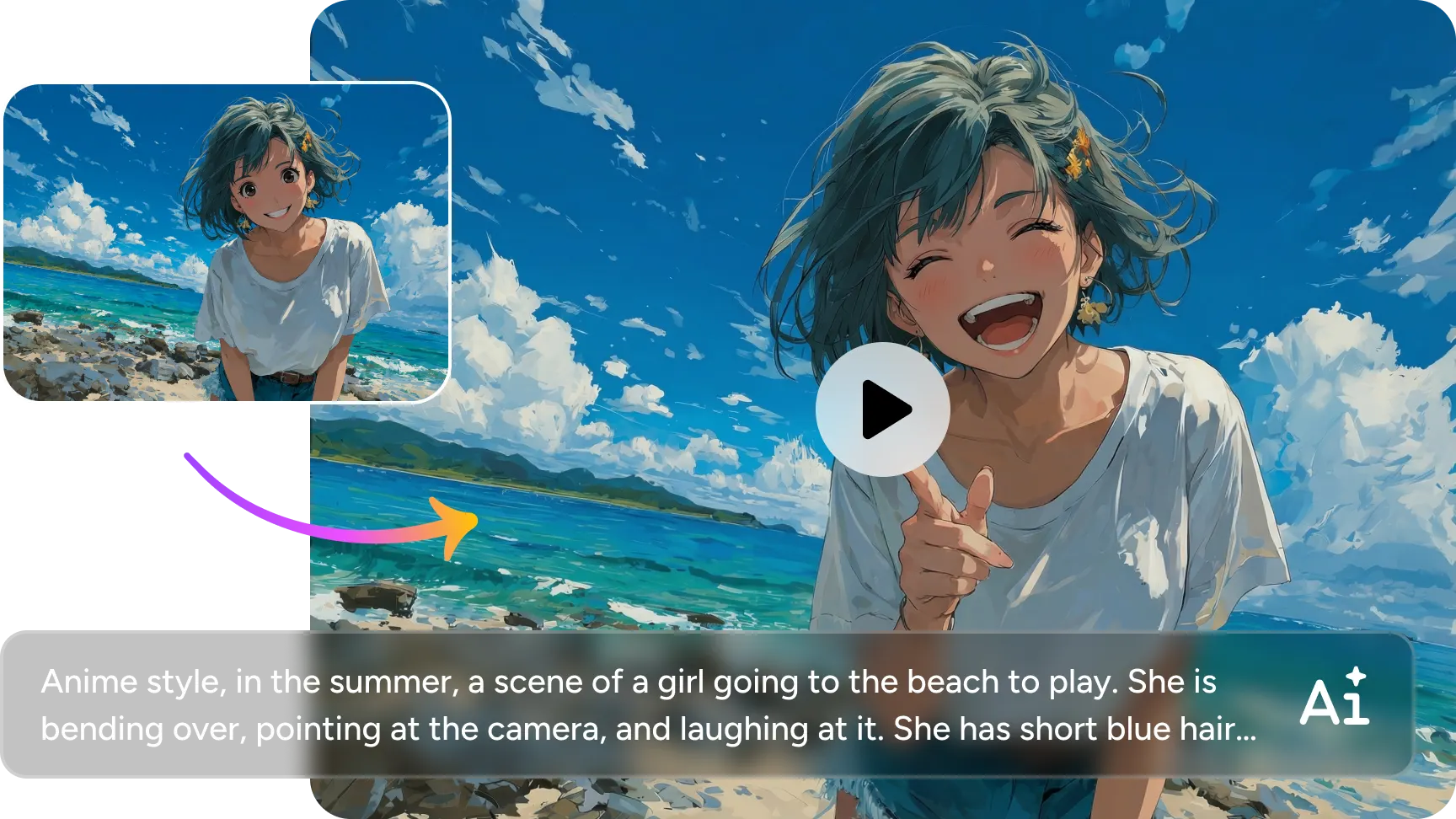
Turn Images into Funny YouTube Shorts for Engagement
Convert still images into hilarious YouTube Shorts that capture viewers' attention and drive interaction. With AI Ease's image to video AI generator, you can animate photos in minutes and create great short videos that are perfect for comedy, reviews, or interactive content. Whether repurposing old photos or creating new content, our YouTube video maker is a shortcut to entertaining viewers and encouraging them to like, share and subscribe.
Create Eye-Catching YouTube Thumbnails from Text
Instantly transform your text prompts into breathtaking YouTube thumbnails with AI Ease's powerful text to image AI generator. Whether you're promoting a video blog, a tutorial, or a product review, our AI image generator can help you generate eye-catching, vibrant YouTube thumbnails that perfectly fit the theme of your video. Turn simple text into visually stunning thumbnails that stand out in search results and boost click-through rates without any design skills.
16:9 & 9:16 Preset Aspect Ratios for YouTube Clips
Whether you're creating a full video or a short vertical video, choosing the right aspect ratio is critical, and the 16:9 format is perfect for traditional YouTube videos, offering a wide, cinematic view. For mobile-friendly content like YouTube Shorts, the 9:16 portrait aspect ratio is suitable for smartphone screens. With the preset options in AI Ease’s AI YouTube video generator, you can easily switch formats and optimize video quality to maximize interactivity across all YouTube content types.
Easy YouTube Video Creation for Every Skill Level
Whether you're a novice or a seasoned content creator, making YouTube videos has never been easier. With AI Ease's powerful AI YouTube video maker, you can effortlessly turn simple text or images into great videos - no editing skills required. The best AI video generator for YouTube makes it easy to create professional-looking videos, letting you focus on storytelling without focusing too much on the technical aspects.
How to Turn Text into a YouTube Video with AI Ease
- Step 1
Input Your Script
Type your text prompts into our AI text to video generator. The more specific your input, the better the AI can generate a high-quality YouTube video.
- Step 2
Create a YouTube Video with AI
Select your desired aspect ratio and click the Generate button. Our YouTube video maker will automatically create YouTube videos with AI.
- Step 3
Preview and Export
Preview your final creation, then export it to share eye-catching content across your social channels.
Additional AI Video Tools by AI Ease

Frequently Asked Questions
Here are some quick answers to common questions about using AI Ease's YouTube video maker.
What is an AI YouTube video generator?
AI YouTube video generator is a tool that uses AI to convert your text prompts or scripts into engaging video content. It automatically selects relevant visual effects, animations and transitions to help you create videos with ease.
Which file formats does AI Ease support for video exports?
AI Ease supports common video formats such as MP4 and MOV for easy sharing and is compatible with platforms such as YouTube, TikTok, and so on. These formats ensure smooth playback and high quality output.
Do videos downloaded from AI Ease include a watermark?
Yes, videos downloaded for free from AI Ease are watermarked. To remove video watermark, you can use AI Ease’s built-in video watermark removal tool.