• ホーム
  • AI動画
    • テキストからビデオへ
      AI を使用してテキストを素晴らしいビデオに変換します。
    • 画像からビデオへ
      静止画像をダイナミックで魅力的なビデオに変換します。
    • ビデオエフェクト
      ワンクリックで画像をバイラルスタイルのビデオに変換します。
      • AIキスジェネレーター
      • AIハグジェネレーター
      • AIダンスジェネレーター
    • サポートされている AI モデル
      • Kling 2.6 Motion Control
      • Veo 3.1
      • Sora 2.0
      • Kling 2.6 Pro
      • Kling 2.1 Master
      • Hailuo 2.3
      • Seedance 1.5 Pro
      • Wan 2.5
  • 動画エフェクト
  • AI画像
    • 画像から画像へ
      画像で何を変更したいかを簡単に説明してください。
    • テキストから画像へ
      あなたのアイデアを、あらゆるスタイルの魅力的でリアルな AI 画像に変えます。
    • サポートされている AI モデル
      • Nano Banana Pro
      • Seedream 4.5
      • ナノバナナ
      • フラックス Kontext
  • AIツール
    • 写真編集&クリエイター
    • フォトエンハンサー
    • オブジェクトリムーバー
    • 透かしリムーバー
    • 背景リムーバー
    • AIの背景
    • 写真の復元
    • AIエクステンダー
    • AIリプレイサー
    • AIリカラー
    • AIスタイル画像ジェネレーター
    • ポートレートツール
    • ヘアスタイルチェンジャー
    • 衣類チェンジャー
    • AIベイビー
    • AIフィルター
    • フェイススワップ
    • ヘッドショットジェネレータープロ
    • AIヘッドショットジェネレーター
    • パスポート写真メーカー
    • ビデオツール
    • ビデオエフェクト
    • ビデオエンハンサー
    • 動画フェイススワップ
    • 動画ウォーターマーク削除ツール
    View All
  • プライシング
ホーム
AI動画
    テキストからビデオへ
    画像からビデオへ
  • ビデオエフェクト
    • AIキスジェネレーター
    • AIハグジェネレーター
    • AIダンスジェネレーター
  • サポートされている AI モデル
    • Kling 2.6 Motion Control
    • Veo 3.1
    • Sora 2.0
    • Kling 2.6 Pro
    • Kling 2.1 Master
    • Hailuo 2.3
    • Seedance 1.5 Pro
    • Wan 2.5
動画エフェクト
AI画像
    画像から画像へ
    テキストから画像へ
  • サポートされている AI モデル
    • Nano Banana Pro
    • Seedream 4.5
    • ナノバナナ
    • フラックス Kontext
AIツール
  • 写真編集&クリエイター
    • フォトエンハンサー
    • オブジェクトリムーバー
    • 透かしリムーバー
    • 背景リムーバー
    • AIの背景
    • 写真の復元
    • AIエクステンダー
    • AIリプレイサー
    • AIリカラー
    • AIスタイル画像ジェネレーター
  • ポートレートツール
    • ヘアスタイルチェンジャー
    • 衣類チェンジャー
    • AIベイビー
    • AIフィルター
    • フェイススワップ
    • ヘッドショットジェネレータープロ
    • AIヘッドショットジェネレーター
    • パスポート写真メーカー
  • ビデオツール
    • ビデオエフェクト
    • ビデオエンハンサー
    • 動画フェイススワップ
    • 動画ウォーターマーク削除ツール
プライシング
コンテンツへスキップ

Home » Photo Editing Tools » Add Tie to Photo

Add Tie to Photo Online for Free

Effortlessly add tie to photo to make professional headshots for work and personal needs. Virtually try on suits and ties to create a reliable and confident presence.
Add Tie to Photo
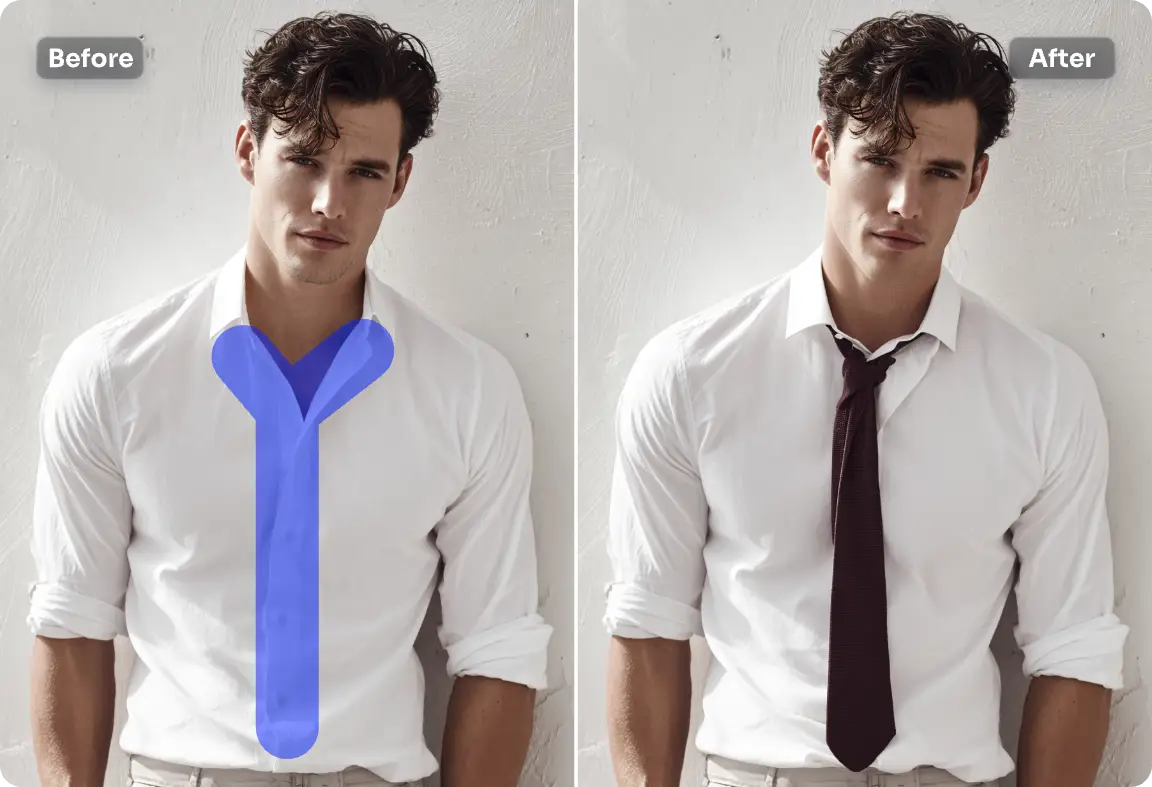
a male portrait in a white shirt and wearing a black tie added by ai ease tie photo editor
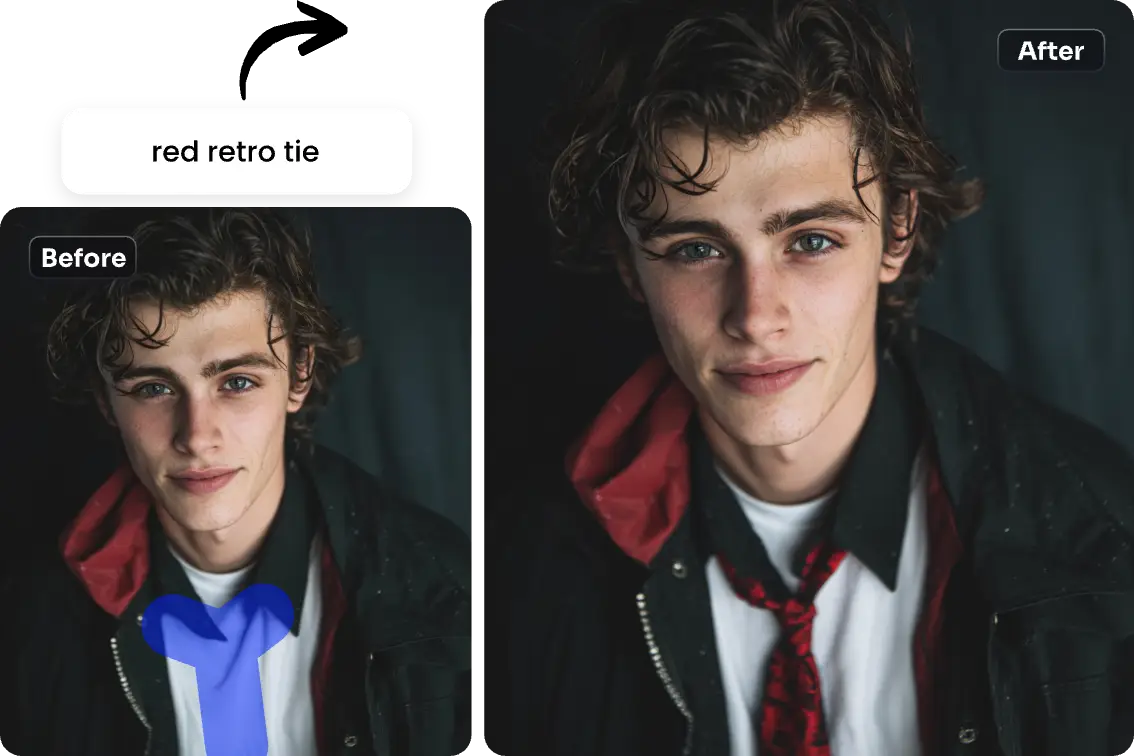
a man portrait in black jacket and wearing a retro red tie with ai ease tie photo editor

Seamlessly Add Tie to Photo

Professional suit-and-tie leaves better impression than casual wear in formal workspaces. If you urgently need a headshot but don’t have a tie ready, AI Ease is a quick fix. Just upload the half-ready portrait, customize the tie style, color, and texture via text prompts, and it will instantly add a tie to your photo. For more accurate outcomes, manually brush over the neck area to put on a standard tie. Don’t worry if the AI delivers unstable outputs, you have unlimited access until you get happy results.
Add Tie to Photo

Diverse Styles of Ties to Experiment With

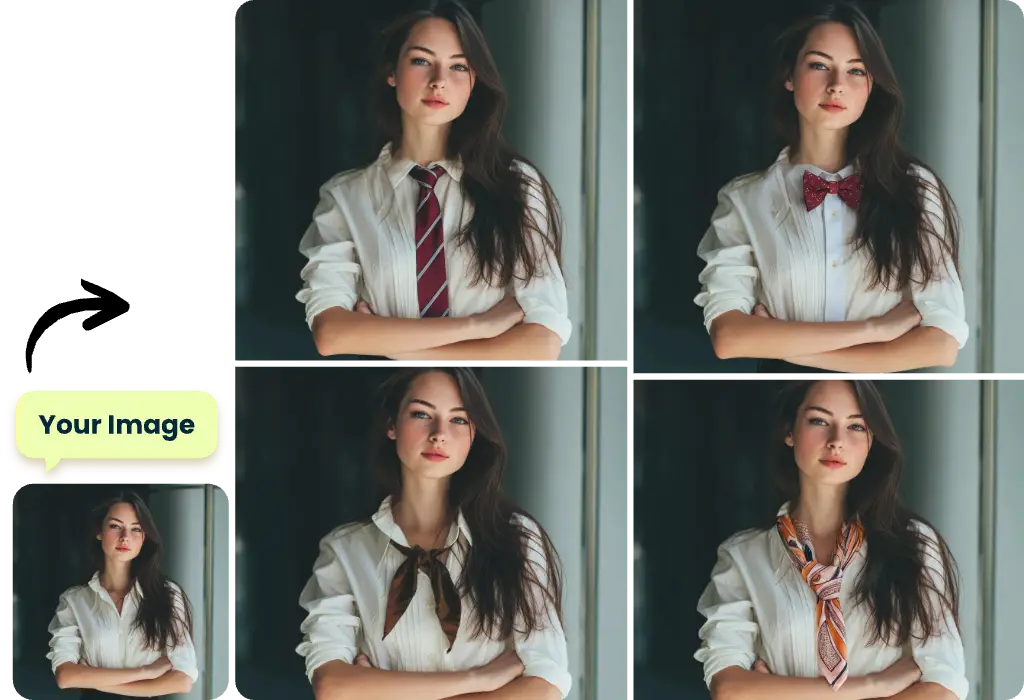
Our free tie photo editor trains algorithms on millions of tie photos, and it adds tie to photo in nearly any style. Whether you want a standard seven fold tie, traditional bowtie, western string tie, or skinny tie, just describe what you need in detailed words, and you’ll get lifelike tie pictures in seconds. Whatever the style you specify, our tool is sure to generate ties that best match your flair and taste. Virtually try on ties to perfectly fit any scenarios and showcase your personalism.
Add Tie to Photo
four result images of the same lady wearing a white shirt and different styles of ties generated in ai ease
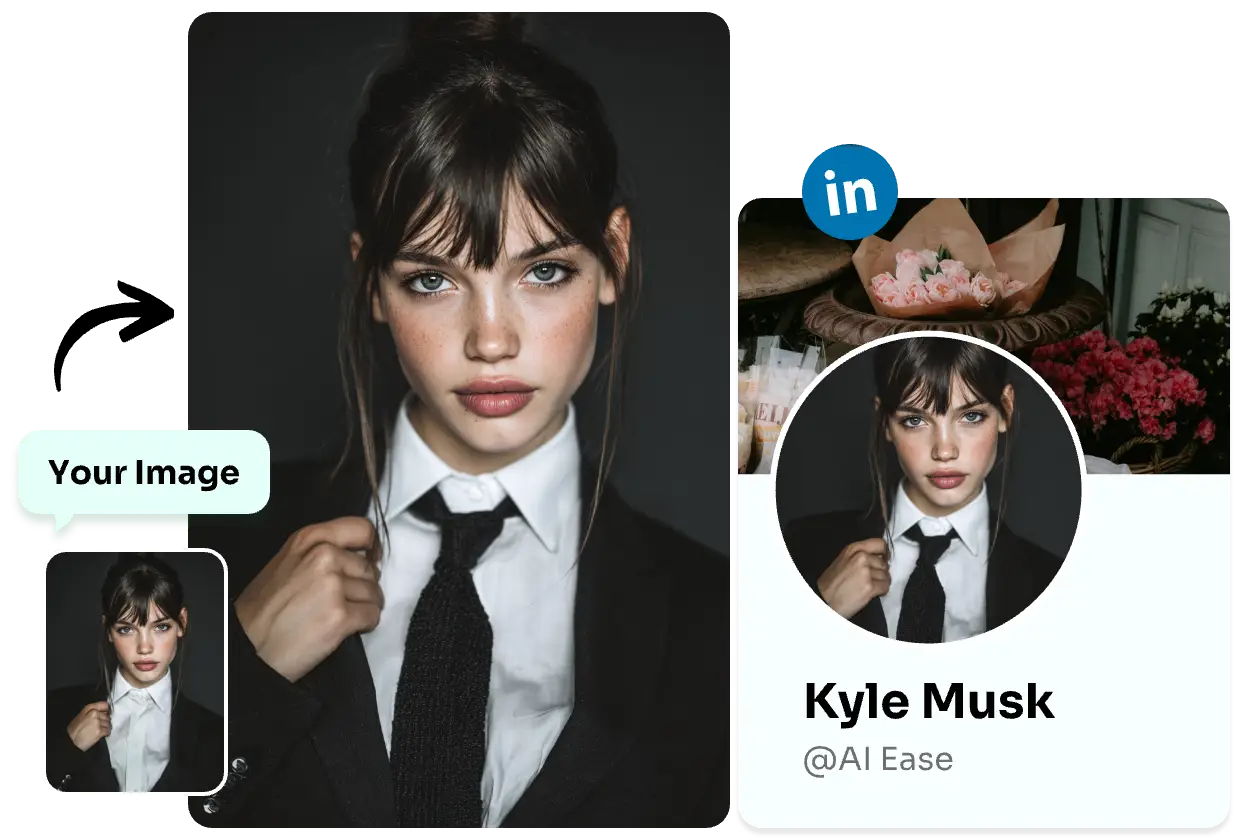
a profile picture of an official lady wearing professional black suit and tie

Try on Suit-and-tie to Create Professional Headshots

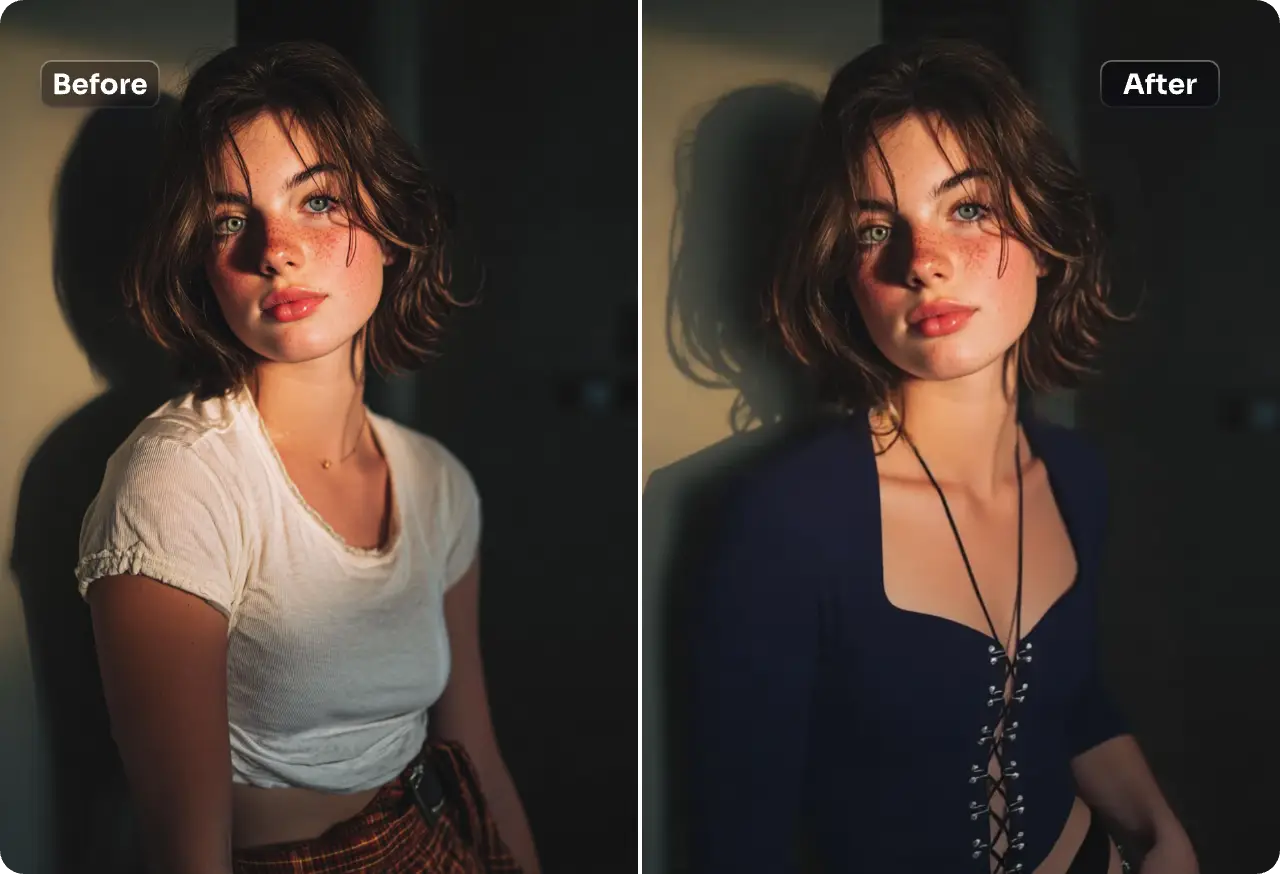
It’s not necessary to wear professional attire when submitting photos for resumes, LinkedIn profiles, business cards, and etc. With our AI image replacer, you don’t need to purchase a suit from a store and iron it to make it neat. Just upload your photo, enter text to generate a custom business outfit, and you can virtually add suit and tie to photo with ease. Save budget and time on taking a professional headshot in a studio, just change clothes with our AI wardrobe and achieve a formal look in no time.
Add Tie to Photo

Add Formal Flair to Big Event Photos

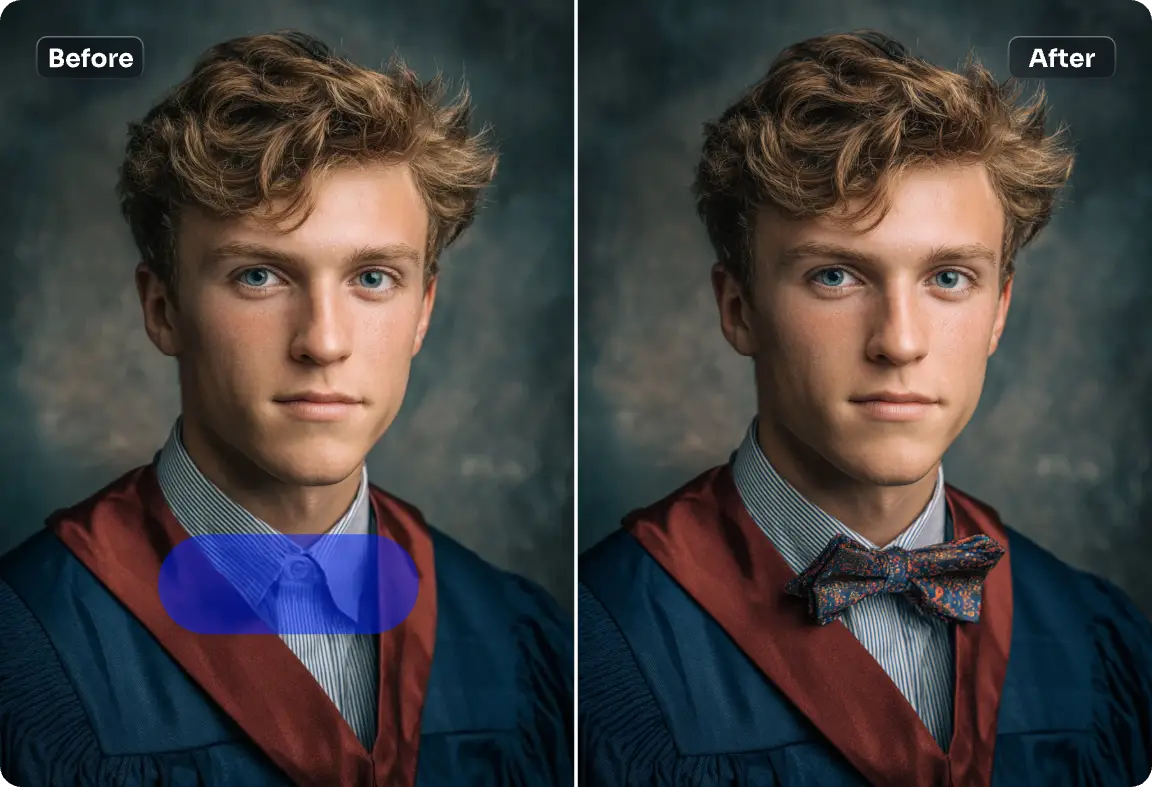
Upset by the special event portraits since you don’t dress in ideal outfits? Take it easy, you can take a few seconds to edit them further. If you think the photo lacks some charm due to the lost tie, you can easily replace the missing area with a desired tie in your favorite style and color. Our tie photo editor will quickly add the custom tie to your photo and ensure the result looks natural. Feel free to add an elegant western tie to a wedding photo, or make your graduation picture look more mature with a bowtie.
Add Tie to Photo
a graduation photo of a curly hair boy wearing a cap and a bowtie generated in ai ease tie photo editor
a little boy wearing a blue shirt and a retro tie in dark yellow color generated in ai ease tie photo editor

How to Add a Tie to a Photo?

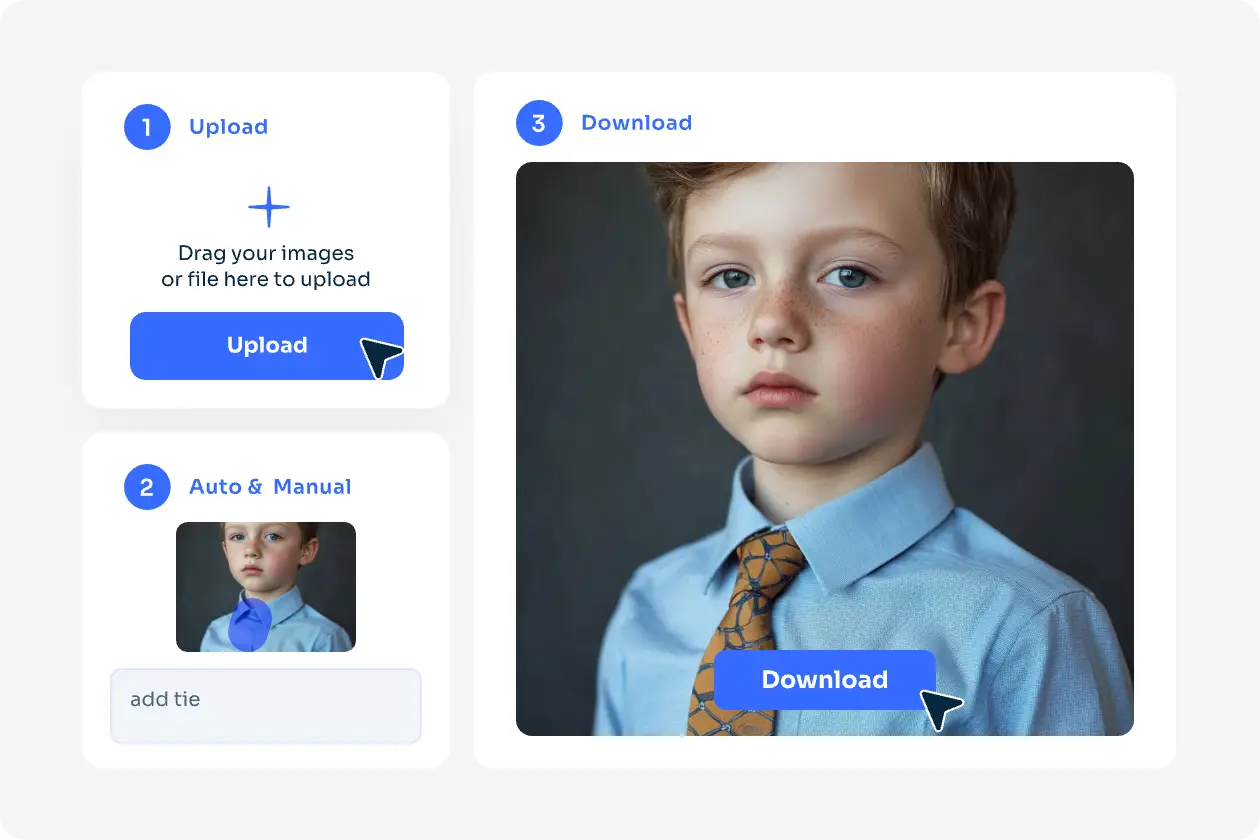
ステップ1:写真をアップロードする
First, upload the photo you want to replace objects to our online tie image editor.
Step 2: AI Image Replace
Choose the “Auto” mode to specify the area you want to add something to in text, and describe your ideal tie style and color as well.
Step 3: Manual Replace
Or switch to the “Manual” mode, use the brush tool to paint over the neck area and type down your desired tie style, color, and pattern.
ステップ4:生成とダウンロード
Click “Generate” to start adding tie to your photo. Preview the generated tie pictures and choose some of them to export to your device.
Add Tie to Photo

AI Easeのその他の無料ツール

白い天板をaiの衣類チェンジャーに取り替えたビフォーアフター

AI洋服チェンジャー

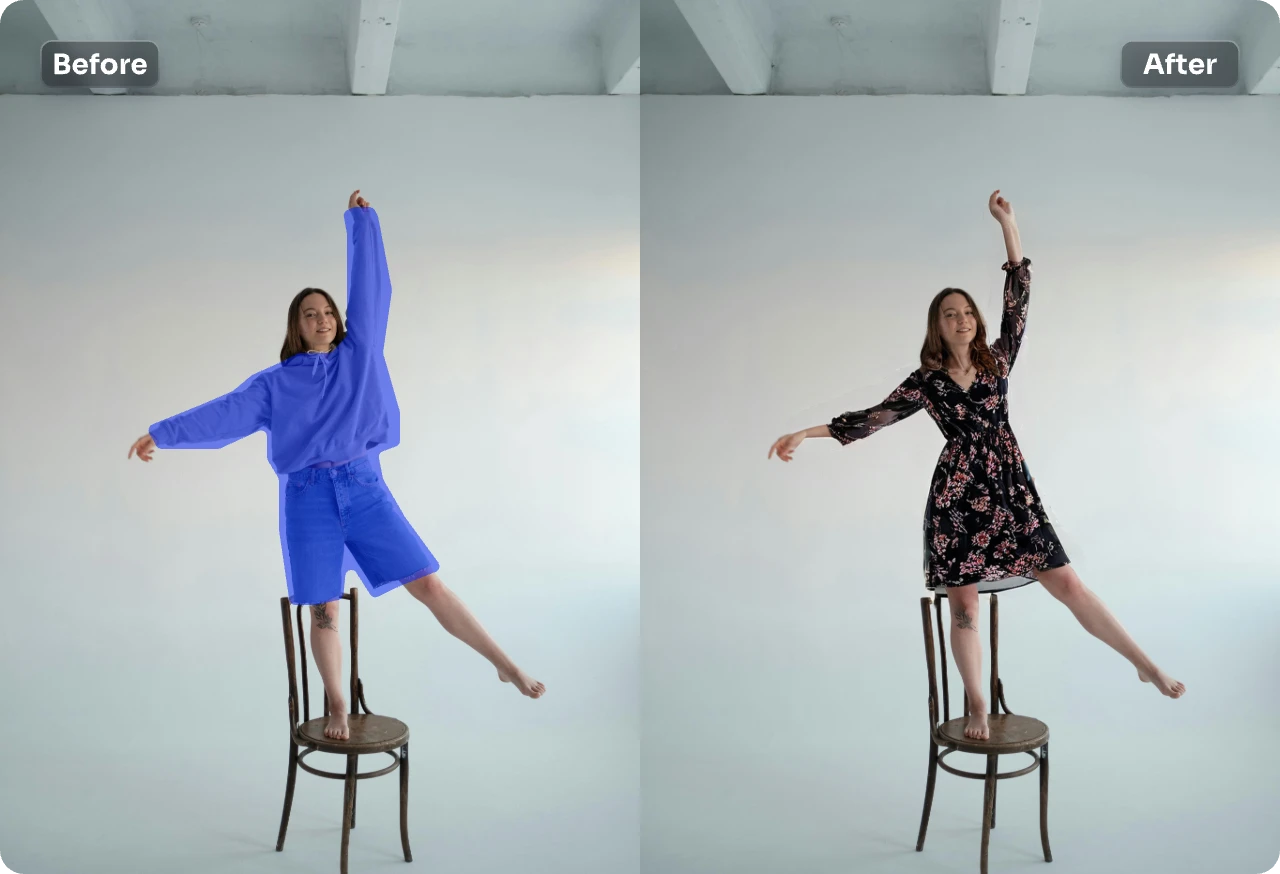
ai easeで無料で写真の女性モデルに花柄のドレスを着せ替える

バーチャル試着

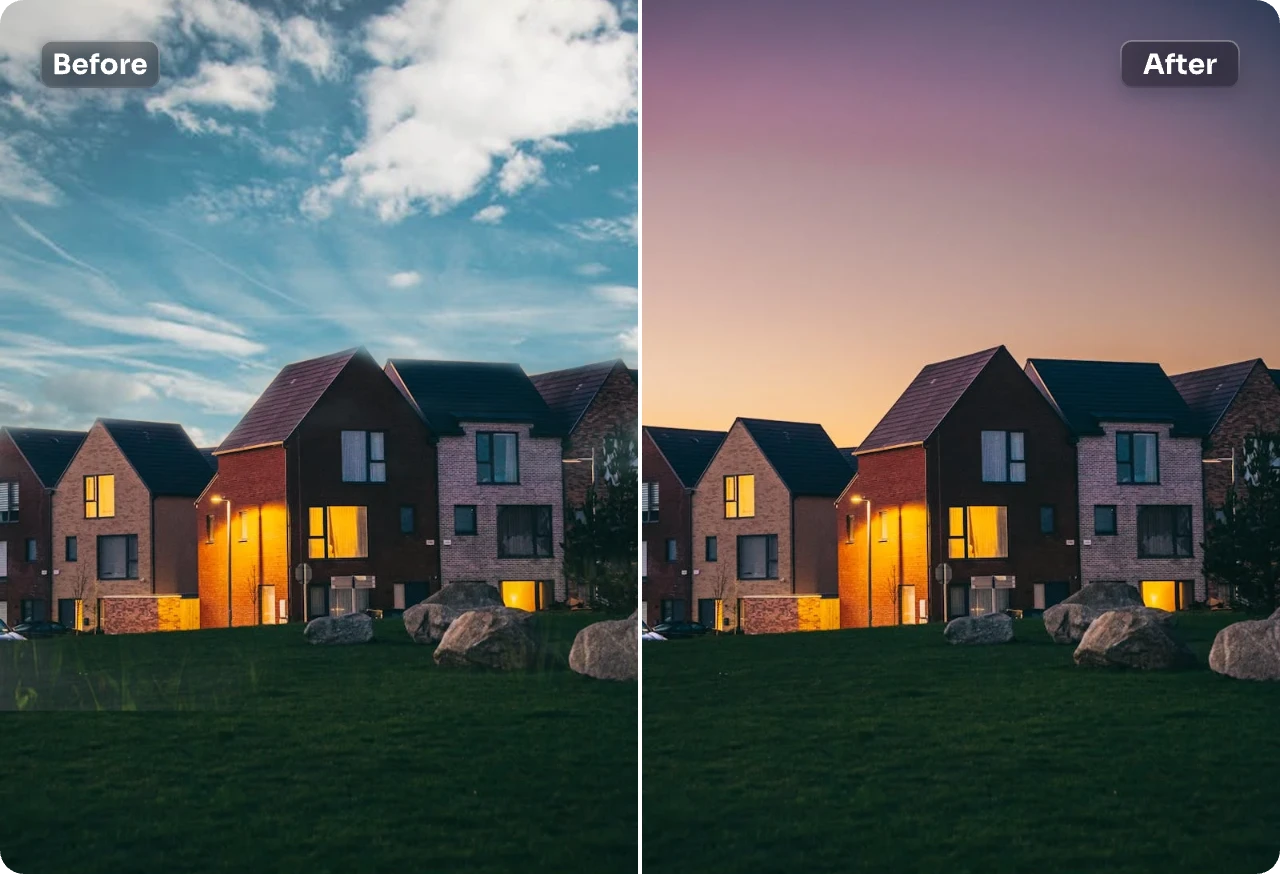
aiで簡単に不動産写真の空の背景を夕焼けの背景に置き換える

AI Aky Replacement

GET IT ON
Google Play
AI動画ツール
  • テキストからビデオへ
  • 画像から動画生成
  • 動画エフェクト
  • ビデオ強化ツール
  • 動画顔入れ替え
  • 動画の透かし削除
  • AIダンス動画ジェネレーター
  • AIハグ動画ジェネレーター
  • AIキス動画ジェネレーター
  • Baby Dance AI 動画ジェネレーター
  • その他のツール
AI動画モデル
  • Veo 3.1
  • Sora 2.0
  • Seedance 2.0
  • Seedance 1.5 Pro
  • Seedance 1.0
  • Kling 3.0
  • Kling 2.6 モーションコントロール
  • Kling 2.6 Pro
  • Kling 2.1
  • Hailuo 2.3
  • Wan 2.5
  • Wan 2.2
  • その他のモデル
AI画像ツール
  • テキストから画像へ
  • 画像から画像へ
  • 画像フィルター
  • フォトエンハンサー
  • 画像拡張ツール
  • 画像フェイススワップ
  • 画像ウォーターマーク削除ツール
  • オブジェクト削除ツール
  • オブジェクト置き換え
  • AI赤ちゃんジェネレーター
  • 古い写真を復元
  • その他のツール
AI画像モデル
  • ナノバナナ 2
  • ナノバナナ Pro
  • ナノバナナ
  • Gemini 3
  • Seedream 4.5
  • Seedream 4.0
  • Flux Kontext
  • Qwen Image
  • その他のモデル
リソース
  • 私たちについて
  • お問い合わせ
  • 料金
  • よくある質問
  • ブログ
  • プライバシーポリシー
  • クッキーポリシー
  • 利用規約
  • 返金ポリシー
© 2023 - 2026 Grand Vision Tech Software Limited. All rights reserved.
日本語
開始するには登録またはログイン
毎日無料クレジット
無料AI画像生成
無料AI画像編集
いつでも無料画像ダウンロード
Googleで続ける
Appleで続ける
または
メールで続ける
続行することで、当社の
利用規約およびプライバシーポリシーに同意します。
より良い体験を提供するためにクッキーを使用しています。続行することで、当社のを読み、理解し、同意したことを確認します クッキーポリシー